Sync2 Outlook Google & iCloud

Sync2 Outlook Google & iCloud


Baixar no App Store
Logo de Sync2 Outlook Google & iCloud

Sync2 Outlook Google e iCloud: A Ponte Profissional para seus Dados

Sincronize perfeitamente Outlook, Google e iCloud para manter seus calendários, contatos e tarefas atualizados em todos os dispositivos. Finalmente, acesse suas Pastas Públicas do Exchange e dados empresariais diretamente do seu iPhone ou iPad sem esforço.

Baixar no App Store

Editor

Alittera Ltd inc.

Categoria

Productivity

Downloads

128K+

Avaliação

4.0/5

Total de avaliações

200

Idiomas

3

Eficiência em Foco

Descubra a interface usada por 128K+ usuários.
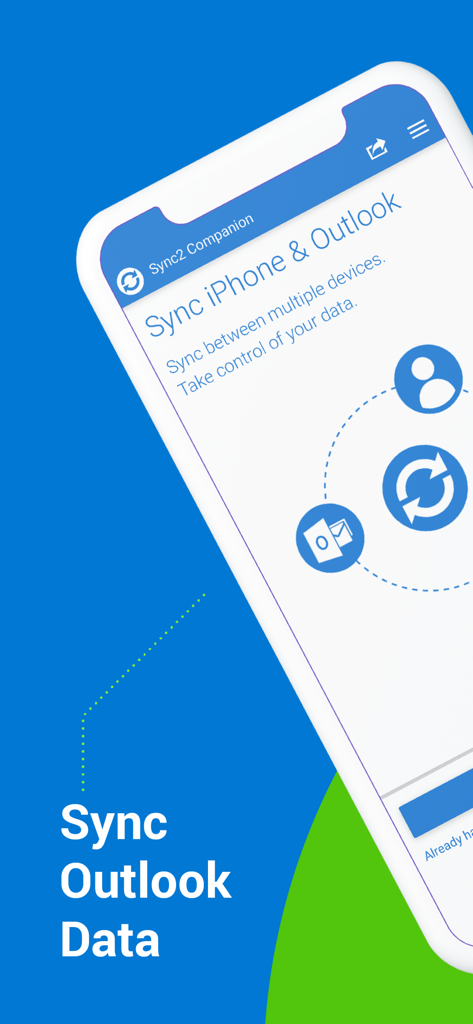
Interface do aplicativo companheiro Sync2 mostrando a opção de sincronizar dados do iPhone e do Outlook.

Interface do aplicativo companheiro Sync2 mostrando a opção de sincronizar dados do iPhone e do Outlook.

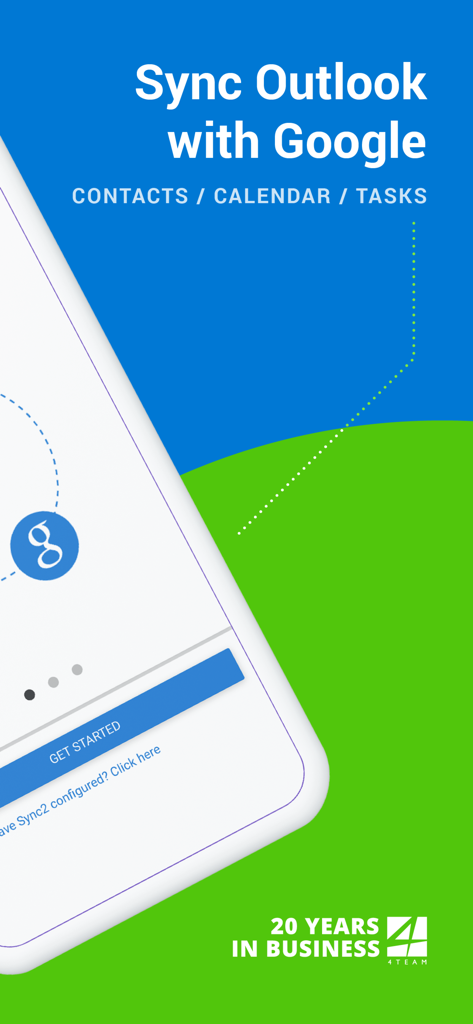
Tela de apresentação do aplicativo Sync2 mostrando a sincronização do Outlook com o Google para contatos, calendário e tarefas.

Tela de apresentação do aplicativo Sync2 mostrando a sincronização do Outlook com o Google para contatos, calendário e tarefas.

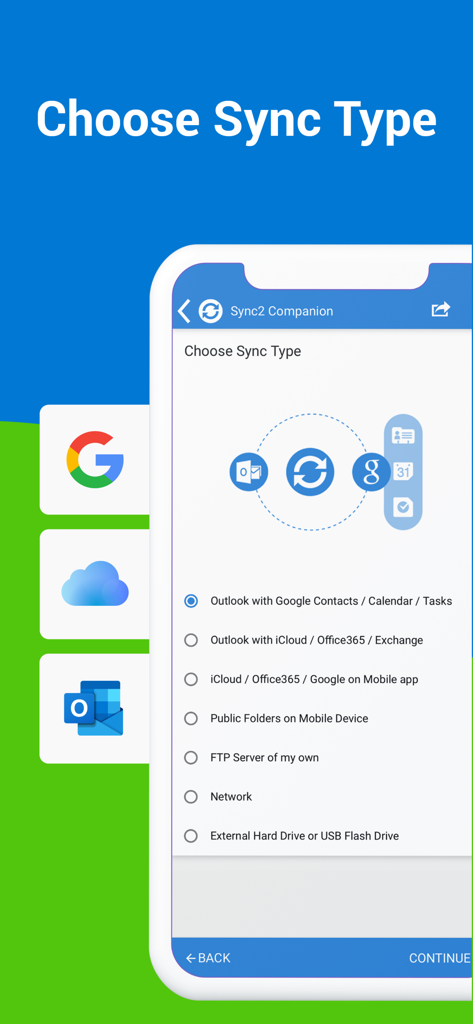
Tela de escolha do tipo de sincronização no aplicativo Sync2 para sincronização do Outlook Google e iCloud.

Tela de escolha do tipo de sincronização no aplicativo Sync2 para sincronização do Outlook Google e iCloud.

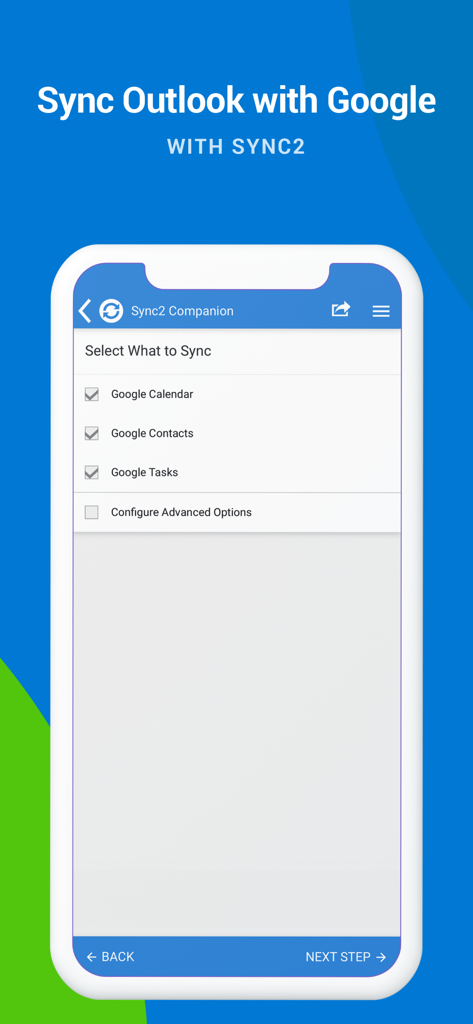
Tela do aplicativo Sync2 mostrando caixas de seleção para sincronizar o Google Agenda, Contatos e Tarefas com o Outlook.

Tela do aplicativo Sync2 mostrando caixas de seleção para sincronizar o Google Agenda, Contatos e Tarefas com o Outlook.

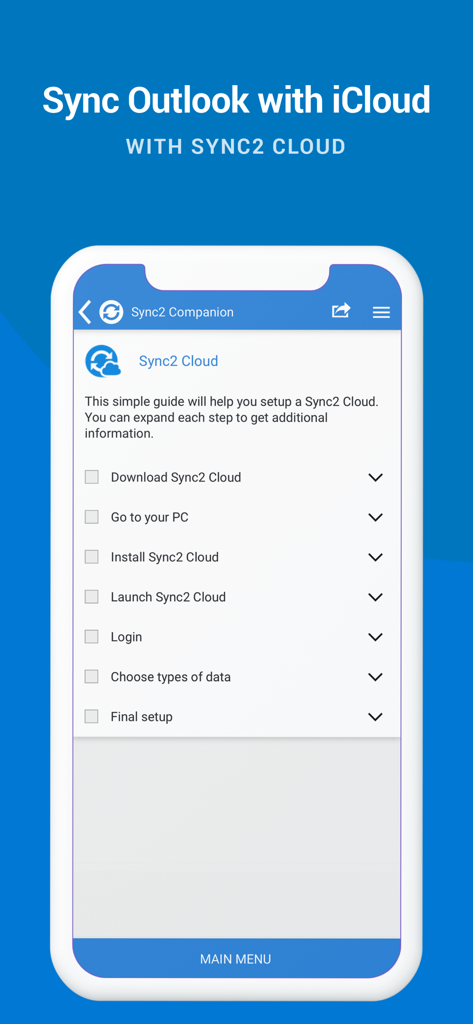
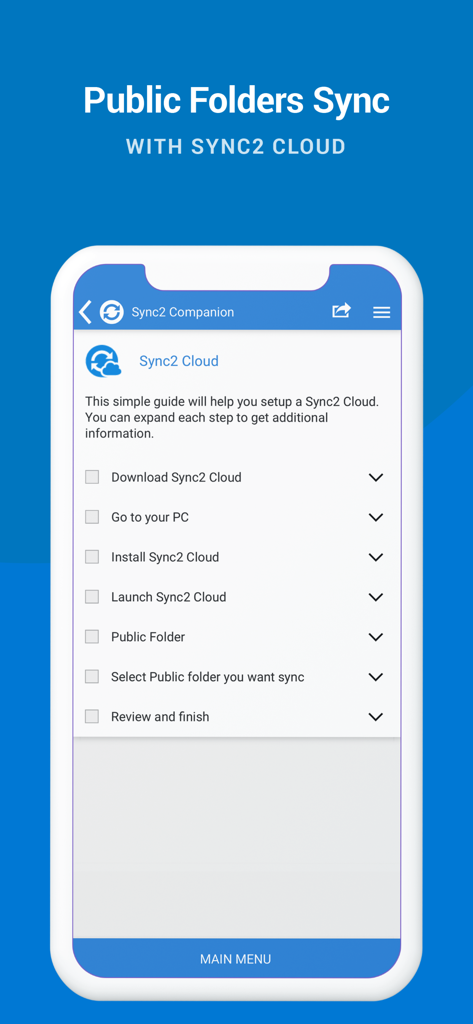
Uma tela de smartphone exibindo uma lista de verificação para configurar a sincronização do Outlook e do iCloud usando o Sync2 Cloud.

Uma tela de smartphone exibindo uma lista de verificação para configurar a sincronização do Outlook e do iCloud usando o Sync2 Cloud.

Guia de configuração para sincronizar pastas públicas do Outlook com o Sync2 Cloud.

Guia de configuração para sincronizar pastas públicas do Outlook com o Sync2 Cloud.

Produtividade Unificada em Todas as suas Plataformas

As ferramentas que destacam este app, escolhido por 128K+ usuários.

📂

Acesso Nativo a Pastas Públicas

Visualize calendários e contatos compartilhados do Exchange diretamente no seu iPhone ou iPad, resolvendo a lacuna de sincronização móvel corporativa mais comum.

🔄

Integração Perfeita de Ecossistemas

Una seu Outlook de trabalho, conta Google pessoal e dispositivos Apple em um hub sincronizado com fluxo de dados bidirecional.

Automação "Configure e Esqueça"

Aproveite atualizações instantâneas em segundo plano e backups automáticos, garantindo que sua agenda esteja sempre atualizada sem intervenção manual.

Sobre o app

Tudo o que você precisa saber sobre Sync2 Outlook Google & iCloud.

Descrição

This is a Complimentary Companion that helps you set up synchronization for Outlook with iCloud, Google, Office 365, Exchange and iPhone/iPad sync with iCloud and other cloud services. With Sync2 you will be able to synchronize your iPhone/iPad with Microsoft Outlook using your Google Account. PLEASE NOTE: THE SOFTWARE DOES NOT SUPPORT MICROSOFT OUTLOOK FOR MAC. Public Folder Sync to smartphones Public Folders sync solution. Microsoft Exchange Public Folders are not displayed natively on smartphones. Choose sync type “Public Folders on Mobile Device" and you will be guided to set up Sync2 Cloud. The new Sync2 Cloud helps to sync Public Folders. Sync & Share Public Folders on multiple platforms or smartphones (iPhone, iPad). Sync any type of Public folders (calendars, contacts, tasks, emails, notes). Sync Microsoft Outlook with your iPhone/iPad using Google account. Use Sync2 to set up synchronization of your Google account and Microsoft Outlook. Set up the Google account on your iPhone or iPad and have your data synchronized both ways. Set up the Sync2 PC application for Microsoft Outlook with Sync2 Companion in a few simple steps. Go through all the necessary settings to set up Sync2 on your PC. Get familiar with Sync2 functionality easily and without any trouble. About the Sync2 desktop app: The PC Microsoft Outlook synchronization software keeps your Emails, Calendar, Contacts and Tasks in sync between your Outlook, Google, iPhone, iPad and any other smartphone, tablet or PC. You can schedule automatic Outlook synchronization, perform manual sync on demand, or use an instant sync feature for changes made in Outlook to be moved immediately. Sync2 is the right tool for you if you are looking for a way to: - Sync Outlook with your iPhone or iPad using your Google account; - Sync your Outlook Contacts, Calendars and/or Tasks using one-way or two-way synchronization; - Easily sync your Outlook data, such as emails, calendars, contacts, tasks, notes, Outlook journals, between multiple PCs without the Microsoft Exchange server; - Synchronize specific Outlook folders with different workgroups. Main Sync2 features: - Sync Outlook with iPhone or iPad using a Google account. - Sync Outlook Calendar with Google Calendars. - Sync Microsoft Outlook between PC‘s without a server. - Instant synchronization of changes made in Microsoft Outlook. - Synchronize Microsoft Outlook Contacts with Google Contacts. - Sync Outlook Tasks with Google Tasks Lists. - Back up Contacts and Calendar folders automatically before each synchronization. - Synchronize data even when Microsoft Outlook is closed. - Manual or scheduled synchronization. - Sync Exchange folders.

Última versão

2.2

Tamanho

3.2 MB

Data de lançamento

18 de jul. de 2016

Leve seu Fluxo de Trabalho Outlook para seu iPhone e iPad

Junte-se a mais de 128.000 profissionais que confiam no Sync2 para manter seus calendários, contatos e pastas públicas perfeitamente sincronizados em todos os dispositivos.

Baixar no App Store

App information, icons, screenshots, and descriptions displayed on this page are sourced from the Apple App Store and are the property of their respective developers. Download estimates and rankings are based on MWM's proprietary models and may not reflect actual figures. This page is provided for informational and analytical purposes only.

Believe this page infringes your intellectual property? File a dispute