
Esta página não é uma página oficial do aplicativo ou de seu desenvolvedor, mas uma publicação editorial independente criada para fins informativos e de comentário. Salvo indicação expressa em contrário, nem o aplicativo nem seu desenvolvedor são afiliados, endossados, patrocinados, autorizados ou oficialmente conectados à MWM, Apple, Google Play, ao editor do aplicativo ou ao desenvolvedor do aplicativo, e nada nesta página implica que o aplicativo foi desenvolvido utilizando os serviços da MWM. Todas as marcas comerciais, logotipos, capturas de tela e outros conteúdos permanecem propriedade de seus respectivos proprietários.


&TEAM Official Light Stick V1
Eleve sua experiência de show com pareamento Bluetooth sem falhas, efeitos imersivos sincronizados com seu assento e controles de cor personalizados.
Downloads
50K+Avaliação
Total de avaliações
0Editor
Categoria
EntertainmentIdiomas
13Última versão
1.6Tamanho
40.3 MBData de lançamento
4 de abr. de 2024Ilumine Sua Experiência LUNÉ
De oceanos de show sincronizados a estéticas personalizadas em casa, assuma o controle total do seu &TEAM Light Stick e faça parte da performance.
Modo Show Imersivo
Torne-se uma parte vital do show. Sincronize seu Light Stick com seu assento e veja-o se transformar com efeitos deslumbrantes em todo o local que reagem a cada batida.
Seu Brilho, Do Seu Jeito
Expresse seu estilo com o Modo Individual. Escolha entre um espectro completo de cores para combinar com sua roupa ou use seu Light Stick como a luz de ambiente definitiva para o seu quarto.
As capturas de tela e a descrição a seguir são provenientes diretamente da listagem oficial da loja do aplicativo e são propriedade do desenvolvedor.
App Store
Capturas
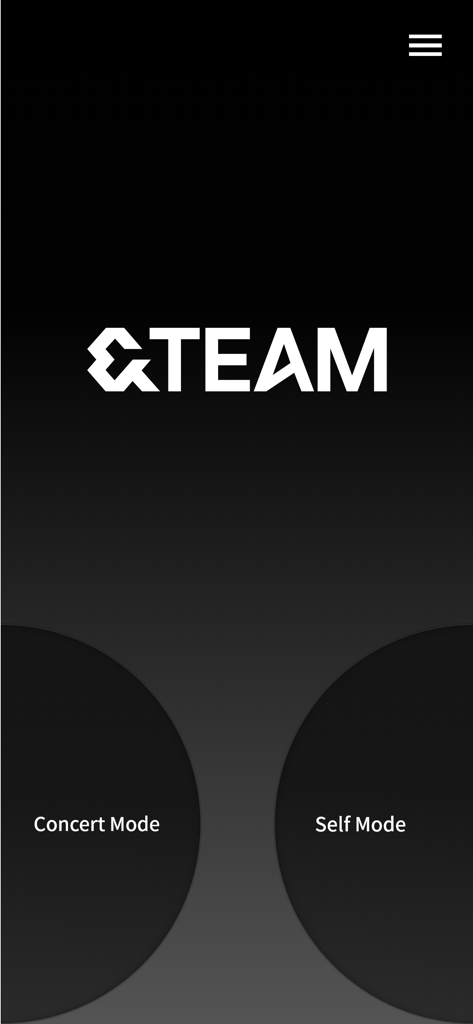
Tela inicial do aplicativo oficial do light stick and-TEAM com botões Modo Show e Modo Individual em um fundo escuro
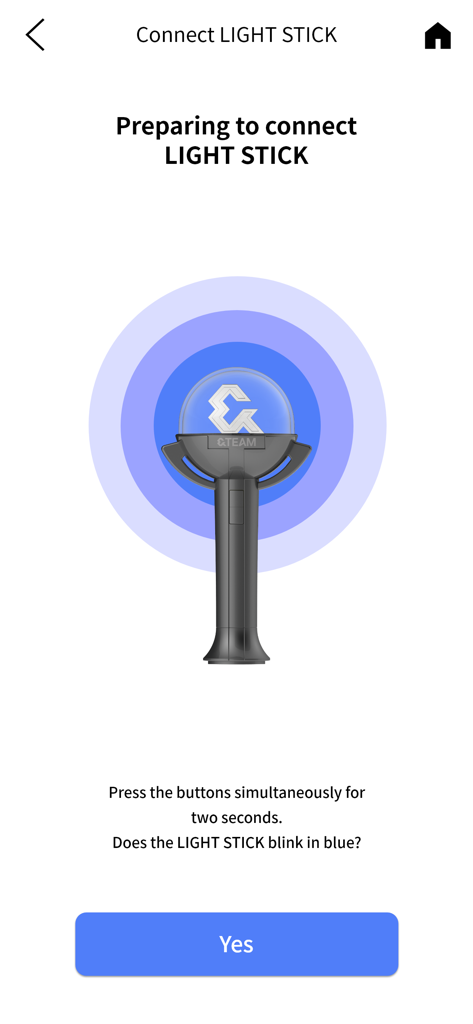
Tela de conexão Bluetooth para o aplicativo &TEAM Official Light Stick mostrando instruções de pareamento
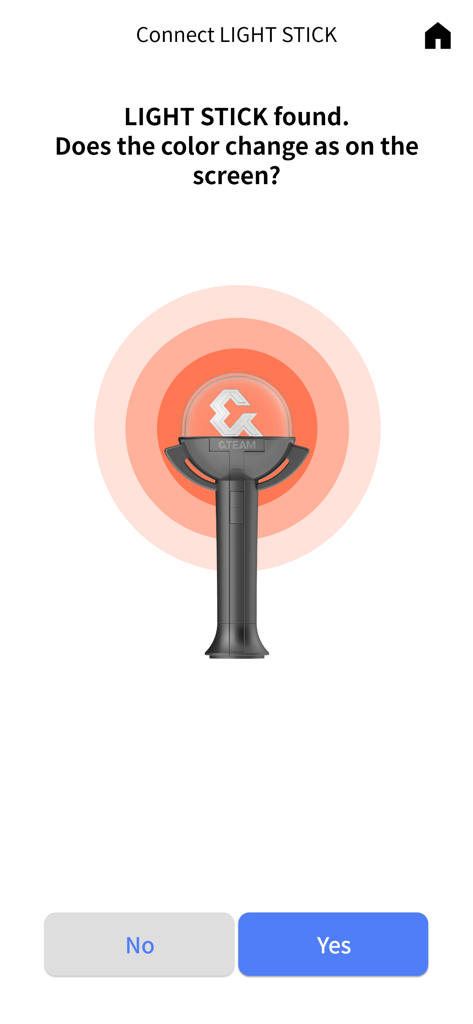
Tela do aplicativo mostrando o processo de verificação da conexão do light stick &TEAM.
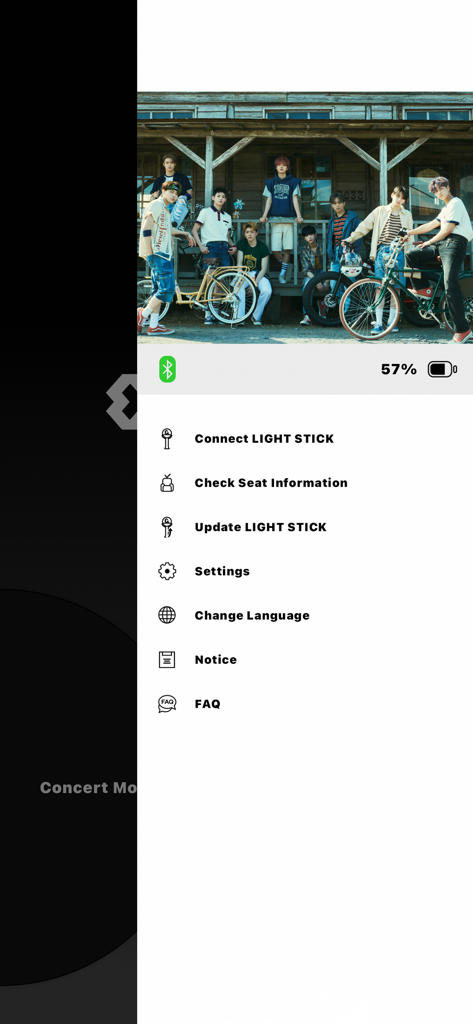
Menu do aplicativo andTEAM Official Light Stick mostrando opções para conectar o light stick e verificar as informações do assento sobre uma foto da banda
Descrição
Download
Apps Semelhantes
Apps com recursos e experiência semelhantes

G-DRAGON Official Light Stick
COCOAENT Co.,Ltd.
CrowdFX
Jamie Severns

Top Hat - Better Learning
TopHatMonocle Corp

Poll Everywhere
Poll Everywhere, Inc.

wePix arena
FREDERIC GIRY
TXT Official Light Stick Ver.2
HYBE Co., Ltd
Stadium FX
CUE Audio, LLC
iClicker Student
HPHLP

PointSolutions
Turning Technologies, LLC
Esta página não é uma página oficial do aplicativo ou de seu desenvolvedor, mas uma publicação editorial independente criada para fins informativos e de comentário. Salvo indicação expressa em contrário, nem o aplicativo nem seu desenvolvedor são afiliados, endossados, patrocinados, autorizados ou oficialmente conectados à MWM, Apple, Google Play, ao editor do aplicativo ou ao desenvolvedor do aplicativo, e nada nesta página implica que o aplicativo foi desenvolvido utilizando os serviços da MWM. Todas as marcas comerciais, logotipos, capturas de tela e outros conteúdos permanecem propriedade de seus respectivos proprietários.