
Esta página não é uma página oficial do aplicativo ou de seu desenvolvedor, mas uma publicação editorial independente criada para fins informativos e de comentário. Salvo indicação expressa em contrário, nem o aplicativo nem seu desenvolvedor são afiliados, endossados, patrocinados, autorizados ou oficialmente conectados à MWM, Apple, Google Play, ao editor do aplicativo ou ao desenvolvedor do aplicativo, e nada nesta página implica que o aplicativo foi desenvolvido utilizando os serviços da MWM. Todas as marcas comerciais, logotipos, capturas de tela e outros conteúdos permanecem propriedade de seus respectivos proprietários.


TNMaker - Multiple Choice Test
Transforme seu smartphone em um Scantron portátil. Digitalize folhas de respostas em segundos, elimine erros manuais de correção e recupere seus fins de semana com a ferramenta definitiva para educadores modernos.
Downloads
74K+Avaliação
Total de avaliações
1K+Editor
Categoria
EducationIdiomas
16Última versão
4.43.89Tamanho
19.6 MBData de lançamento
13 de out. de 2017Recupere Seu Tempo com Correção Instantânea
Transforme seu smartphone em um scanner de testes profissional de alta velocidade. O TNMaker ajuda você a eliminar erros manuais de correção e voltar ao que realmente importa: ensinar.
Digitalização Rápida como um Relâmpago
Corrija uma turma inteira em minutos. Basta apontar sua câmera para as folhas de respostas para obter pontuações instantâneas, eliminando a necessidade de hardware Scantron caro e volumoso.
Personalização Total do Exame
Crie testes que se encaixem no seu plano de aula. Personalize gabaritos para 20, 40 ou 50 questões e atribua valores de pontos específicos para corresponder perfeitamente à sua escala de correção.
As capturas de tela e a descrição a seguir são provenientes diretamente da listagem oficial da loja do aplicativo e são propriedade do desenvolvedor.
App Store
Capturas
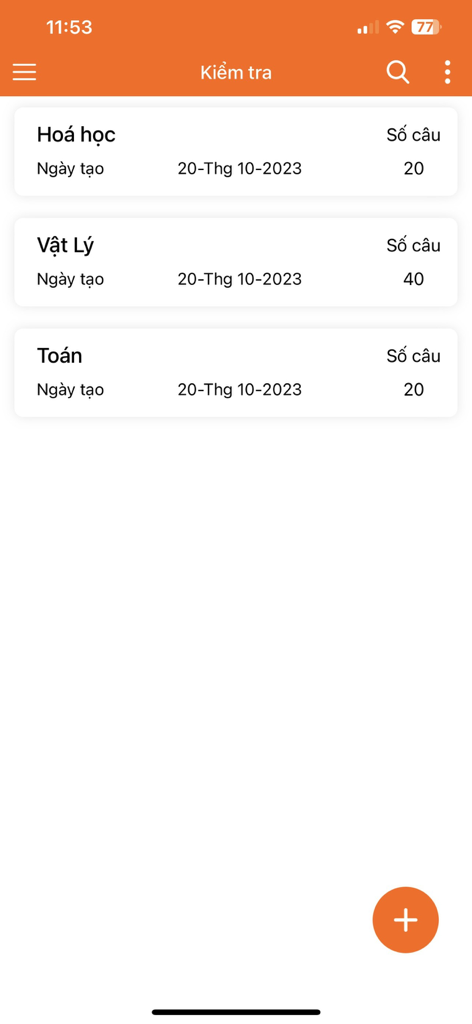
Uma tela de aplicativo móvel mostrando uma lista de testes de múltipla escolha para Química, Física e Matemática com suas respectivas contagens de questões.
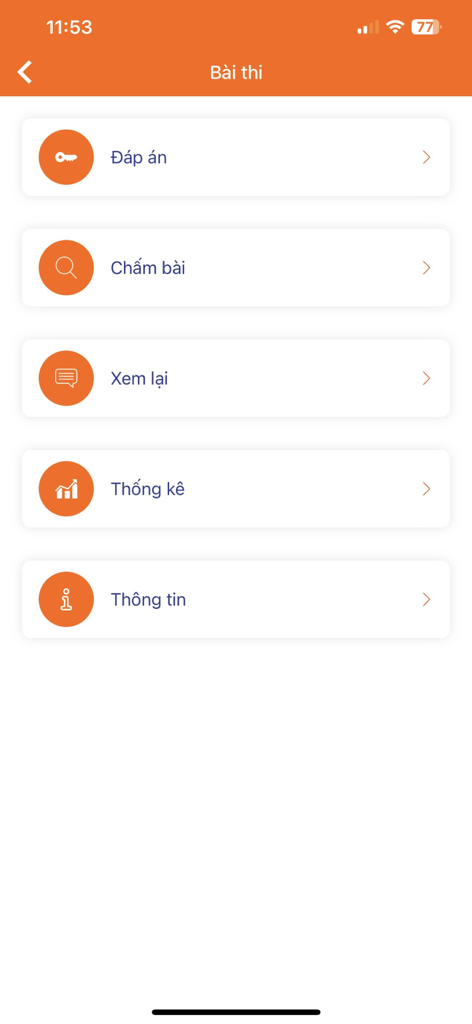
Menu principal do aplicativo TNMaker mostrando opções para correção de gabaritos, revisão e estatísticas.
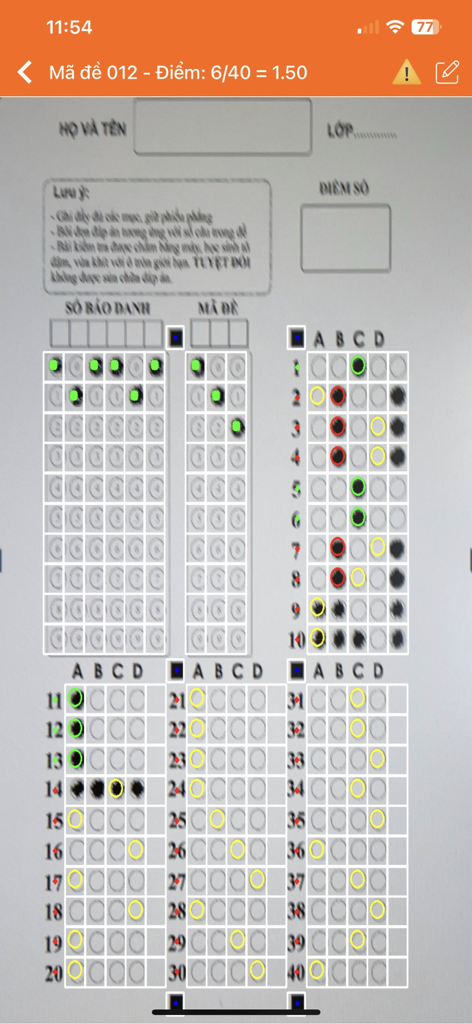
Uma interface de smartphone usando o aplicativo TNMaker para digitalizar e corrigir automaticamente um teste de folha de bolhas de múltipla escolha.
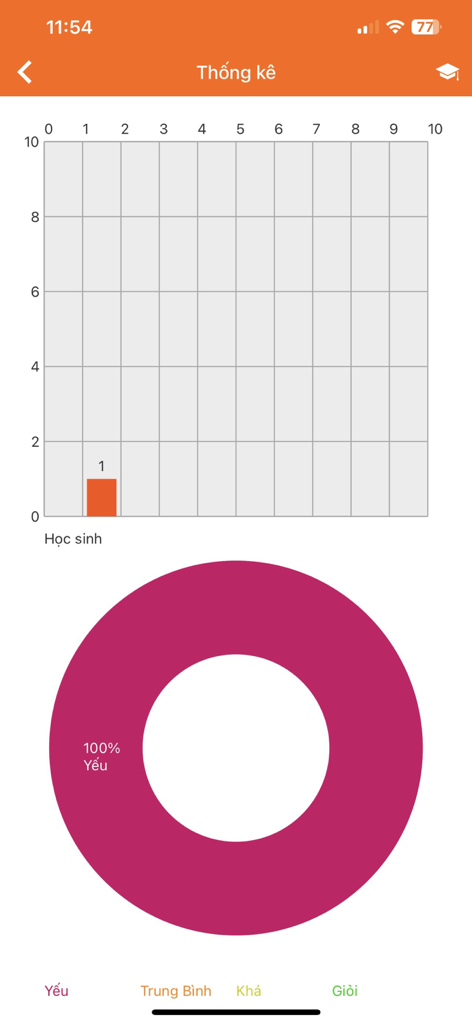
Tela de estatísticas do aplicativo TNMaker exibindo um gráfico de barras de pontuação de alunos e um gráfico de pizza de desempenho.
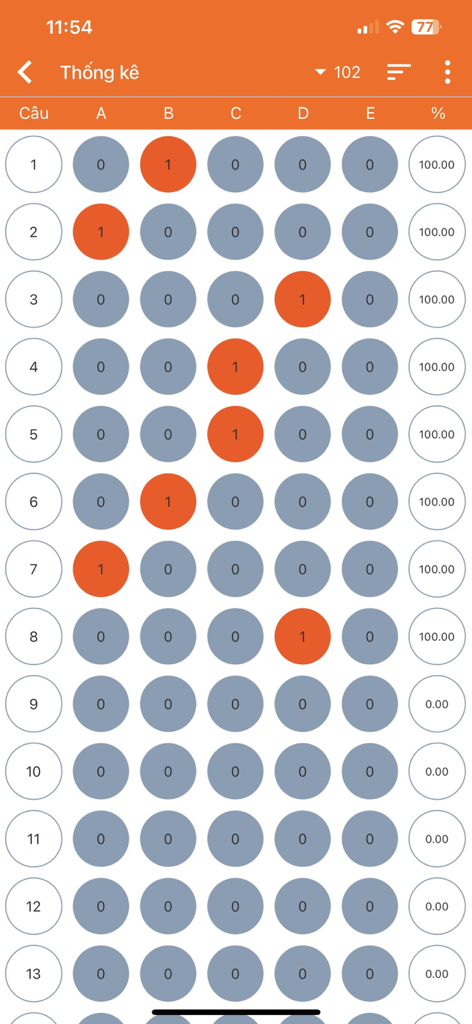
Uma visualização de relatório digital mostrando bolhas de resposta de múltipla escolha e pontuações percentuais para um teste.
Descrição
Download
Apps Semelhantes
Apps com recursos e experiência semelhantes

组卷-中小学智能题库
XKW(Beijing)CO.,LTD.

Twinkl USA
Twinkl Limited

ZipGrade
ZipGrade LLC

Учи.ру для учителей
Uchi.ru, OOO

JustTeacher
Igor Furmanenko

TeacherKit Classroom Manager
ITWorx Egypt SAE

智学网教师端
Anhui Zhixue Technology Co.,Ltd.

七天网络
Anhui Septnet Co.,Ltd.

Showbie
Showbie Inc.
Esta página não é uma página oficial do aplicativo ou de seu desenvolvedor, mas uma publicação editorial independente criada para fins informativos e de comentário. Salvo indicação expressa em contrário, nem o aplicativo nem seu desenvolvedor são afiliados, endossados, patrocinados, autorizados ou oficialmente conectados à MWM, Apple, Google Play, ao editor do aplicativo ou ao desenvolvedor do aplicativo, e nada nesta página implica que o aplicativo foi desenvolvido utilizando os serviços da MWM. Todas as marcas comerciais, logotipos, capturas de tela e outros conteúdos permanecem propriedade de seus respectivos proprietários.