
Esta página não é uma página oficial do aplicativo ou de seu desenvolvedor, mas uma publicação editorial independente criada para fins informativos e de comentário. Salvo indicação expressa em contrário, nem o aplicativo nem seu desenvolvedor são afiliados, endossados, patrocinados, autorizados ou oficialmente conectados à MWM, Apple, Google Play, ao editor do aplicativo ou ao desenvolvedor do aplicativo, e nada nesta página implica que o aplicativo foi desenvolvido utilizando os serviços da MWM. Todas as marcas comerciais, logotipos, capturas de tela e outros conteúdos permanecem propriedade de seus respectivos proprietários.

TV Remote - Universal Control・
Pare de procurar controles remotos perdidos e comece a transmitir. Controle qualquer TV, digite com seu teclado e transmita suas fotos ou vídeos favoritos instantaneamente — tudo na palma da sua mão.
Downloads
290K+Avaliação
Total de avaliações
6K+Editor
Categoria
UtilitiesIdiomas
35Última versão
1.7.2Tamanho
125.1 MBData de lançamento
3 de jan. de 2023O Último Controle Remoto Que Você Precisará
Elimine a bagunça e a frustração da mesa de centro. Nosso aplicativo universal transforma seu iPhone em um centro de comando poderoso e de alta velocidade para todas as Smart TVs em sua casa.
Um App, Todas as Marcas
Controle perfeitamente Samsung, LG, Roku, Vizio e muito mais. Alterne entre cômodos e marcas de TV sem nunca mais procurar um controle remoto físico perdido.
Busca Rápida por Teclado
Pare de caçar tediosamente na tela da TV. Use o teclado do seu iPhone para digitar títulos de filmes e senhas em segundos, não em minutos.
Perguntas Frequentes
Tudo o que você precisa saber sobre TV Remote - Universal Control・
O que é TV Remote - Universal Control・?
TV Remote - Universal Control・ é um aplicativo que funciona como um controle remoto universal para Streaming Players e TVs. Ele apresenta uma interface de usuário simples para facilitar o acesso a filmes, músicas e jogos em seu dispositivo.
Como conecto TV Remote - Universal Control・ à minha televisão?
Conecte seu iPhone e sua smart TV à mesma rede Wi-Fi. Procure sua TV dentro do aplicativo e, em seguida, aceite o pop-up de conexão em sua TV ou insira um PIN exibido na tela da sua TV.
O TV Remote - Universal Control・ suporta espelhamento de tela de um iPhone?
Sim, o TV Remote - Universal Control・ suporta espelhamento de tela. Este recurso permite aos usuários exibir a tela do iPhone na TV diretamente através do aplicativo.
Posso usar comandos de voz para controlar minha TV com TV Remote - Universal Control・?
Sim, o TV Remote - Universal Control・ inclui um recurso de pesquisa por voz. Os usuários podem usar comandos de voz para encontrar conteúdo, permitindo uma descoberta de palavras-chave mais rápida sem precisar digitar.
O TV Remote - Universal Control・ é um aplicativo gratuito para download?
Sim, o TV Remote - Universal Control・ é gratuito para download. Os usuários podem experimentar o aplicativo sem custo, mas uma assinatura Premium é necessária para acesso completo a todos os recursos.
O TV Remote - Universal Control・ pode transmitir fotos e vídeos do meu telefone para a TV?
Sim, o TV Remote - Universal Control・ permite a transmissão. Os usuários podem compartilhar instantaneamente fotos e vídeos de alta definição da galeria do telefone para a TV usando a página dedicada "Cast".
Quais canais de streaming são acessíveis através do TV Remote - Universal Control・?
O TV Remote - Universal Control・ oferece acesso rápido a canais como Netflix, YouTube, Prime, Hulu, Spectrum e Disney+ através de sua aba dedicada "Canais".
O TV Remote - Universal Control・ funciona com smart TVs Samsung ou LG?
Não, o TV Remote - Universal Control・ não é um aplicativo oficial para Samsung, LG, Sony ou Philips. Ele suporta recursos premium do Roku TV e dispositivos Hisense.
Como o TV Remote - Universal Control・ permite a navegação?
O TV Remote - Universal Control・ oferece navegação por touchpad e botões. Os usuários podem utilizar gestos baseados em deslizar para um controle mais simples ou pressionar botões tradicionais na interface do controle remoto.
O TV Remote - Universal Control・ tem um teclado para pesquisar conteúdo?
Sim, o TV Remote - Universal Control・ inclui um teclado intuitivo. Este recurso permite aos usuários pesquisar rapidamente por palavras-chave, otimizando o processo de descoberta de conteúdo.
As capturas de tela e a descrição a seguir são provenientes diretamente da listagem oficial da loja do aplicativo e são propriedade do desenvolvedor.
App Store
Capturas
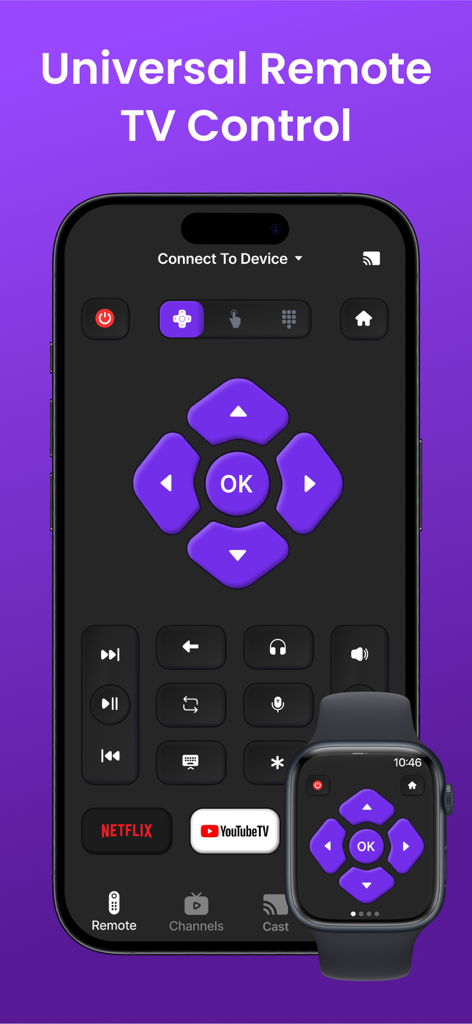
Interface de controle remoto universal de TV no iPhone e Apple Watch
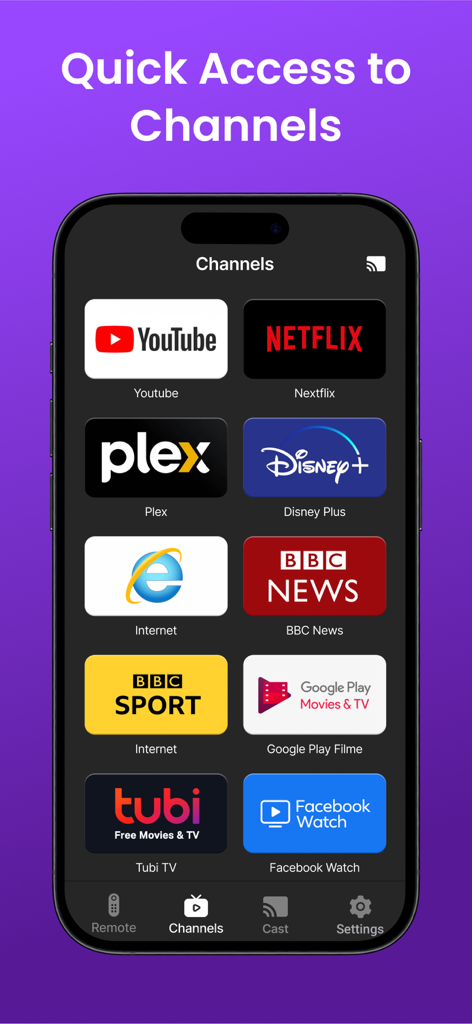
Um smartphone exibindo a aba Canais de um aplicativo de controle remoto universal de TV com ícones da Netflix, YouTube, Disney Plus e outros serviços de streaming.
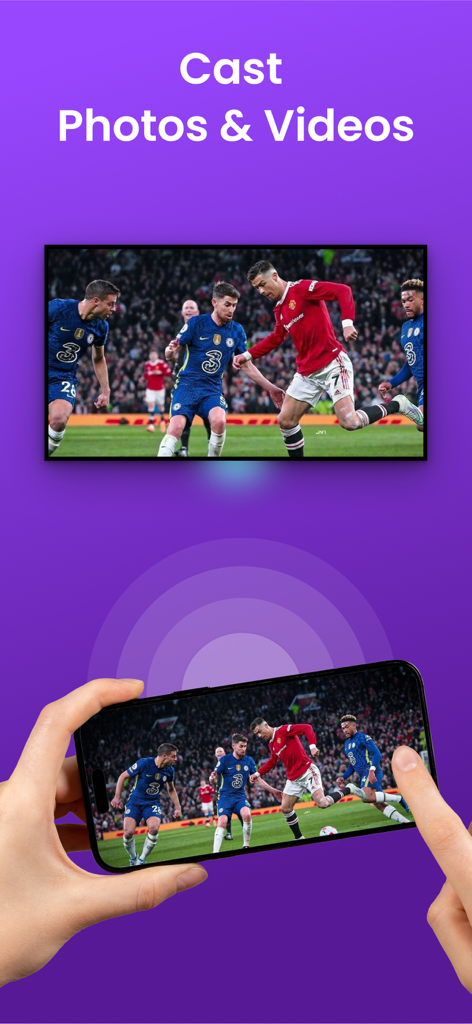
Uma pessoa usando um iPhone para transmitir uma partida de futebol para uma TV grande
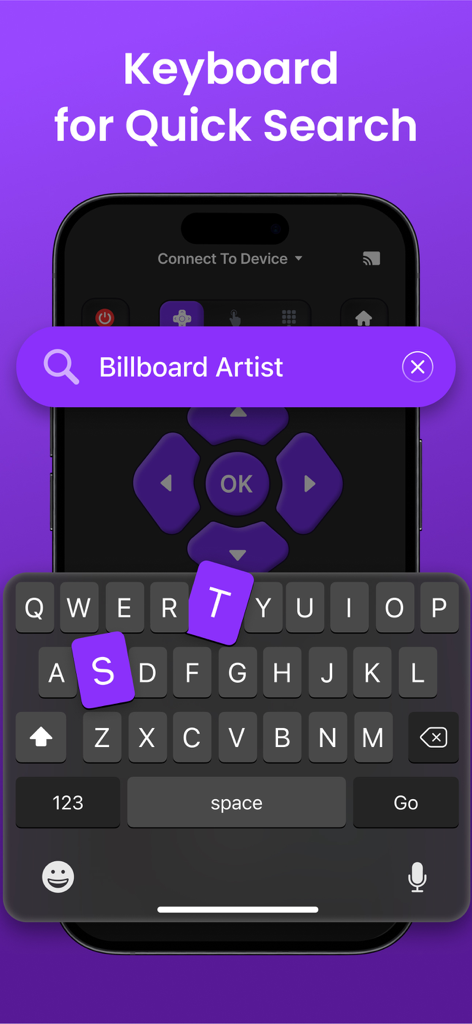
Teclado do aplicativo de controle remoto universal de TV para busca rápida no iPhone
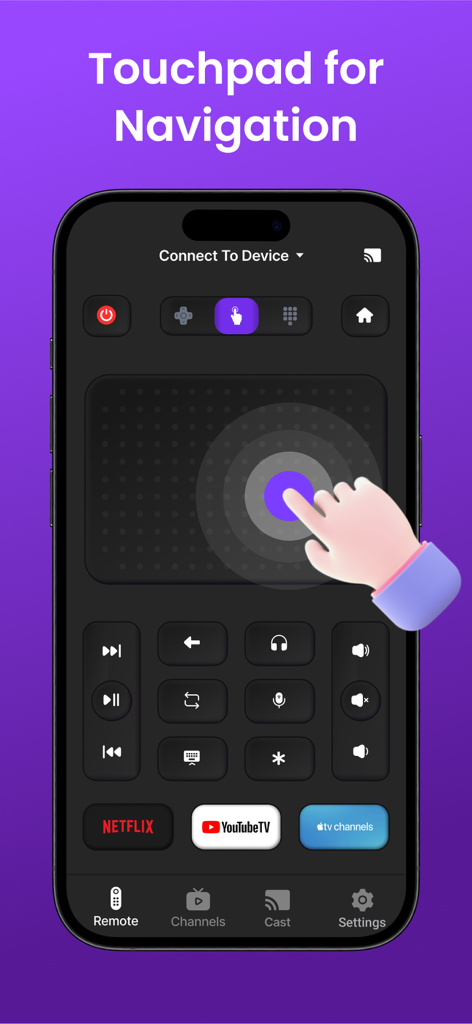
Tela do iPhone exibindo um aplicativo de controle remoto universal de TV com um grande touchpad para navegação e atalhos para Netflix e YouTube TV
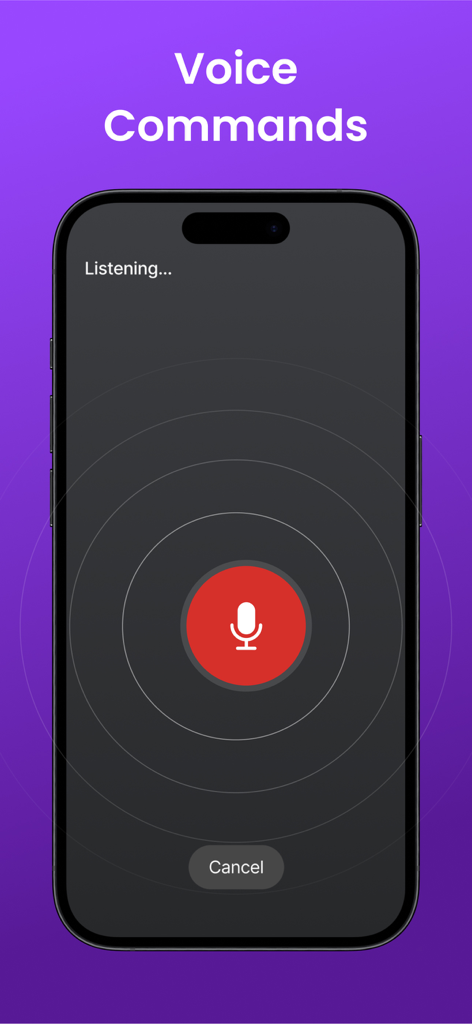
Interface do iPhone para o recurso de comandos de voz do controle remoto universal de TV
Descrição
Download
Apps Semelhantes
Apps com recursos e experiência semelhantes

The Roku App (Official)
ROKU INC

TV Remote & Smart TV Control
To Ngoc Mai

Universal TV Remote Control .
Apps Venture Inc.

TV Remote, Universal Remote
Hangzhou Yingshitong Technology Co., Ltd.

TV Remote Control “Universo”
Nemo Apps LLC

TV Remote・Universal Control #1
Mihai Turlea

Remote Smart Tv Universal
clement gasner

Remote TV Control TCL Onn App
CEMAL CAGLAR KIRICI

TV Remote Control Universal AI
Anh Ngo
Esta página não é uma página oficial do aplicativo ou de seu desenvolvedor, mas uma publicação editorial independente criada para fins informativos e de comentário. Salvo indicação expressa em contrário, nem o aplicativo nem seu desenvolvedor são afiliados, endossados, patrocinados, autorizados ou oficialmente conectados à MWM, Apple, Google Play, ao editor do aplicativo ou ao desenvolvedor do aplicativo, e nada nesta página implica que o aplicativo foi desenvolvido utilizando os serviços da MWM. Todas as marcas comerciais, logotipos, capturas de tela e outros conteúdos permanecem propriedade de seus respectivos proprietários.