
Esta página não é uma página oficial do aplicativo ou de seu desenvolvedor, mas uma publicação editorial independente criada para fins informativos e de comentário. Salvo indicação expressa em contrário, nem o aplicativo nem seu desenvolvedor são afiliados, endossados, patrocinados, autorizados ou oficialmente conectados à MWM, Apple, Google Play, ao editor do aplicativo ou ao desenvolvedor do aplicativo, e nada nesta página implica que o aplicativo foi desenvolvido utilizando os serviços da MWM. Todas as marcas comerciais, logotipos, capturas de tela e outros conteúdos permanecem propriedade de seus respectivos proprietários.


VivuVideo Maker & Editor
Transforme suas faixas e fotos favoritas em conteúdo pronto para viralizar com espectros de áudio profissionais, efeitos estéticos Lofi e exportações de alta qualidade para TikTok, Reels e YouTube.
Downloads
95K+Avaliação
Total de avaliações
100Editor
Categoria
Photo & VideoIdiomas
2Última versão
2.4Tamanho
63.9 MBData de lançamento
13 de jul. de 2021Transforme Sua Música em Obras-Primas Visuais
Junte-se a milhares de criadores que usam o VivuVideo para produzir conteúdo impressionante de EDM, Lofi e pronto para TikTok com sincronização de batida profissional e espectros de áudio.
Espectros de Áudio Profissionais
Visualize seu som com mais de 20 ondas musicais personalizáveis que reagem dinamicamente a cada frequência para um visual de estúdio profissional.
Sincronização Automática de Batida
Crie edições de 'velocidade' de alta energia sem esforço enquanto suas fotos pulsam e tremem com a intensidade de suas faixas favoritas.
As capturas de tela e a descrição a seguir são provenientes diretamente da listagem oficial da loja do aplicativo e são propriedade do desenvolvedor.
App Store
Capturas
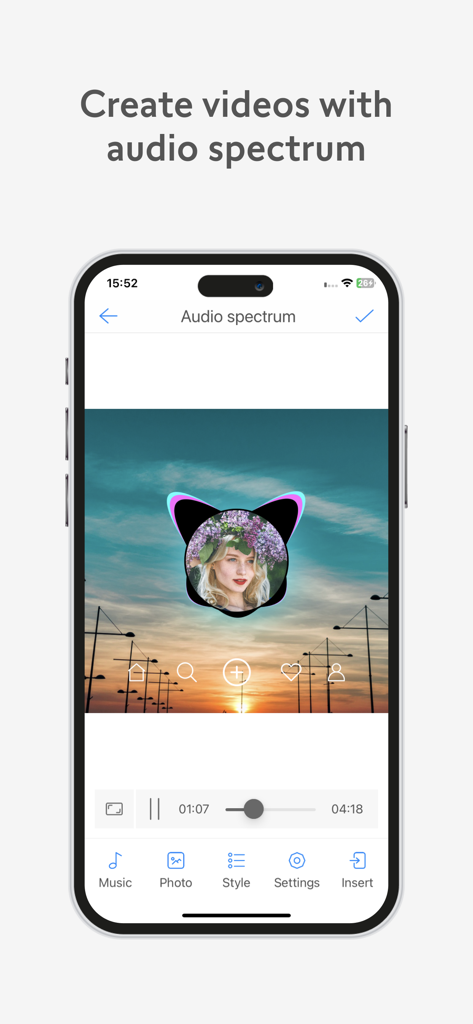
Interface do aplicativo VivuVideo mostrando como criar um vídeo com um visualizador de espectro de áudio sobre uma foto personalizada.
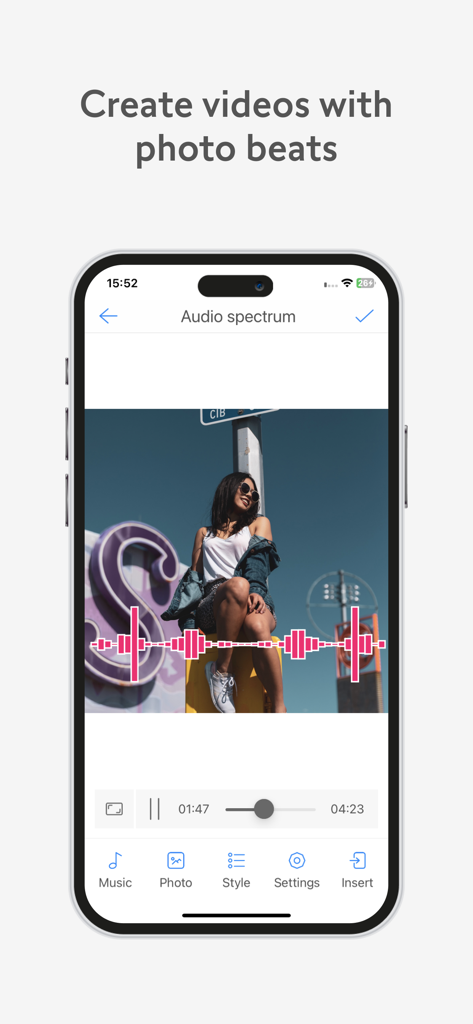
Interface do aplicativo móvel VivuVideo Maker and Editor mostrando um efeito de espectro de áudio em uma foto.
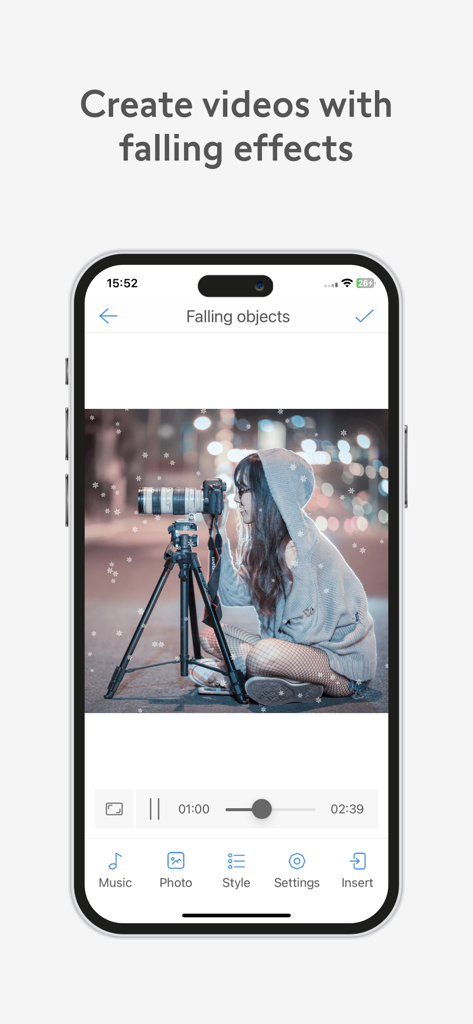
Interface do aplicativo VivuVideo demonstrando o efeito de neve caindo sobre uma foto de uma pessoa com uma câmera
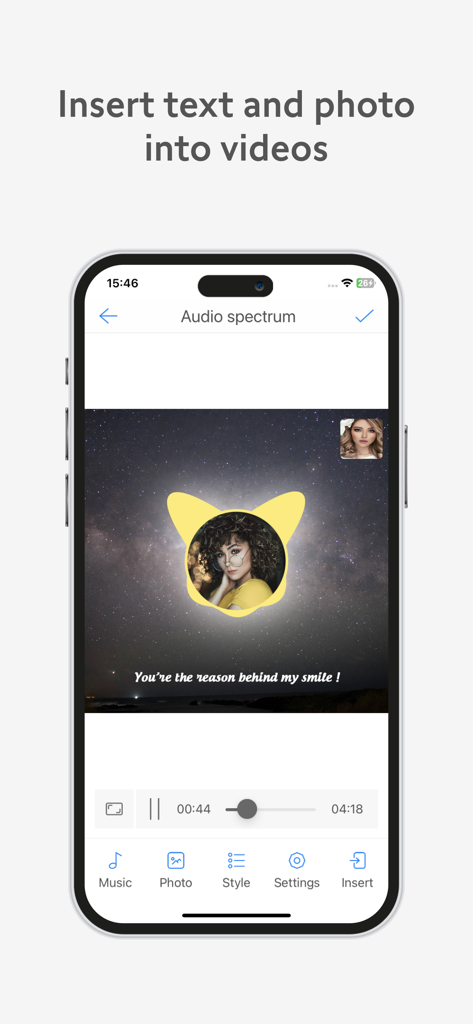
Interface móvel VivuVideo mostrando como inserir texto e uma foto circular em um vídeo de espectro de áudio com fundo estrelado.
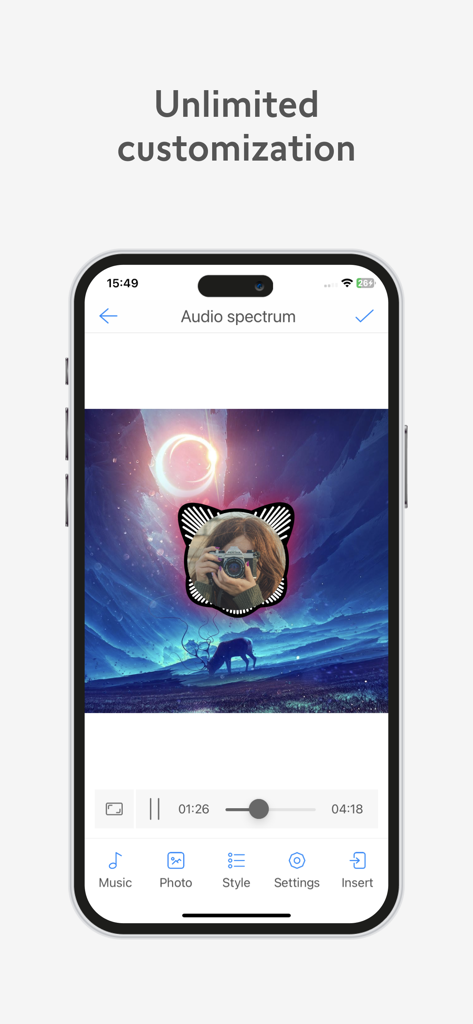
Interface do aplicativo VivuVideo mostrando a personalização de um espectro de áudio circular sobre uma foto
Descrição
Download
Apps Semelhantes
Apps mais bem classificados na mesma categoria

CapCut: Photo & Video Editor
BYTEDANCE PTE. LTD.

Instagram, Inc.

YouTube
Google LLC

Canva: AI Photo & Video Editor
Canva Pty Ltd

Snapchat
Snap, Inc.

快手
Beijing Kwai Technology Co., Ltd.

Edits: Video Editor
Instagram, Inc.

Meitu- AI Photo & Video Editor
Xiamen Meitu Technology Co., Ltd.

Google Photos: Backup & Edit
Google LLC
Esta página não é uma página oficial do aplicativo ou de seu desenvolvedor, mas uma publicação editorial independente criada para fins informativos e de comentário. Salvo indicação expressa em contrário, nem o aplicativo nem seu desenvolvedor são afiliados, endossados, patrocinados, autorizados ou oficialmente conectados à MWM, Apple, Google Play, ao editor do aplicativo ou ao desenvolvedor do aplicativo, e nada nesta página implica que o aplicativo foi desenvolvido utilizando os serviços da MWM. Todas as marcas comerciais, logotipos, capturas de tela e outros conteúdos permanecem propriedade de seus respectivos proprietários.