
Esta página não é uma página oficial do aplicativo ou de seu desenvolvedor, mas uma publicação editorial independente criada para fins informativos e de comentário. Salvo indicação expressa em contrário, nem o aplicativo nem seu desenvolvedor são afiliados, endossados, patrocinados, autorizados ou oficialmente conectados à MWM, Apple, Google Play, ao editor do aplicativo ou ao desenvolvedor do aplicativo, e nada nesta página implica que o aplicativo foi desenvolvido utilizando os serviços da MWM. Todas as marcas comerciais, logotipos, capturas de tela e outros conteúdos permanecem propriedade de seus respectivos proprietários.

Who Touched My Phone :Guardian
Capture intrusos curiosos com selfies secretas e pare ladrões com poderosos alarmes de movimento. Proteja seu iPhone com um guardião pessoal projetado para sua vida digital ativa.
Downloads
30K+Avaliação
Total de avaliações
300Editor
Categoria
UtilitiesIdiomas
18Última versão
5.7Tamanho
88.0 MBData de lançamento
1 de jul. de 2023Seu Telefone, Suas Regras
Transforme seu iPhone em uma fortaleza pessoal com detecção de movimento inteligente, capturas de intrusos e ferramentas profissionais de privacidade projetadas para seu estilo de vida agitado.
Capture Curiosos em Flagrante
Receba evidências fotográficas instantâneas de qualquer pessoa tentando burlar sua senha. Cada selfie de intruso é salva com segurança em seu cofre privado com bloqueio PIN para prova definitiva.
Alerta de Movimento Antifurto
Afaste-se com tranquilidade. Ative um alarme de alto decibéis que dispara instantaneamente se seu telefone for tocado ou movido em um café, academia ou no escritório.
As capturas de tela e a descrição a seguir são provenientes diretamente da listagem oficial da loja do aplicativo e são propriedade do desenvolvedor.
App Store
Capturas
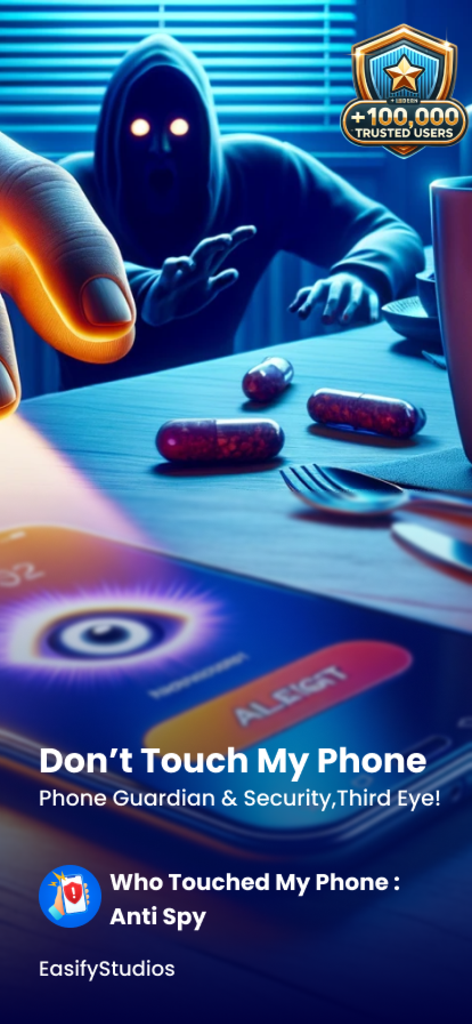
Uma figura sombria alcançando um smartphone que exibe um alerta de segurança e um ícone de olho na tela
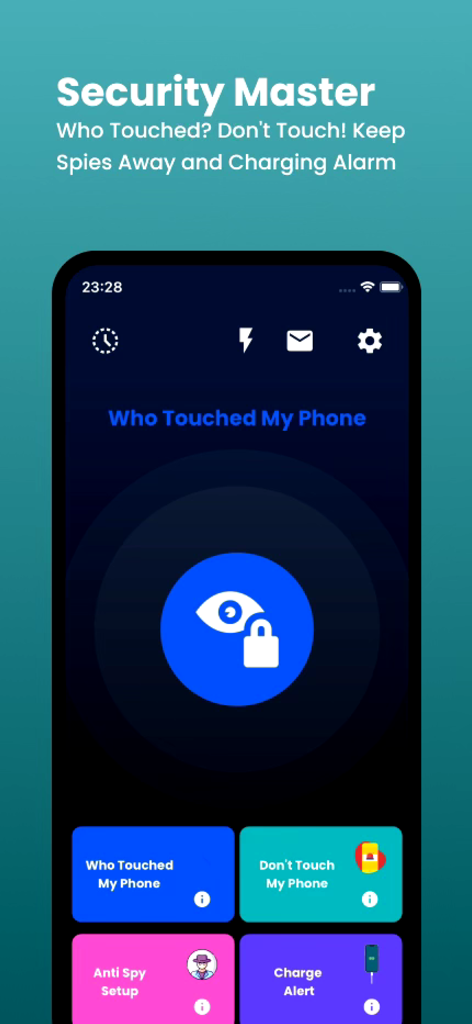
Interface principal do aplicativo Who Touched My Phone Guardian mostrando recursos de segurança como detecção de intrusos e alarme de movimento
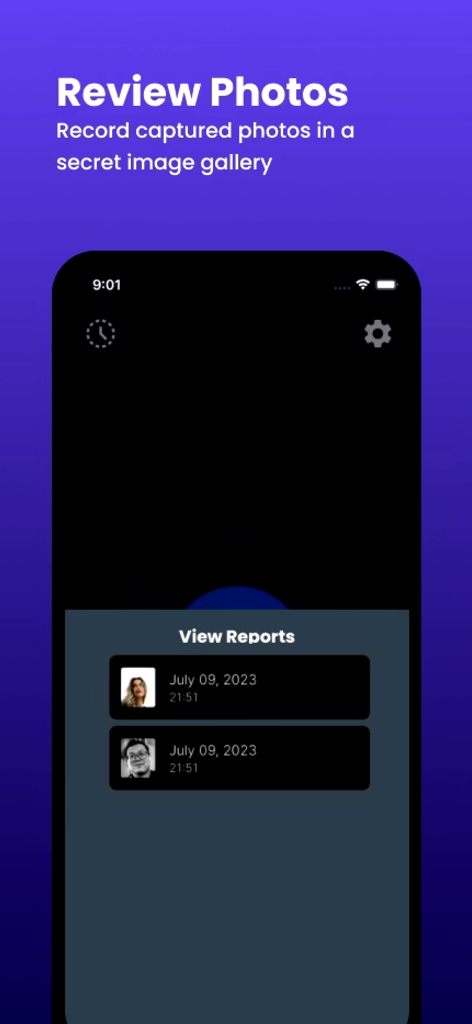
Uma lista de selfies de intrusos capturadas com timestamps no aplicativo Who Touched My Phone Guardian
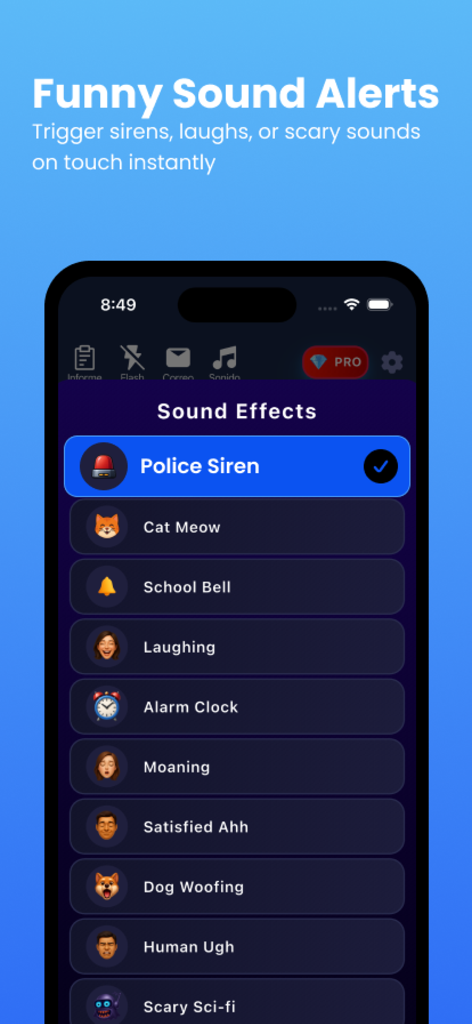
Lista de opções engraçadas de alertas sonoros no aplicativo Who Touched My Phone Guardian, incluindo sirene policial e miado de gato.
Descrição
Download
Apps Semelhantes
Apps com recursos e experiência semelhantes
Amor AntiTheft-Clap Find Phone
FUTURISTIX DIGITAL MARKETING PTE. LTD

ClapSeek: Find phone by clap
PIXEL VERTEX MOBILE PTE. LTD.
Dont Touch My Phone: Antitheft
FITNESS TRAINING GLOBAL ONE MEMBER COMPANY LIMITED

ClapBack: Antilost
CODEJOY TECHNOLOGY LIMITED
AntiLost: Phone Finder & Alarm
MATRIX MOBILE PTE. LTD.

ClapFind: Phone Finder
MATRIX MOBILE PTE. LTD.
ClapTrack : Clap to Find Phone
80ugame Limited

Find My Phone By Clapping
Hieu Tran Thanh
AntiLost - Clap to Find Phone
Ion Danilov
Esta página não é uma página oficial do aplicativo ou de seu desenvolvedor, mas uma publicação editorial independente criada para fins informativos e de comentário. Salvo indicação expressa em contrário, nem o aplicativo nem seu desenvolvedor são afiliados, endossados, patrocinados, autorizados ou oficialmente conectados à MWM, Apple, Google Play, ao editor do aplicativo ou ao desenvolvedor do aplicativo, e nada nesta página implica que o aplicativo foi desenvolvido utilizando os serviços da MWM. Todas as marcas comerciais, logotipos, capturas de tela e outros conteúdos permanecem propriedade de seus respectivos proprietários.