
Esta página não é uma página oficial do aplicativo ou de seu desenvolvedor, mas uma publicação editorial independente criada para fins informativos e de comentário. Salvo indicação expressa em contrário, nem o aplicativo nem seu desenvolvedor são afiliados, endossados, patrocinados, autorizados ou oficialmente conectados à MWM, Apple, Google Play, ao editor do aplicativo ou ao desenvolvedor do aplicativo, e nada nesta página implica que o aplicativo foi desenvolvido utilizando os serviços da MWM. Todas as marcas comerciais, logotipos, capturas de tela e outros conteúdos permanecem propriedade de seus respectivos proprietários.


Zoho Meeting - Online Meetings
No caos da colaboração remota, este aplicativo oferece o controle para dominar qualquer reunião. Transforme a dispersão em decisão.
Downloads
1M+Avaliação
Total de avaliações
5.6KEditor
Categoria
BusinessIdiomas
39Última versão
1.8.1Tamanho
138.1 MBData de lançamento
2 de out. de 2017Uma avaliação detalhada das funcionalidades-chave que impulsionam a colaboração e a comunicação virtual para profissionais e empresas.
Análise de Recursos Essenciais do Zoho Meeting
Reuniões Online Seguras e Colaborativas
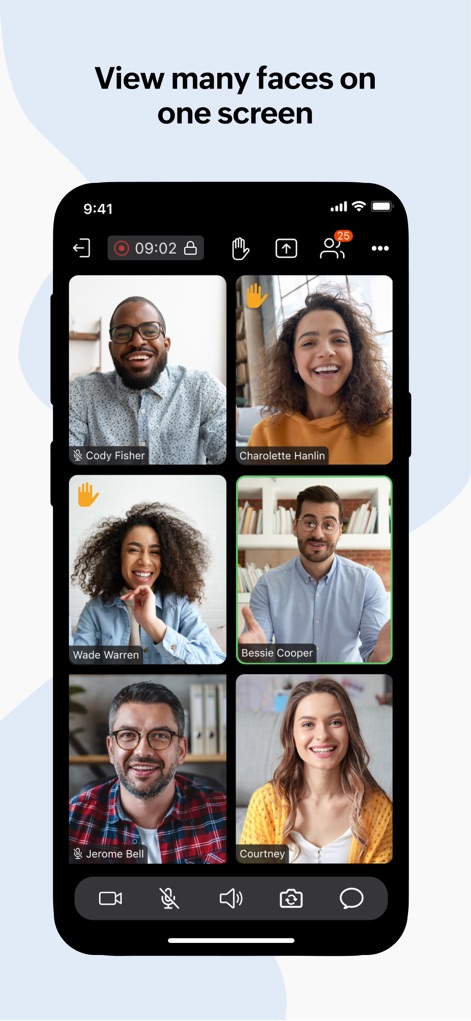
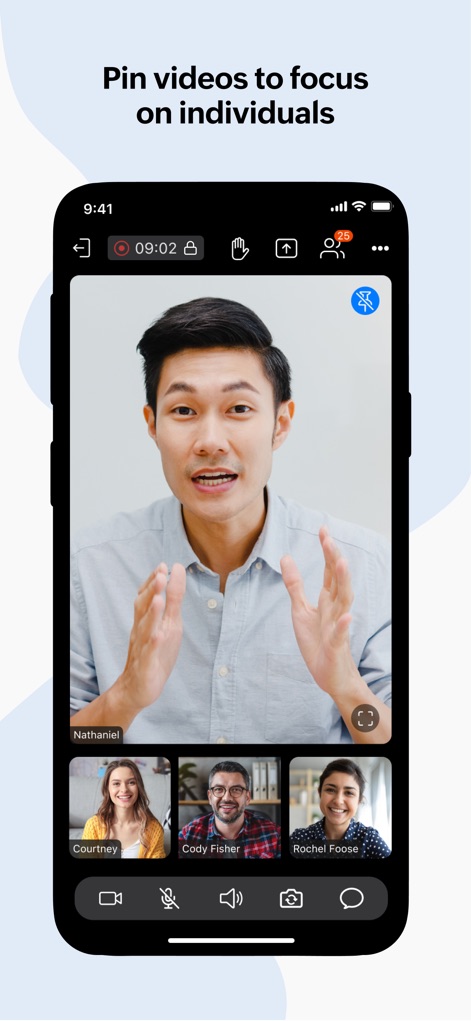
O aplicativo oferece a capacidade de hospedar e participar de reuniões online seguras com até 250 participantes, facilitando a colaboração em tempo real através de áudio, vídeo e compartilhamento de tela.
Ferramentas Abrangentes para Engajamento em Webinars
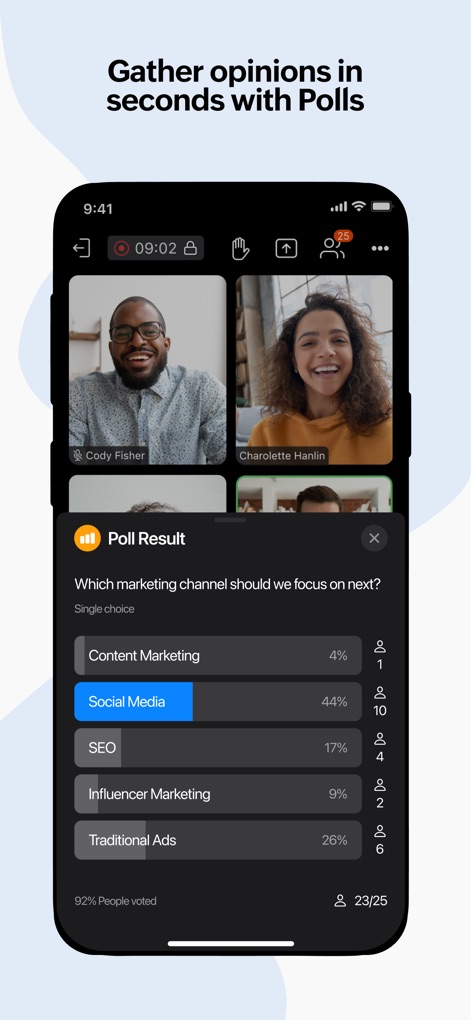
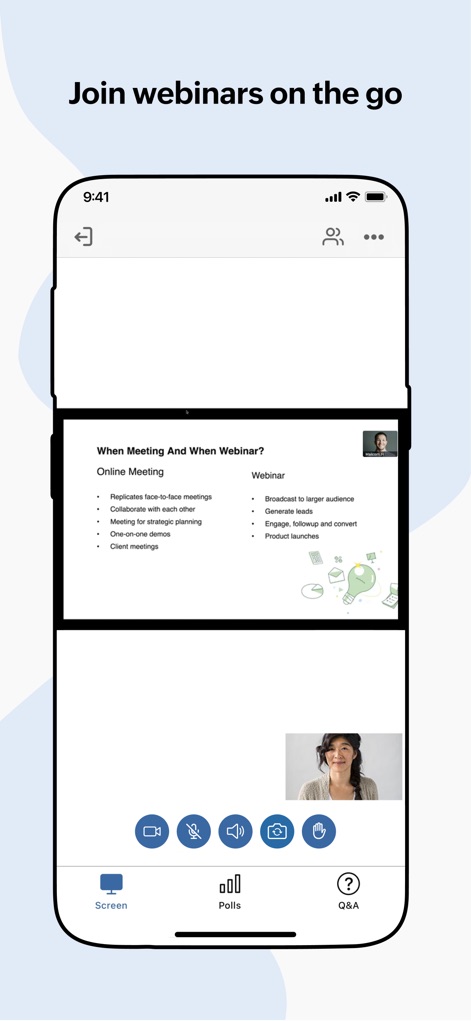
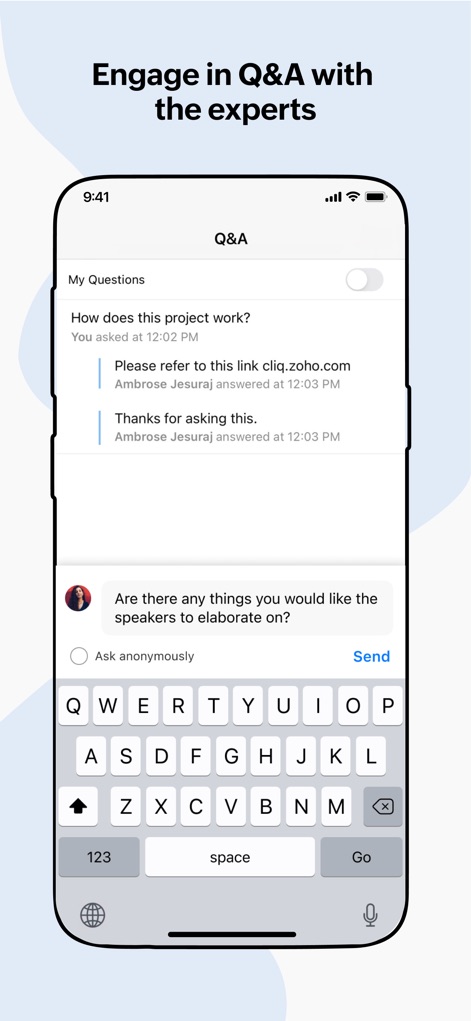
Esta ferramenta apresenta um conjunto robusto de funcionalidades para webinars, incluindo participação em enquetes, sessões de perguntas e respostas (Q&A), opção de "levantar a mão" e interação verbal com organizadores.
Recursos Robustos de Moderação
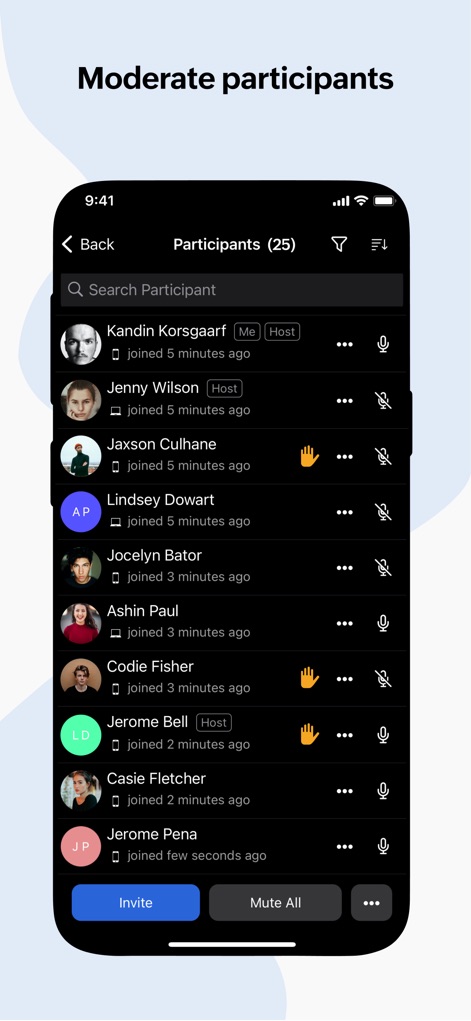
Permite que os anfitriões mantenham o controle da reunião com recursos avançados de moderação, como proteção por senha, silenciamento individual ou coletivo de participantes e a capacidade de remover usuários.
Agendamento Flexível e Entrada Instantânea
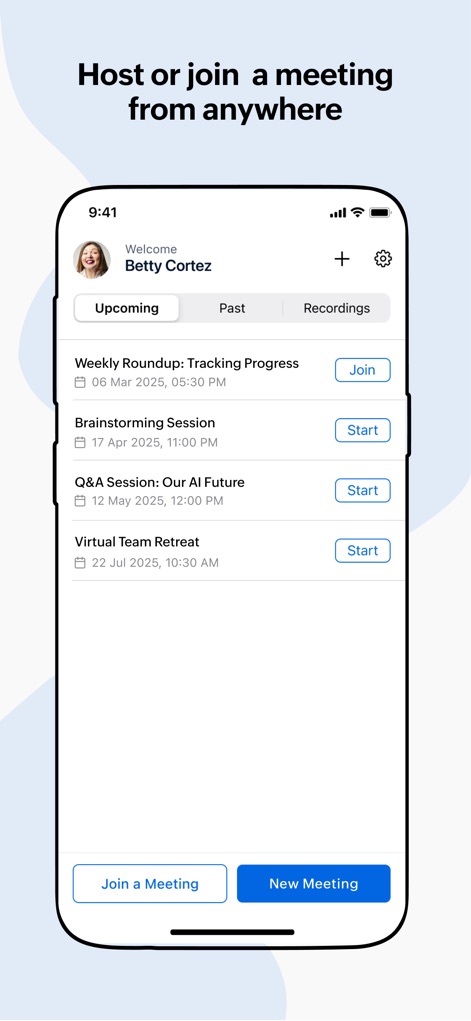
O aplicativo oferece a flexibilidade de agendar reuniões ilimitadas, enviar convites detalhados por e-mail e permite que os participantes entrem facilmente via link ou ID, sem a necessidade de criar uma conta.
Gravação de Reuniões
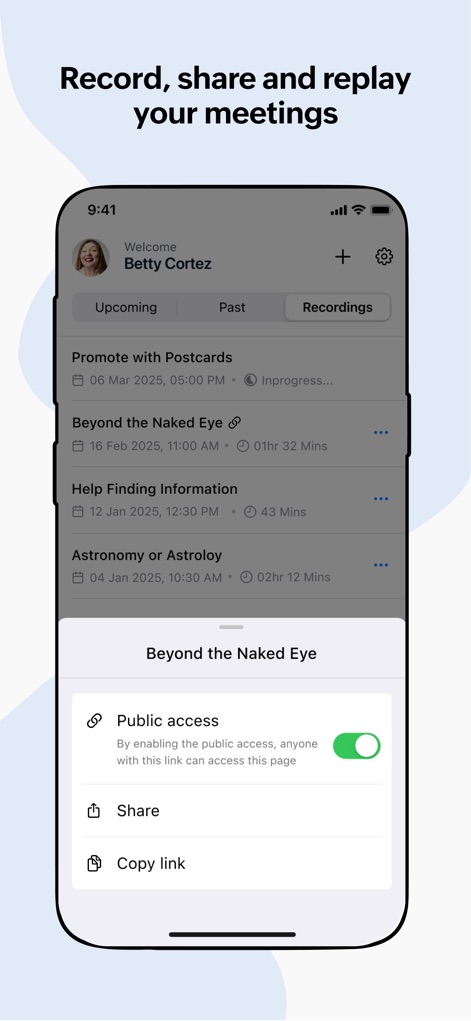
Esta ferramenta permite que os anfitriões gravem as reuniões completas, incluindo áudio, vídeo e tela compartilhada, a partir de qualquer dispositivo, facilitando a revisão, o arquivamento e o compartilhamento de conteúdo.
Comunicação e Compartilhamento de Arquivos em Reunião
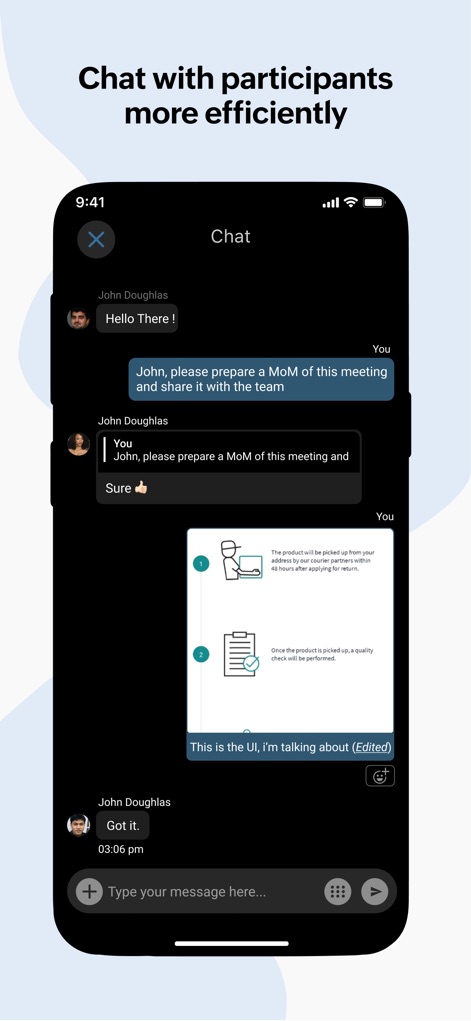
Permite que os usuários se comuniquem contextualmente durante as reuniões através de um chat integrado, enviando mensagens, emojis e compartilhando arquivos e imagens com todos os participantes.
Perguntas Frequentes
Tudo o que você precisa saber sobre Zoho Meeting - Online Meetings
How many participants can join a Zoho Meeting?
Zoho Meeting allows up to 250 participants to join a secure online meeting or webinar. This feature ensures large-scale collaboration and communication for all users.
Can I share my mobile screen during a Zoho Meeting?
Yes, Zoho Meeting allows you to share your mobile screen during a meeting. This enables contextual collaboration with other participants.
Is an account required for participants to join a Zoho Meeting?
No, participants do not require an account to join Zoho Meeting. They can easily join a meeting using the invitation link or the meeting ID.
Does Zoho Meeting support recording of meetings?
Yes, the meeting host can record the screen, audio, and video from a computer or mobile device. Recorded videos are playable online and sharable.
Can Zoho Meeting participants engage in polls during webinars?
Yes, participants can interact by participating in polls during live webinars within Zoho Meeting. This allows for gathering opinions and feedback.
How does Zoho Meeting ensure secure online meetings?
Zoho Meeting secures online meetings using password protection. It also allows hosts to mute individuals or all participants and remove unwanted attendees to maintain privacy.
Can I host unlimited meetings with Zoho Meeting?
Yes, Zoho Meeting allows users to host unlimited meetings. This enables flexible and frequent online collaboration without restrictions.
Does Zoho Meeting offer a Q&A feature for webinars?
Yes, Zoho Meeting provides a Q&A feature for webinars. Attendees can interact with organizers by asking questions and receiving responses.
Can I chat with other participants during a Zoho Meeting?
Yes, Zoho Meeting includes a chat feature. You can send messages, emojis, images, and files to other participants during the meeting for contextual conversations.
Can co-organizers manage webinars from a mobile device using Zoho Meeting?
Yes, co-organizers can join webinars on the go with Zoho Meeting. They can engage attendees through audio and video directly from their mobile device.
As capturas de tela e a descrição a seguir são provenientes diretamente da listagem oficial da loja do aplicativo e são propriedade do desenvolvedor.
App Store
Capturas
Descrição
Download
Apps Semelhantes
Apps com recursos e experiência semelhantes

GoTo
GoTo Group, Inc.

Lark - Team Collaboration
LARK TECHNOLOGIES PTE. LTD.

RingCentral
RingCentral, Inc

MTS Link
VEBINAR TEKHNOLOGII, OOO

Pronto Team Communication
Hit Labs, Inc.

Zoho Cliq - Team Communication
Zoho Corporation

Microsoft Teams
Microsoft Corporation

Zoom Workplace
Zoom Communications, Inc.

Google Meet
Google LLC
Esta página não é uma página oficial do aplicativo ou de seu desenvolvedor, mas uma publicação editorial independente criada para fins informativos e de comentário. Salvo indicação expressa em contrário, nem o aplicativo nem seu desenvolvedor são afiliados, endossados, patrocinados, autorizados ou oficialmente conectados à MWM, Apple, Google Play, ao editor do aplicativo ou ao desenvolvedor do aplicativo, e nada nesta página implica que o aplicativo foi desenvolvido utilizando os serviços da MWM. Todas as marcas comerciais, logotipos, capturas de tela e outros conteúdos permanecem propriedade de seus respectivos proprietários.