2FA - Authenticator, Verify ID

2FA - Authenticator, Verify ID

Herunterladen auf App Store
Logo von 2FA - Authenticator, Verify ID

2FA - Authenticator, ID prüfen: Das ultimative datenschutzorientierte Tresorfach für Ihre Online-Sicherheit

Schützen Sie Ihre Konten mit verschlüsselten 2FA-Codes, FaceID-Zugriff und einem integrierten privaten Browser. Keine Werbung, keine Nachverfolgung – nur nahtlose, sichere Authentifizierung für Ihr digitales Leben.

Herunterladen auf App Store

Herausgeber

Thao Tran

Kategorie

Utilities

Downloads

300

Bewertung

1.0/5

Bewertungen gesamt

0

Sprachen

1

Sicherheit im Fokus

Entdecken Sie die Oberfläche, die von 300 Nutzern verwendet wird.
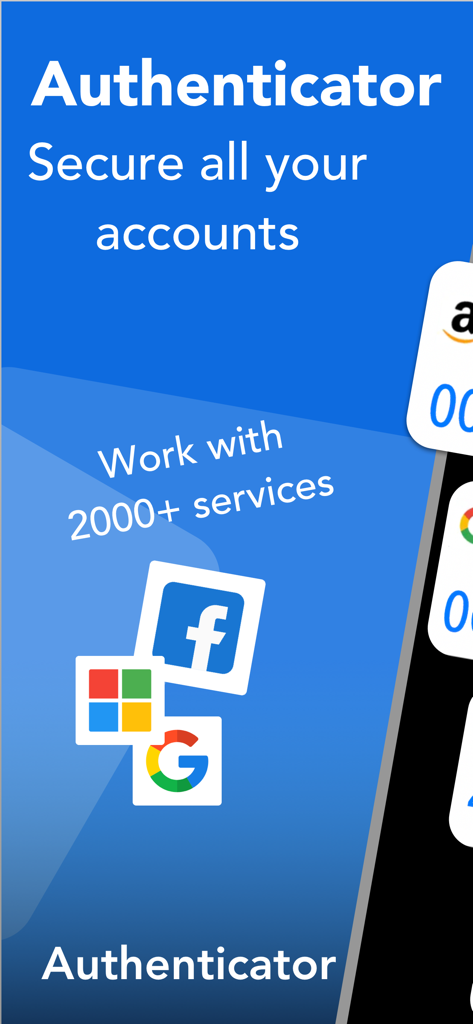
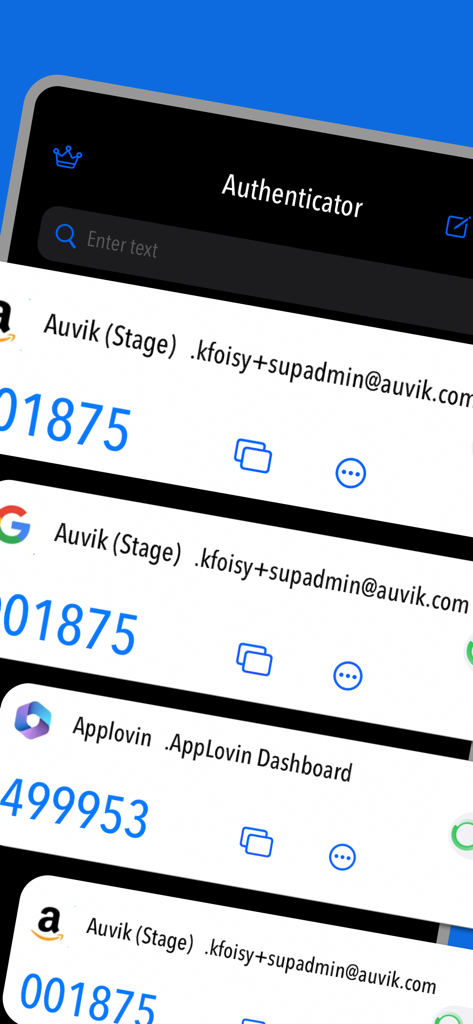
Authenticator-App-Bildschirm, der die Sicherheit verschiedener Online-Konten zeigt, einschließlich Google, Facebook und Microsoft

Authenticator-App-Bildschirm, der die Sicherheit verschiedener Online-Konten zeigt, einschließlich Google, Facebook und Microsoft

Oberfläche der 2FA-Authenticator-App, die mehrere sichere Konto-Verifizierungscodes mit benutzerdefinierten Symbolen zeigt

Oberfläche der 2FA-Authenticator-App, die mehrere sichere Konto-Verifizierungscodes mit benutzerdefinierten Symbolen zeigt

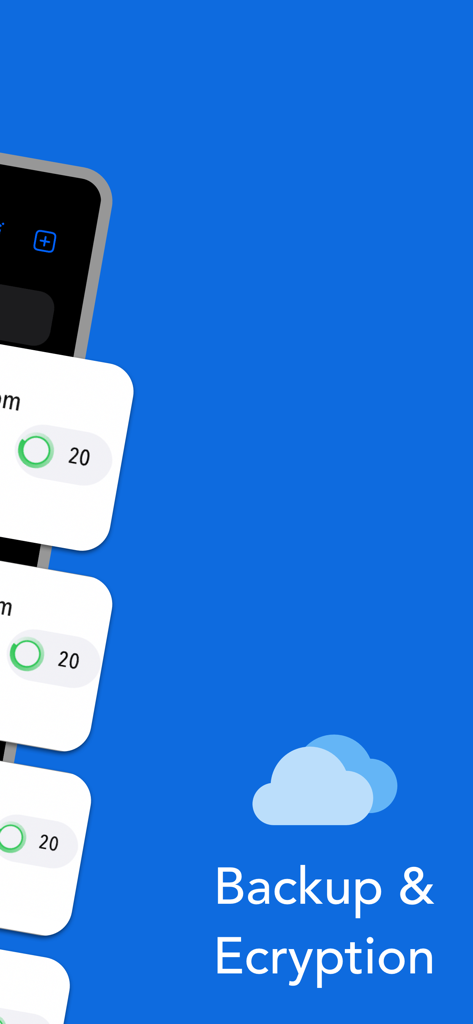
2FA-App-Bildschirm, der Cloud-Backup- und Verschlüsselungsfunktionen zeigt

2FA-App-Bildschirm, der Cloud-Backup- und Verschlüsselungsfunktionen zeigt

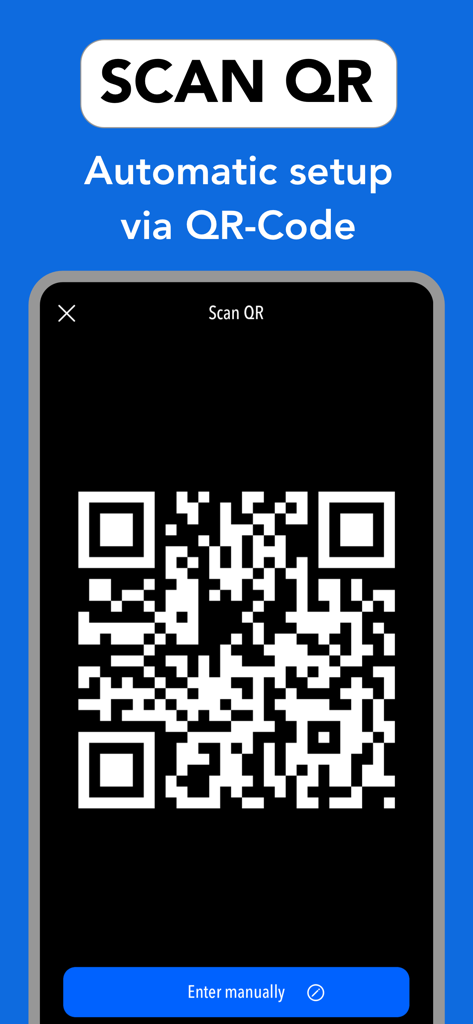
Oberfläche, die die automatische Einrichtung von 2FA-Konten durch Scannen von QR-Codes zeigt

Oberfläche, die die automatische Einrichtung von 2FA-Konten durch Scannen von QR-Codes zeigt

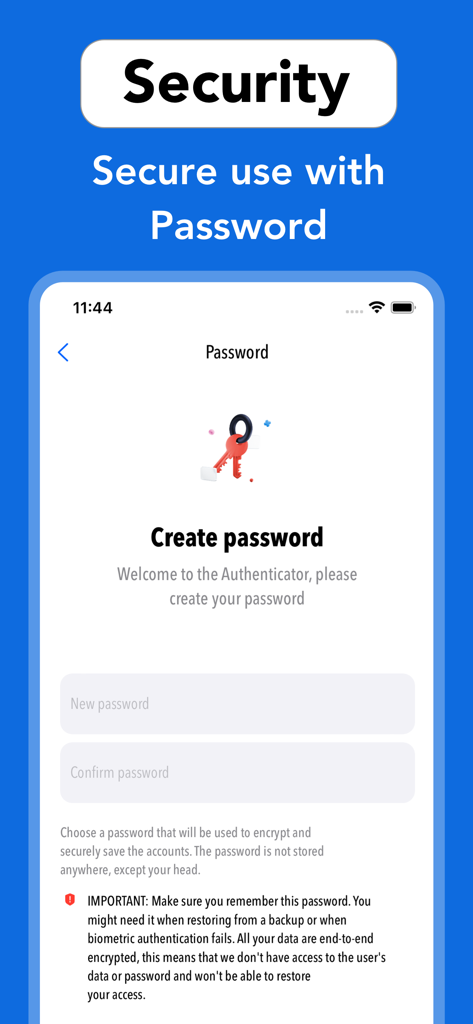
Der Bildschirmanzeige zur Passworterstellung der 2FA-Authenticator-App, die zum Verschlüsseln und Schützen von Benutzerkonten verwendet wird.

Der Bildschirmanzeige zur Passworterstellung der 2FA-Authenticator-App, die zum Verschlüsseln und Schützen von Benutzerkonten verwendet wird.

Maximale Sicherheit, minimaler Aufwand

Die Tools, die diese App auszeichnen, gewählt von 300 Nutzern.

🛡️

Lokale Verschlüsselung

Ihre Geheimnisse bleiben Ihre. Alle Daten werden lokal auf Ihrem Gerät und in iCloud verschlüsselt, wodurch kein externer Zugriff auf Ihre sensiblen Authentifizierungscodes gewährleistet ist.

🎨

Intelligente visuelle Organisation

Personalisieren Sie Ihren Sicherheitsknotenpunkt mit benutzerdefinierten Symbolen. Verwalten und unterscheiden Sie mühelos zwischen Coinbase-, GitHub- und sozialen Konten auf einen Blick.

🕵️

Integrierter privater Tresor

Surfen und melden Sie sich an, ohne Spuren zu hinterlassen. Unser integrierter privater Browser löscht automatisch alle Verläufe und Cookies, um Ihre digitale Fußspur unsichtbar zu halten.

Über die App

Alles, was Sie über wissen müssen 2FA - Authenticator, Verify ID.

Beschreibung

Secure & Private: All data stored in Authenticator is always encrypted, even when it's stored in iCloud, to ensure that you are the only one who can access your data. 2FA Authenticator is a secure application for two-factor authentication (2FA) that stores and generates time-based codes (OTP) to protect your online accounts by adding an additional layer of security when signing in. 2FA Authenticator is a highly recommended free 2FA app used for securing your accounts on different platforms such as Instagram, Google, Facebook, Github, Twitter and many more. We support 1000+ apps for authentication! The 6-digit code will update to a new one every 30 seconds. This timer is so you never have to use the same time-based one-time password (TOTP) more than once and you don’t have to remember the number since it will change all the time. Once our code generator app is configured, you can get verification codes without the need for a network or cellular connection. ***MAIN FEATURE*** - Enter Code Manually: Enter a secret key to the app for secure authentication. - Super Safe & Secure: Your passwords are safe and sound as the app has no data exchange with the internet, so no one can get to know it except you. - Scan QR Code: Just one tap QR scan for easy access and hassle-free registration. - Custom Icons: Add custom or system icons to any of your 2FA codes to better recognize them on the list with many codes. The application automatically recognizes the service icon (favicon). - Easy and user friendly:No account setup is required, just scan the 2FA QR-Code and the Authenticator app is automatically ready to use. - Unlock with Password or FaceID: To add an extra layer of security you can setup FaceID or a password in the app so you are the only one who can read your codes and for a faster access. - 100% Ad-Free: Enjoy a completely Ad Free mobile two factor authentication experience for IOS and compatible with all Apple devices. - Supports All Popular Accounts: Authenticator app supports the most popular services including Facebook, Coinbase, Amazon, Google, Instagram, Roblox and thousands of other providers. - Private browser: Fast and secure browser with no history, logs or cookies, allowing you to browse the web without leaving any traces. It also includes bookmarking and tabbed browsing for a convenient and personalized browsing experience Subscription terms: Payment will be charged to the credit card connected to your iTunes Account when you confirm the initial subscription purchase. Subscriptions automatically renew unless auto-renew is turned off at least 24 hours before the end of the current subscription period. Your account will be charged for renewal within 24 hours prior to the end of the current period, and the cost of the renewal will be identified. You may manage your subscription and auto-renewal may be turned off by going to your Account Settings after the purchase. Any unused portion of a free trial period, if offered, will be forfeited when you purchase a subscription, where applicable. Privacy policy: https://sites.google.com/view/thaotran2022dev/privacy Terms of use: https://sites.google.com/view/thaotran2022dev/term

Neueste Version

1.0.4

Größe

35.5 MB

Erstveröffentlichung

6. Juni 2023

Nutzen Sie die Sicherheit, die Ihr digitales Leben verdient

Schließen Sie sich der datenschutzorientierten Bewegung an. Schützen Sie Ihre Konten mit verschlüsselten Backups, FaceID-Zugriff und einem privaten Browser – alles in einem schlanken, werbefreien iOS-Erlebnis.

Herunterladen auf App Store

App information, icons, screenshots, and descriptions displayed on this page are sourced from the Apple App Store and are the property of their respective developers. Download estimates and rankings are based on MWM's proprietary models and may not reflect actual figures. This page is provided for informational and analytical purposes only.

Believe this page infringes your intellectual property? File a dispute