All Document Reader

All Document Reader

Herunterladen auf App Store
Logo von All Document Reader

All Document Reader: Ihre All-in-One Mobile Office Suite

Hören Sie auf, zwischen Apps zu wechseln. Zeigen, bearbeiten und scannen Sie PDFs, Word-Dokumente, Tabellenkalkulationen und Präsentationen mühelos in einem einzigen leistungsstarken, schlanken Arbeitsbereich, der für Studenten und Berufstätige unterwegs entwickelt wurde.

Herausgeber

Aditya Sharma

Kategorie

Productivity

Downloads

87K+

Bewertung

4.4/5

Bewertungen gesamt

1K+

Sprachen

26

Produktivität auf einen Blick

Entdecken Sie die Oberfläche, die von 87K+ Nutzern verwendet wird.
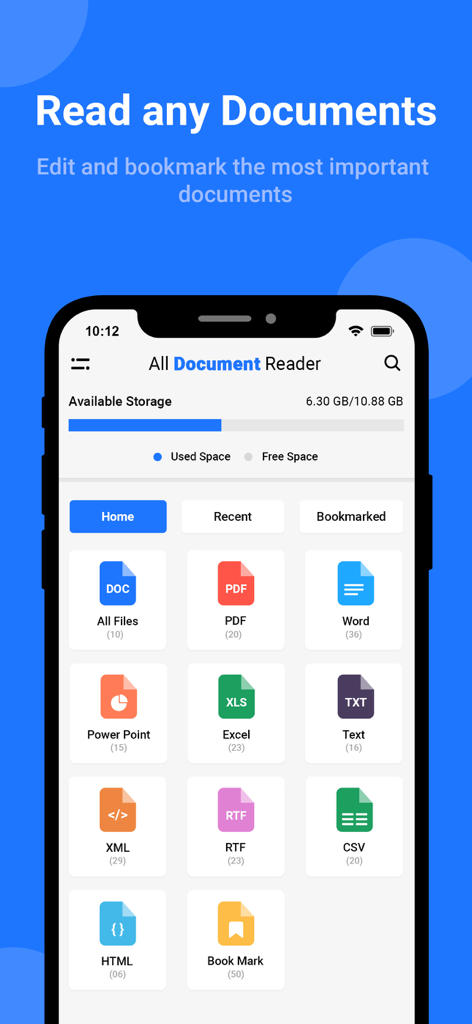
All Document Reader App Dashboard mit verschiedenen Dateityp-Symbolen wie PDF, Word, Excel und Powerpoint

All Document Reader App Dashboard mit verschiedenen Dateityp-Symbolen wie PDF, Word, Excel und Powerpoint

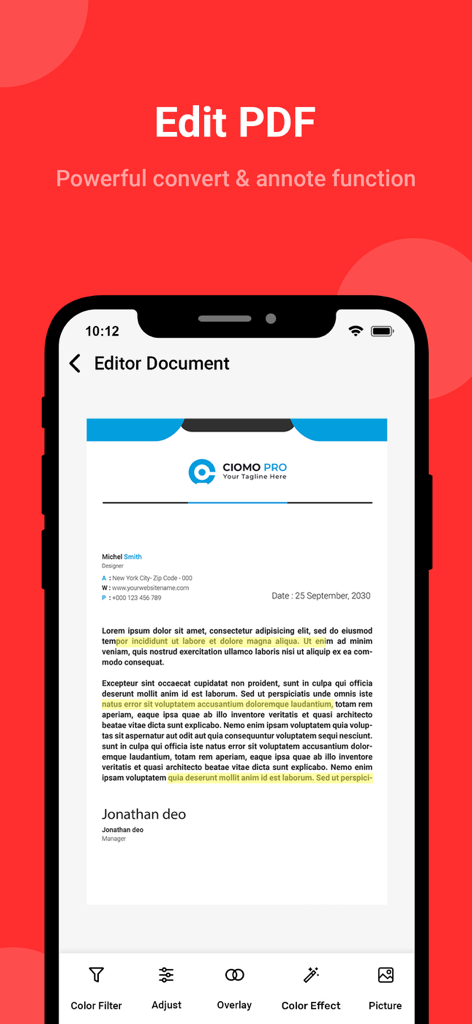
PDF-Editor-Oberfläche mit Textmarkierungen und Werkzeugen zur Dokumentenkorrektur

PDF-Editor-Oberfläche mit Textmarkierungen und Werkzeugen zur Dokumentenkorrektur

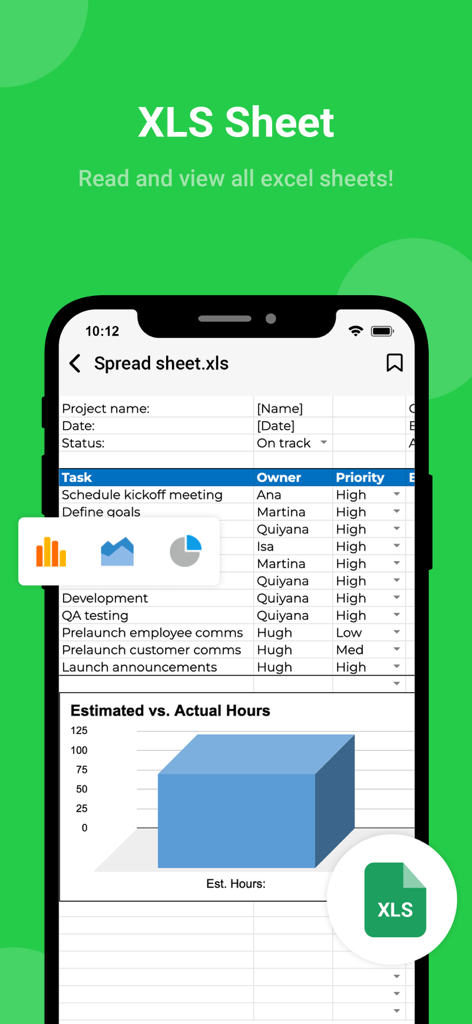
Ein mobiler App-Screenshot, der eine Excel-Tabelle mit einer Aufgabenliste und einem Balkendiagramm anzeigt und die XLS-Tabellenansicht hervorhebt.

Ein mobiler App-Screenshot, der eine Excel-Tabelle mit einer Aufgabenliste und einem Balkendiagramm anzeigt und die XLS-Tabellenansicht hervorhebt.

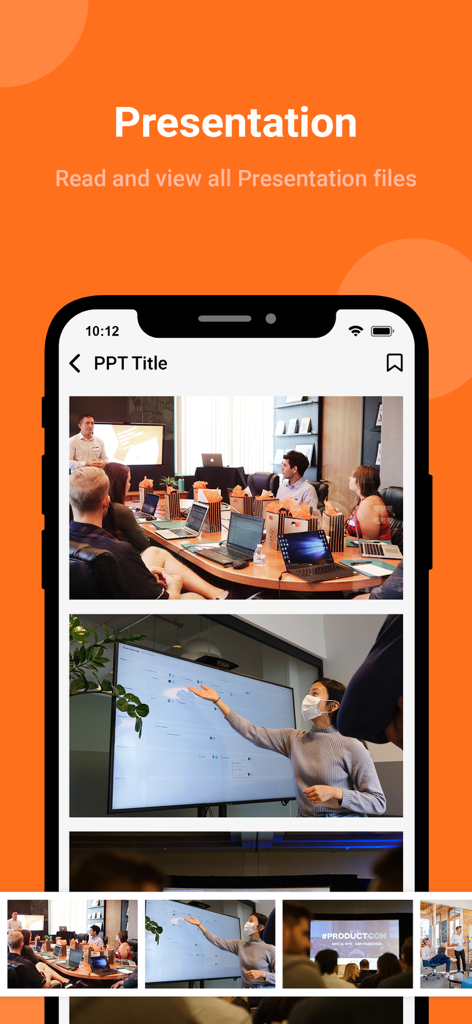
Ein Smartphone-Bildschirm, der eine PowerPoint-Präsentation innerhalb der All Document Reader App anzeigt, mit Folien-Thumbnails und professionellen Meeting-Fotos

Ein Smartphone-Bildschirm, der eine PowerPoint-Präsentation innerhalb der All Document Reader App anzeigt, mit Folien-Thumbnails und professionellen Meeting-Fotos

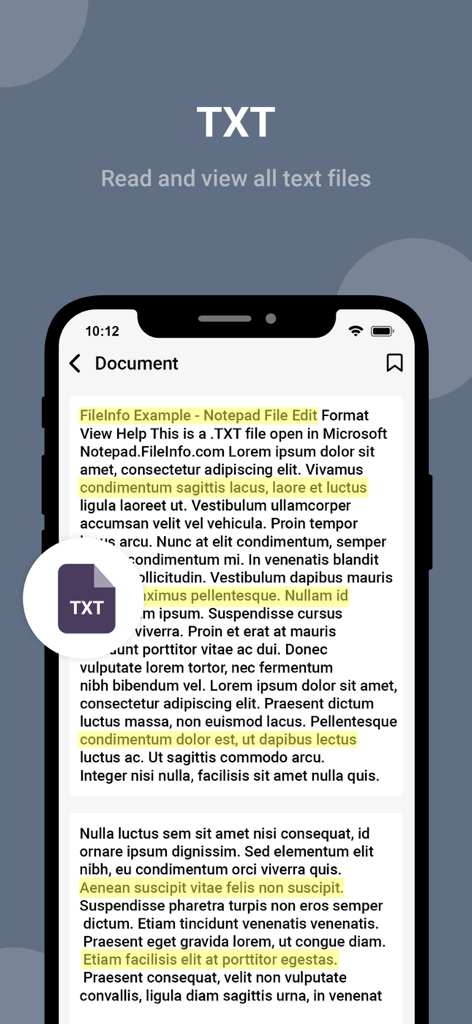
All Document Reader App-Oberfläche, die eine Textdatei mit hervorgehobenen Sätzen zeigt

All Document Reader App-Oberfläche, die eine Textdatei mit hervorgehobenen Sätzen zeigt

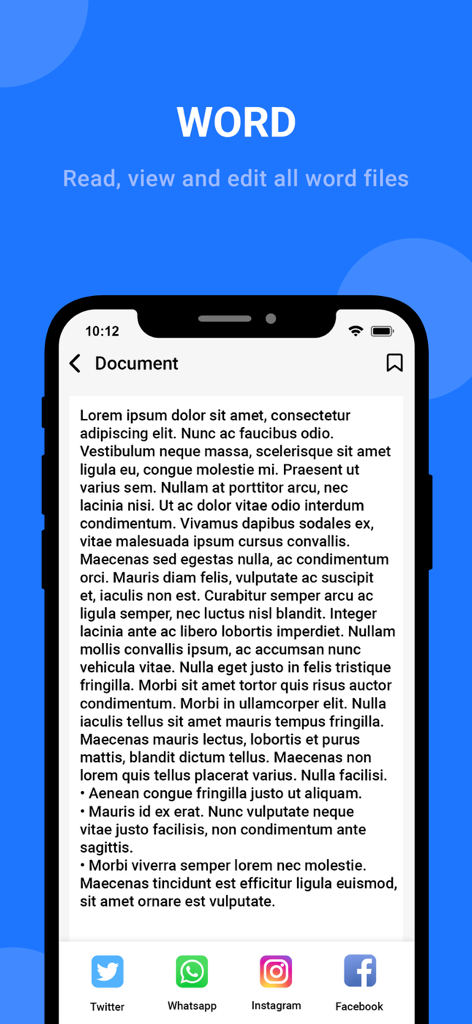
Mobile Oberfläche der All Document Reader App, die ein Word-Dokument mit Optionen zum Teilen in sozialen Medien anzeigt

Mobile Oberfläche der All Document Reader App, die ein Word-Dokument mit Optionen zum Teilen in sozialen Medien anzeigt

Ihr vollständiges Dokumenten-Befehlszentrum

Die Tools, die diese App auszeichnen, gewählt von 87K+ Nutzern.

🚀

Universelle Dateisupport

Öffnen Sie PDFs, Docx, Xlsx und PPTs sofort. Keine Fehlermeldungen mehr wie 'Datei nicht unterstützt' oder ständiges Wechseln zwischen verschiedenen Apps.

📱

Schnappschuss, Scan & Konvertierung

Verwandeln Sie physische Papierdokumente mit einem leistungsstarken integrierten Scanner, der für Berufstätige unterwegs optimiert ist, in professionelle digitale PDFs.

🔍

Mühelose Organisation

Halten Sie Ihren Arbeitsbereich mit benutzerdefinierten Ordnern und intelligenter Suche übersichtlich, um in Sekundenschnelle genau das zu finden, was Sie brauchen.

Über die App

Alles, was Sie über wissen müssen All Document Reader.

Beschreibung

Have you ever felt confused and struggled with managing documents? Have you ever found it inconvenient to open multiple different applications to work on your documents? If so, let all document viewers help you manage your documents easily and efficiently. With an all-in-one document reader and editor app - A multi-functional and convenient utility that helps you handle all tasks related to open office, documents, text, spreadsheets, and more quickly and conveniently. Not only is it designed to be simple and easy to use, but all document reader app also allows users to create and manage multiple folders, making it easier than ever to sort and categorize your documents. ◆ Support all formats, any type file opener! ◆ PDF reader - PDF viewer, PDF opener from the file manager or directly from other apps. - Search, scroll, zoom in and out of PDF file - Easily print, share and preview PDF files through another app. - Read PDF files like a book. ◆ Word reader - Docx reader - All doc viewer with a simple and elegant reader screen that has essential controls. - Quickly find any desired Docx file with a simple docx search option. ◆ Spreadsheet reader - reader xlsx: - Reader Xlsx, file viewer for all excel file formats. - Open excel files: xls, txt, xls viewer in high-quality viewing mode. ◆ PPT Files opener: - Support vierwer PPT files, ppt reader with high resolution and fast performance. - Delete, search documents files easily ◆ Main features of our office viewer app • Scan all documents, powerful photo scanner, doc scanner with high quality • Easy folder creation and management • All files reader and any documents viewer from our document reader app • All file reader and editor directly on your phone • Mark an important Word document reader by adding labels and callouts • Supports many formats, any file viewer • Advanced search documents by various criteria such as creation time, recent editing time, etc. • Share multiple documents with one touch on multiple platforms • Sorting all documents in hand by size, recent open date, etc. ◆ Why should you choose our word document opener app? - Simple and easy-to-use interface for document reader - Scan photos, scan ID cards, convert images to PDF quickly - File manager in one application - Synchronization between devices - All document reader and viewer are security - Multi-language support - All documents in hand: DOC, DOCX, XLS, PPT, TXT, PDF files - 'Zoom documents' and 'search documents' with 1 touch With convenient and diverse features, office reader app is an indispensable application for anyone looking for a simple and easy-to-use document reader tool. Don't hesitate any longer, experience file reader for all format now to save time and improve work productivity. We are working our best on making the office opener application better and more useful for you. This all document manage app is still in development so your feedback is welcome. Get unlimited access to all premium features of All Document Reader Subscribe Monthly All Document Reader Pro at $1.99 and Yearly All Document Reader Pro at $9.99 to use ads free versions of the premium app which can cancel anytime. • Privacy Policy: https://sites.google.com/view/aditya-sharma-privacy • Terms of Service: https://sites.google.com/view/aditya-sharma-termsofuse Thank you. Have a nice day

Neueste Version

1.7

Größe

37.6 MB

Erstveröffentlichung

7. Sept. 2023

Sind Sie bereit, Ihre Dokumente zu meistern?

Schließen Sie sich über 87.000 Berufstätigen und Studenten an, die überfüllte Apps zugunsten unseres schlanken All-in-One-Tools aufgegeben haben. Öffnen, scannen und bearbeiten Sie jedes Dateiformat unterwegs.

Herunterladen auf App Store

App information, icons, screenshots, and descriptions displayed on this page are sourced from the Apple App Store and are the property of their respective developers. Download estimates and rankings are based on MWM's proprietary models and may not reflect actual figures. This page is provided for informational and analytical purposes only.

Believe this page infringes your intellectual property? File a dispute