Bluetooth Lost Device Finder

Bluetooth Lost Device Finder


Herunterladen auf App Store
Logo von Bluetooth Lost Device Finder

Bluetooth Lost Device Finder: Finden Sie Ihre fehlenden Ohrhörer und Smartwatches in Sekundenschnelle

Hören Sie auf zu verzweifeln und vermeiden Sie teure Ersatzgeräte. Nutzen Sie die fortschrittliche Signalverfolgung, um jedes verlorene Bluetooth-Gerät, von AirPods bis hin zu Fitness-Trackern, zu lokalisieren, bevor der Akku leer ist.

Herunterladen auf App Store

Herausgeber

Konveer LLC

Kategorie

Utilities

Downloads

9K+

Bewertung

4.2/5

Bewertungen gesamt

1K+

Sprachen

9

Präzision auf einen Blick

Entdecken Sie die Oberfläche, die von 9K+ Nutzern verwendet wird.
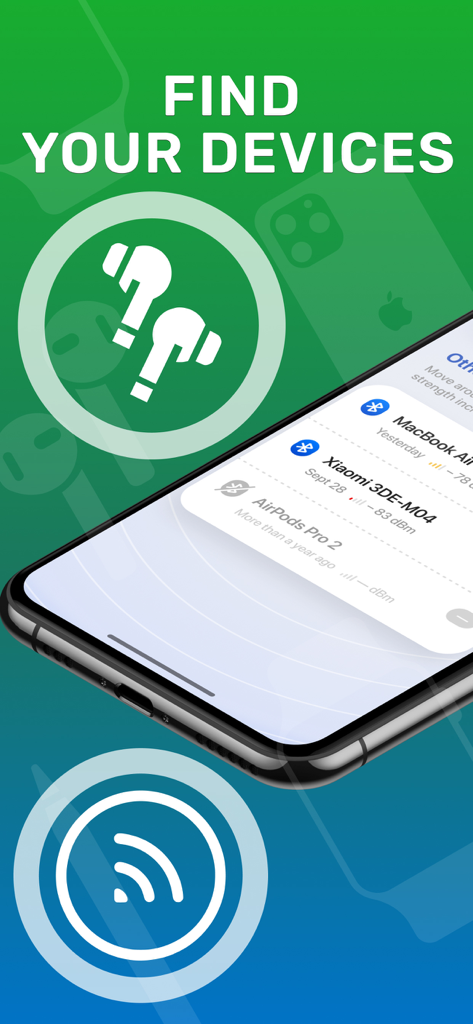
Mobile App-Oberfläche, die eine Liste von Bluetooth-Geräten in der Nähe wie AirPods und MacBook zur einfachen Verfolgung anzeigt.

Mobile App-Oberfläche, die eine Liste von Bluetooth-Geräten in der Nähe wie AirPods und MacBook zur einfachen Verfolgung anzeigt.

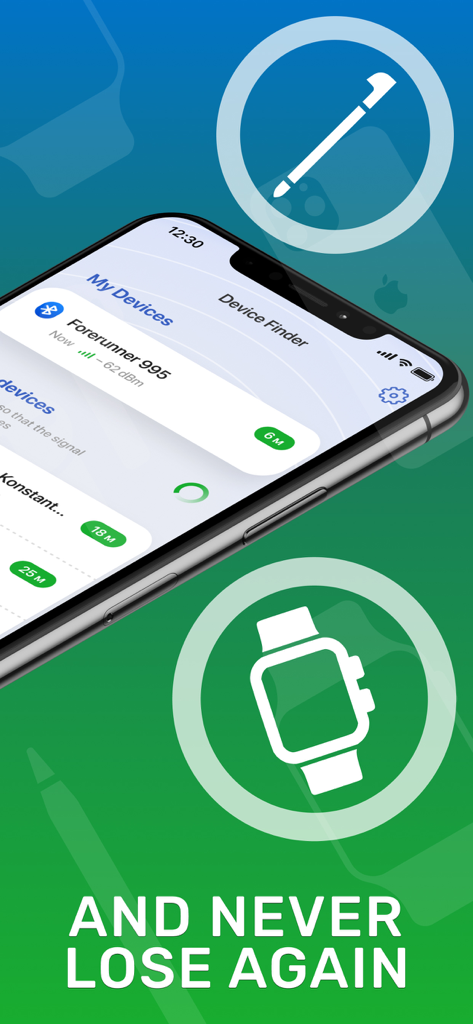
Bluetooth Lost Device Finder App-Oberfläche auf einem iPhone, die Geräteortung und Signalstärke anzeigt

Bluetooth Lost Device Finder App-Oberfläche auf einem iPhone, die Geräteortung und Signalstärke anzeigt

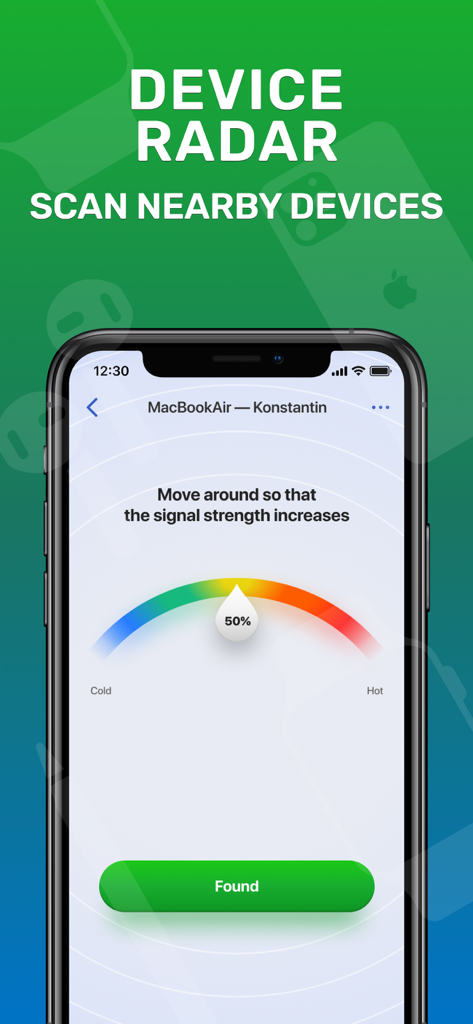
Bluetooth-Finder-App zeigt Signalstärkeradar für ein verlorenes Gerät an

Bluetooth-Finder-App zeigt Signalstärkeradar für ein verlorenes Gerät an

Hören Sie auf zu suchen, fangen Sie an zu finden

Die Tools, die diese App auszeichnen, gewählt von 9K+ Nutzern.

📡

Präzisions-Signalradar

Folgen Sie dem "Heiß oder Kalt"-Tracking-Meter, um den genauen Standort Ihres verlorenen Geräts mithilfe einer fortschrittlichen Signalanalyse zu bestimmen.

🎧

Universelle Geräteunterstützung

Im Gegensatz zur nativen Ortung findet unsere App alles, von AirPods und Bose-Kopfhörern bis hin zu Smartwatches und Fitness-Trackern von Drittanbietern.

Sofortiges Scannen mit einem Tippen

Konzipiert für den "Panikmoment" – starten Sie die App und beginnen Sie sofort mit dem Scannen, ohne komplexe Einrichtung, um Ihr Gerät schnell zu finden.

Über die App

Alles, was Sie über wissen müssen Bluetooth Lost Device Finder.

Beschreibung

Find Bluetooth Lost Devices is the essential app for anyone who frequently misplaces their Bluetooth devices. With its powerful tracking and locating capabilities, you can easily find your lost headphones, smartwatch, or any other Bluetooth device in seconds. Simply launch the app, scan for nearby devices, and let our advanced technology pinpoint their exact location. Say goodbye to the frustration of searching for misplaced devices and stay connected effortlessly. Download Find Bluetooth Lost Devices now and never lose your valuable Bluetooth devices again. Subscription info: - You can subscribe for full access to Pro account with unlimited function and no ads. - Subscription automatically renews for the same price and duration period as the original package unless auto-renew is turned off at least 24-hours before the end of the current period - Payment will be charged to iTunes Account at confirmation of purchase - Subscriptions may be managed by the user and auto-renewal may be turned off by going to the user's Account Settings after purchase For app support please contact us at: support@konvapps.com Terms of use: https://konvapps.com/bluetooth/terms.html Privacy policy: https://konvapps.com/bluetooth/privacy.html

Neueste Version

1.3.1

Größe

59.8 MB

Erstveröffentlichung

16. Mai 2023

Hören Sie auf zu suchen und retten Sie Ihre Technik

Schließen Sie sich Tausenden von Benutzern an, die ihre verlorenen Kopfhörer und Smartwatches in Sekundenschnelle wiedergefunden haben. Laden Sie jetzt herunter, um Ihr Gerät zu lokalisieren, bevor der Akku leer ist.

Herunterladen auf App Store

App information, icons, screenshots, and descriptions displayed on this page are sourced from the Apple App Store and are the property of their respective developers. Download estimates and rankings are based on MWM's proprietary models and may not reflect actual figures. This page is provided for informational and analytical purposes only.

Believe this page infringes your intellectual property? File a dispute