Bode Plot Calculator

Bode Plot Calculator

Herunterladen auf App Store
Logo von Bode Plot Calculator

Bode Plot Rechner: Das ultimative visuelle Werkzeug für die Regelungstechnik

Schließen Sie die Lücke zwischen Theorie und Intuition. Analysieren Sie Frequenzgänge mit Echtzeit-Schiebereglern, nativer Unterstützung für komplexe Zahlen und professioneller 2D-Mathematiknotation für den modernen Ingenieur.

Herunterladen auf App Store

Herausgeber

Edoardo Orzes

Kategorie

Education

Downloads

300

Bewertung

1.0/5

Bewertungen gesamt

0

Sprachen

8

Das Labor in Ihrer Tasche

Entdecken Sie die Oberfläche, die von 300 Nutzern verwendet wird.
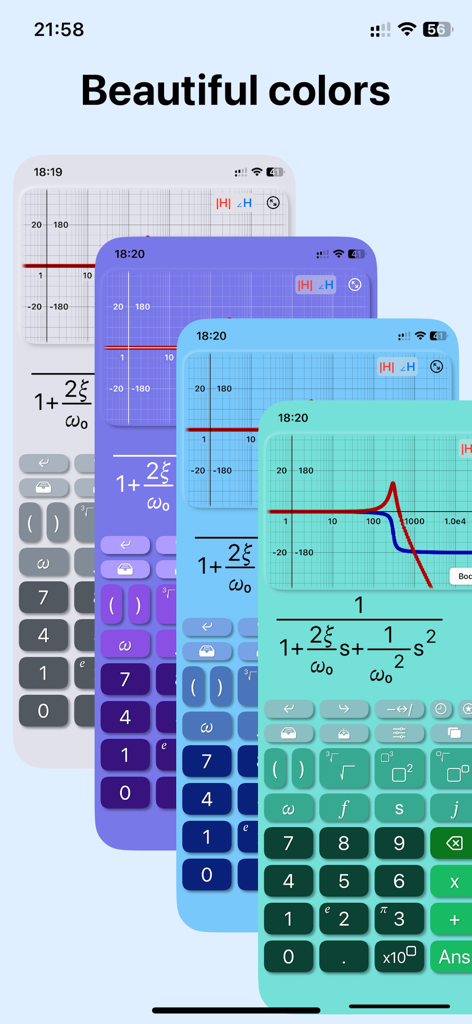
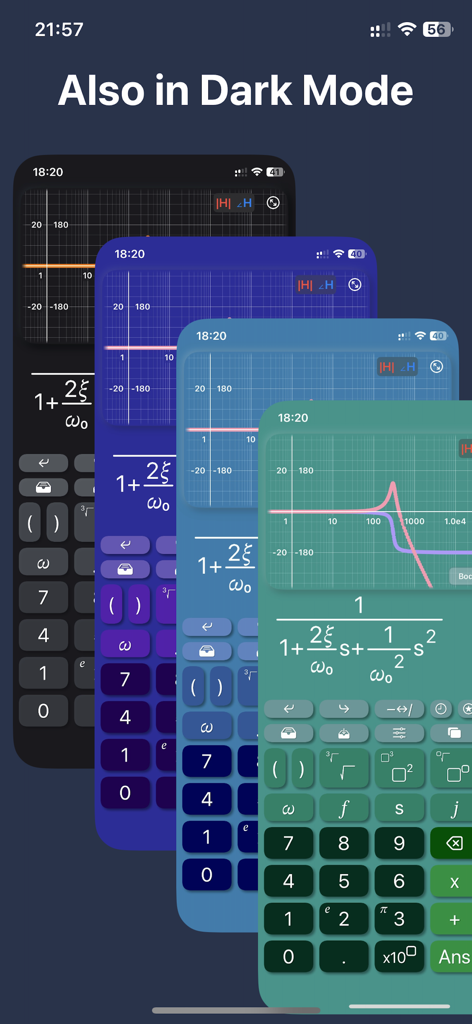
Oberfläche des Bode Plot Rechners, die mehrere Farbschemata und Übertragungsfunktionsplots zeigt

Oberfläche des Bode Plot Rechners, die mehrere Farbschemata und Übertragungsfunktionsplots zeigt

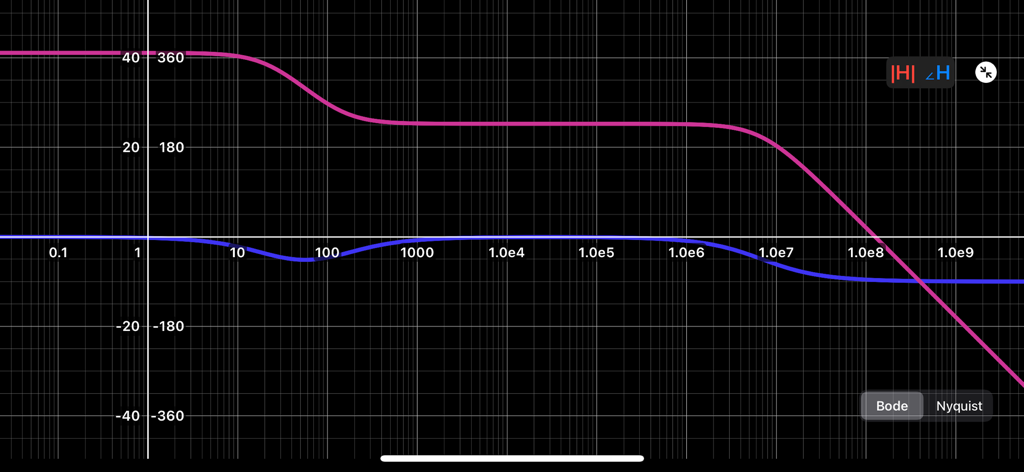
Bode Plot Rechner App mit mehreren Farbschemata, einschließlich Dark Mode

Bode Plot Rechner App mit mehreren Farbschemata, einschließlich Dark Mode

Bode Plot Rechner App, die eine Übertragungsfunktion und ein Frequenzgangdiagramm zeigt

Bode Plot Rechner App, die eine Übertragungsfunktion und ein Frequenzgangdiagramm zeigt

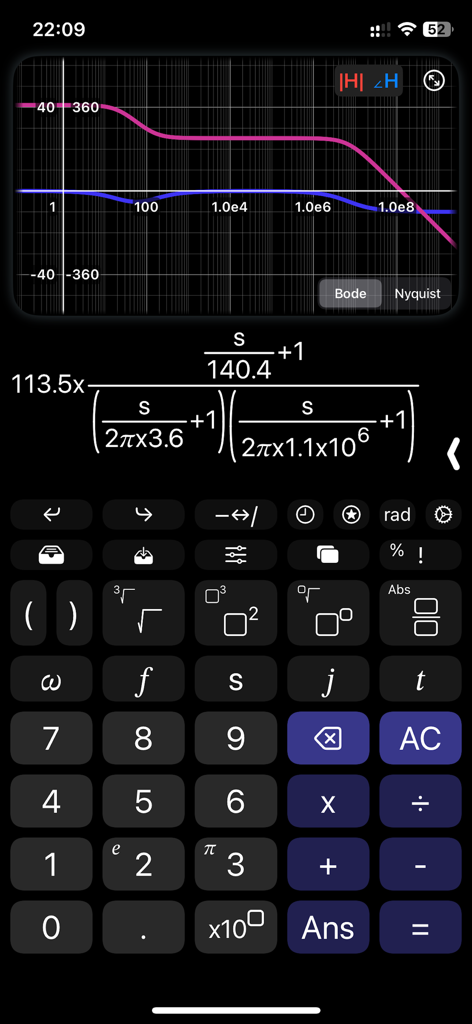
Bode Plot Rechner App, die ein Nyquist-Diagramm und eine Übertragungsfunktion mit einem Bode-Diagramm anzeigt

Bode Plot Rechner App, die ein Nyquist-Diagramm und eine Übertragungsfunktion mit einem Bode-Diagramm anzeigt

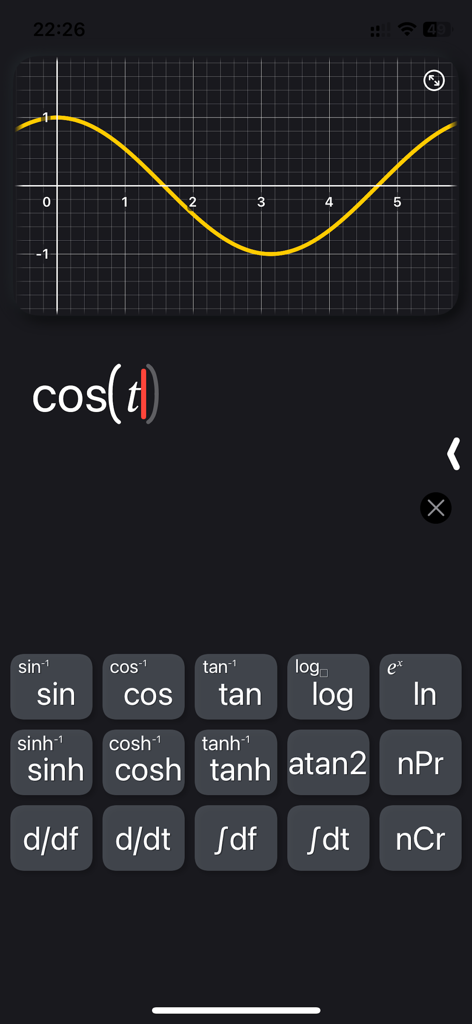
Oberfläche der Bode Plot Rechner App, die einen Kosinusfunktionsgraphen und eine mathematische Tastatur zeigt

Oberfläche der Bode Plot Rechner App, die einen Kosinusfunktionsgraphen und eine mathematische Tastatur zeigt

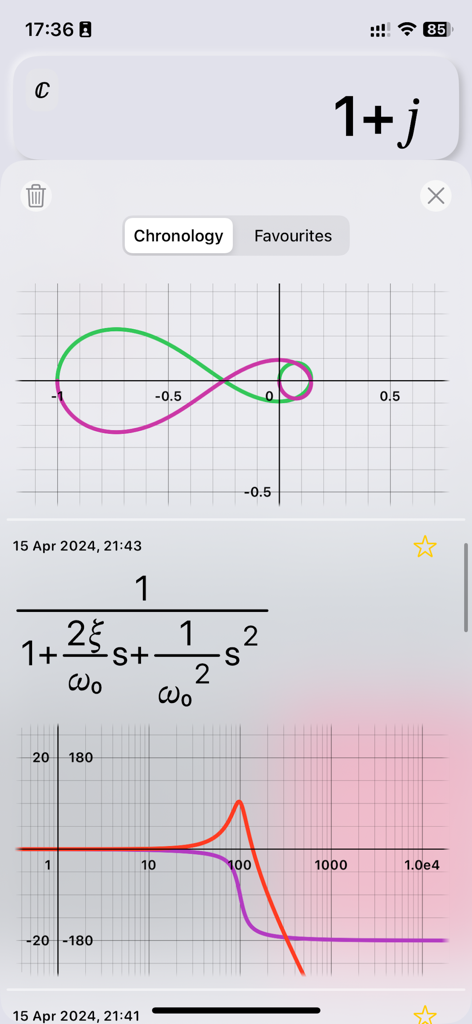
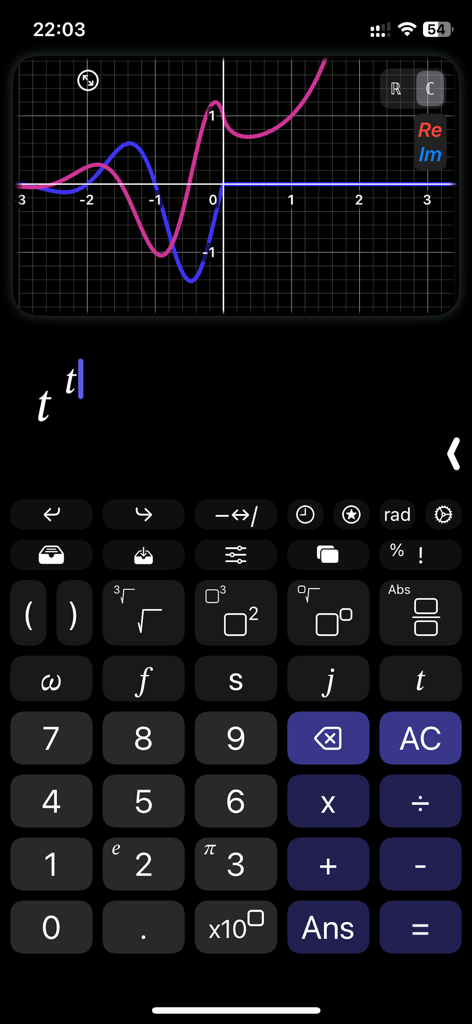
Oberfläche der Bode Plot Rechner App, die einen Graphen im komplexen Bereich mit reellen und imaginären Kurven und einer speziellen Ingenieur-Tastatur zeigt

Oberfläche der Bode Plot Rechner App, die einen Graphen im komplexen Bereich mit reellen und imaginären Kurven und einer speziellen Ingenieur-Tastatur zeigt

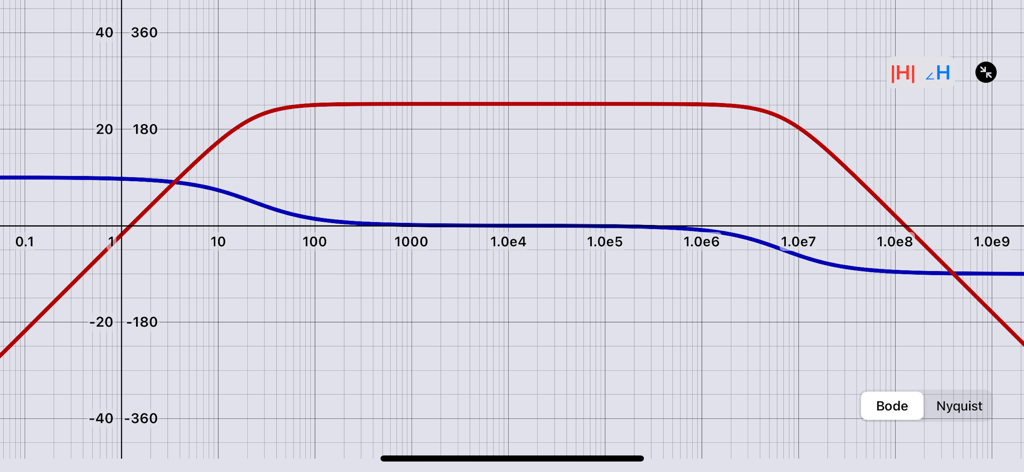
Ein Bode-Diagramm, das Betrags- und Phasenkurven auf einer logarithmischen Frequenzskala zeigt

Ein Bode-Diagramm, das Betrags- und Phasenkurven auf einer logarithmischen Frequenzskala zeigt

Bode-Diagramm mit Betrags- und Phasenkurven auf einer logarithmischen Frequenzskala

Bode-Diagramm mit Betrags- und Phasenkurven auf einer logarithmischen Frequenzskala

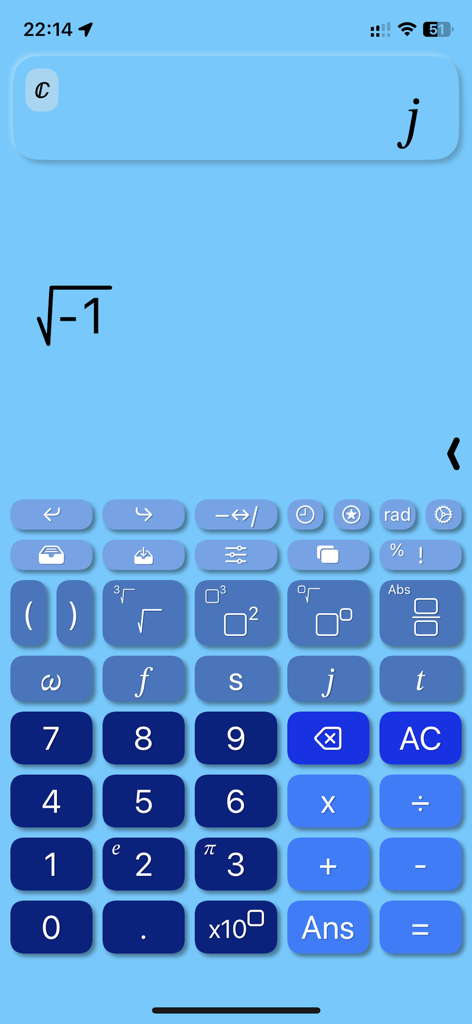
Oberfläche der Bode Plot Rechner App, die eine automatische Berechnung komplexer Zahlen für die Quadratwurzel aus minus eins zeigt

Oberfläche der Bode Plot Rechner App, die eine automatische Berechnung komplexer Zahlen für die Quadratwurzel aus minus eins zeigt

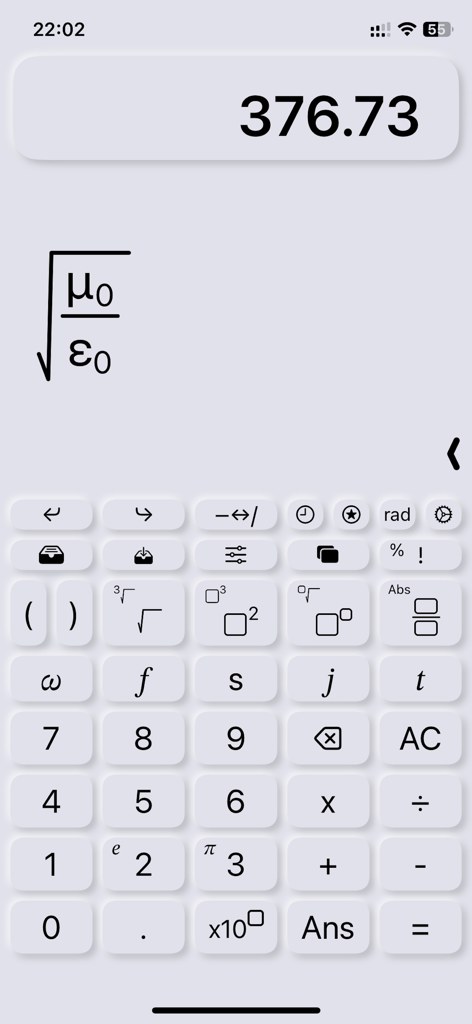
Bode Plot Rechner Oberfläche, die eine 2D-Ingenieurformel für die Impedanz des freien Raums und physikalische Konstanten zeigt

Bode Plot Rechner Oberfläche, die eine 2D-Ingenieurformel für die Impedanz des freien Raums und physikalische Konstanten zeigt

Meistern Sie die Frequenzgang-Analyse

Die Tools, die diese App auszeichnen, gewählt von 300 Nutzern.

🎚️

Echtzeit-Parameter-Schieberegler

Bauen Sie technische Intuition auf, indem Sie Schieberegler bewegen, um sofort zu sehen, wie sich Änderungen eines Widerstands oder Dämpfungsverhältnisses in Echtzeit auf die Systemantwort auswirken.

🔢

2D-Lehrbuch-Mathematik-Interface

Eliminieren Sie Syntaxfehler mit einem strukturierten Editor, der verschachtelte Brüche und komplexe Zahlen genau so unterstützt, wie sie in Ihren Ingenieur-Lehrbüchern vorkommen.

📈

Sofortige Bode- und Nyquist-Diagramme

Erstellen Sie professionelle Frequenzdiagramme, indem Sie einfach Variablen hinzufügen; exportieren Sie sie als hochwertige PDFs, die Sie direkt in Ihre Laborberichte einfügen können.

Über die App

Alles, was Sie über wissen müssen Bode Plot Calculator.

Beschreibung

This is not a standard scientific calculator, it is optimized to evaluate Bode plots and Nyquist diagrams. This calculator is also fully compatible with the complex domain and standard graphs in time domain (linear). Writing a calculation produces the numeric result, as any calculator, while adding the variable t produces a plot in time domain. Inserting f, omega or s instead, produces the Bode Plot, then it is possible to switch to the Nyquist diagram. Functionalities: - Nice looking interface, intuitive, immediate and able to not only replace, but to enrich hardware calculators. - Elegant and modern themes and colors to choose from, all included in the first purchase. - A little magic feature: in scientific notation, swipe over the result to move the decimal dot and see the ten power change :) - All scientific function (sin, cos, tan, ..., log, ln, exp, ..., atan2). - Calculation structured in 2D, with fractions, powers, roots, brackets and so on, with very easy to nest operations, no limits! - Tap on the calculation to place the cursor and write. - Undo/Redo buttons - A catalog with 40 physics fundamentals constants, with name and unit of measure, ready to be inserted. - Possibility to store values. - Chronology. - Sliders: yes, you can insert many parameters and change them swiping on a slider to see the effect in real time. - Spaces: access to up to 4 spaces on which you can edit and keep calculations, useful also to superpose different plots. - Joystick mode: swipe over the buttons to move the cursor (still in beta). - Bode Plots: inserting a variable, s, omega or f, produces the Bode Plot, toggling on the button it switches to the Nyquist diagram. - Linear Plots: inserting the t variable, produces a plot in a linear domain. - Complex numbers: the app automatically uses complex numbers when needed, no need to set the complex mode. - Plots also support for complex values. - Integrals and derivatives (in the future also limits). - Export plot and calculation as image/PDF, copy result as text

Neueste Version

1.2

Größe

4.7 MB

Erstveröffentlichung

19. Apr. 2024

Erweitern Sie noch heute Ihre Ingenieurwerkzeuge

Vergessen Sie Syntaxfehler von Altgeräten und das Gewicht von Desktop-Software. Treten Sie der nächsten Generation von Ingenieuren bei, die komplexe Systeme mit Echtzeit-Schiebereglern und lehrbuchreifen 2D-Mathematiken direkt auf Ihrem iPad visualisieren.

Herunterladen auf App Store

App information, icons, screenshots, and descriptions displayed on this page are sourced from the Apple App Store and are the property of their respective developers. Download estimates and rankings are based on MWM's proprietary models and may not reflect actual figures. This page is provided for informational and analytical purposes only.

Believe this page infringes your intellectual property? File a dispute