BT Basketball Scoreboard

BT Basketball Scoreboard


Herunterladen auf App StoreHerunterladen auf Google Play
Logo von BT Basketball Scoreboard
BT Basketball Anzeigetafel: Verwandeln Sie jeden Bildschirm in eine professionelle Arena-Anzeige

Die All-in-One-Scoring-Lösung für Trainer und Ligadirektoren. Erleben Sie Elite-Steuerelemente, anpassbare Regeln und nahtloses Remote-Management – ohne teure Hardware.

Herausgeber

The Basketball Temple LLC

Kategorie

Sports

Downloads

34K+

Bewertung

4.3/5

Bewertungen gesamt

0

Sprachen

1

Perfektion am Spielfeldrand

Entdecken Sie die Oberfläche, die von 34K+ Nutzern verwendet wird.
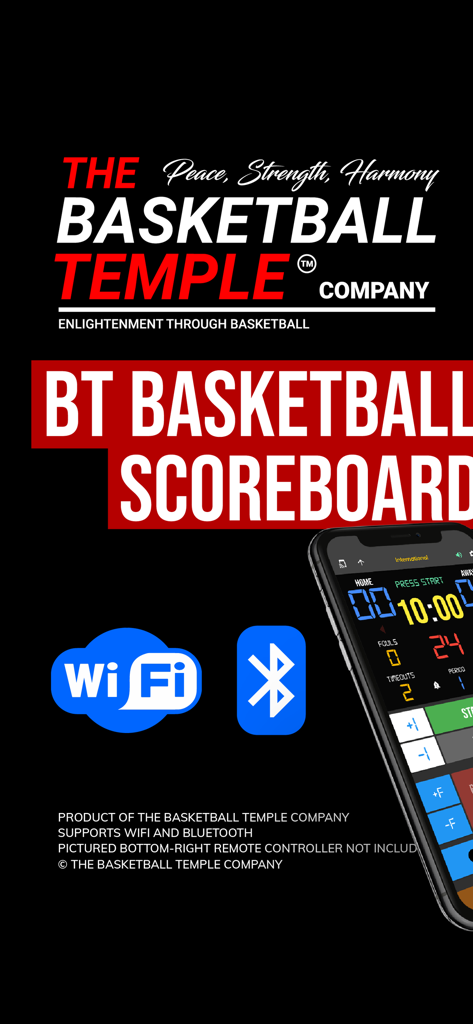
BT Basketball Anzeigetafel App zeigt WiFi- und Bluetooth-Konnektivitätssymbole und eine Smartphone-Oberfläche.

BT Basketball Anzeigetafel App zeigt WiFi- und Bluetooth-Konnektivitätssymbole und eine Smartphone-Oberfläche.

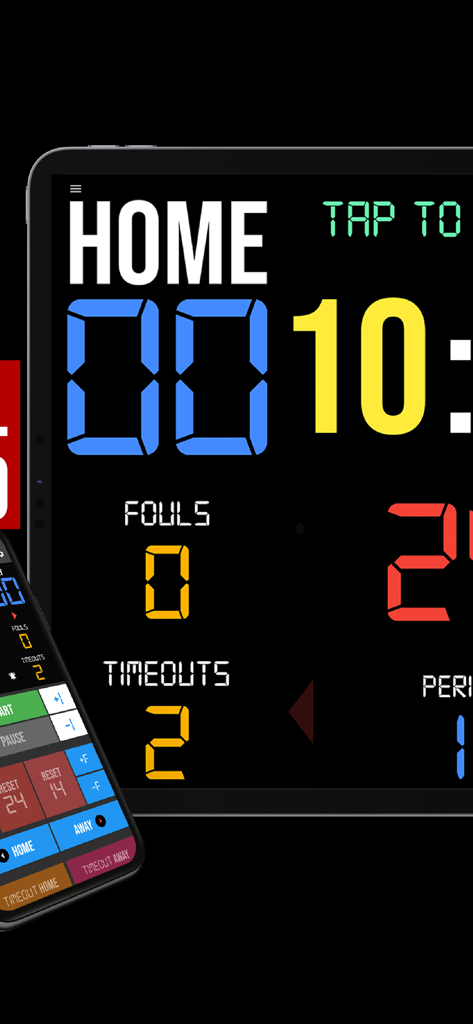
Eine digitale Basketball-Anzeigetafel-App auf einem Tablet mit einer Smartphone-Fernbedienungsoberfläche

Eine digitale Basketball-Anzeigetafel-App auf einem Tablet mit einer Smartphone-Fernbedienungsoberfläche

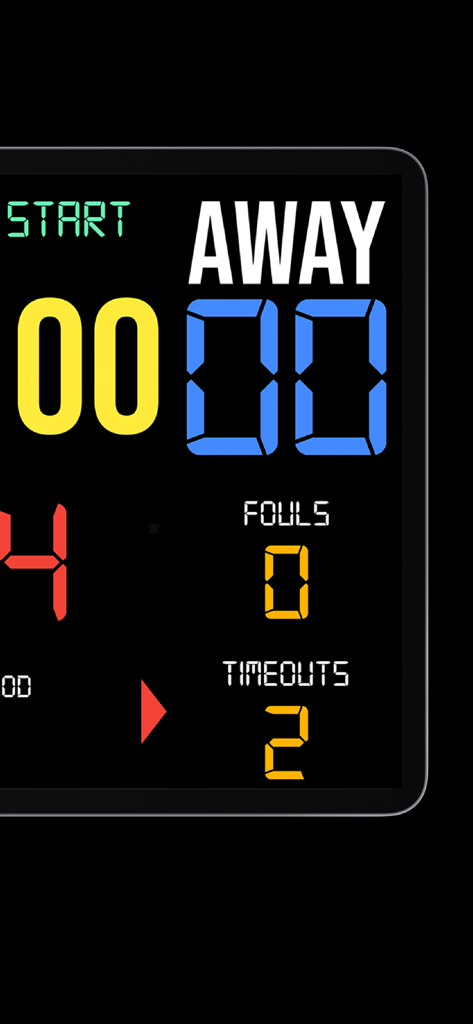
Digitale Basketball-Anzeigetafel-Oberfläche, die die Punktzahl und Fouls des Auswärtsteams anzeigt

Digitale Basketball-Anzeigetafel-Oberfläche, die die Punktzahl und Fouls des Auswärtsteams anzeigt

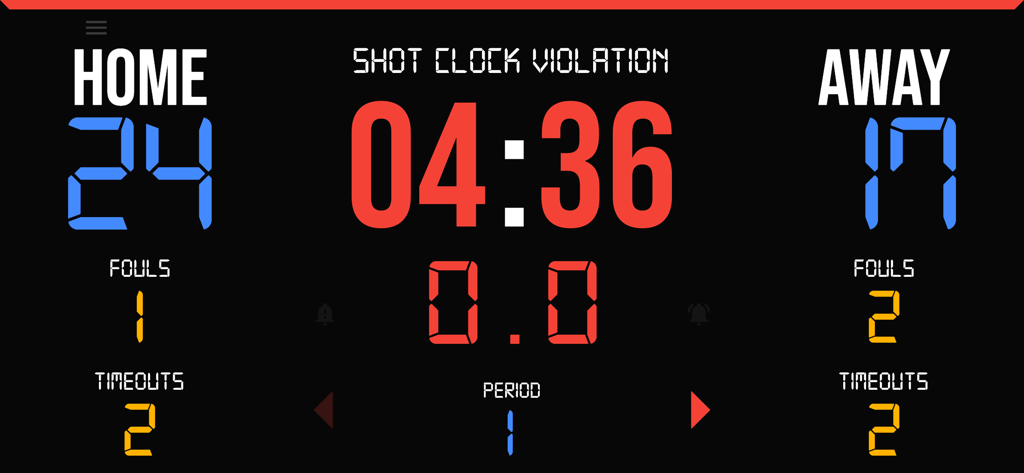
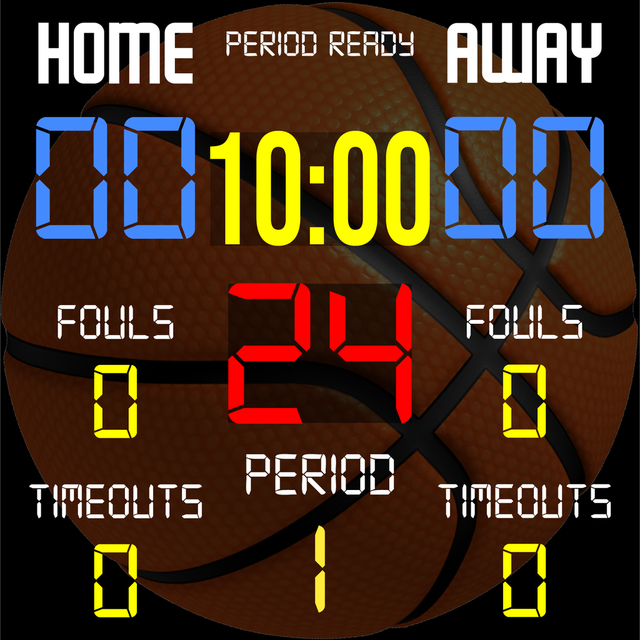
Digitale Basketball-Anzeigetafel zeigt Punkte, Fouls, Timeouts und Shotclock-Verletzung

Digitale Basketball-Anzeigetafel zeigt Punkte, Fouls, Timeouts und Shotclock-Verletzung

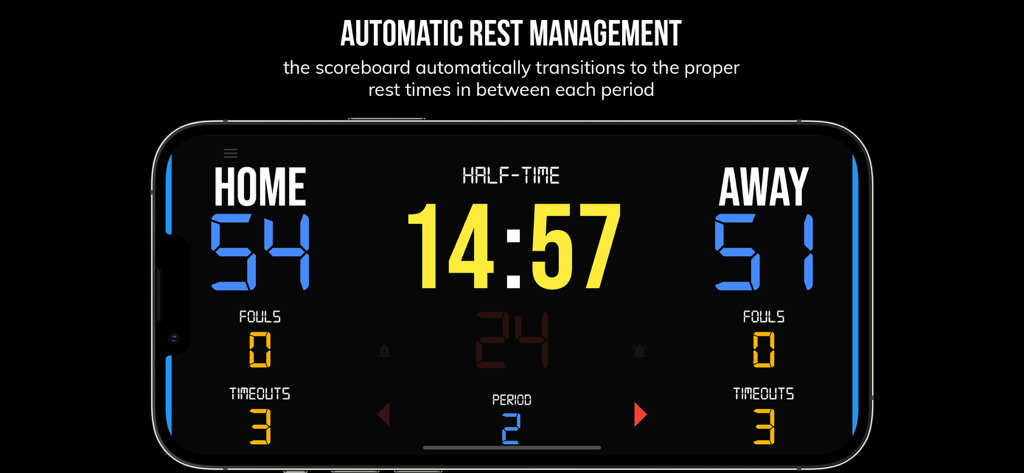
BT Basketball Anzeigetafel App-Oberfläche zeigt einen Halbzeit-Timer zwischen Spielperioden

BT Basketball Anzeigetafel App-Oberfläche zeigt einen Halbzeit-Timer zwischen Spielperioden

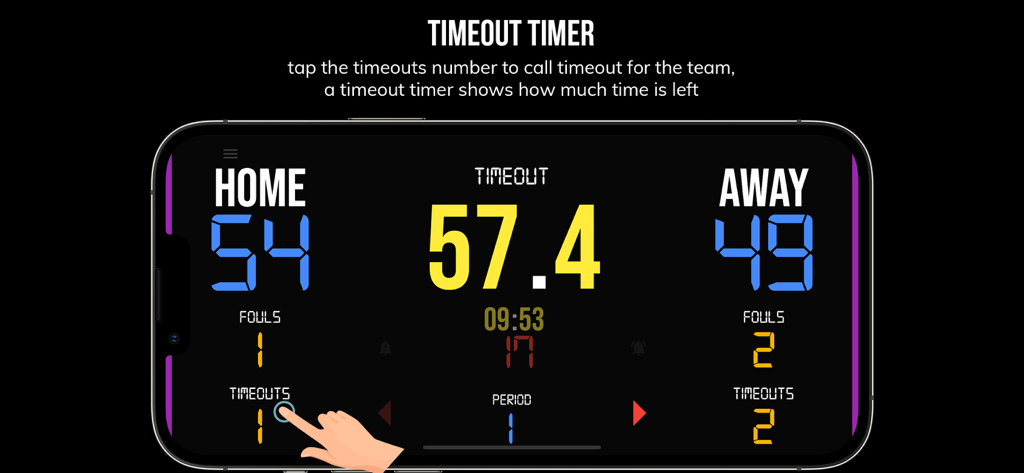
Ein Smartphone zeigt die Timeout-Timer-Oberfläche auf der BT Basketball Anzeigetafel App

Ein Smartphone zeigt die Timeout-Timer-Oberfläche auf der BT Basketball Anzeigetafel App

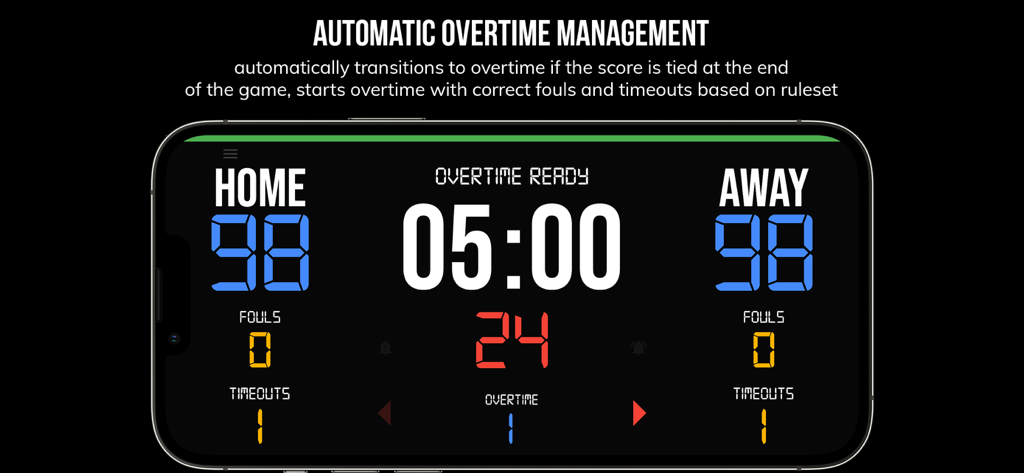
Oberfläche der BT Basketball Anzeigetafel App zeigt automatisches Overtime-Management mit unentschiedenem Spielstand

Oberfläche der BT Basketball Anzeigetafel App zeigt automatisches Overtime-Management mit unentschiedenem Spielstand

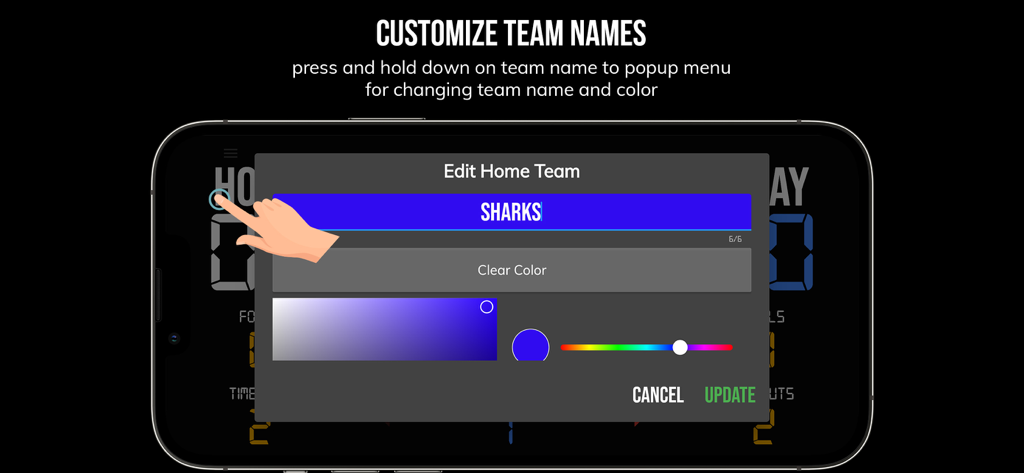
Der Bildschirm zur Anpassung von Teamnamen und -farben in der BT Basketball Anzeigetafel App

Der Bildschirm zur Anpassung von Teamnamen und -farben in der BT Basketball Anzeigetafel App

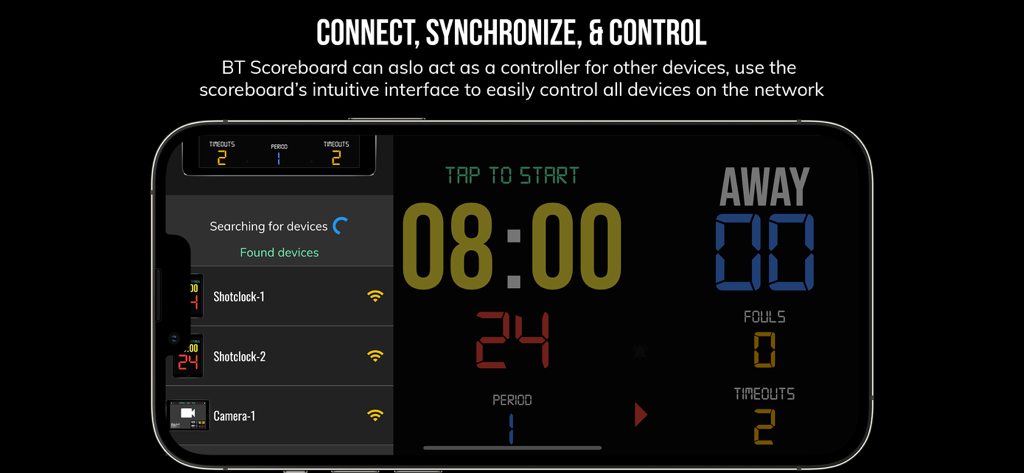
BT Basketball Anzeigetafel App-Oberfläche zeigt Multi-Geräte-Synchronisation und Fernsteuerungsfunktionen auf einem Smartphone

BT Basketball Anzeigetafel App-Oberfläche zeigt Multi-Geräte-Synchronisation und Fernsteuerungsfunktionen auf einem Smartphone

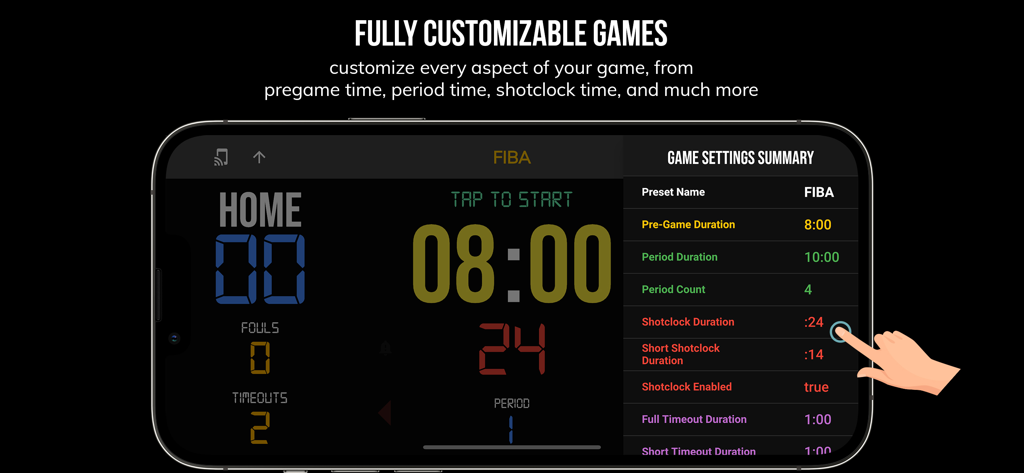
BT Basketball Anzeigetafel App-Oberfläche zeigt anpassbare Spieleinstellungen für FIBA-Regeln auf einem Smartphone.

BT Basketball Anzeigetafel App-Oberfläche zeigt anpassbare Spieleinstellungen für FIBA-Regeln auf einem Smartphone.

Werten Sie jedes Spiel auf

Die Tools, die diese App auszeichnen, gewählt von 34K+ Nutzern.

📲

Nahtloses Remote-Management

Synchronisieren Sie Ihr Smartphone mit Ihrem Tablet oder Fernseher, um die Uhrzeit und den Spielstand über Bluetooth oder WLAN von überall am Spielfeldrand zu verwalten.

⏱️

Vorkonfiguriert für jedes Niveau

Wenden Sie sofort Voreinstellungen für High School-, NCAA- oder FIBA-Regeln an, sowie benutzerdefinierte Modi für intensive Team-Trainingsübungen.

💎

Werbefreie Professionalität

Eine saubere, ablenkungsfreie Oberfläche, die sich perfekt für Projektoren oder Großbildschirme skaliert, für ein echtes Arena-Erlebnis ohne Hardwarekosten.

Über die App

Alles, was Sie über wissen müssen BT Basketball Scoreboard.

Beschreibung

One of the cleanest scoreboard apps on the market with many convenient features. The BT Scoreboard app, developed by and for a basketball company that runs it's own basketball leagues, is the next best option to investing in an expensive professional grade scoreboard. Scoreboard equipment which can cost you thousands is now available and affordable to everyone in the basketball community. Use the scoreboard by itself or download the free BT Controller app to remotely control the scoreboard and optionally multiple devices such as shotclocks (available on the app store as the "BT Shotclock" app). To connect to the scoreboard open the connect menu on the BT Controller app, the scoreboard is automatically detected, hit the WiFi or Bluetooth button next to the scoreboard name on the BT Controller app to connect. BT Scoreboard Features: - Clean design, no ads - Intuitive direct tap and swipe controls - Remotely control scoreboard with WiFi or Bluetooth using free BT Controller App - Convenient Presets (International, US, College, High School, ...) - Convenient timers: pregame timer, period timer, rest timer, timeout timer, overtime, etc. - Fully customizable game in the settings - Practice modes configured in settings is great for running practices - Audio buzzers for shotclock violation, end of period, substitutions, etc. - Warning beep near end of pregame, timeout, or rest times (customizable) - BT Scoreboard App can also act as a controller similar to BT Controller App - Quick Start Documentation below For the best experience, use the application on a large tablet, or hook your phone/tablet up to a large display or video projector. You'll feel like you have just bought a professional scoreboard! The BT Scoreboard app was created by The Basketball Temple Company. The Basketball Temple Company focuses on high quality basketball academies, basketball leagues, and technologies that are used to support those academies and leagues. We open our technology to the public so everyone in the basketball community can experience the same technologies that we use within our institutions. # Quick Start Documentation: Exiting Game and Reseting Times: - Click top right settings icon (if top bar is hidden, click top left hamburger icon to open top app bar) - Scroll down and hit "Exit Game" button Score Controls: - Tap score to increase quickly - Swipe up/down score to increase/decrease - Hold down on team names to adjust name and color of teams Time Controls: - Tap period timer to start/pause - Tap pregame, timeout, rest timers to early transition to next stage Shotclock Controls: - Tap shotclock to reset/go - Swipe shotclock up/down to reset/go to short shotclock Timeout Controls: - Tap timeout number to call timeout - Swipe up/down timeouts to adjust numbers - Red indicates violation when calling timeout with no timeouts left Fouls Controls - Swipe up/down fouls to adjust numbers - Red indicates bonus situation (customizable in settings) - Purple indicates double bonus situation (customizable in settings) Connect and Remote Control Settings (IMPORTANT: only needed when using the scoreboard as a controller, not needed if the scoreboard is being controlled by another device): - Tap on top-left icon (or swipe left-to-right on the left edge) to open connect menu - Hit "Refresh" to find devices - Tap on WiFi or Bluetooth icon to connect, green icon indicates connected - If unable to connect or having connection errors try one of the following: 1) please ensure all devices are on the same WiFi network 2) please ensure bluetooth is turned ON on all devices 3) lastly, try to restart the app on all devices Time and Game Settings: - Tap on top-right icon (or swipe right-to-left on the right edge) to open settings menu - Edit and save the many settings available Audio Buzzer: - There are two faint colored bell icons next to the period number - Tap to play buzzer or energy horn

Neueste Version

1124

Größe

116.7 MB

Erstveröffentlichung

8. Aug. 2020

Heben Sie Ihre Liga auf Profi-Niveau

Vergessen Sie teure Hardware. Schließen Sie sich über 34.000 'Hoop Architects' an, die unsere werbefreie, anpassbare Anzeigetafel nutzen, um noch heute professionelle Spiele und Trainingseinheiten durchzuführen.

Herunterladen auf App StoreHerunterladen auf Google Play

App information, icons, screenshots, and descriptions displayed on this page are sourced from the Apple App Store and are the property of their respective developers. Download estimates and rankings are based on MWM's proprietary models and may not reflect actual figures. This page is provided for informational and analytical purposes only.

Believe this page infringes your intellectual property? File a dispute