CalcMe Calculator

CalcMe Calculator

Herunterladen auf App Store
Logo von CalcMe Calculator

CalcMe Rechner: Die elegante Evolution des wissenschaftlichen Kraftpakets

Vergessen Sie veraltete Hardware. Beherrschen Sie komplexe Gleichungen mit intuitiver 2D-Notation, Echtzeit-Plotting und interaktiven Schiebereglern – alles in einer anspruchsvollen, professionellen Benutzeroberfläche, die für moderne MINT-Workflows entwickelt wurde.

Herunterladen auf App Store

Herausgeber

Edoardo Orzes

Kategorie

Utilities

Downloads

1K+

Bewertung

1.0/5

Bewertungen gesamt

0

Sprachen

8

Präzision in jedem Pixel

Entdecken Sie die Oberfläche, die von 1K+ Nutzern verwendet wird.
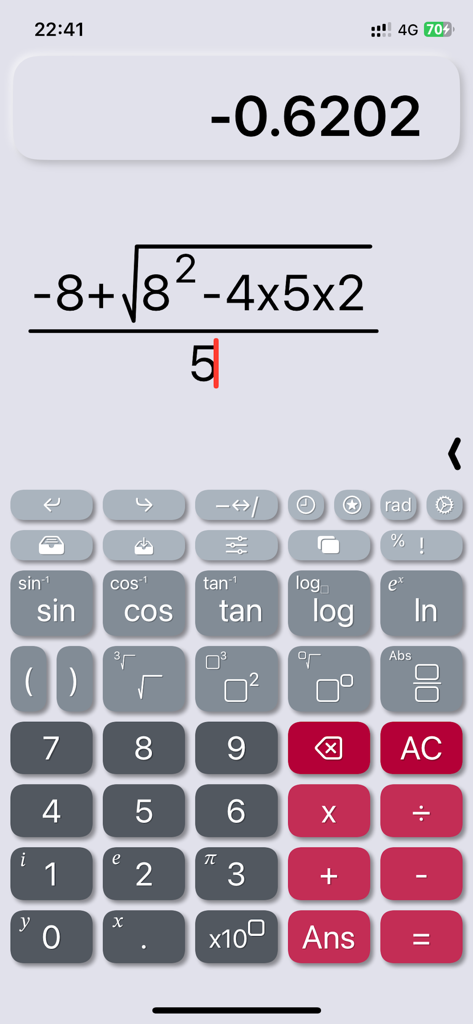
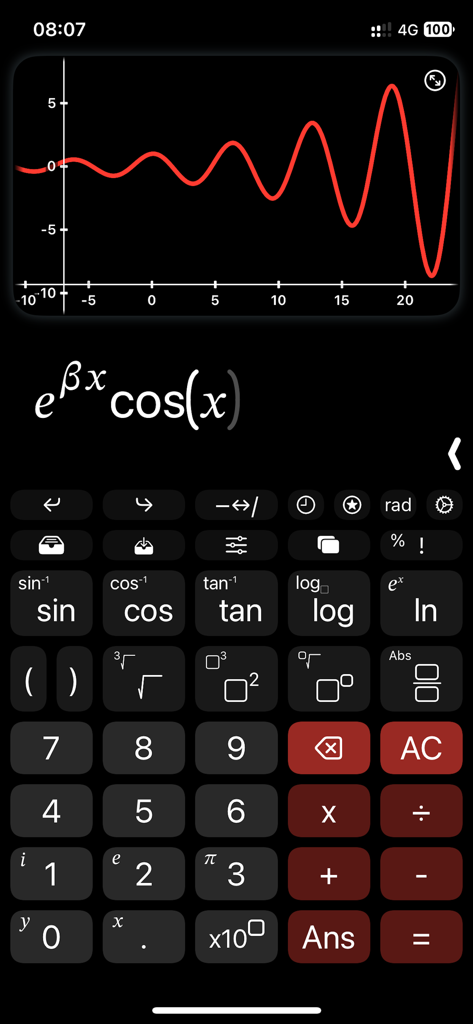
Die Benutzeroberfläche der CalcMe App zeigt eine komplexe algebraische Formel mit natürlicher Notation an

Die Benutzeroberfläche der CalcMe App zeigt eine komplexe algebraische Formel mit natürlicher Notation an

Die Benutzeroberfläche des wissenschaftlichen Taschenrechners CalcMe zeigt einen Funktionsgraphen und eine Formel in natürlicher Notation

Die Benutzeroberfläche des wissenschaftlichen Taschenrechners CalcMe zeigt einen Funktionsgraphen und eine Formel in natürlicher Notation

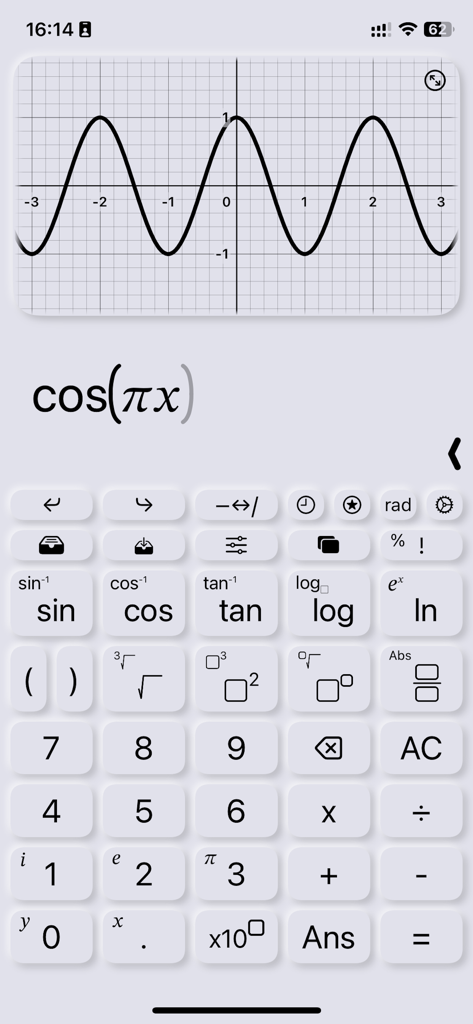
Der Graph einer Kosinusfunktion wird auf der Benutzeroberfläche des wissenschaftlichen Taschenrechners CalcMe angezeigt

Der Graph einer Kosinusfunktion wird auf der Benutzeroberfläche des wissenschaftlichen Taschenrechners CalcMe angezeigt

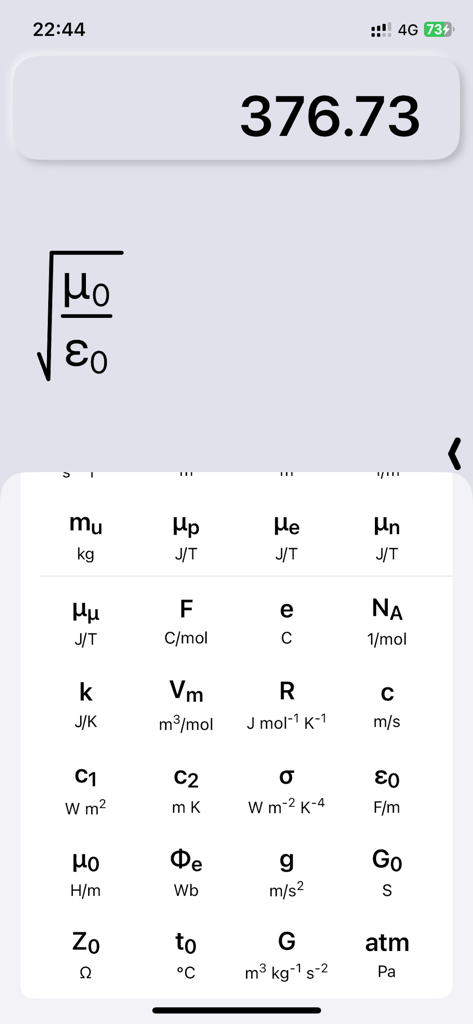
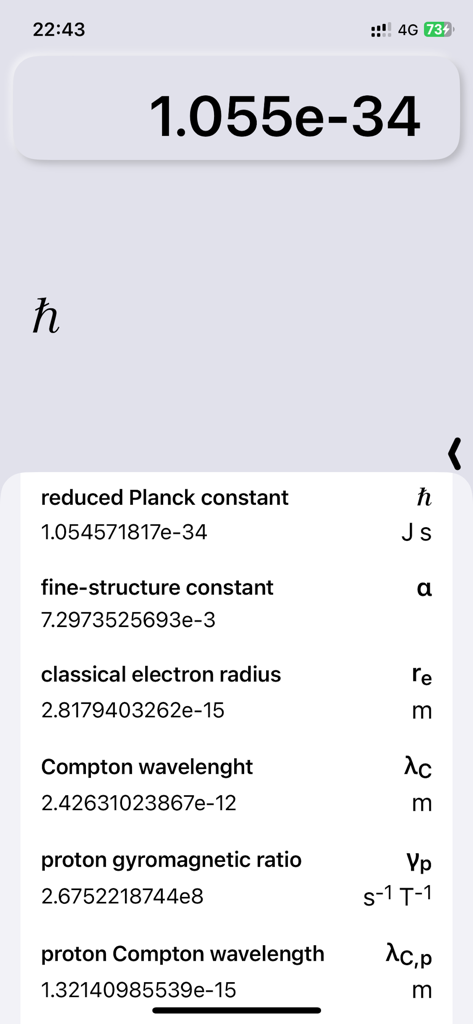
Die CalcMe App zeigt eine Bibliothek physikalischer Konstanten und eine Formel in natürlicher mathematischer Notation an

Die CalcMe App zeigt eine Bibliothek physikalischer Konstanten und eine Formel in natürlicher mathematischer Notation an

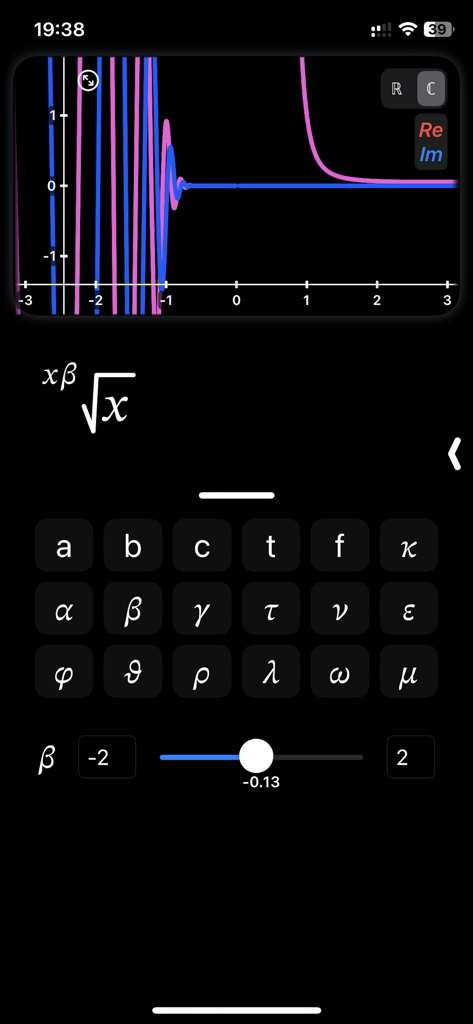
Die Benutzeroberfläche der CalcMe Rechner App zeigt einen komplexen Funktionsgraphen mit einem interaktiven Schieberegler zur Anpassung der Parameter

Die Benutzeroberfläche der CalcMe Rechner App zeigt einen komplexen Funktionsgraphen mit einem interaktiven Schieberegler zur Anpassung der Parameter

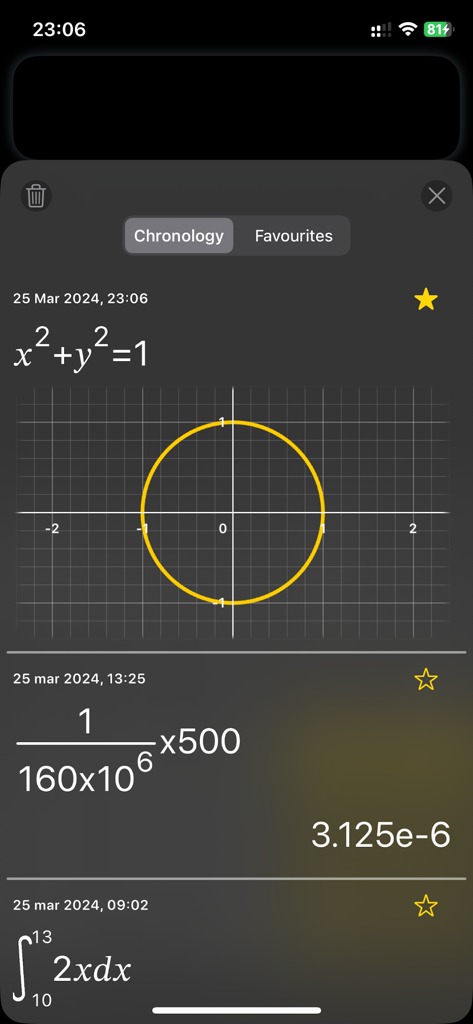
Screenshot des Chronologie-Bildschirms des CalcMe Rechners mit Kreisdiagramm, Bruchrechnungen in natürlicher Notation und einem bestimmten Integral

Screenshot des Chronologie-Bildschirms des CalcMe Rechners mit Kreisdiagramm, Bruchrechnungen in natürlicher Notation und einem bestimmten Integral

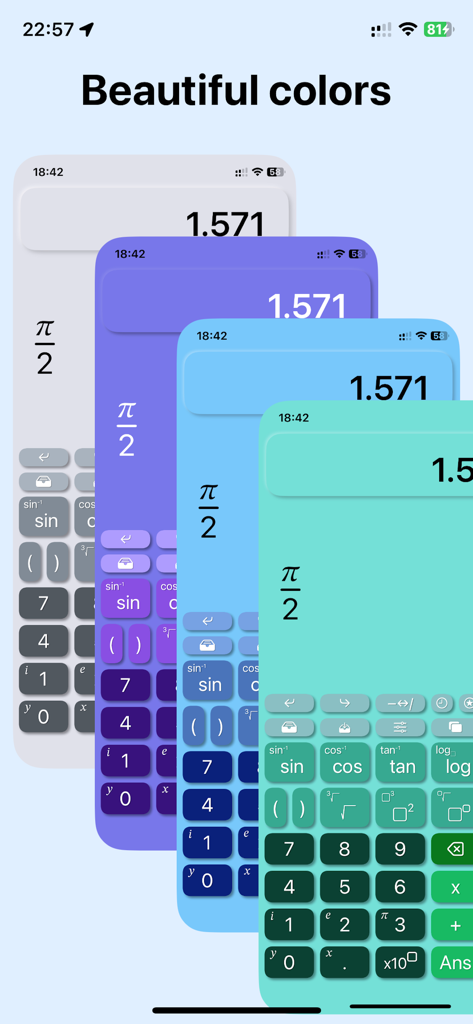
Elegante und moderne Farbthemen für den wissenschaftlichen Taschenrechner CalcMe

Elegante und moderne Farbthemen für den wissenschaftlichen Taschenrechner CalcMe

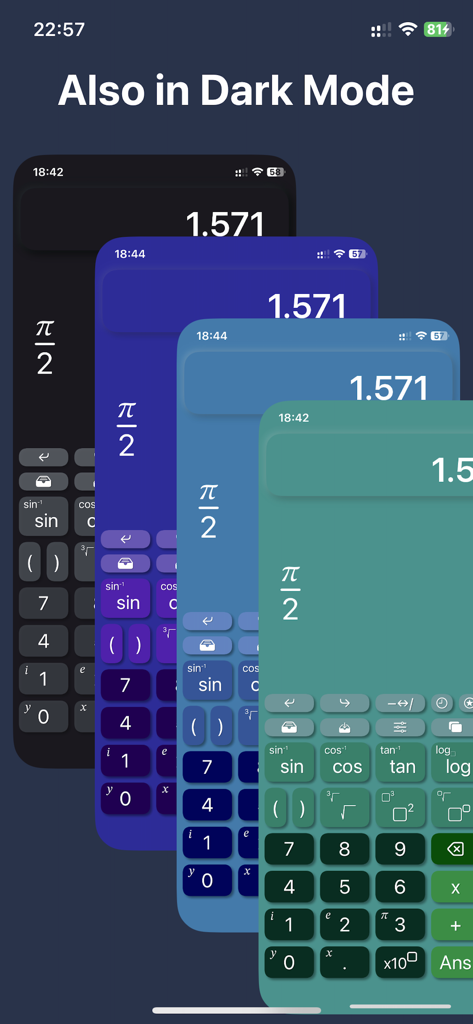
Der wissenschaftliche Taschenrechner CalcMe zeigt mehrere elegante Farbthemen und Dark-Mode-Optionen für iOS an

Der wissenschaftliche Taschenrechner CalcMe zeigt mehrere elegante Farbthemen und Dark-Mode-Optionen für iOS an

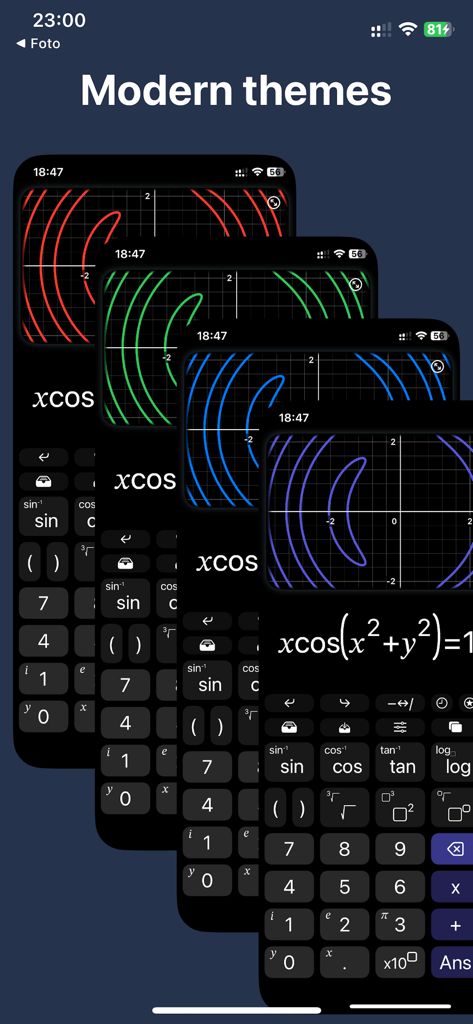
Vier überlappende Bildschirme der CalcMe Rechner App, die verschiedene moderne Farbthemen für Diagramme auf einer dunklen Benutzeroberfläche zeigen

Vier überlappende Bildschirme der CalcMe Rechner App, die verschiedene moderne Farbthemen für Diagramme auf einer dunklen Benutzeroberfläche zeigen

Eine Liste grundlegender physikalischer Konstanten mit Werten und Einheiten, angezeigt in der wissenschaftlichen Taschenrechner-App CalcMe

Eine Liste grundlegender physikalischer Konstanten mit Werten und Einheiten, angezeigt in der wissenschaftlichen Taschenrechner-App CalcMe

Professionelle Mathematik, neu interpretiert

Die Tools, die diese App auszeichnen, gewählt von 1K+ Nutzern.

📐

Natürliche 2D-Notation

Schreiben und bearbeiten Sie komplexe Brüche, Potenzen und Wurzeln genau so, wie sie in Ihren Lehrbüchern erscheinen – keine verwirrenden einzeiligen Eingaben mehr.

📈

Interaktive Schieberegler & Plots

Visualisieren Sie Konzepte sofort. Passen Sie Parameter mit Schiebereglern an und beobachten Sie, wie sich Ihre Plots in Echtzeit entwickeln, um tiefere intuitive Einblicke zu gewinnen.

⚛️

Für MINT-Anforderungen entwickelt

Greifen Sie auf 40 grundlegende physikalische Konstanten und native Unterstützung für komplexe Zahlen zu, ohne den Modus wechseln oder Menüs durchsuchen zu müssen.

Über die App

Alles, was Sie über wissen müssen CalcMe Calculator.

Beschreibung

This scientific calculator has been created to overcome the lack of a both good and nice looking calculator on App Store. I spent my high school and university periods using hardware calculators, they were very quick to use, but I always thought why should I carry around a second device while I have my phone in the pocket. So I searched for years for a good calculator app that was able to replace the hardware one, but I never found one, they were all too unhandy to use, with important buttons on a second page, annoying to reach when you need them often; with a complex interface and very difficult to tap and edit directly on the calculation. I thought it's crazy that no one have exploited the amazing system provided by Apple to not only create a really good scientific calculator, but to make it even easier to use and interact with than the hardware ones. So I decided to do it. What CalcMe offers: - Nice looking interface, intuitive, immediate and able to not only replace, but to enrich hardware calculators. - Elegant and modern themes and colors to choose from, all included in the first purchase. - A little magic feature: in scientific notation, swipe over the result to move the decimal dot and see the ten power change :) - All scientific function (sin, cos, tan, ..., log, ln, exp, ..., atan2). - Calculation structured in 2D, with fractions, powers, roots, brackets and so on, with very easy to nest operations, no limits! - Tap on the calculation to place the cursor and write. - Undo/Redo buttons - A catalog with 40 physics fundamentals constants, with name and unit of measure, ready to be inserted. - Possibility to store values. - Chronology. - Sliders: yes, you can insert many parameters and change them swiping on a slider to see the effect in real time. - Spaces: access to up to 4 spaces on which you can edit and keep calculations, useful also to superpose different plots. - Joystick mode: swipe over the buttons to move the cursor (still in beta). - Plots: inserting a variable, like x or y, the calculator automatically generates the plot. - Locus of points: if you insert both a variable and the = symbol, instead of showing the function of the variable, it is shown the locus of points. - Complex numbers: the app automatically uses complex numbers when needed, no need to set the complex mode. - Plots also support for complex values. - Integrals and derivatives (in the future also limits). - Export plot and calculation as image/PDF, copy result as text Enjoy! I wish this app existed while I was a student.

Neueste Version

3.1

Größe

8.2 MB

Erstveröffentlichung

3. Jan. 2023

Bereit, Ihren Hardware-Taschenrechner zu ersetzen?

Schließen Sie sich Tausenden von MINT-Profis und Studenten an, die klobige Altgeräte gegen das eleganteste, leistungsstärkste und intuitivste wissenschaftliche Werkzeug für iOS eingetauscht haben. Laden Sie CalcMe noch heute herunter und erleben Sie Mathematik in High Definition.

Herunterladen auf App Store

App information, icons, screenshots, and descriptions displayed on this page are sourced from the Apple App Store and are the property of their respective developers. Download estimates and rankings are based on MWM's proprietary models and may not reflect actual figures. This page is provided for informational and analytical purposes only.

Believe this page infringes your intellectual property? File a dispute