Docs² | for Microsoft Office

Docs² | for Microsoft Office

Herunterladen auf App Store
Logo von Docs² | for Microsoft Office

Docs² | für Microsoft Office: Das All-in-One-Bundle für intelligenteres Arbeiten überall

Meistern Sie Word, Excel und PowerPoint mit professionellen Vorlagen, Schritt-für-Schritt-Videoanleitungen und einem nahtlosen mobilen Erlebnis, das für Ihren geschäftigen Lebensstil entwickelt wurde.

Herausgeber

Docs Squared, LLC

Kategorie

Business

Downloads

375K+

Bewertung

3.8/5

Bewertungen gesamt

2K+

Sprachen

1

Ein Blick in Ihr neues Büro

Entdecken Sie die Oberfläche, die von 375K+ Nutzern verwendet wird.
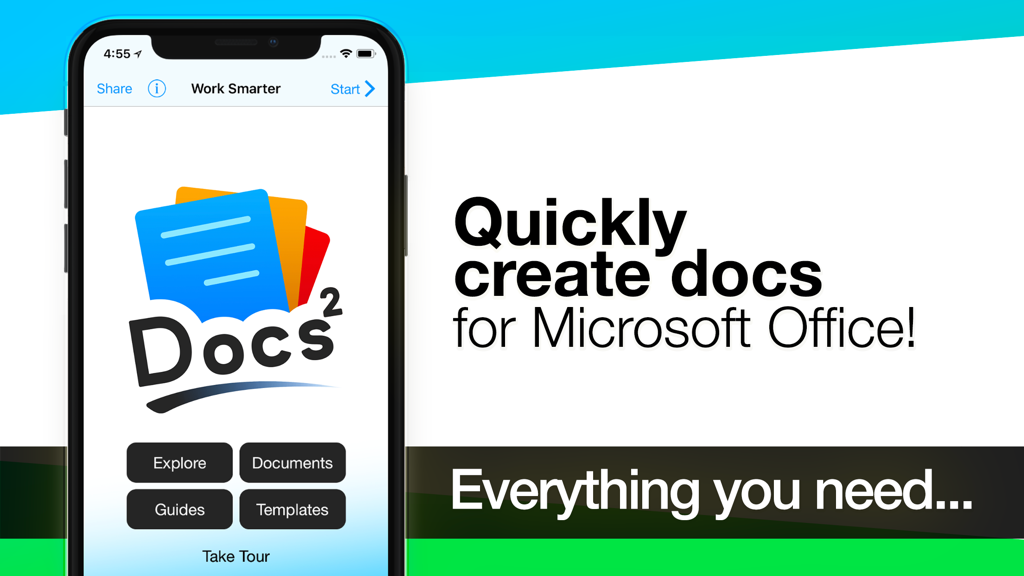
Docs Squared App-Startbildschirm auf dem iPhone mit Optionen für Microsoft Office-Dokumente, Anleitungen und Vorlagen

Docs Squared App-Startbildschirm auf dem iPhone mit Optionen für Microsoft Office-Dokumente, Anleitungen und Vorlagen

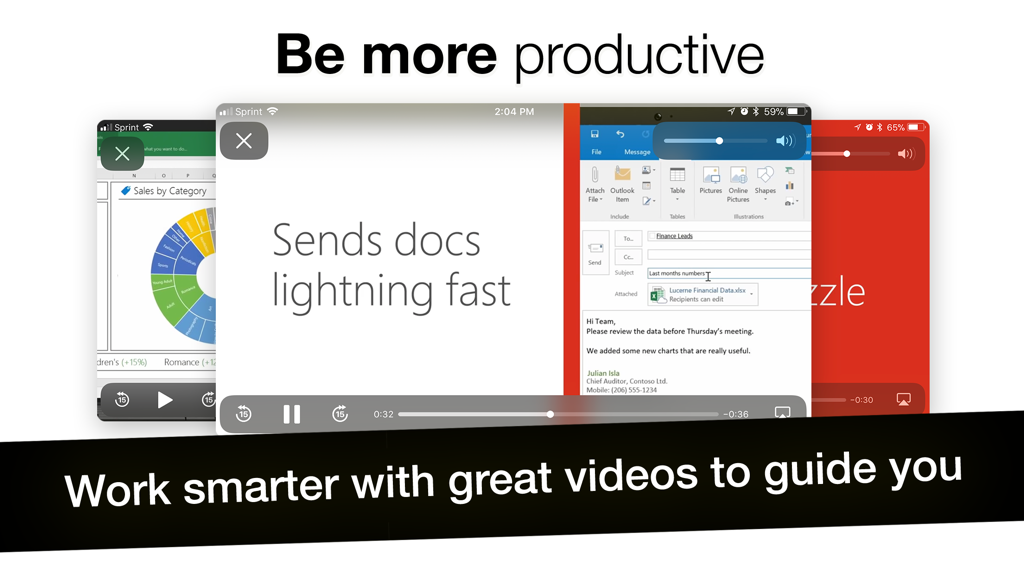
Eine mobile Benutzeroberfläche, die Video-Tutorials und Anleitungen für Microsoft Office-Produktivitäts-Apps anzeigt

Eine mobile Benutzeroberfläche, die Video-Tutorials und Anleitungen für Microsoft Office-Produktivitäts-Apps anzeigt

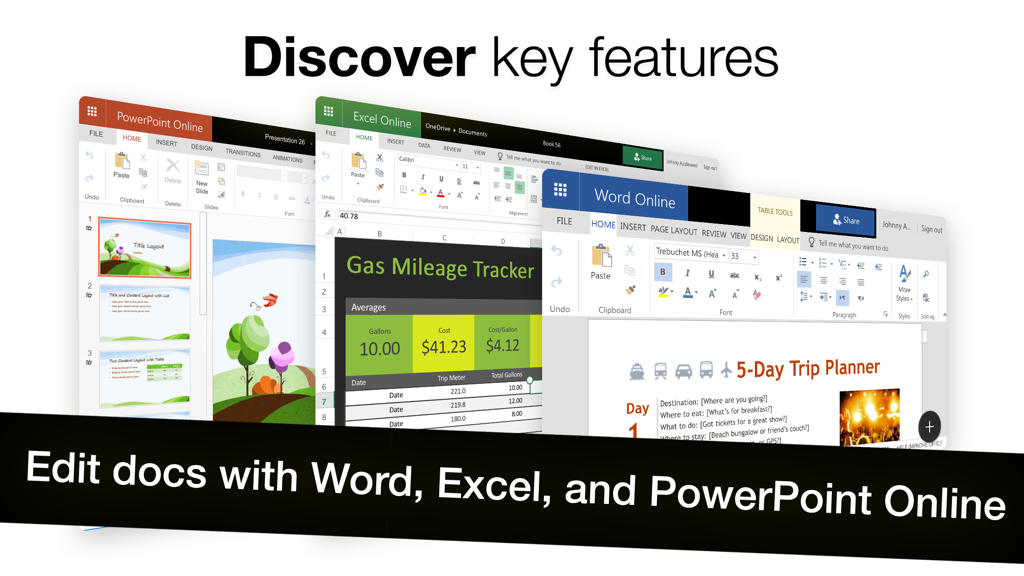
Benutzeroberfläche der Docs² App mit Online-Bearbeitungstools für Word, Excel und PowerPoint

Benutzeroberfläche der Docs² App mit Online-Bearbeitungstools für Word, Excel und PowerPoint

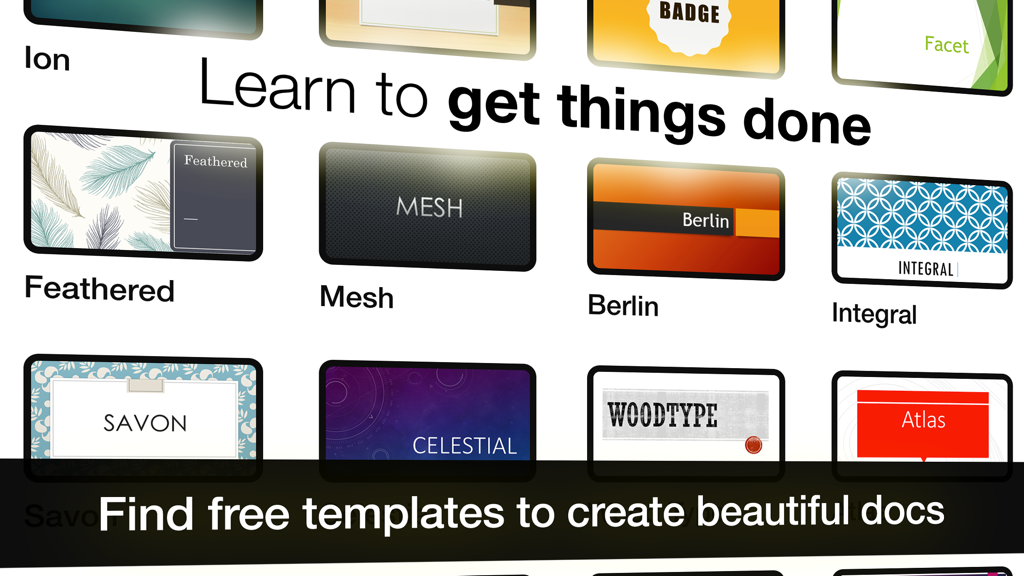
Eine Sammlung professioneller Dokumentvorlagen, einschließlich Feder-, Netz- und Berlin-Designs für Microsoft Office-Apps.

Eine Sammlung professioneller Dokumentvorlagen, einschließlich Feder-, Netz- und Berlin-Designs für Microsoft Office-Apps.

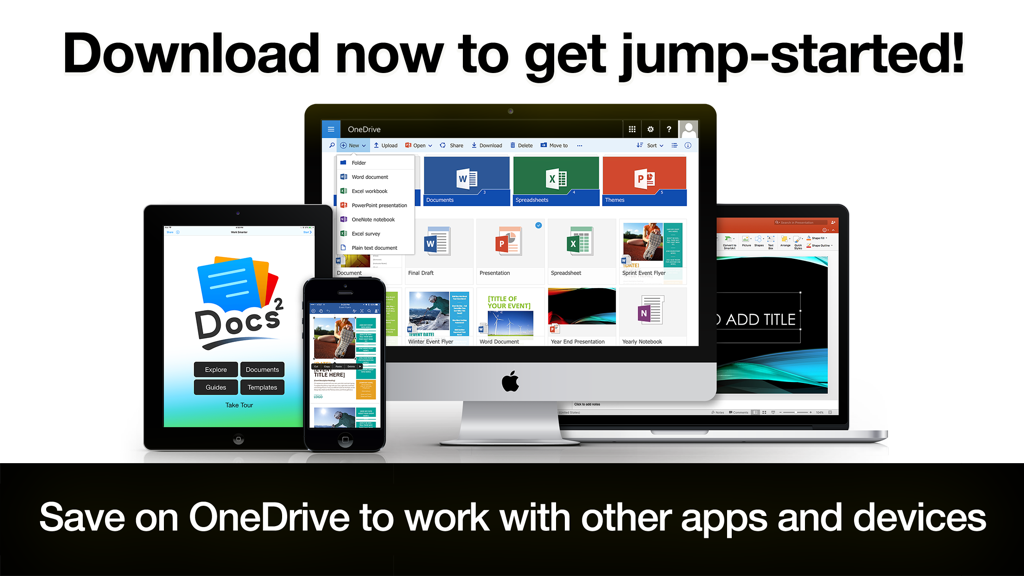
Docs2 App zeigt Microsoft Office-Dokumente und OneDrive-Synchronisierung auf iPhone, iPad und Mac an

Docs2 App zeigt Microsoft Office-Dokumente und OneDrive-Synchronisierung auf iPhone, iPad und Mac an

Entfesseln Sie Ihr volles professionelles Potenzial

Die Tools, die diese App auszeichnen, gewählt von 375K+ Nutzern.

🚀

Ihr zentralisiertes Kommandozentrum

Hören Sie auf, zwischen Apps zu wechseln. Greifen Sie über ein einziges, sicheres Dashboard auf Word, Excel, PowerPoint und OneDrive zu, das auf maximale Effizienz ausgelegt ist.

🎓

Profi-Funktionen in wenigen Minuten beherrschen

Lassen Sie sich nicht von komplexen Tools ausbremsen. Nutzen Sie integrierte Videoanleitungen und intelligente Verknüpfungen, um fortgeschrittene Office-Kenntnisse während der Arbeit zu erlernen.

Wirkungsvolle professionelle Vorlagen

Überspringen Sie den Formatierungsstress. Wählen Sie aus Hunderten von Premium-Vorlagen, um polierte, professionelle Dokumente in einem Bruchteil der Zeit zu erstellen.

Über die App

Alles, was Sie über wissen müssen Docs² | for Microsoft Office.

Beschreibung

–– SAVE BIG TODAY ON DOCS² | THE SMARTEST BUNDLE FOR MICROSOFT OFFICE! –– • Start working smarter, online and on the go with the Office apps that you know and love. • Quickly create Microsoft Word, Excel and PowerPoint documents, or email with Outlook. • Complete with the best documents, guides and templates for Office. Get Docs² for everything you need to begin quickly creating Microsoft Office docs! Work smarter with great videos to guide you through the essentials, a convenient document browser to edit online and on the go with your favorite apps, plus free templates to help you create beautiful docs. All together in the smartest bundle for Microsoft Office! FEATURES – Explore the essentials of Microsoft Office with helpful videos & content to guide you. – Create and share docs online with convenient shortcuts for your favorite Office apps, including: –– Word, Excel, PowerPoint, Outlook, OneNote & OneDrive. – Discover free templates to create beautiful documents. – Save docs offline or in OneDrive to work with other apps and devices. QUICKLY LEARN TO: – Create Word, Excel and PowerPoint documents. – Update your calendar and manage mail with Outlook. – Edit and add comments to documents. – Save, print, publish and share documents. – Add charts, pictures, animations and effects. – Insert a table of contents, headers, and footers. – Create and print custom labels and PDFs. – Work with documents while on the go. – And so much more... DEVELOP YOUR SKILLS WITH THE BEST DOCUMENT BROWSER – Enjoy streamlined steps to work with documents in OneDrive. – Work with the most popular document types and formats. – Avoid frustrating file incompatibility, and "View Only" headaches of other apps. – Secure your files with Face ID, Touch ID, or passcode. – Type what you want to do, and the new Tell Me feature will show you how! SAVE YOUR WORK ONLINE FOR USE ACROSS YOUR DEVICES – Because working without the cloud is so 1999... – Simply save your files to OneDrive to edit them everywhere. – Automatically sync documents for use across your devices. – Easily share your documents with friends and colleagues. – Enjoy greater freedom with online and mobile editing. EXPLORE HUNDREDS OF PROFESSIONAL QUALITY TEMPLATES – Browse a free treasure trove of time saving templates. – Select the perfect layout or theme, and edit online or save offline. – Start creating beautiful documents in no time! LEARN FROM THE MASTERS – The included guides show you everything you need to be more productive, discover key features, and learn to get things done fast. Download now to get jump-started! ____________ NOTICE: Microsoft Office 365, Word, Excel, PowerPoint, Outlook, OneNote, and OneDrive are property or trademarks of Microsoft Corporation. Docs² is a property and trademark of Docs Squared, and is neither produced by, endorsed by, nor affiliated with Microsoft Corporation. Access to Microsoft Office functionality and templates is available for free through Microsoft Office Online, or you can work offline with even more features via an Office 365 trial subscription. © 2013-2018 Docs Squared, LLC. All rights reserved.

Neueste Version

5.0

Größe

83.1 MB

Erstveröffentlichung

19. Dez. 2013

Bereit, Microsoft Office unterwegs zu meistern?

Schließen Sie sich über 375.000 Fachleuten an, die mit dem ultimativen Bundle aus Vorlagen, Anleitungen und Tools für Word, Excel und PowerPoint intelligenter arbeiten.

Herunterladen auf App Store

App information, icons, screenshots, and descriptions displayed on this page are sourced from the Apple App Store and are the property of their respective developers. Download estimates and rankings are based on MWM's proprietary models and may not reflect actual figures. This page is provided for informational and analytical purposes only.

Believe this page infringes your intellectual property? File a dispute