Epson DocumentScan

Epson DocumentScan

Herunterladen auf App StoreHerunterladen auf Google Play
Logo von Epson DocumentScan

Epson DocumentScan: Professionelle Scanleistung für Ihren mobilen Workflow

Verwandeln Sie Ihren Epson Scanner in eine mobile Produktivitätszentrale. Scannen Sie hochwertige Dokumente direkt auf Ihr iPhone oder iPad, bearbeiten Sie mehrseitige Dateien unterwegs und synchronisieren Sie sie sofort mit Ihren bevorzugten Cloud-Diensten wie Google Drive und Dropbox.

Herunterladen auf App Store

Herausgeber

Seiko Epson Corporation

Kategorie

Productivity

Downloads

466K+

Bewertung

1.9/5

Bewertungen gesamt

300

Sprachen

12

Effizienz auf einen Blick

Entdecken Sie die Oberfläche, die von 466K+ Nutzern verwendet wird.
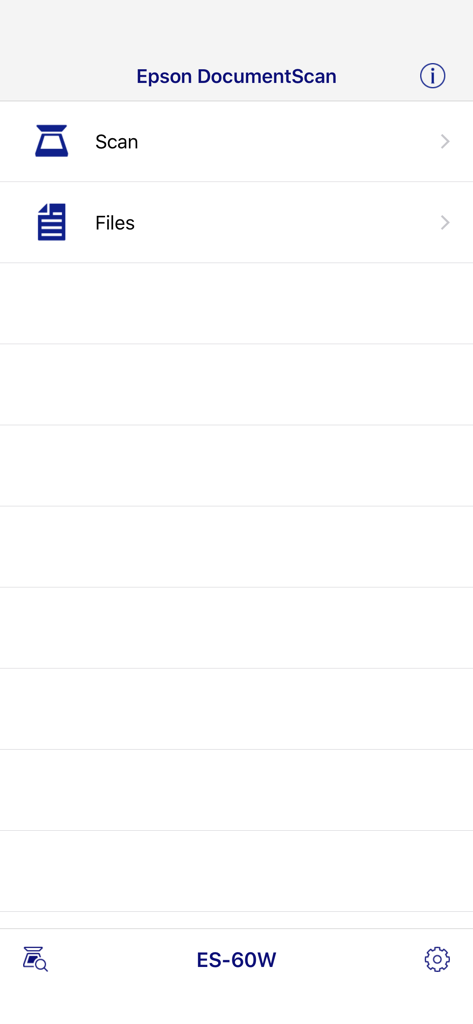
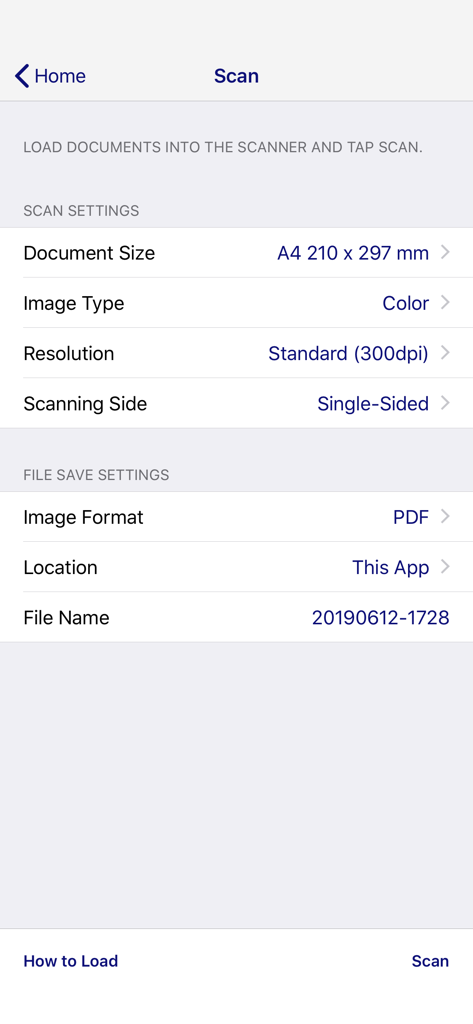
Hauptoberfläche der Epson DocumentScan App mit Scan- und Dateioptionen für das Modell ES 60W

Hauptoberfläche der Epson DocumentScan App mit Scan- und Dateioptionen für das Modell ES 60W

Bildschirm der Epson DocumentScan mobilen App mit Scan-Einstellungen und Optionen zum Speichern von Dateien.

Bildschirm der Epson DocumentScan mobilen App mit Scan-Einstellungen und Optionen zum Speichern von Dateien.

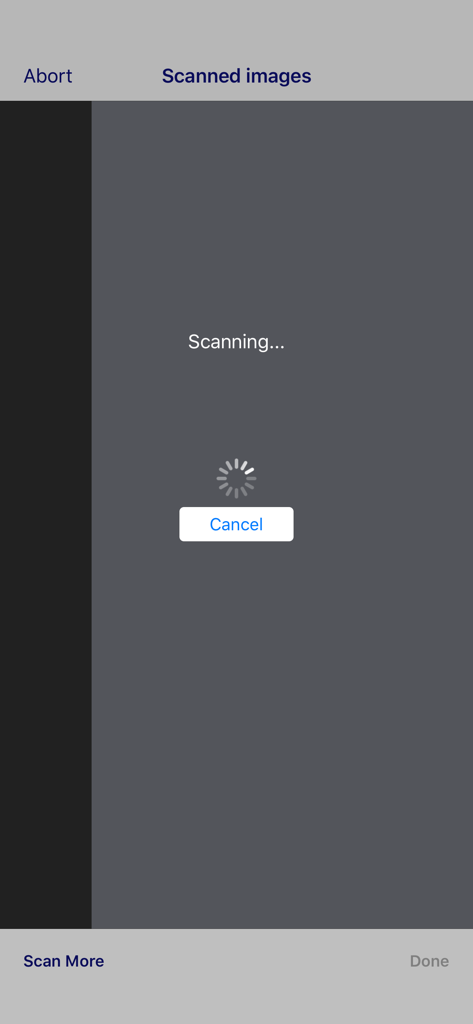
Scan-Fortschrittsbildschirm in der Epson DocumentScan mobilen App mit einem Ladesymbol

Scan-Fortschrittsbildschirm in der Epson DocumentScan mobilen App mit einem Ladesymbol

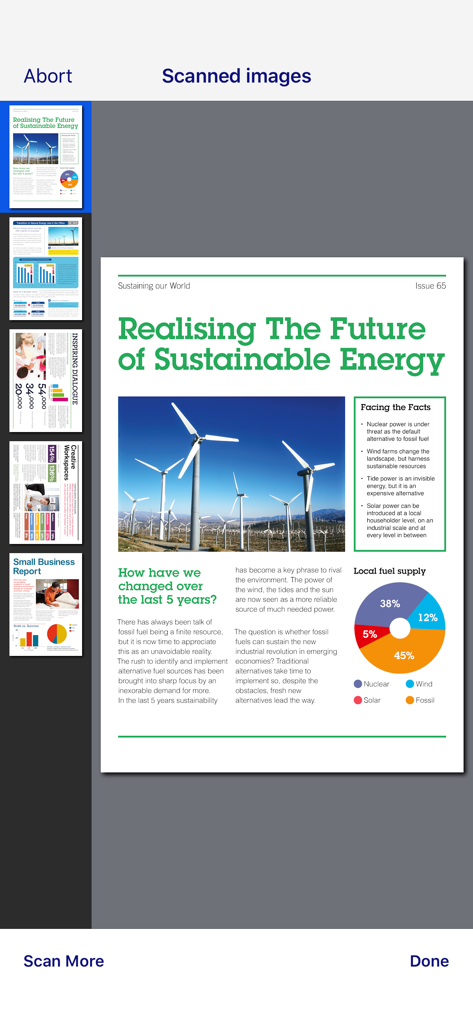
Vorschau mehrerer gescannter Dokumente in der Benutzeroberfläche der Epson DocumentScan App

Vorschau mehrerer gescannter Dokumente in der Benutzeroberfläche der Epson DocumentScan App

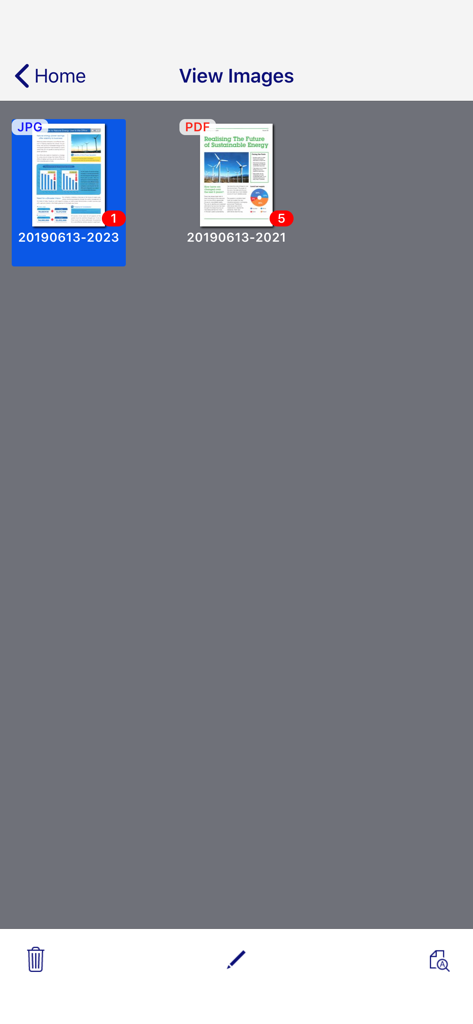
Ein Bildschirm in der Epson DocumentScan App, der eine Galerie von gescannten Dokumenten in JPG- und PDF-Formaten anzeigt.

Ein Bildschirm in der Epson DocumentScan App, der eine Galerie von gescannten Dokumenten in JPG- und PDF-Formaten anzeigt.

Optimieren Sie Ihren papierlosen Workflow

Die Tools, die diese App auszeichnen, gewählt von 466K+ Nutzern.

📱

Drahtloses mobiles Scannen

Lösen Sie hochwertige Scans direkt von Ihrem Epson Gerät auf Ihrem Mobilgerät aus, ohne dass ein Desktop-Computer erforderlich ist.

🔄

Professionelle mehrseitige Bearbeitung

Drehen und ordnen Sie Seiten einfach in der App neu an, um jedes Mal perfekt strukturierte Dokumente zu erstellen.

🚀

Sofortige Cloud-Archivierung

Senden Sie Ihre Scans nahtlos an Dropbox, Google Drive oder Evernote, um Ihr Team und Ihre Dateien synchron zu halten.

Über die App

Alles, was Sie über wissen müssen Epson DocumentScan.

Beschreibung

This app is only for Epson scanners. Make sure that your scanner is supported. Scan documents directly to your iPhone®, iPod touch or iPad®. You can preview scanned data and send it to email, directly to other applications or to cloud services like Box®, DropBox™, Evernote®, Google Drive™ and Microsoft® OneDrive. Scanners Supported https://support.epson.net/appinfo/documentscan/en/index.html Key Features - Directly scan to your iPhone, iPod touch or iPad - Edit scanned pages – multi-page rotation or re-ordering - Send scanned files via email - Send saved data to other applications, or to cloud services including Box, DropBox, Evernote, Google Drive and Microsoft OneDrive*. *Applications must be installed on your iPhone, iPod Touch or iPad. - Send saved data to your PC via iTunes® - Get help with a built-in FAQ section Advanced features - Autosize recognition, auto image type recognition - Multi-page rotation and re-ordering How to Connect Follow your scanner guide to connect your scanner via Wi-Fi® or AP direct connect mode. EPSON and WorkForce are registered trademarks. All other product and brand names are trademarks and/or registered trademarks of their respective companies. Epson disclaims any and all rights in these marks.

Neueste Version

1.9.0

Größe

21.3 MB

Erstveröffentlichung

6. März 2014

Vereinfachen Sie Ihren Workflow noch heute

Erleben Sie die Leistung von professionellen Scans auf Ihrem Mobilgerät. Laden Sie Epson DocumentScan herunter und nehmen Sie Ihr papierloses Büro überallhin mit.

Herunterladen auf App StoreHerunterladen auf Google Play

App information, icons, screenshots, and descriptions displayed on this page are sourced from the Apple App Store and are the property of their respective developers. Download estimates and rankings are based on MWM's proprietary models and may not reflect actual figures. This page is provided for informational and analytical purposes only.

Believe this page infringes your intellectual property? File a dispute