Grids Planner・IG Feed Preview

Grids Planner・IG Feed Preview

Herunterladen auf App Store
Logo von Grids Planner・IG Feed Preview

Grids Planner・IG Feed Vorschau: Gestalte deine Traum-Instagram-Ästhetik

Verbessere dein Profil mit professionellen Rasterlayouts, nahtlosen Panoramen und einem leistungsstarken Drag-and-Drop-Feed-Planer. Erstelle ein hochauflösendes visuelles Meisterwerk, das die Aufmerksamkeit fesselt und deine Followerzahl steigert.

Herunterladen auf App Store

Herausgeber

Artur Kolesnykov

Kategorie

Graphics & Design

Downloads

82K+

Bewertung

4.5/5

Bewertungen gesamt

100

Sprachen

9

Visualisiere deine Stimmung

Entdecken Sie die Oberfläche, die von 82K+ Nutzern verwendet wird.
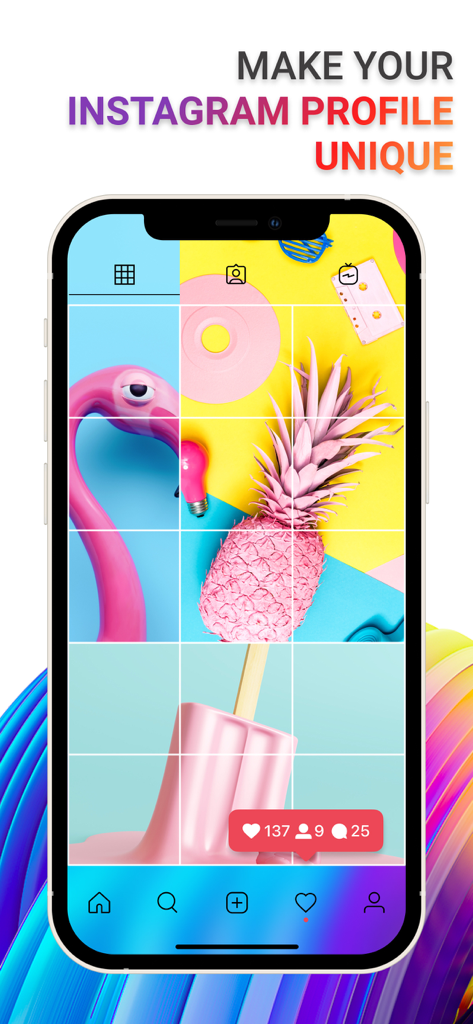
Ein Smartphone zeigt ein farbenfrohes 3x4-Rasterlayout als Vorschau für ein Instagram-Profil.

Ein Smartphone zeigt ein farbenfrohes 3x4-Rasterlayout als Vorschau für ein Instagram-Profil.

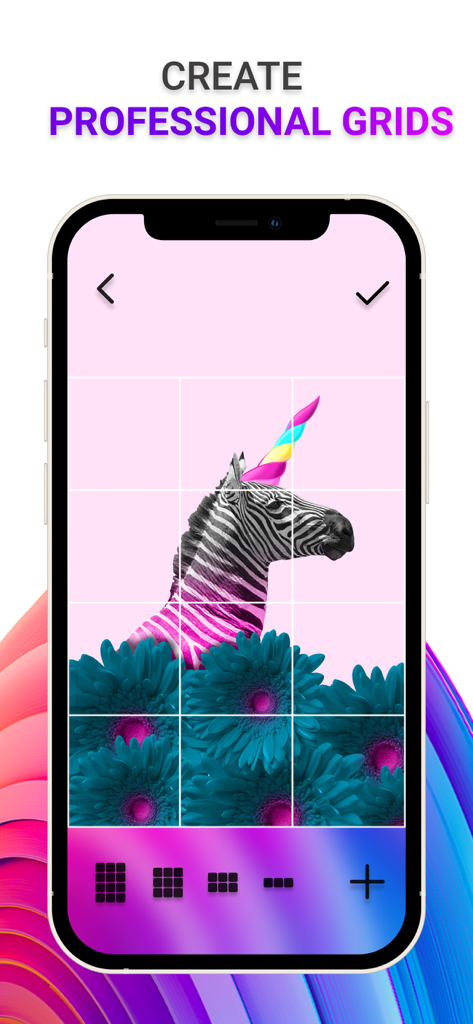
Bildschirm eines Smartphones zeigt die Erstellung eines professionellen Drei-mal-Drei-Rasters für einen Instagram-Feed mit einem kreativen Zebra-Foto.

Bildschirm eines Smartphones zeigt die Erstellung eines professionellen Drei-mal-Drei-Rasters für einen Instagram-Feed mit einem kreativen Zebra-Foto.

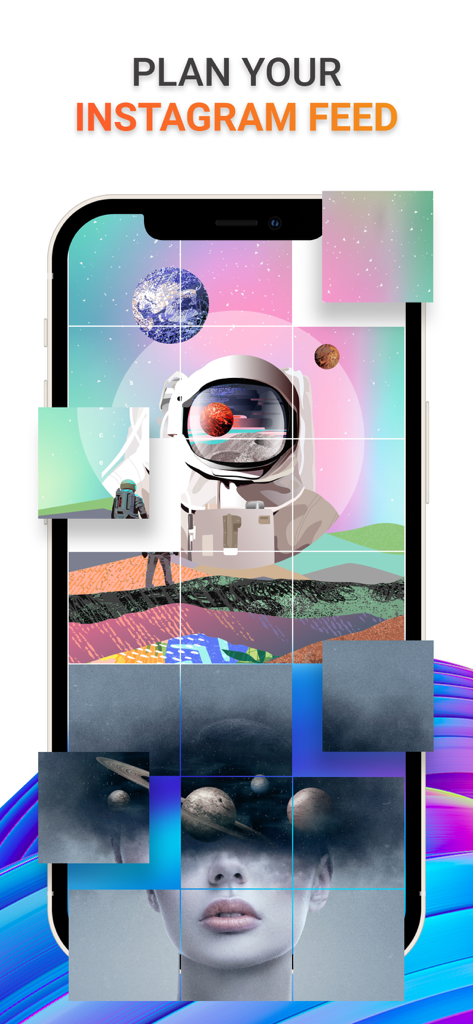
Eine mobile App-Oberfläche zeigt ein Rasterlayout mit künstlerischen Fotos zur Planung eines Instagram-Feeds.

Eine mobile App-Oberfläche zeigt ein Rasterlayout mit künstlerischen Fotos zur Planung eines Instagram-Feeds.

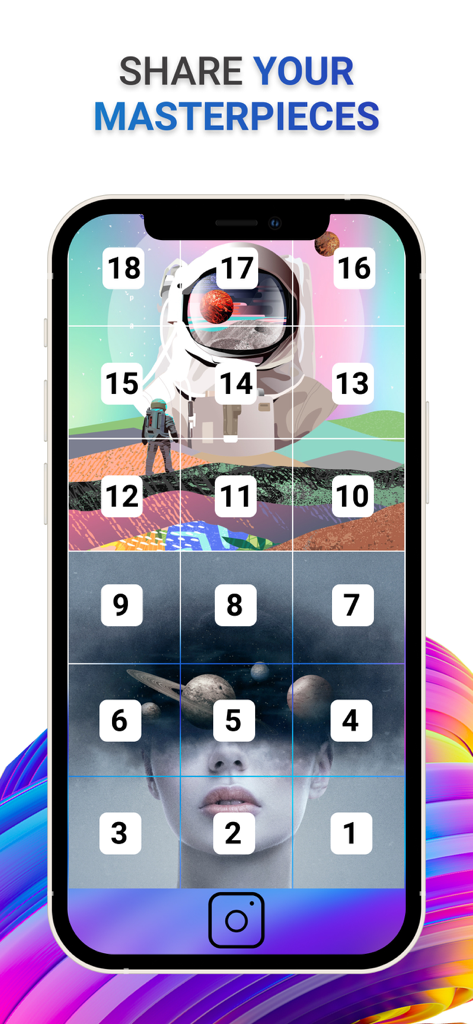
Instagram-Rasterplaner zeigt ein nummeriertes Layout für mehrere Beiträge.

Instagram-Rasterplaner zeigt ein nummeriertes Layout für mehrere Beiträge.

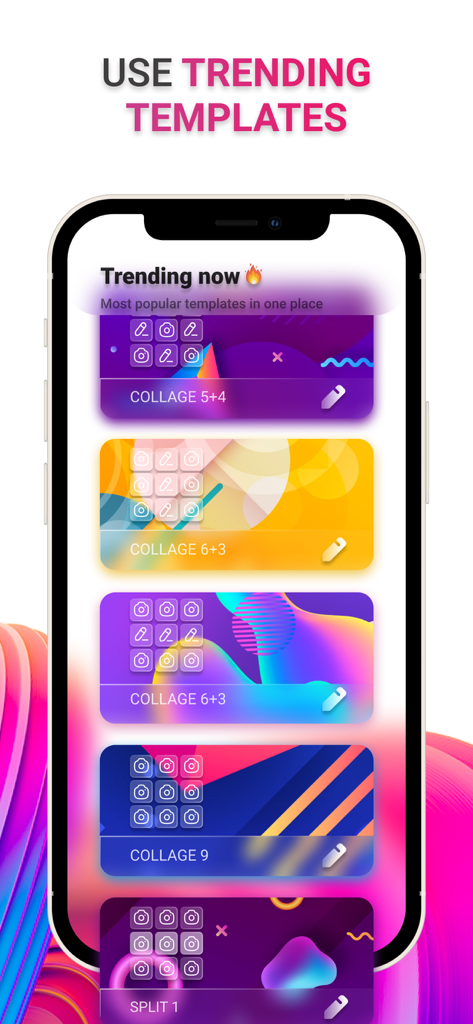
Eine mobile App-Oberfläche zeigt eine Liste angesagter Collagen-Vorlagen zur Planung eines Instagram-Rasters.

Eine mobile App-Oberfläche zeigt eine Liste angesagter Collagen-Vorlagen zur Planung eines Instagram-Rasters.

Kuratiere ein Profil, das heraussticht

Die Tools, die diese App auszeichnen, gewählt von 82K+ Nutzern.

Nahtlose Feed-Planung

Ziehe Fotos per Drag & Drop, um dein Layout vor dem Posten zu sehen. Eliminiere Rätselraten und sorge dafür, dass dein Raster immer perfekt zusammenhängend aussieht.

📐

Wirkungsvolle Rasterlayouts

Verwandle einzelne Fotos in riesige Quadrate oder nahtlose Panoramen. Erstelle professionelle visuelle Inhalte, die die Aufmerksamkeit fesseln und deine Followerzahl steigern.

💎

Professionelle Bildauflösung

Halte deine Fotos mit unserer High-Res-Splitting-Technologie scharf. Kein Verpixeln, keine Komprimierung – nur professionelle Qualität für dein digitales Portfolio.

Über die App

Alles, was Sie über wissen müssen Grids Planner・IG Feed Preview.

Beschreibung

TAKE YOUR PROFILE TO THE NEXT LEVEL Using Grids you'll be on top of popularity. If you want to create a personalized Instagram feed, add panoramic or giant square photos, then Grids is everything you need. With Grids you can easily divide your favorite photo, picture, portrait, or beautiful view into a grid and upload it directly from your device. Create a masterpiece in your feed in a few taps and Impress your followers. CREATE PROFESSIONAL GRIDS FOR INSTAGRAM Build your own custom grids of any size and with high resolution of photos. Share them anywhere or save them to the gallery. Choose any photo from your gallery and grid it in a few seconds easily. PLAN YOUR INSTAGRAM FEED With the unique feature Feed Preview, you are able to plan the appearance of your feed before posting. Add as many photos as you wish to the preview section, drag and drop them in any order to comply with your needs. Also, add trendy color shades to your photos. KEEP YOUR IMAGES IN HIGH RESOLUTION Grids app uses custom-developed technology of photo editing that does not reduce the quality of photos after splitting. It keeps the original size of the photo. The process will not blur the end image. USE TRENDING TEMPLATES Get access to the most popular templates and grids in one place, with the custom editor, to always be in trend. Whether you want to split one photo into a grid or split several photos or make a beautiful collage, all of this is waiting for you here. SHARE YOUR MASTERPIECES Share your grids with ease in any way you need, whether save to gallery, send to your friends, or upload anywhere - all features are here for you. Subscription pricing and terms Payment may be charged to iTunes Account at confirmation of purchase. Subscription may be canceled at any time within the iTunes and App Store Apple ID Settings. Subscription automatically renews unless auto-renew is turned off at least 24-hours before the end of the current period. Account will be charged for renewal within 24-hours prior to the end of the current period, and identify the cost of the renewal. Subscriptions may be managed by the user and auto-renewal may be turned off by going to the user's Account Settings after purchase. No cancellation of the current subscription is allowed during the active subscription period. Any unused portion of a free trial period, if offered, will be forfeited when the user purchases a subscription to that publication, where applicable. By downloading and using this application, you accept the terms of use and privacy policy. Terms of Use: https://enzoapps.wordpress.com/terms-of-use/ Privacy Policy: https://enzoapps.wordpress.com/privacy-policy/

Neueste Version

1.0.20

Größe

74.0 MB

Erstveröffentlichung

1. Juni 2021

Bereit, dein Meisterwerk zu kuratieren?

Mehr als 80.000 Kreative verbessern bereits ihre Ästhetik. Lade Grids Planner jetzt herunter, plane deinen perfekten Feed und mache jeden Beitrag zu einer professionellen Aussage.

Herunterladen auf App Store

App information, icons, screenshots, and descriptions displayed on this page are sourced from the Apple App Store and are the property of their respective developers. Download estimates and rankings are based on MWM's proprietary models and may not reflect actual figures. This page is provided for informational and analytical purposes only.

Believe this page infringes your intellectual property? File a dispute