HUD Nav

HUD Nav

Herunterladen auf App Store
Logo von HUD Nav

HUD Nav: Verwandeln Sie Ihre Windschutzscheibe in ein High-Tech-Head-Up-Display

Fahren Sie sicherer mit Navigationsanweisungen, die direkt in Ihre Blickrichtung projiziert werden. Erleben Sie Premium-Cockpit-Technologie in jedem Fahrzeug, perfekt optimiert für Nachtfahrten und tägliche Pendelfahrten.

Herunterladen auf App Store

Herausgeber

Sebastien BUET

Kategorie

Navigation

Downloads

153K+

Bewertung

2.3/5

Bewertungen gesamt

0

Sprachen

2

Ihr Armaturenbrett, neu interpretiert

Entdecken Sie die Oberfläche, die von 153K+ Nutzern verwendet wird.
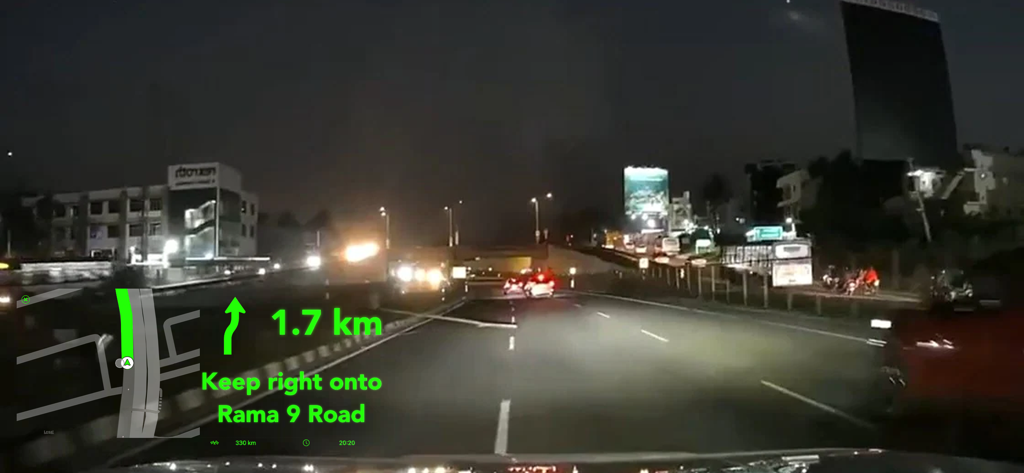
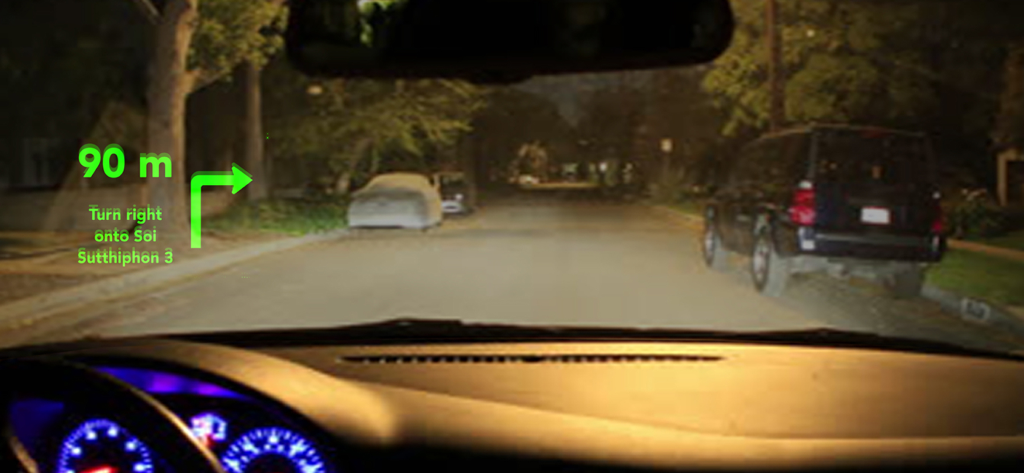
Head-Up-Display mit Navigationsanweisungen, die nachts auf eine Auto-Windschutzscheibe projiziert werden

Head-Up-Display mit Navigationsanweisungen, die nachts auf eine Auto-Windschutzscheibe projiziert werden

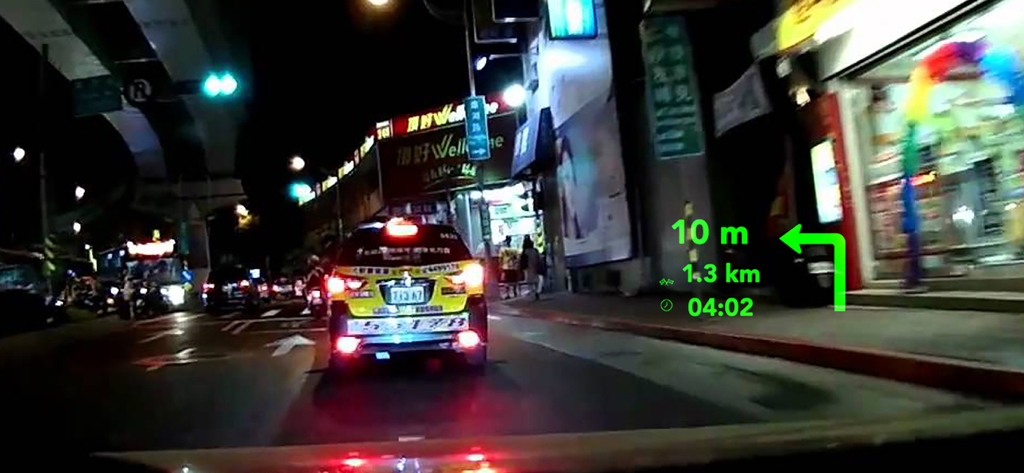
HUD-Navigation-Projektion auf eine Auto-Windschutzscheibe bei Nacht

HUD-Navigation-Projektion auf eine Auto-Windschutzscheibe bei Nacht

HUD Nav-Oberfläche, projiziert auf eine Auto-Windschutzscheibe mit Abbiegehinweisen in der Nacht

HUD Nav-Oberfläche, projiziert auf eine Auto-Windschutzscheibe mit Abbiegehinweisen in der Nacht

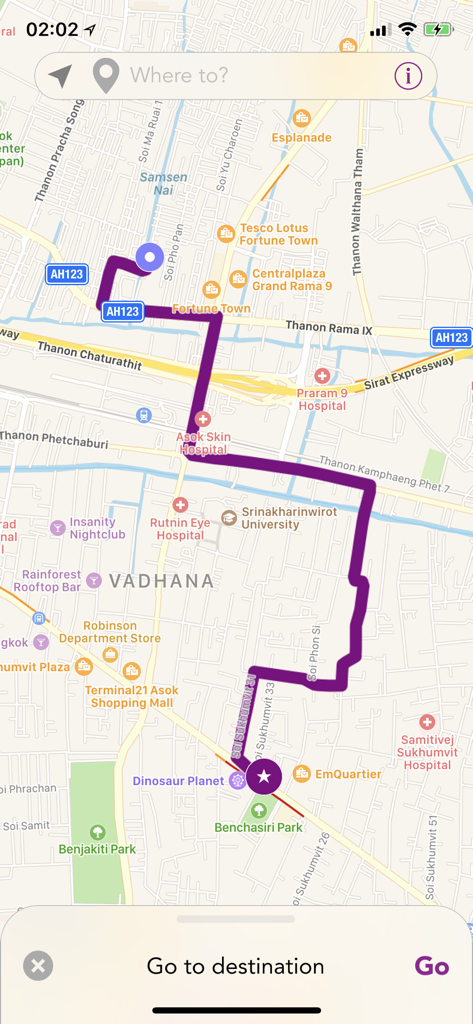
Eine Kartenansicht in der HUD Nav-App, die eine lila Navigationsroute durch eine Stadt zeigt

Eine Kartenansicht in der HUD Nav-App, die eine lila Navigationsroute durch eine Stadt zeigt

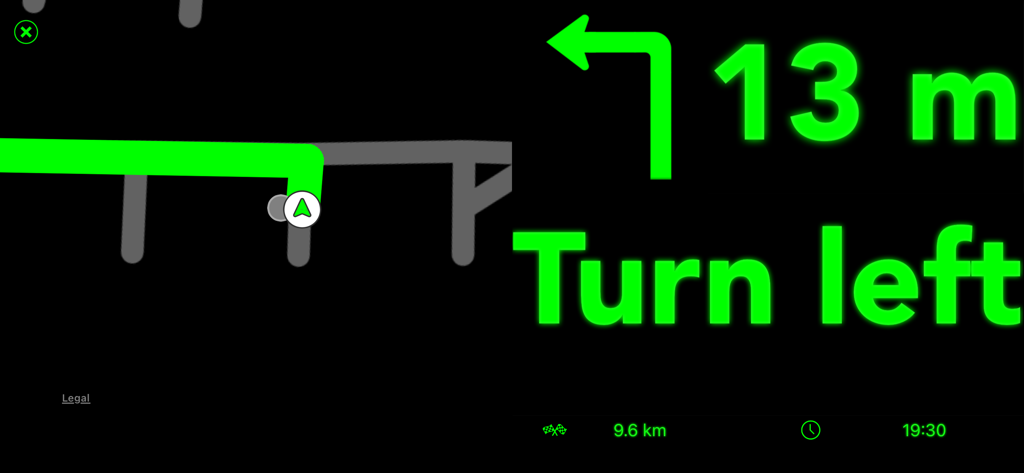
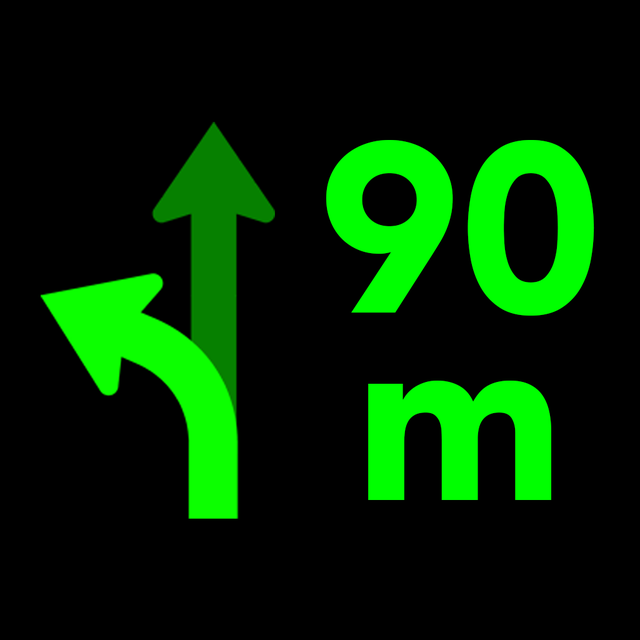
HUD Nav-Oberfläche mit grünen Abbiegehinweisen und Karte

HUD Nav-Oberfläche mit grünen Abbiegehinweisen und Karte

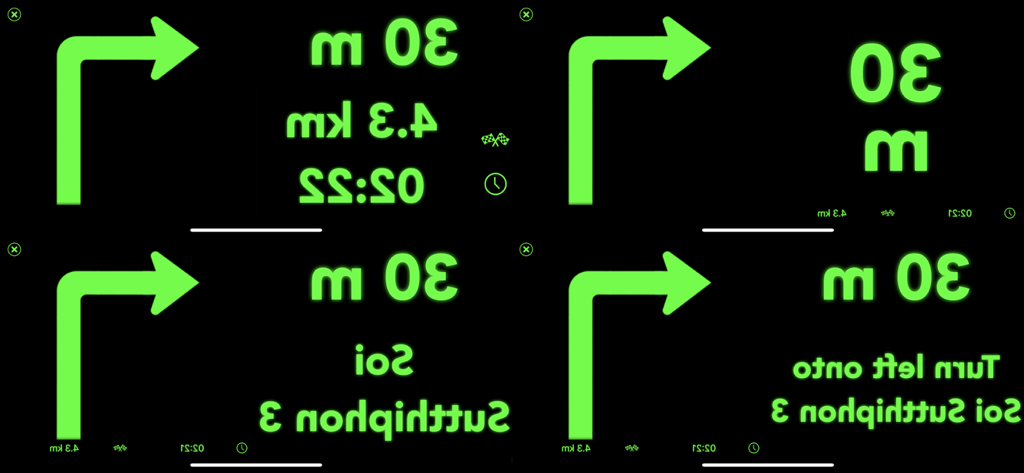
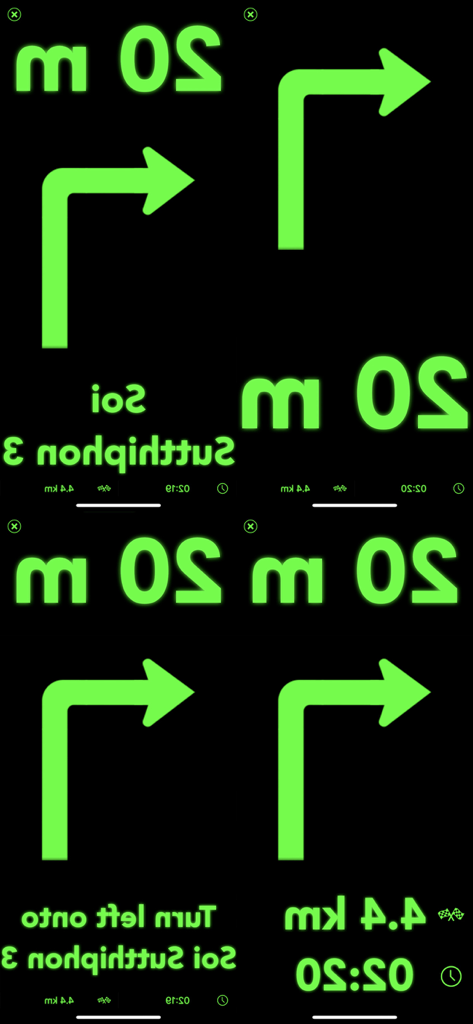
Vier Variationen der gespiegelten grünen Head-Up-Display-Navigationsoberfläche mit Abbiegehinweisen und Entfernung

Vier Variationen der gespiegelten grünen Head-Up-Display-Navigationsoberfläche mit Abbiegehinweisen und Entfernung

Vier gespiegelte Navigationsschnittstellenbildschirme mit grüner Schrift und Symbolen auf schwarzem Hintergrund für Head-Up-Display

Vier gespiegelte Navigationsschnittstellenbildschirme mit grüner Schrift und Symbolen auf schwarzem Hintergrund für Head-Up-Display

Fahren Sie intelligenter mit einem futuristischen Armaturenbrett

Die Tools, die diese App auszeichnen, gewählt von 153K+ Nutzern.

🛡️

Sicherheit, bei der der Blick auf der Straße bleibt

Eliminieren Sie die Gefahr, auf Ihr Handy zu schauen. Projizieren Sie wichtige Navigationsdaten in Ihre Blickrichtung, damit Sie sich nie vom Fahren ablenken lassen.

📲

Nahtlose Apple-Integration

Nutzen Sie die Leistung von Apple Maps. Senden Sie Ihre bevorzugten Routen direkt an die App und genießen Sie ein High-Tech-HUD-Erlebnis, ohne Ihre Gewohnheiten ändern zu müssen.

🕶️

Individuelle Cockpit-Oberfläche

Personalisieren Sie Ihre Ansicht mit sechs verschiedenen Anzeigemodi. Egal, ob Sie minimale Pfeile oder detaillierte Ankunftszeiten wünschen, passen Sie Ihr HUD an Ihren Fahrstil an.

Über die App

Alles, was Sie über wissen müssen HUD Nav.

Beschreibung

Transform your iPhone and iPad into a head-up display for any car with HUD Nav - Turn by turn Head up display navigation. Look for a location, chose a route and place your iPhone/iPad on the dashboard — you’ll see the directions, distances, and other information, reflected on your windshield. Drive safer and keep your eyes on the road, and know in advance what’s ahead. Features: - Watch the direction and distance to the next turn, right on the windshield - HUD interfaces with clear, simple and non-distracting information that you understand immediately - Double tap the HUD to change the information displayed. 6 different modes are available: + Direction and distance to the next turn + Direction, road/street name, and distance to the next turn + Direction and distance to the next turn, remaining distance to destination and expected time arrival (ETA) + Detailed direction, road/street name, and distance to the next turn + Map, direction and distance to the next turn + Map, direction, road/street name, and distance to the next turn - Get voice instructions and drive with a co-pilot - Choose the voice that guides you (available in some languages) - Motorcycle mode: the HUD is not mirrored so you can use the app while riding your bike, or driving in bright conditions - Save places and locations in the Historic to quickly drive to them later. Edit your historic and rename places/locations, organize them or delete them - Works with Apple Maps app: send routes from Maps to the app, and drive them with the app HUD Note! - On a clear day or bright conditions, the device screen brightness is typically insufficient to give a decent reflection for HUD mode. In that situation, you can use the app in motorcycle mode with the phone fixed with some mount. At night, in dusk, or in dull weather the reflection is normally well-discernible. - When driving, make sure that your iPhone or iPad is well fixed in some mount or on some sticky pad, and doesn't prevent you from clearly seeing the road. Continued use of GPS running in the background can quickly drain your device battery. Note that the app uses the same "route search engine" as the Maps app. However, as not all the iOS features are available in all countries, you can check the list of features available for your country at https://www.apple.com/ae/ios/feature-availability/. If you face any problems or find any bugs, please email us at support@seb-appstore.com or report the bug right from the app. We appreciate your feedback! Check out our other iPhone and iPad apps at www.seb-appstore.com, with hundreds of discounted and free apps.

Neueste Version

2.0

Größe

17.5 MB

Erstveröffentlichung

12. März 2017

Bereit, Ihre Windschutzscheibe in ein futuristisches Cockpit zu verwandeln?

Schließen Sie sich über 150.000 Fahrern an, die ihren Arbeitsweg verbessert haben. Laden Sie HUD Nav jetzt herunter, um die Augen auf der Straße und Ihre Wegbeschreibungen noch heute im Blick zu behalten.

Herunterladen auf App Store

App information, icons, screenshots, and descriptions displayed on this page are sourced from the Apple App Store and are the property of their respective developers. Download estimates and rankings are based on MWM's proprietary models and may not reflect actual figures. This page is provided for informational and analytical purposes only.

Believe this page infringes your intellectual property? File a dispute