KB Klíč

KB Klíč

Herunterladen auf App Store
Logo von KB Klíč

KB Klíč: Sicherer und sofortiger Zugriff auf Ihr tschechisches Banking überall

Ersetzen Sie unzuverlässige internationale SMS-Codes durch bankübliche biometrische Authentifizierung. Melden Sie sich bei MojeBanka an und autorisieren Sie globale Überweisungen mit nur einem Tippen oder Blick, um die Sicherheit Ihrer Vermögenswerte von jedem Kontinent aus zu gewährleisten.

Herunterladen auf App Store

Herausgeber

Komercni banka a.s.

Kategorie

Finance

Downloads

649K+

Bewertung

4.7/5

Bewertungen gesamt

14K+

Sprachen

3

Ihr digitaler Schlüssel

Entdecken Sie die Oberfläche, die von 649K+ Nutzern verwendet wird.
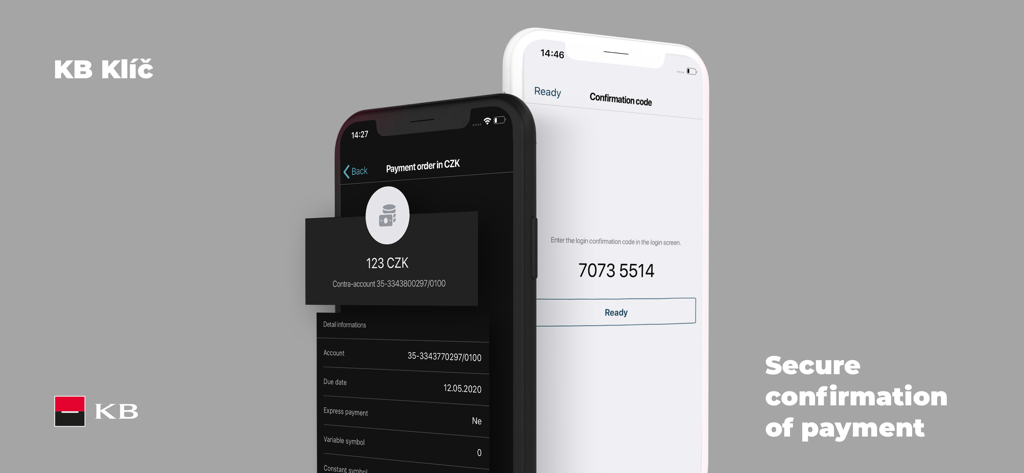
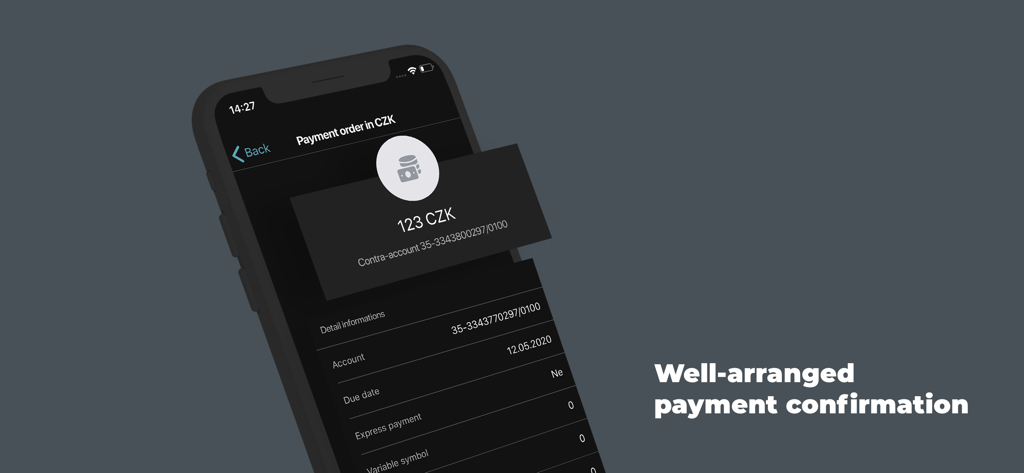
KB Klíč App-Bildschirme zeigen sichere Zahlungsbestätigung und Login-Code

KB Klíč App-Bildschirme zeigen sichere Zahlungsbestätigung und Login-Code

Bildschirm der mobilen KB Klíč App zeigt eine Zahlungsauftragsbestätigung für 123 CZK auf einer dunklen Benutzeroberfläche

Bildschirm der mobilen KB Klíč App zeigt eine Zahlungsauftragsbestätigung für 123 CZK auf einer dunklen Benutzeroberfläche

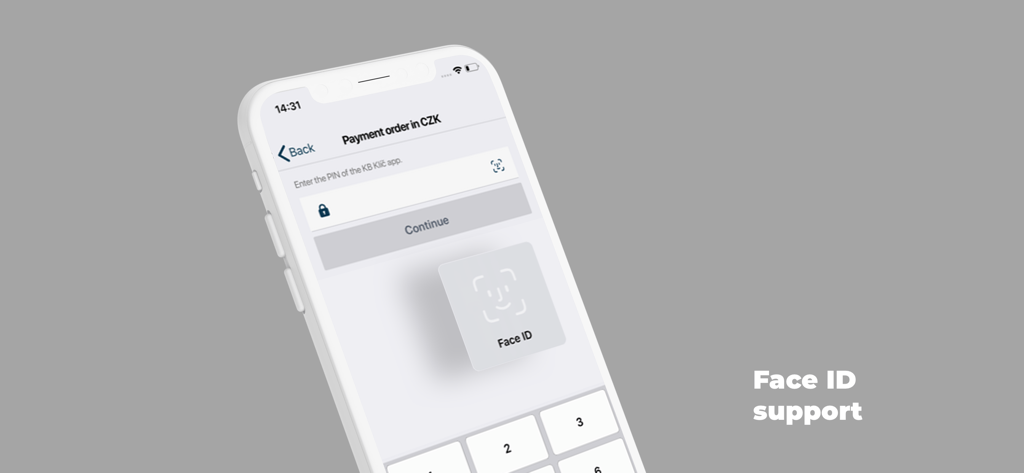
KB Klíč App-Zahlungsbildschirm zeigt Face ID-Unterstützung für sichere Authentifizierung

KB Klíč App-Zahlungsbildschirm zeigt Face ID-Unterstützung für sichere Authentifizierung

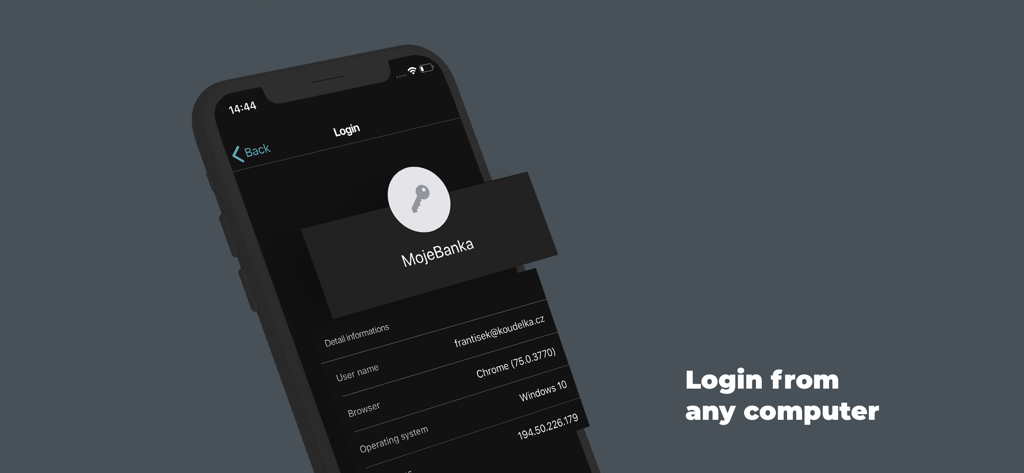
KB Klíč App-Benutzeroberfläche zeigt einen Login-Authentifizierungsbildschirm für MojeBanka auf einem Computer

KB Klíč App-Benutzeroberfläche zeigt einen Login-Authentifizierungsbildschirm für MojeBanka auf einem Computer

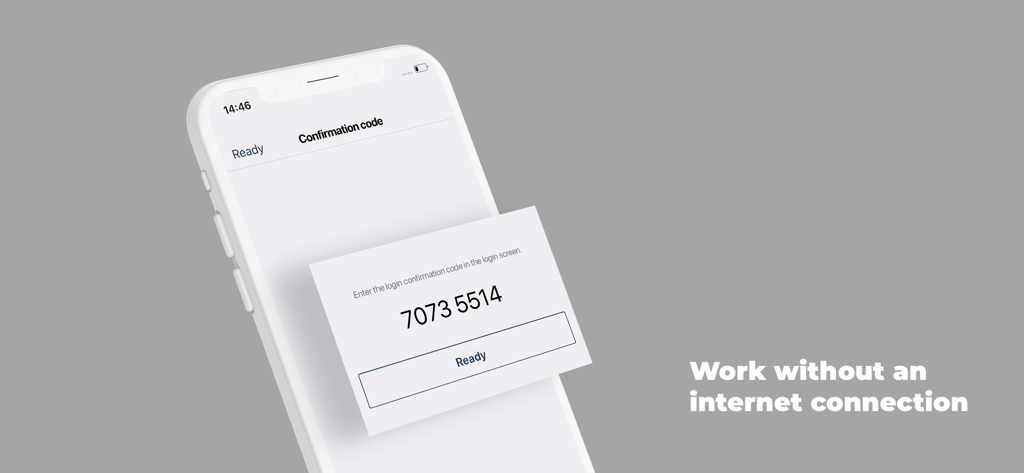
KB Klíč App-Bildschirm zeigt einen numerischen Bestätigungscode für die Offline-Authentifizierung

KB Klíč App-Bildschirm zeigt einen numerischen Bestätigungscode für die Offline-Authentifizierung

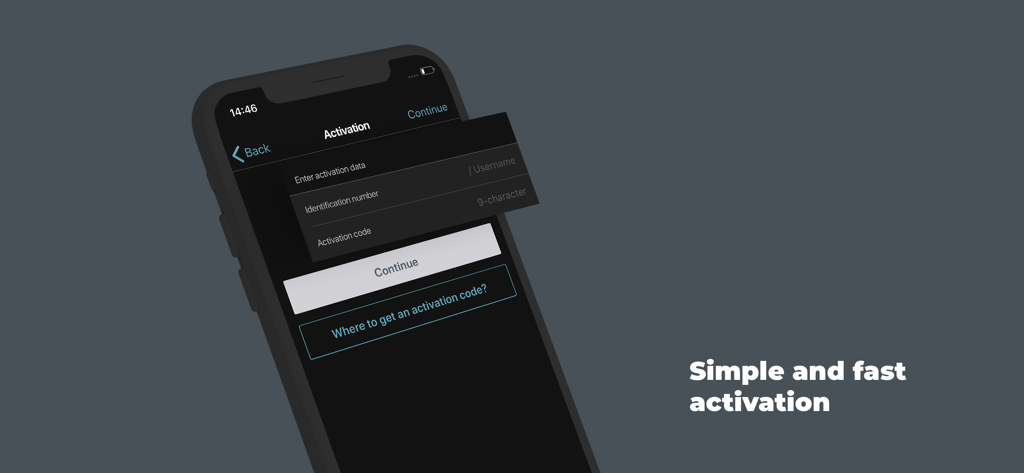
Aktivierungsbildschirm der KB Klíč Banking-Sicherheits-App auf einem Smartphone

Aktivierungsbildschirm der KB Klíč Banking-Sicherheits-App auf einem Smartphone

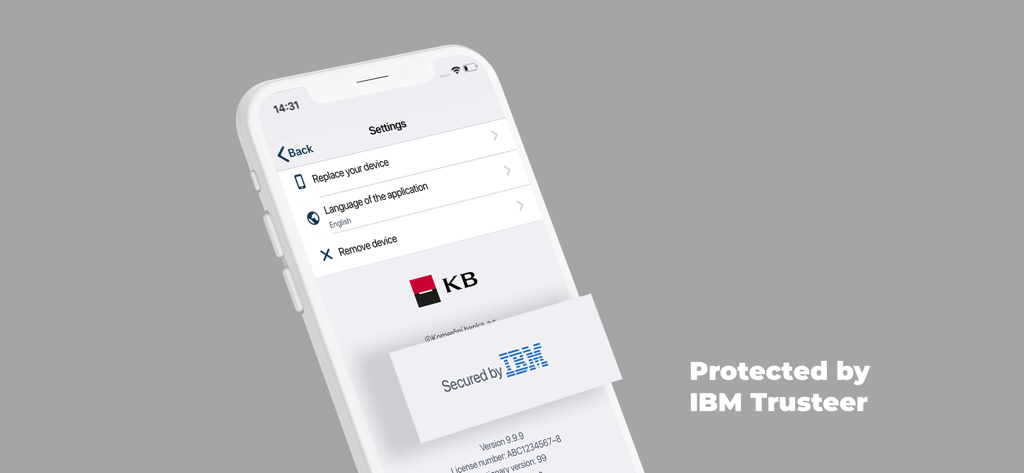
KB Klíč App-Einstellungsbildschirm zeigt Geräteverwaltungsoptionen und IBM Trusteer Sicherheitsschutz.

KB Klíč App-Einstellungsbildschirm zeigt Geräteverwaltungsoptionen und IBM Trusteer Sicherheitsschutz.

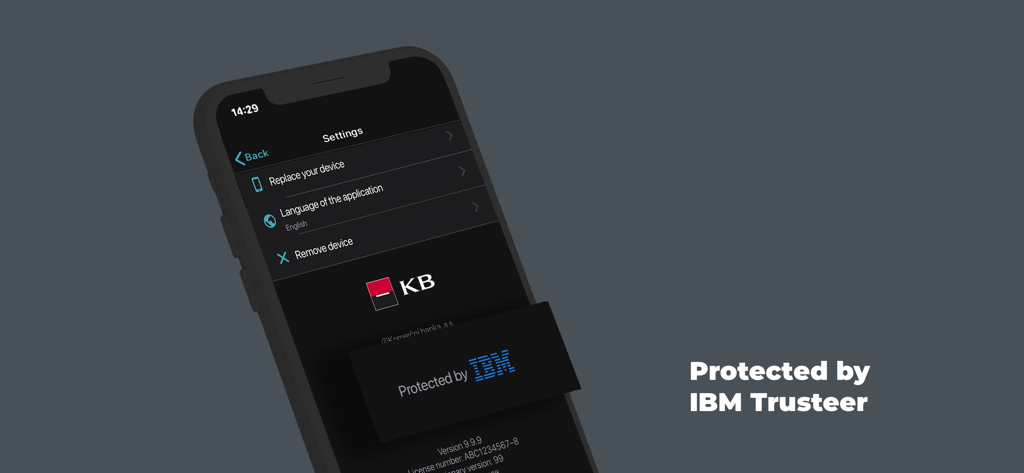
KB Klíč App-Einstellungsinterface zeigt das Sicherheitsabzeichen 'Protected by IBM Trusteer'

KB Klíč App-Einstellungsinterface zeigt das Sicherheitsabzeichen 'Protected by IBM Trusteer'

Sicherer globaler Zugriff zum Greifen nah

Die Tools, die diese App auszeichnen, gewählt von 649K+ Nutzern.

🌐

Keine SMS-Verzögerungen mehr

Beseitigen Sie den Frust des Wartens auf internationale SMS-Codes. Greifen Sie über Wi-Fi oder lokale US-Daten auf Ihr Banking zu, für sofortigen, zuverlässigen Login von überall.

👤

Biometrische Bequemlichkeit

Überspringen Sie komplexe Passwörter und autorisieren Sie Ihre Transaktionen in Sekundenschnelle mit TouchID oder FaceID, um US-amerikanischen Komfort in Ihr europäisches Banking zu bringen.

🛡️

Bankübliche Sicherheit

Schützen Sie Ihr Vermögen mit verschlüsselten PINs und fortschrittlicher Root-Erkennungs-Technologie, die Ihnen beim Verwalten Ihrer Finanzen aus dem Ausland Seelenfrieden gibt.

Über die App

Alles, was Sie über wissen müssen KB Klíč.

Beschreibung

The KB Klíč app verifies your identity and safely logs you into MojeBanka online banking and Komerční banka's other online apps. You don't have to enter a texted code and you also authorise payments through the app. You need the following for KB Klíč activation: - KB ID, which you will find in the Electronic Signature Agreement. You can also use your username/email - An activation code that you will receive at a KB branch or when you log into mujprofil.kb.cz otherwise than via KB Klíč The activation guide is available at https://www.kb.cz/en/faq-and-support/how-to-sign-in Set the PIN on the occasion of activation. You can set up your fingerprint if your phone supports them. Komerční banka will never see your fingerprints; they are retained in a secure repository in the phone. If your phone is connected to the internet the request to confirm the activation will be received automatically in your phone. Check and confirm the request. If offline, select 'The device is not connected to the internet' option in your computer. Using the KB Klíč app, scan the pictorial code from the computer's screen. Then confirm the code by the PIN or fingerprint. Finally, type the generated code in your computer. Please note: If you enter an incorrect PIN five times KB Klíč blocks access. You will then activate the apps using an activation code that you will receive in an ATM, at a KB branch or after logging into mujprofil.kb.cz otherwise than via KB Klíč. KB Klíč will not work for you if you have reinstalled software on your phone and your platform (root) is therefore not protected. All of this for the sake of security.

Neueste Version

4.4.1

Größe

81.8 MB

Erstveröffentlichung

12. Juni 2018

Sichern Sie Ihr tschechisches Banking aus den USA

Schließen Sie sich über 649.000 Nutzern an. Verzichten Sie auf unzuverlässige internationale SMS-Codes und wechseln Sie noch heute zur sofortigen biometrischen Authentifizierung für Ihre Konten bei der Komerční Banka.

Herunterladen auf App Store

App information, icons, screenshots, and descriptions displayed on this page are sourced from the Apple App Store and are the property of their respective developers. Download estimates and rankings are based on MWM's proprietary models and may not reflect actual figures. This page is provided for informational and analytical purposes only.

Believe this page infringes your intellectual property? File a dispute