
Mocha VNC

Übernehmen Sie die volle Kontrolle über Ihren Mac oder Windows-PC mit einem Hochleistungs-VNC-Client, der Wake on LAN, Hardware-Mausunterstützung und sicheren Zugriff bietet – alles ohne monatliche Abonnements.
Herausgeber
Kategorie
BusinessDownloads
330K+Bewertung
Bewertungen gesamt
3K+Sprachen
1Entdecken Sie die Oberfläche, die von 330K+ Nutzern verwendet wird.
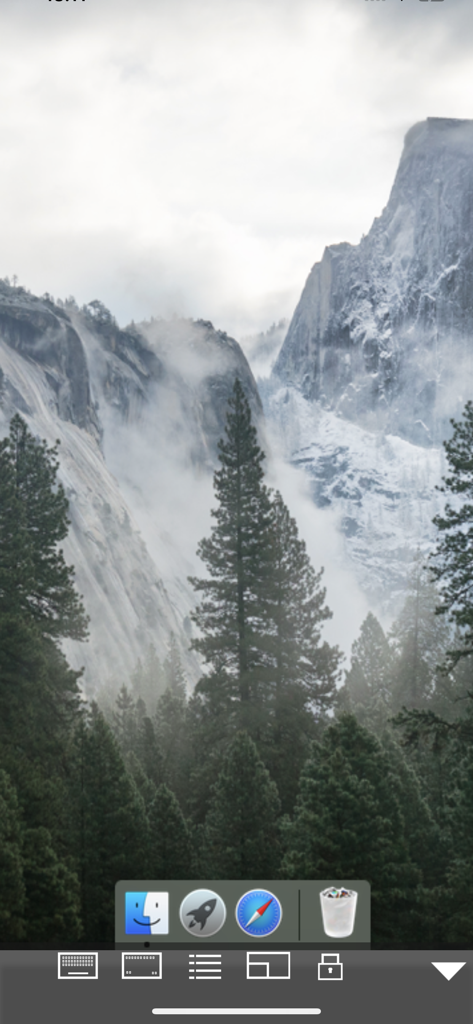
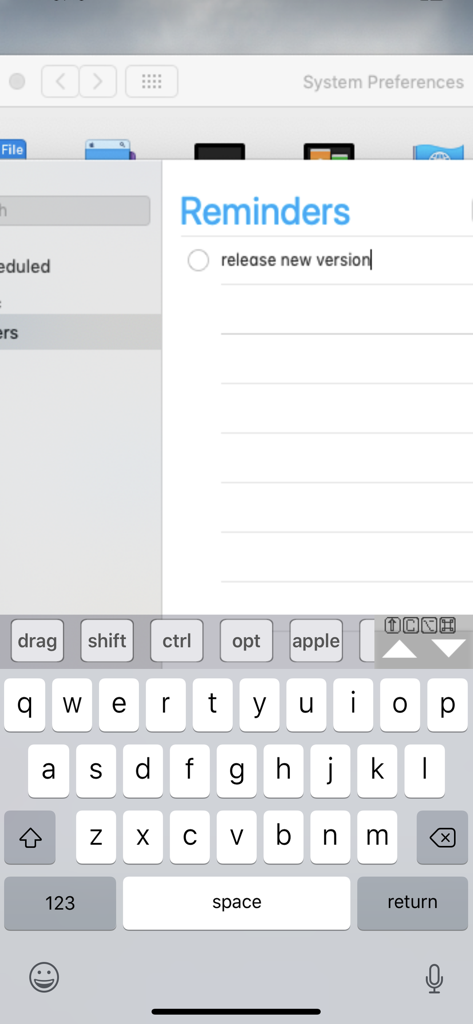
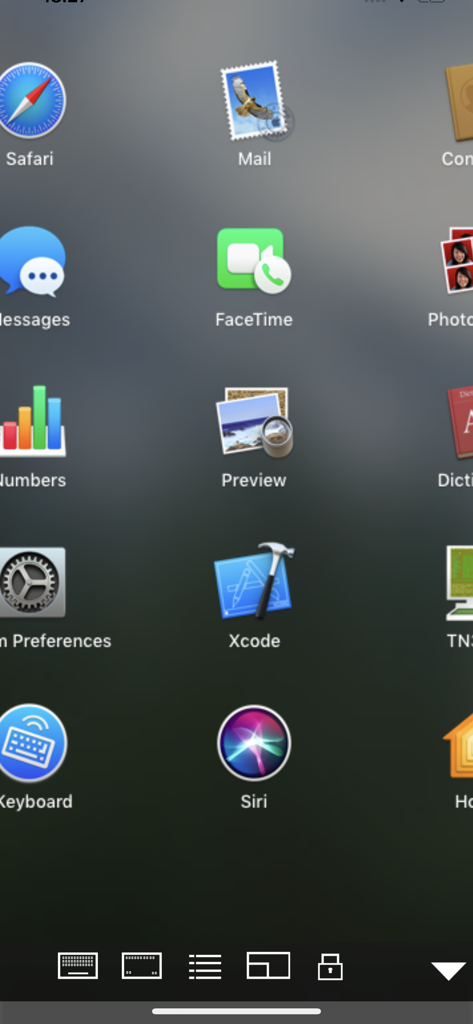
Die Tools, die diese App auszeichnen, gewählt von 330K+ Nutzern.
Verwandeln Sie Ihr iPad in eine vollständige Workstation mit nativer Unterstützung für Swiftpoint GT Hardware-Mäuse und Bluetooth-Trackpads für nahtlose Navigation.
Verwalten Sie Remote-Infrastrukturen effizient mit Wake on LAN (WOL)-Unterstützung, verschlüsselten Anmeldungen und Kompatibilität über macOS- und Windows-Umgebungen hinweg.
Schließen Sie die Lücke zwischen Mobil und Desktop mit Remote-Druckfunktionen und einem integrierten Barcode-Scanner, der Daten direkt in Ihre Apps eingibt.
Alles, was Sie über wissen müssen Mocha VNC.
Beschreibung
Neueste Version
6.1
Größe
2.3 MB
Erstveröffentlichung
11. Feb. 2019
Schließen Sie sich über 330.000 IT-Profis und Power-Usern an. Verwalten Sie Ihren Mac oder PC sicher von Ihrem iPad oder iPhone aus mit Wake on LAN, Hardware-Mausunterstützung und professioneller Funktionalität für einen einmaligen Kauf.
Apps mit ähnlichen Funktionen und Nutzererfahrung

Shanghai best oray information s&t co.,ltd

Guangzhou NetEase Computer System Co.Ltd

AWERAY PTE. LTD.

AnyDesk Software GmbH

TeamViewer Germany GmbH

Hainan Youqu Technology Co., Ltd.

ZULER TECHNOLOGY PTE. LTD.

Termius Corporation

RealVNC Limited
App information, icons, screenshots, and descriptions displayed on this page are sourced from the Apple App Store and are the property of their respective developers. Download estimates and rankings are based on MWM's proprietary models and may not reflect actual figures. This page is provided for informational and analytical purposes only.
Believe this page infringes your intellectual property? File a dispute