Office Suite: Word, Sheet, PDF – Die Desktop-Power von OpenOffice in deiner Tasche
Verzichte auf Abos und erlebe detailgetreue Bearbeitung. Erstelle, scanne und verwalte Word-, Excel- und OpenDocument-Dateien mit dem ersten voll funktionsfähigen mobilen Port für Profis unterwegs.
Entdecken Sie die Oberfläche, die von 6K+ Nutzern verwendet wird.
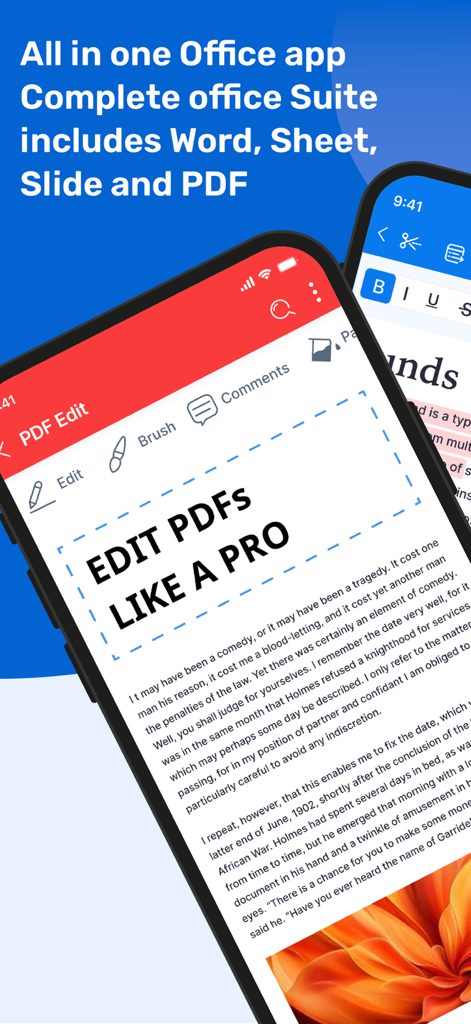
Office Suite App-Oberfläche mit professionellen PDF-Bearbeitungsfunktionen auf einem Smartphone
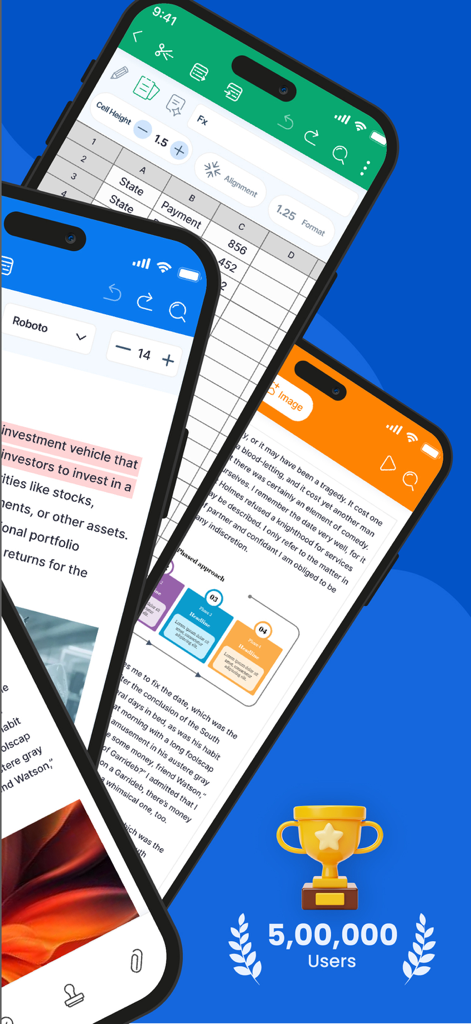
Mobile App-Oberfläche mit Dokumentenbearbeitung, Tabellenkalkulation und Präsentationswerkzeugen mit 500.000 Nutzern im Meilenstein.
iPhone zeigt die Office Suite App-Oberfläche mit Optionen zur Bearbeitung von Word-, Excel- und PDF-Dokumenten
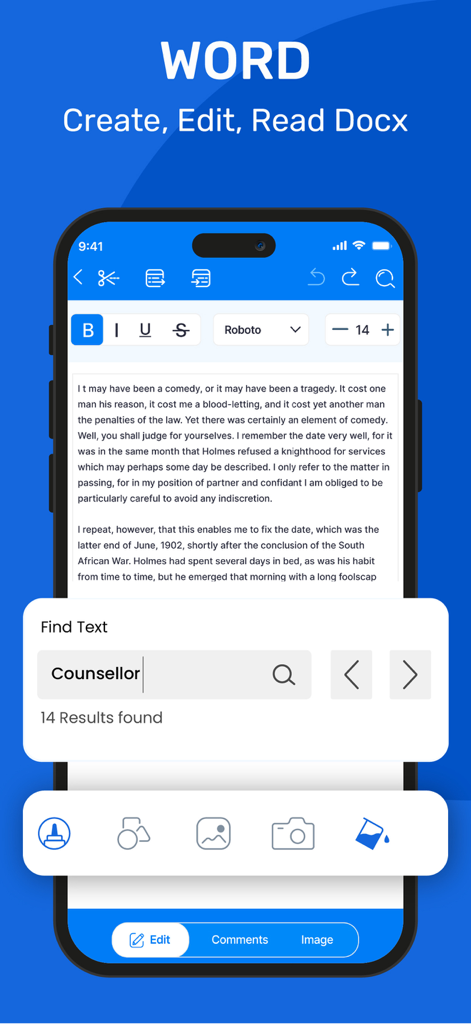
Oberfläche zur Bearbeitung von Word-Dokumenten und zur Textsuche auf einem iPhone
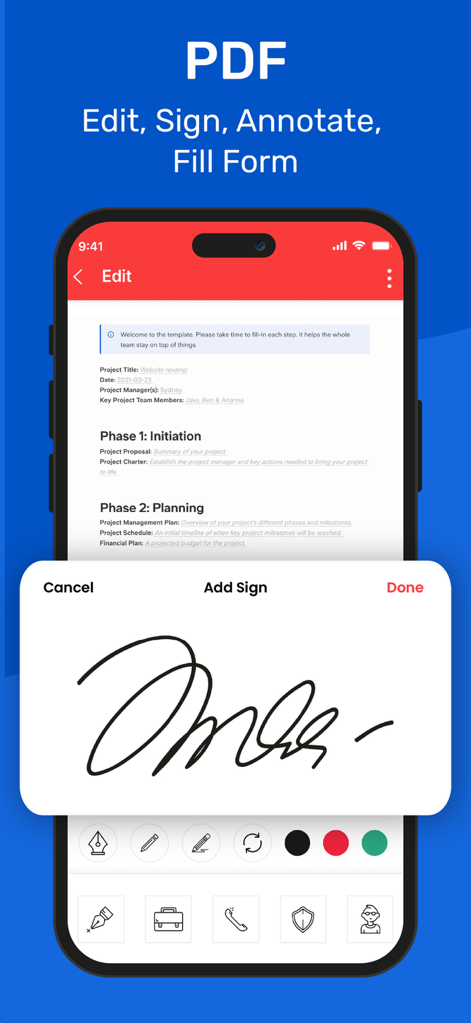
Smartphone zeigt das Hinzufügen einer digitalen Signatur zu einem PDF-Dokument in der Office Suite App
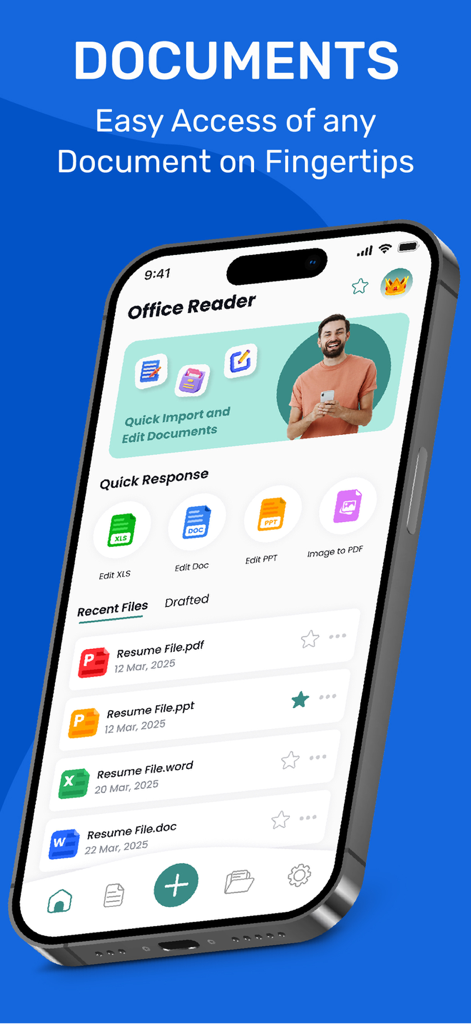
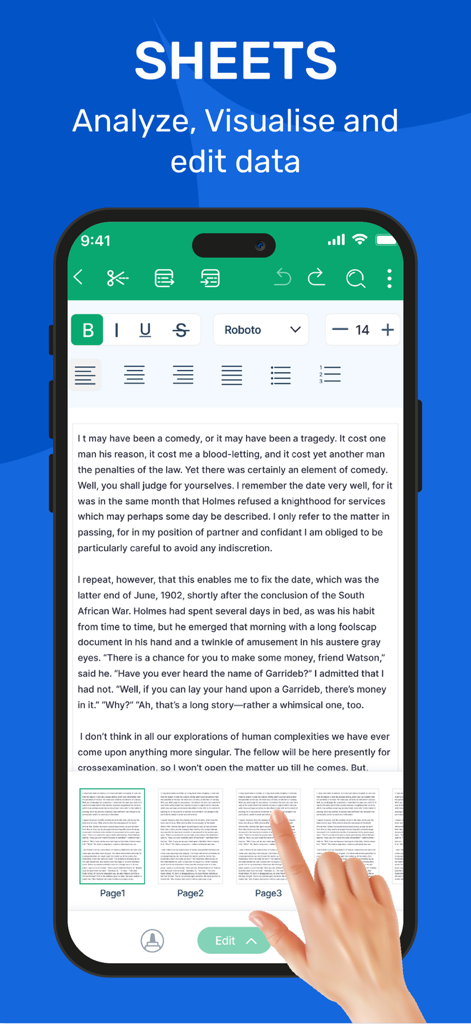
Smartphone-Bildschirm zeigt einen Textdokument-Editor mit professionellen Formatierungswerkzeugen und Seitennavigation
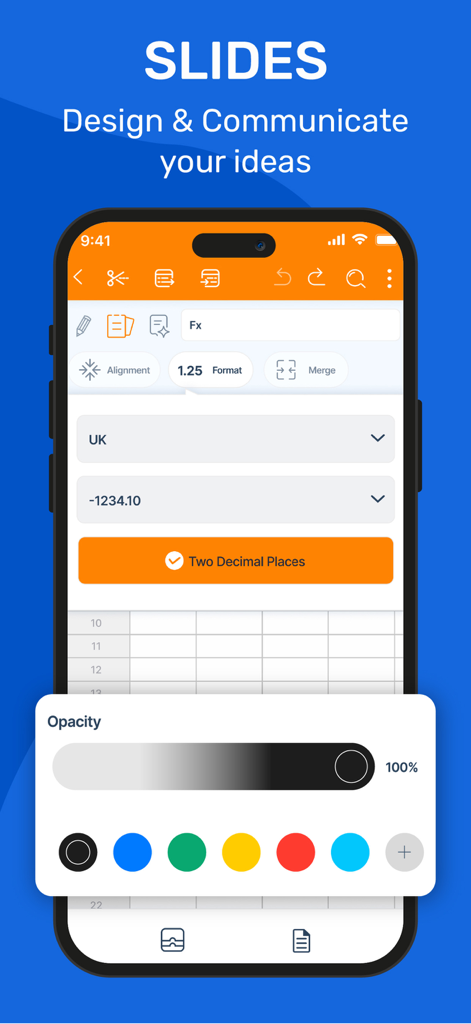
Mobile Bildschirmansicht mit Designfunktionen für Präsentationen und Tabellenkalkulationsformatierungsoptionen in der Office Suite App
Die Office-Lösung in Desktop-Qualität, auf die du gewartet hast
Die Tools, die diese App auszeichnen, gewählt von 6K+ Nutzern.
📑
Unübertroffene Format-Treue
Öffne und bearbeite DOCX-, XLSX- und ODT-Dateien mit perfekter Genauigkeit. Unsere OpenOffice-Engine sorgt dafür, dass deine Layouts plattformübergreifend erhalten bleiben.
📸
Integrierter mobiler Scanner
Verwandle dein iPhone in ein mobiles Büro. Scanne physische Dokumente direkt in das PDF-Format und bearbeite oder teile sie in Sekundenschnelle.
🛡️
Professionelle Zuverlässigkeit
Arbeite mit Vertrauen. Unser fortschrittliches System zur automatischen Wiederherstellung schützt deinen Fortschritt vor Unterbrechungen und stellt sicher, dass deine harte Arbeit nie verloren geht.
Über die App
Alles, was Sie über wissen müssen Office Suite: Word, Sheet, PDF.
Beschreibung
Office Suite is the world’s first fully-featured port of OpenOffice for iOS, delivering a powerful and comprehensive office suite compatible with OpenOffice and LibreOffice documents.
With its intuitive interface, powerful features, and seamless sync across devices, Office Suite: Word, Sheet, PDF is the all-in-one productivity solution for users on the go.
All-in-One Productivity Suite
Office Suite: Word, Sheet, PDF brings together all the essential tools you need—word processing, spreadsheets, presentations, and PDFs—in one powerful app. Whether you're working remotely or on the move, it’s your go-to solution for creating, editing, and sharing professional documents anytime, anywhere.
Absolutely! Here's a naturally shuffled and reworded version of the **Features** and **Supported File Formats** sections. It maintains all the original details but flows like fresh, non-copy-paste content:
---
## ■ Key Features ■
- Create and edit documents, spreadsheets, and presentations in one unified app
- Export files to PDF and preserve formatting across platforms
- Full support for embedded media, including audio and video
- Scan documents directly using your device’s camera and save as PDF or image
- Craft stylized text and apply formatting effects to enhance your content
- Open and save files with high fidelity, especially for Open Document Format
- Recover unsaved changes automatically—your work is always protected
- Format paragraphs with ease and customize document layouts
- Supports inserting and managing embedded objects for richer documents
- Simple, user-first interface that’s easy for everyone to navigate
---
## ■ Supported File Formats ■
**Office Suite: Word, Sheet, PDF** supports a wide range of formats, ensuring seamless compatibility with industry-standard tools:
### Fully Supported (Open & Save)
**Microsoft Office:**
- DOC, DOCX, DOT, DOTX, DOCM (Word)
- XLS, XLSX, XLT, XLTX, XLSM (Excel)
- PPT, PPTX, POT, POTX, PPTM (PowerPoint)
**Open Standards & Others:**
- ODT, ODS, ODP, ODG, ODF (OpenDocument Formats)
- SXW, SXC, SXD, SXI, SXG, SXM (OpenOffice/StarOffice)
- PDF
- TXT, CSV, XML
- HTML
- TIFF, BMP, PNG, GIF, JPG, SVG
Privacy Policy - https://sites.google.com/view/office-suite-privacy-policy/home
Terms of Use - https://sites.google.com/view/office-suite-terms-of-use/home
Neueste Version
1.5
Größe
96.2 MB
Erstveröffentlichung
10. Apr. 2025
Bereit, Desktop-Power auf deinem iPhone zu erleben?
Schließe dich Tausenden von Profis an, die teure Abos zugunsten des ersten vollwertigen OpenOffice-Ports aufgegeben haben. Lade jetzt herunter, um alle deine Dokumente in einer leistungsstarken All-in-One-Suite zu bearbeiten, zu scannen und zu verwalten.
App information, icons, screenshots, and descriptions displayed on this page are sourced from the Apple App Store and are the property of their respective developers. Download estimates and rankings are based on MWM's proprietary models and may not reflect actual figures. This page is provided for informational and analytical purposes only.
Believe this page infringes your intellectual property? File a dispute