Passwords & Passkeys-Safe

Passwords & Passkeys-Safe


Herunterladen auf App StoreHerunterladen auf Google Play
Logo von Passwords & Passkeys-Safe
SafeInCloud: Der All-in-One-Passwort-Manager, der wirklich Ihnen gehört

Übernehmen Sie die Kontrolle über Ihre digitale Sicherheit mit militärtauglicher Verschlüsselung und integrierter 2FA. Keine Abonnements, keine proprietären Clouds – nur Ihre Daten, synchronisiert auf Ihre Weise.

Herunterladen auf App Store

Herausgeber

SAFEINCLOUD SAS

Kategorie

Productivity

Downloads

237K+

Bewertung

4.7/5

Bewertungen gesamt

4K+

Sprachen

33

Ihr digitaler Tresor, visualisiert

Entdecken Sie die Oberfläche, die von 237K+ Nutzern verwendet wird.
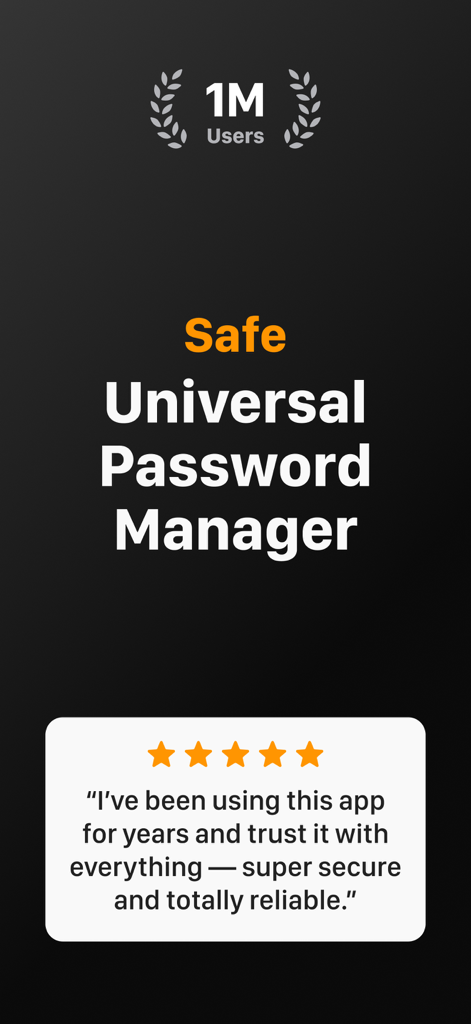
SafeInCloud App-Screenshot, der eine Million Nutzer und eine Fünf-Sterne-Bewertung anzeigt

SafeInCloud App-Screenshot, der eine Million Nutzer und eine Fünf-Sterne-Bewertung anzeigt

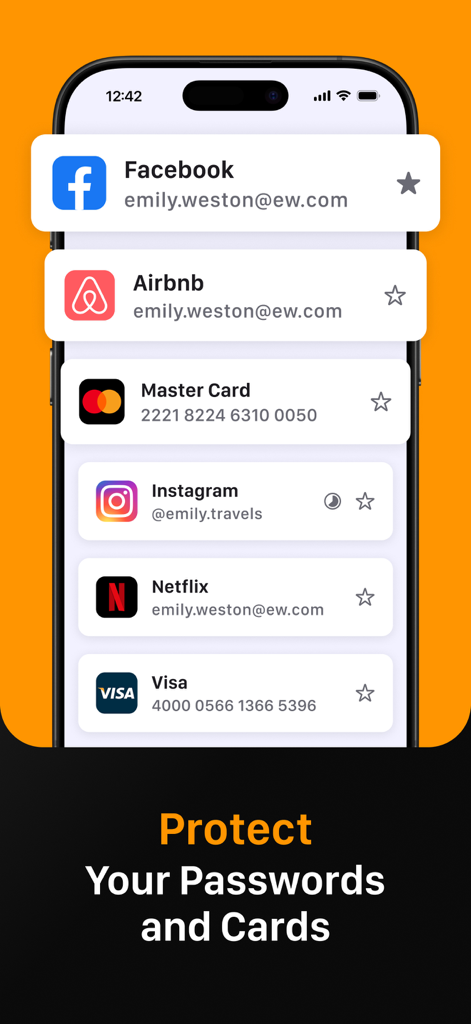
Smartphone-Bildschirm, der die SafeInCloud-App zur Verwaltung sicherer Logins für Facebook, Instagram und Kreditkartendaten zeigt

Smartphone-Bildschirm, der die SafeInCloud-App zur Verwaltung sicherer Logins für Facebook, Instagram und Kreditkartendaten zeigt

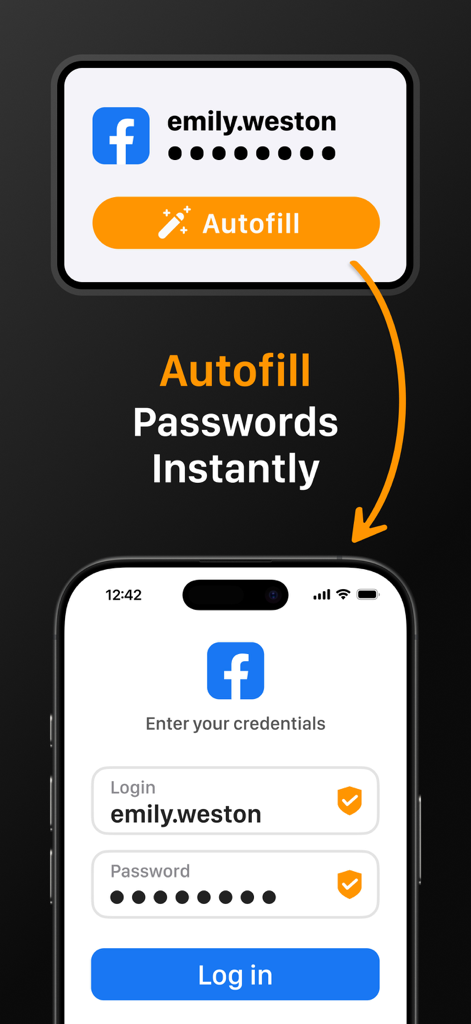
SafeInCloud-App, die das sofortige automatische Ausfüllen von Passwörtern auf einem mobilen Anmeldebildschirm demonstriert

SafeInCloud-App, die das sofortige automatische Ausfüllen von Passwörtern auf einem mobilen Anmeldebildschirm demonstriert

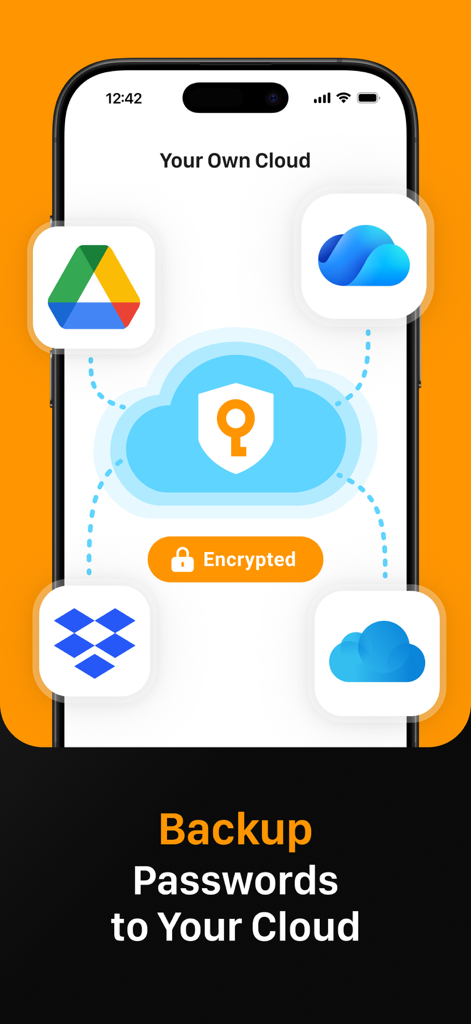
SafeInCloud-App-Oberfläche, die die Passwort-Sicherung und Synchronisierung mit persönlichen Cloud-Diensten wie Google Drive und Dropbox anzeigt

SafeInCloud-App-Oberfläche, die die Passwort-Sicherung und Synchronisierung mit persönlichen Cloud-Diensten wie Google Drive und Dropbox anzeigt

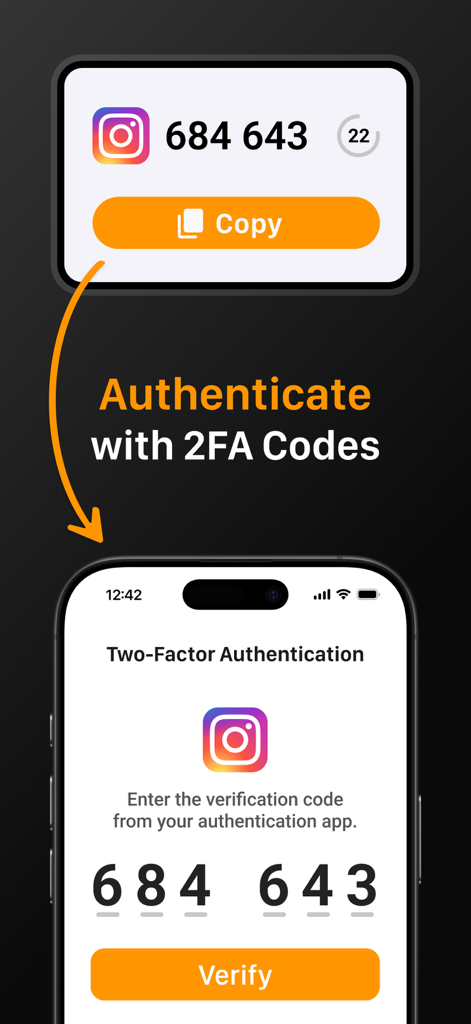
SafeInCloud-Oberfläche, die zeigt, wie man sich mit 2FA-Codes für ein Instagram-Konto authentifiziert

SafeInCloud-Oberfläche, die zeigt, wie man sich mit 2FA-Codes für ein Instagram-Konto authentifiziert

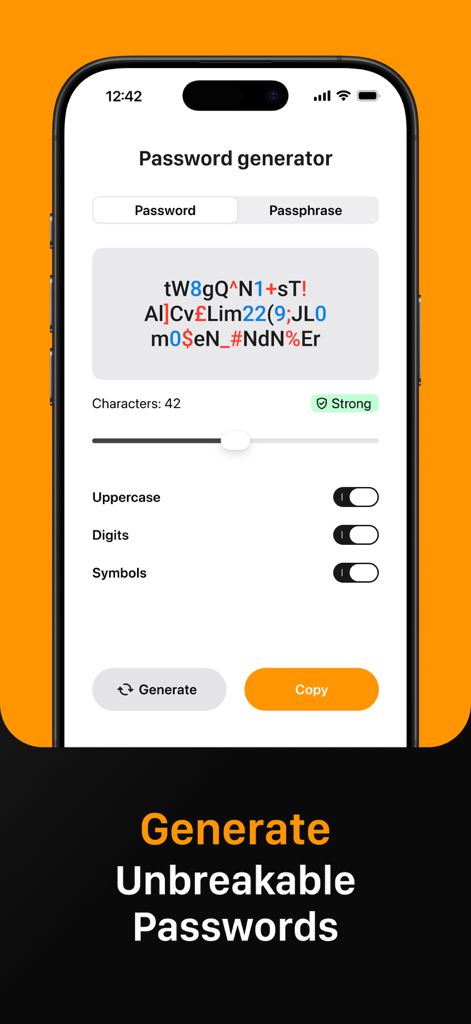
SafeInCloud-App-Oberfläche, die die Passwortgenerator-Funktion zur Erstellung starker und unknackbarer Passwörter anzeigt

SafeInCloud-App-Oberfläche, die die Passwortgenerator-Funktion zur Erstellung starker und unknackbarer Passwörter anzeigt

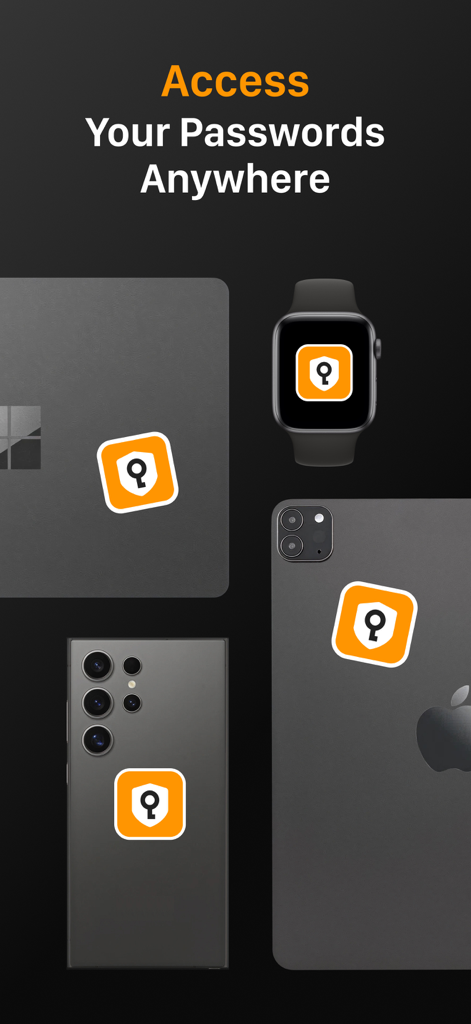
SafeInCloud App-Symbol, das auf mehreren Geräten, darunter ein Laptop, eine Smartwatch und Smartphones, angezeigt wird, um den plattformübergreifenden Zugriff zu demonstrieren

SafeInCloud App-Symbol, das auf mehreren Geräten, darunter ein Laptop, eine Smartwatch und Smartphones, angezeigt wird, um den plattformübergreifenden Zugriff zu demonstrieren

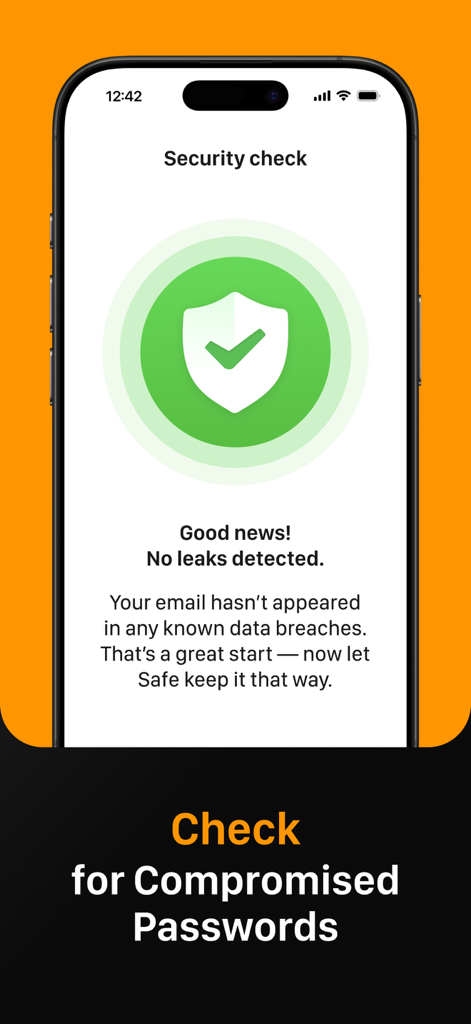
SafeInCloud-Sicherheitsüberprüfungsbildschirm, der keine Datenlecks bei kompromittierten Passwörtern anzeigt.

SafeInCloud-Sicherheitsüberprüfungsbildschirm, der keine Datenlecks bei kompromittierten Passwörtern anzeigt.

Sichern Sie Ihre Welt zu Ihren Bedingungen

Die Tools, die diese App auszeichnen, gewählt von 237K+ Nutzern.

☁️

Totale Datenhoheit

Bleiben Sie die Kontrolle, indem Sie Ihren verschlüsselten Tresor über Ihr eigenes Cloud-Konto wie iCloud, Google Drive oder Dropbox anstelle von Drittanbieter-Servern synchronisieren.

🔐

Integrierter 2FA-Authenticator

Vereinfachen Sie Ihren Arbeitsablauf mit einem integrierten Authenticator, der Einmal-Codes generiert und separate Verifizierungs-Apps überflüssig macht.

Nahtloser plattformübergreifender Zugriff

Genießen Sie sofortige Anmeldungen mit Face ID, Touch ID und systemweitem Autofill auf Ihrem iPhone, iPad, Mac und Windows-PC mit einer kostenlosen Desktop-Begleit-App.

Über die App

Alles, was Sie über wissen müssen Passwords & Passkeys-Safe.

Beschreibung

SafeInCloud Password Manager allows you to keep your logins, passwords, and other private info safe and secure in an encrypted database. You can synchronise your data with another phone, tablet, Mac or PC via your own cloud account. SafeInCloud is not just a password keeper, but also a 2FA authenticator that generates one-time codes for any website. This means you won't need a separate 2FA authenticator app. ALL-IN-ONE PASSWORD MANAGER ◆ Easy to Use ◆ Strong Encryption (256-bit Advanced Encryption Standard) ◆ Cloud Synchronisation (iCloud, Google Drive, Dropbox, Microsoft OneDrive, NAS, WebDAV) ◆ Login with Touch ID & Face ID ◆ Multiple Databases ◆ Autofill Passwords in Apps ◆ Password Strength Analysis ◆ Password Generator ◆ 2FA Authenticator (MFA, TOTP, OTP) ◆ Check for Compromised Passwords ◆ Free Desktop App (Windows & Mac) ◆ Automatic Data Import ◆ Apple Watch App ◆ Cross Platform EASY TO USE Try it yourself and enjoy an easy-to-use yet powerful user interface. STRONG ENCRYPTION Your data is always encrypted on a device and in a cloud with a strong 256-bit Advanced Encryption Standard (AES). CLOUD SYNCHRONISATION Your database is automatically synchronised with your own cloud account. Thus you can easily restore your entire database from a cloud to a new phone or computer (in case of a loss or an upgrade). LOGIN WITH TOUCH ID & FACE ID You can instantly unlock SafeInCloud with a fingerprint on devices with Touch ID. You can also unlock SafeInCloud by face recognition using Face ID technology. AUTOFILL PASSWORDS IN APPS You can autofill login and password fields into any app on your phone directly from SafeInCloud. You don't need to copy and paste them manually. PASSWORD STRENGTH ANALYSIS SafeInCloud analyses your password strengths and shows a strength indicator next to each password. PASSWORD GENERATOR The password generator helps you generating random and secure passwords. There is also an option to generate memorable, but still strong passwords. 2FA AUTHENTICATOR SafeInCloud supports two factor authentication (2FA, MFA, TOTP, OTP), providing an additional layer of security without the need for a separate verification app like Microsoft authenticator. CHECK FOR COMPROMISED PASSWORDS Hundreds of millions of real world passwords have previously been exposed in data breaches. Safely and anonymously check your passwords for being compromised. FREE DESKTOP APP Download a free Desktop application for Windows or Mac OS from www. AUTOMATIC DATA IMPORT The Desktop application can automatically import your passwords from another password manager like 1password or LastPass. You don't need to manually reenter all your passwords. APPLE WATCH APP You can put some selected cards on your wrist to easily access them on the run. These could be your credit card PINs, door and locker codes. Terms of Use: https://www.apple.com/legal/internet-services/itunes/dev/stdeula/

Neueste Version

26.1.9

Größe

76.6 MB

Erstveröffentlichung

21. Okt. 2014

Übernehmen Sie noch heute die volle Kontrolle über Ihre Sicherheit

Schließen Sie sich über 237.000 Nutzern an, die Datenhoheit über Abonnements wählen. Sichern Sie Ihre Passwörter mit AES-256-Verschlüsselung über Ihr eigenes Cloud-Konto – keine monatlichen Gebühren, keine Kompromisse.

Herunterladen auf App StoreHerunterladen auf Google Play

App information, icons, screenshots, and descriptions displayed on this page are sourced from the Apple App Store and are the property of their respective developers. Download estimates and rankings are based on MWM's proprietary models and may not reflect actual figures. This page is provided for informational and analytical purposes only.

Believe this page infringes your intellectual property? File a dispute