PDF zu Excel Konverter & XLSX: Verwandeln Sie PDFs sofort in Tabellenkalkulationen
Eliminieren Sie manuelle Dateneingabe mit hochgenauer OCR. Konvertieren Sie Berichte, Rechnungen und Bilder mühelos in vollständig bearbeitbare XLSX-Dateien, während Ihre sensiblen Daten privat und sicher auf Ihrem Gerät bleiben.
Entdecken Sie die Oberfläche, die von 2K+ Nutzern verwendet wird.
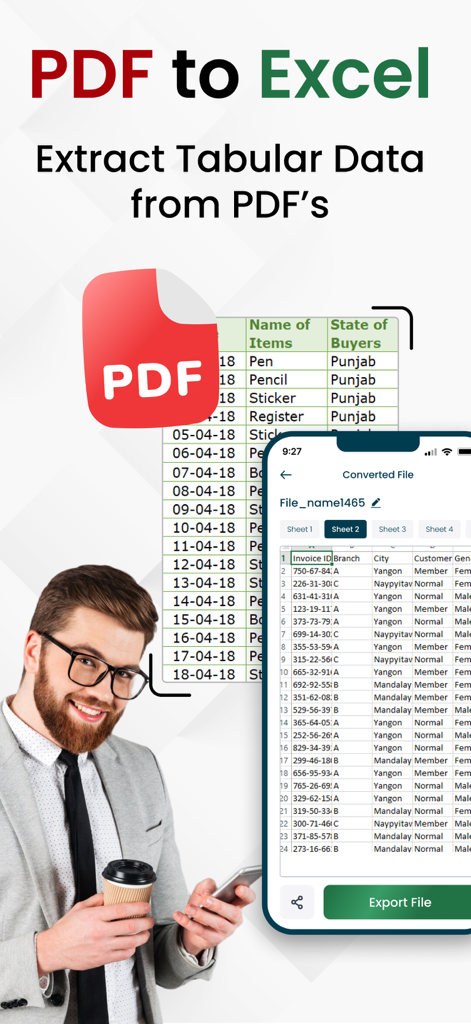
Ein Mann benutzt die PDF zu Excel App auf einem Smartphone, um tabellarische Daten in eine Tabellenkalkulation zu extrahieren
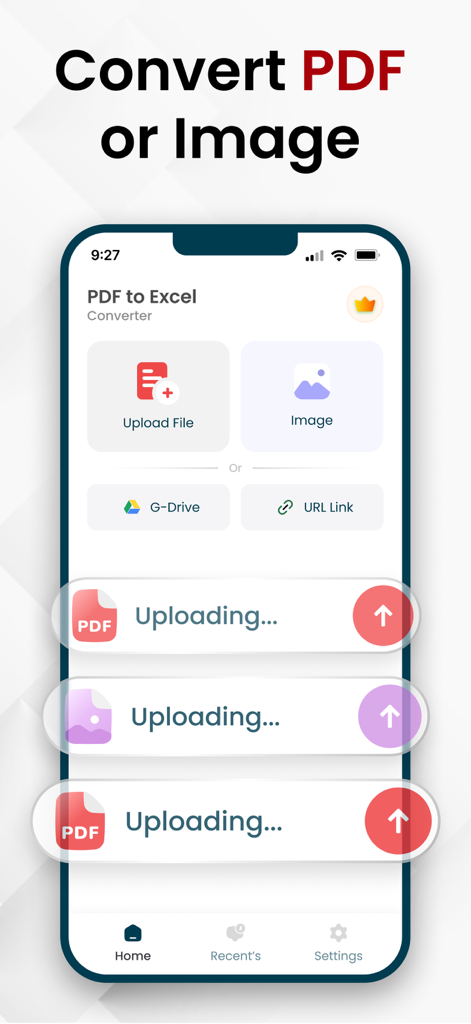
Mobile App-Oberfläche zur Konvertierung von PDF und Bildern in Excel-Tabellenkalkulationen mit Cloud-Upload-Optionen
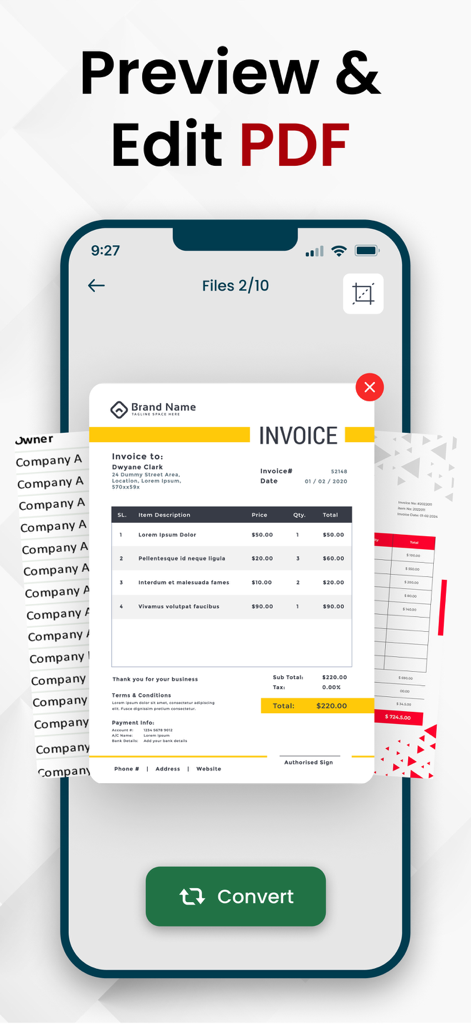
Mobile App-Bildschirm, der eine Vorschau und Bearbeitungsansicht einer PDF-Rechnung vor der Konvertierung zeigt
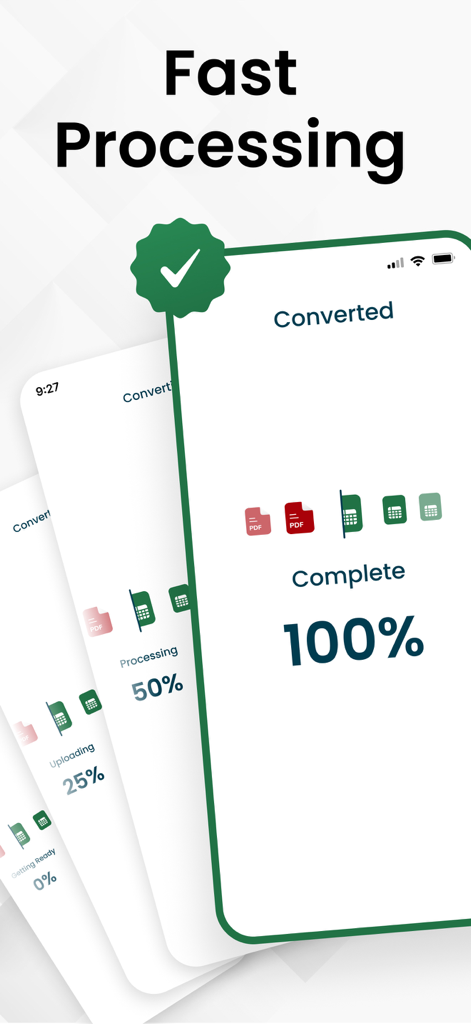
Eine Smartphone-Oberfläche, die eine abgeschlossene einhundertprozentige PDF-zu-Excel-Konvertierung mit Text zur schnellen Verarbeitung anzeigt.
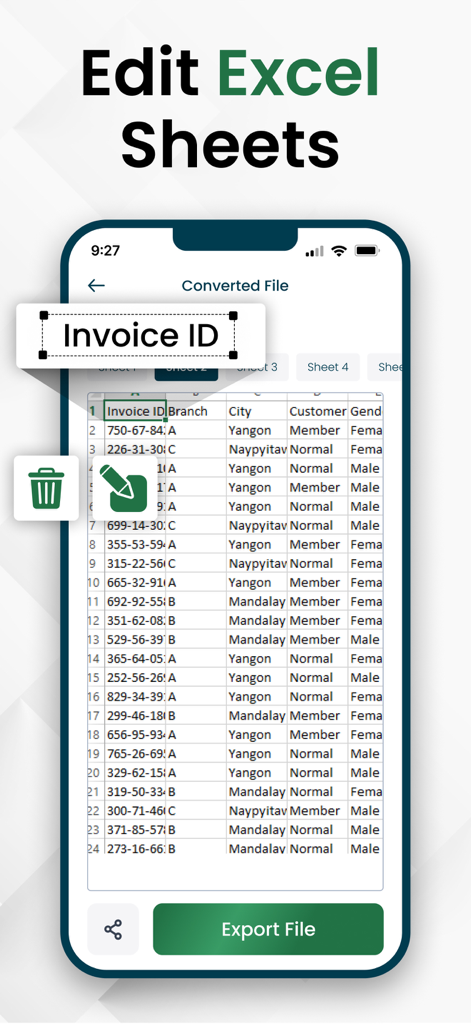
Ein Smartphone-Bildschirm, der eine konvertierte Excel-Tabellenkalkulation mit Optionen zur Bearbeitung und zum Export von Dateien zeigt
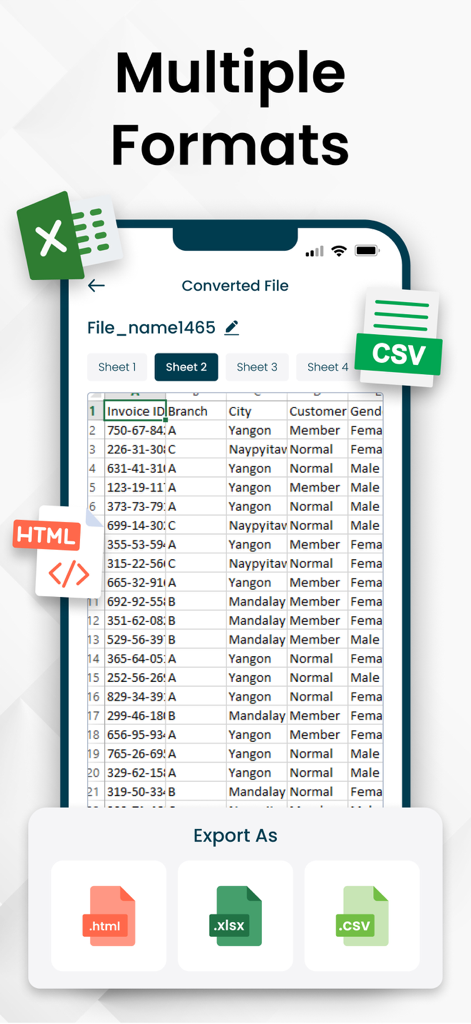
PDF-zu-Excel-Konverter-App, die mehrere Exportoptionen für XLSX-, CSV- und HTML-Formate anzeigt
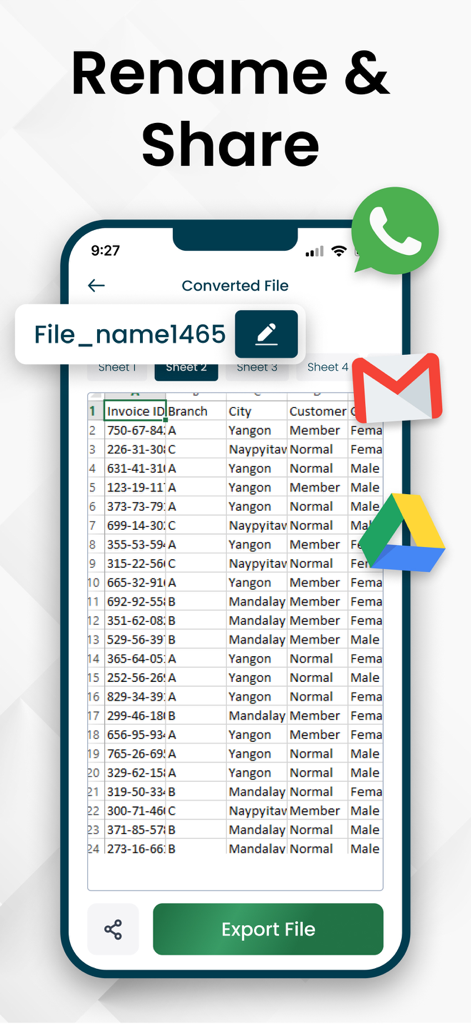
Mobile App-Oberfläche, die eine konvertierte Excel-Tabellenkalkulation mit Optionen zum Umbenennen und Teilen von Dateien über WhatsApp, Gmail und Google Drive zeigt
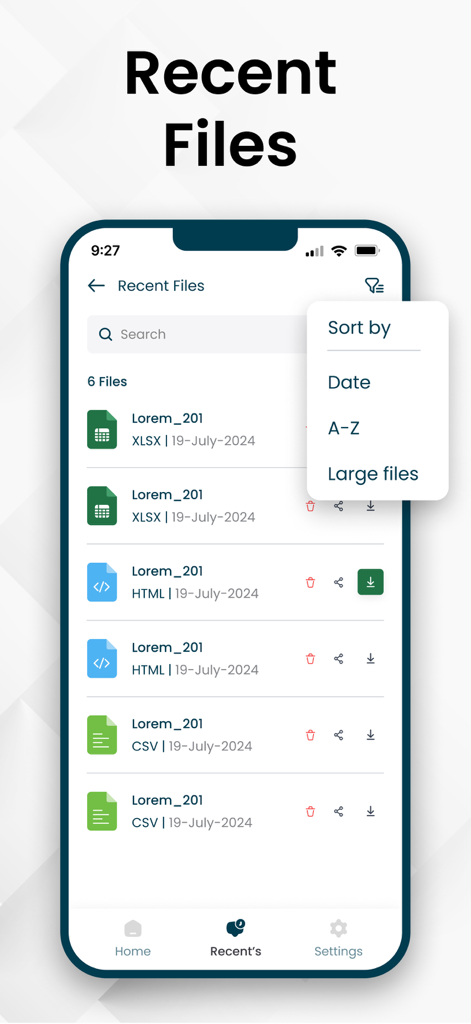
Mobile App-Bildschirm, der eine Liste kürzlich konvertierter Excel-, CSV- und HTML-Dateien mit Sortieroptionen anzeigt
Hören Sie auf zu tippen und fangen Sie an zu analysieren
Die Tools, die diese App auszeichnen, gewählt von 2K+ Nutzern.
🎯
KI-gestützte OCR-Genauigkeit
Extrahieren Sie komplexe Tabellen aus gescannten Dokumenten und Bildern mit branchenführender Präzision und vermeiden Sie so manuelle Eingabefehler.
🔒
Datenschutz auf Unternehmensniveau
Ihre sensiblen Finanzberichte bleiben privat. Wir verarbeiten Dateien lokal auf Ihrem Gerät und speichern Ihre Daten niemals auf unseren Servern.
☁️
Nahtloser Cloud-Workflow
Importieren Sie direkt aus Google Drive und exportieren Sie nach XLSX, CSV oder HTML, um Ihre professionellen Projekte auf jedem Gerät am Laufen zu halten.
Über die App
Alles, was Sie über wissen müssen PDF to Excel Converter & XLSX.
Beschreibung
Need to extract data from PDFs or images into Excel? This PDF to Excel Converter app allows you to seamlessly convert PDFs and scanned documents into fully editable Excel spreadsheets. With fast and accurate conversion, you can manage data effortlessly, whether for budgeting, reports, or business analysis. Preview, edit, and export your files in multiple formats, including XLSX, CSV, HTML, and PDF.
Convert PDFs and images into structured spreadsheets, eliminating the need for manual data entry. Modify Excel sheets, track records, and organize financial data with ease. Whether for personal or professional use, this PDF to XLSX app ensures precise and seamless data extraction, making spreadsheet management simple and efficient.
Key Features of PDF to XLSX Converter:
PDF to Excel & Image to Excel: Easily convert PDFs or images into editable Excel sheets. Extract tables from scanned documents with high accuracy.
Multiple Upload Options: Import PDFs from your device, Google Drive, or via a link.
Preview & Edit: Crop sections, remove unnecessary pages and customize the output before conversion.
Export in Various Formats: Save your converted files as XLSX, CSV, HTML, or even back to PDF.
Rename & Share: Organize your files effortlessly rename them for better tracking and share instantly.
High Accuracy: Advanced recognition ensures precise data extraction, minimizing errors.
The PDF to Excel converter also takes your privacy seriously. Your images and data are secure with us, and we don’t store any of your information on our servers. With this PDF to XLSX converter app, turning images into Excel files is easy. No more errors, no more frustration just perfect Excel sheets every time.
How to Convert PDF to Excel?
Upload Your File – Select a PDF or image from your device, Drive, or a link.
Preview & Edit – Crop, remove pages, or adjust before conversion.
Convert to Excel – Tap ‘Convert’ and get an editable Excel sheet.
Export & Save – Download as XLSX, CSV, HTML, or PDF and access it anytime.
Who Can Benefit from This App?
Business professionals, students, researchers, freelancers, and anyone handling financial or scanned data can save time with this tool. Convert invoices, reports, contracts, and research papers into Excel for easy management.
Fast & Reliable PDF to Excel Conversion
This app simplifies your workflow by transforming static PDFs into editable spreadsheets. Whether you're managing financial records or organizing scanned documents, the PDF to Excel Converter ensures fast, accurate, and effortless data extraction. Download now and streamline your data management!
Why Choose PDF to Excel Converter?
Quick and easy PDF to XLSX conversion.
Flexible file upload options (device, Google Drive, or link).
Preview and edit PDFs before conversion for customization.
Accurate data extraction from PDFs and images.
Export to multiple formats: XLSX, CSV, HTML, or PDF.
Download Now and Get Started!
Unlock the full potential of your PDF documents and images with the PDF to Excel Converter app. Whether you need to convert PDF to XLSX, extract tables from PDFs, or convert images into Excel sheets, the app makes data management quick, simple, and efficient. Download now and experience how easy it is to organize and analyze your data on the go!
Privacy policy
https://jpgtoexcel.com/privacy
Terms of Services
https://jpgtoexcel.com/terms
Neueste Version
1.0.5
Größe
71.3 MB
Erstveröffentlichung
28. März 2025
Bereit, manuelle Dateneingabe zu beenden?
Schließen Sie sich Tausenden von Fachleuten an, die jede Woche Stunden sparen. Konvertieren Sie Ihre PDFs und Bilder mit vollständiger Privatsphäre und hochgenauer OCR in perfekte Excel-Tabellen. Laden Sie es jetzt herunter und optimieren Sie Ihren Workflow.
App information, icons, screenshots, and descriptions displayed on this page are sourced from the Apple App Store and are the property of their respective developers. Download estimates and rankings are based on MWM's proprietary models and may not reflect actual figures. This page is provided for informational and analytical purposes only.
Believe this page infringes your intellectual property? File a dispute