PDF to Word Converter - Docx

PDF to Word Converter - Docx

Herunterladen auf App Store
Logo von PDF to Word Converter - Docx

PDF zu Word Konverter - Docx: Wandeln Sie PDFs sofort in bearbeitbare Dokumente um

Hören Sie auf, abzutippen und sparen Sie Stunden Arbeit. Konvertieren Sie PDFs und Bilder mit fortschrittlicher OCR und perfekter Formatbeibehaltung auf Ihrem iPhone, iPad oder Mac in professionelle Word-Dateien.

Herausgeber

Asad Ahsan

Kategorie

Productivity

Downloads

21K+

Bewertung

4.5/5

Bewertungen gesamt

1K+

Sprachen

69

Effizienz im Blick

Entdecken Sie die Oberfläche, die von 21K+ Nutzern verwendet wird.
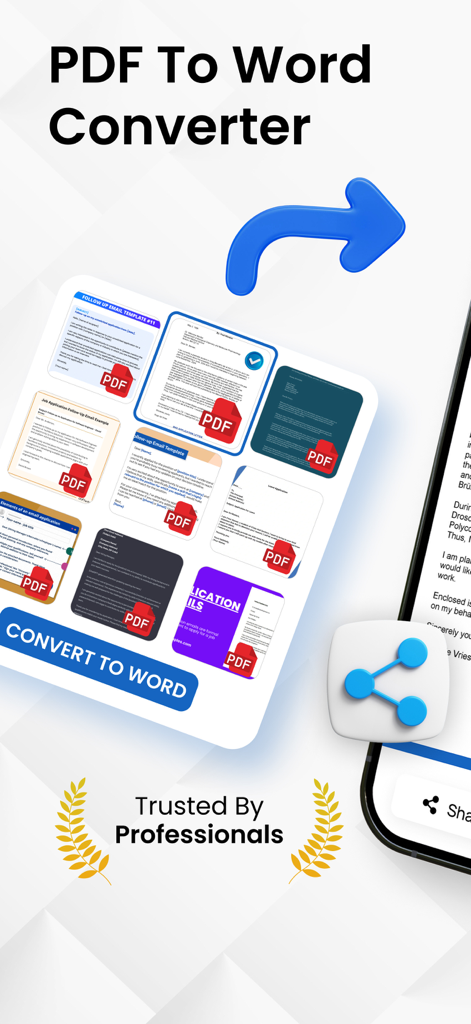
Screenshot der PDF zu Word Konverter App, die Dokumenten-Thumbnails und eine Schaltfläche zum Konvertieren nach Word anzeigt

Screenshot der PDF zu Word Konverter App, die Dokumenten-Thumbnails und eine Schaltfläche zum Konvertieren nach Word anzeigt

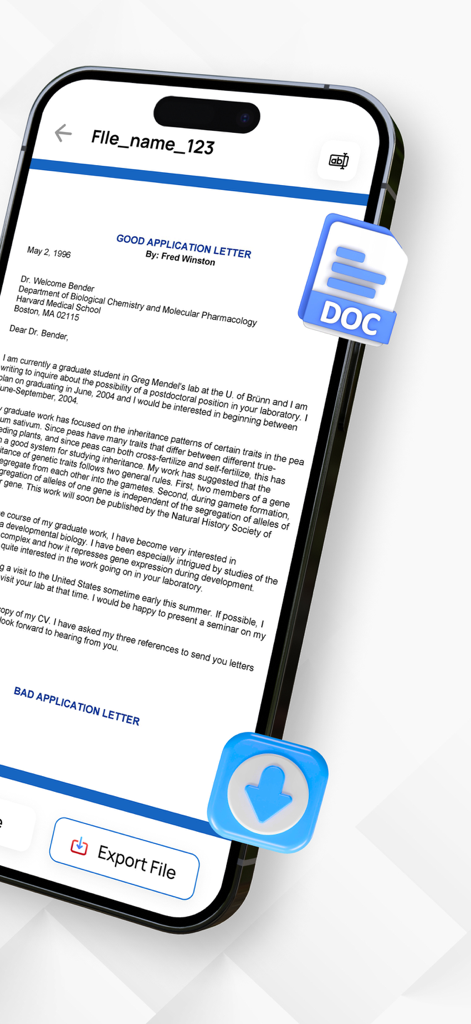
iPhone-Bildschirm, der ein Dokument anzeigt, das zum Export im Word-Format bereit ist

iPhone-Bildschirm, der ein Dokument anzeigt, das zum Export im Word-Format bereit ist

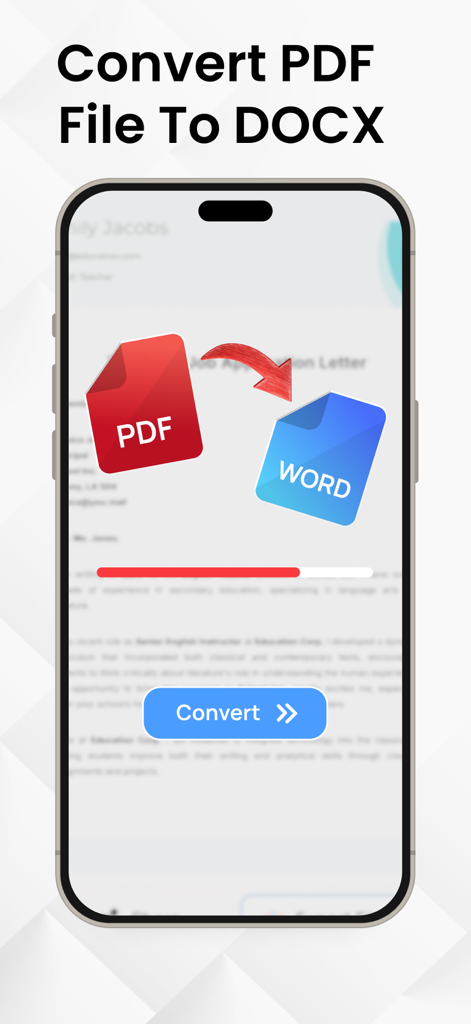
iPhone-Bildschirm, der die Konvertierung einer PDF-Datei in ein Word-Dokument mit Fortschrittsbalken und Konvertierungsschaltfläche zeigt

iPhone-Bildschirm, der die Konvertierung einer PDF-Datei in ein Word-Dokument mit Fortschrittsbalken und Konvertierungsschaltfläche zeigt

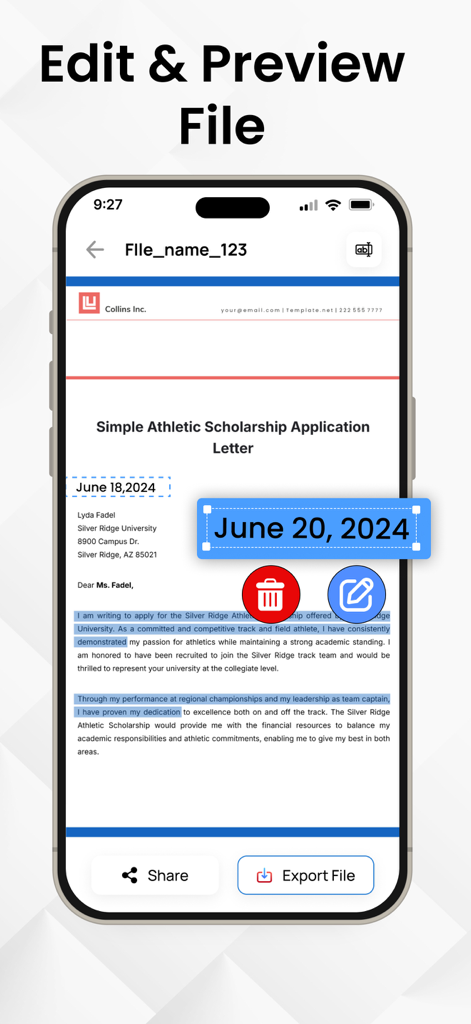
Eine mobile App-Oberfläche, die die Bearbeitungs- und Vorschaufunktion für ein konvertiertes Word-Dokument auf einem iPhone anzeigt

Eine mobile App-Oberfläche, die die Bearbeitungs- und Vorschaufunktion für ein konvertiertes Word-Dokument auf einem iPhone anzeigt

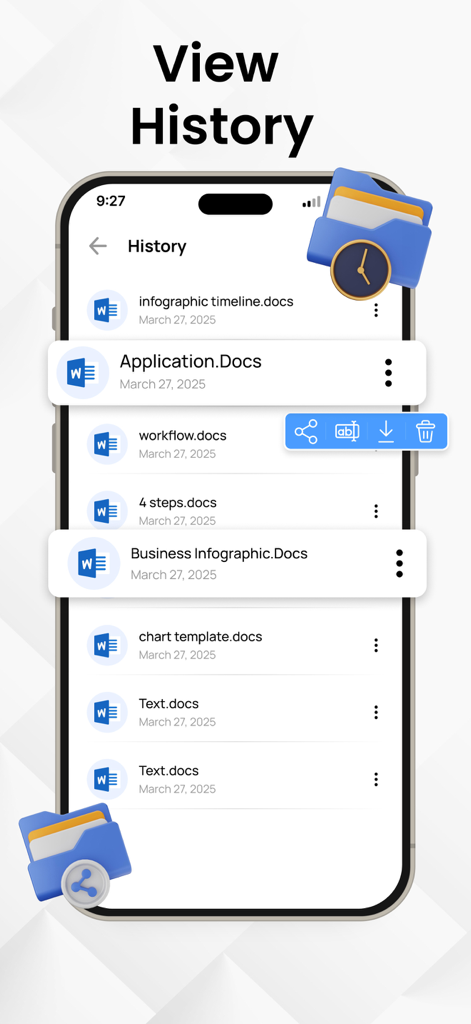
Bildschirm mit der Konvertierungshistorie von Dokumenten in der PDF zu Word App

Bildschirm mit der Konvertierungshistorie von Dokumenten in der PDF zu Word App

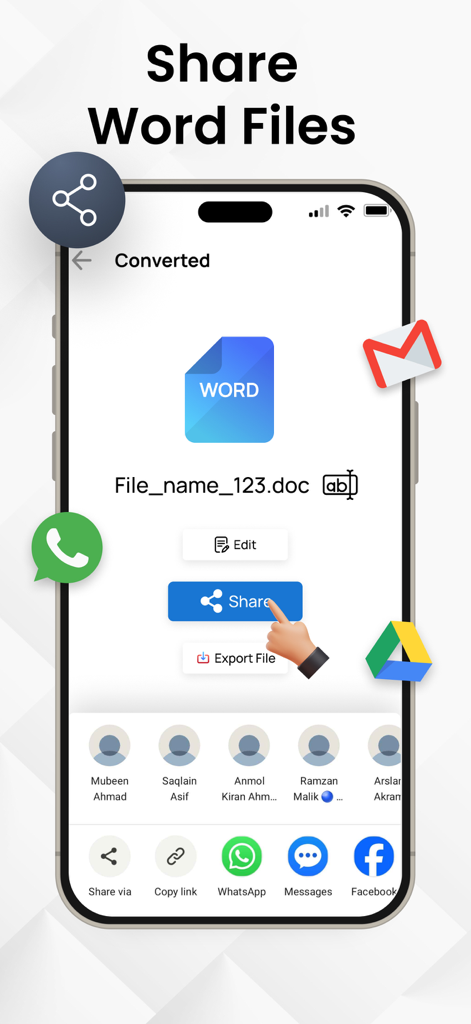
Oberfläche, die Freigabeoptionen für ein konvertiertes Word-Dokument auf einem mobilen Gerät zeigt

Oberfläche, die Freigabeoptionen für ein konvertiertes Word-Dokument auf einem mobilen Gerät zeigt

Optimieren Sie Ihren Dokumenten-Workflow

Die Tools, die diese App auszeichnen, gewählt von 21K+ Nutzern.

Präzise Beibehaltung des Layouts

Bewahren Sie Ihre ursprüngliche Formatierung, Schriftarten und Tabellen. Erhalten Sie eine bearbeitbare Docx-Datei, die genau wie Ihr PDF aussieht, ohne manuelle Nachbearbeitung.

🔍

Fortschrittliche OCR-Technologie

Machen Sie ein Foto von jedem gedruckten Dokument oder jeder Notiz, um Text sofort zu extrahieren. Perfekt für die Digitalisierung von physischen Unterlagen unterwegs.

Blitzschnelle Konvertierung

Gebaut für Effizienzsuchende. Konvertieren Sie Dateien mit nur wenigen Fingertipps direkt von Ihrem iPhone oder iPad, egal wo sich Ihr Büro heute befindet.

Über die App

Alles, was Sie über wissen müssen PDF to Word Converter - Docx.

Beschreibung

Do you want to convert your PDF files into word files? Convert PDF files and images to editable Word documents with this PDF to Word converter app. This pages to word converter app also allows you to pick images from your gallery and convert them to Word files using built-in text recognition (OCR). Whether you're handling documents or extracting text from pictures, this OCR PDF to Docx app helps you manage your files on the go. With a user-friendly interface, you can convert PDF files to Word format in just a few taps, preserving text, formatting, and layouts with high accuracy. PDF to Docx Conversion: Select any PDF document from your device and convert it into a fully editable Word (Docx) file. The formatting is preserved as much as possible, making it easier to continue editing or reusing the content. Image to Word Conversion: Choose images from your gallery and convert them to Word format using Optical Character Recognition (OCR). Great for converting scanned pages, photos of notes, or other image-based content into editable text. Fast Conversion: PDF To Word Converter uses advanced technology to do instant file conversions. Multiple Language Support PDF to Docx Converter supports multiple languages. This feature makes our app usable throughout the globe. If you want to know how to convert PDF to Word you came to the right place! Here's how you easily convert PDF to Docx - Select a PDF file and click Convert - Wait till the PDF is converted to Word. That's it Manage your documents more with the OCR PDF to Word Converter app. Whether you are converting PDF files or extracting text from images, this tool provides a convenient way to create editable Word documents (Docx) right from your IOS device. Start converting your files today and simplify your document workflow. Download Now! Privacy Policy: https://theonlineconverter.com/privacy-policy Terms of Use: https://theonlineconverter.com/terms

Neueste Version

1.0.7

Größe

56.0 MB

Erstveröffentlichung

26. Mai 2025

Hören Sie auf abzutippen und fangen Sie noch heute mit der Bearbeitung an

Schließen Sie sich über 21.000 Fachleuten und Studenten an, die unserer hochgenauen OCR vertrauen, um PDFs in Sekundenschnelle in perfekte Word-Dokumente zu verwandeln.

Herunterladen auf App Store

App information, icons, screenshots, and descriptions displayed on this page are sourced from the Apple App Store and are the property of their respective developers. Download estimates and rankings are based on MWM's proprietary models and may not reflect actual figures. This page is provided for informational and analytical purposes only.

Believe this page infringes your intellectual property? File a dispute