
Pixtable AI

Instantly transform old black-and-white photos into stunning, realistic color masterpieces. Preserve your family legacy with one-tap AI restoration that stays true to every detail.
Herausgeber
Kategorie
Graphics & DesignDownloads
6K+Bewertung
Bewertungen gesamt
0Sprachen
1Entdecken Sie die Oberfläche, die von 6K+ Nutzern verwendet wird.
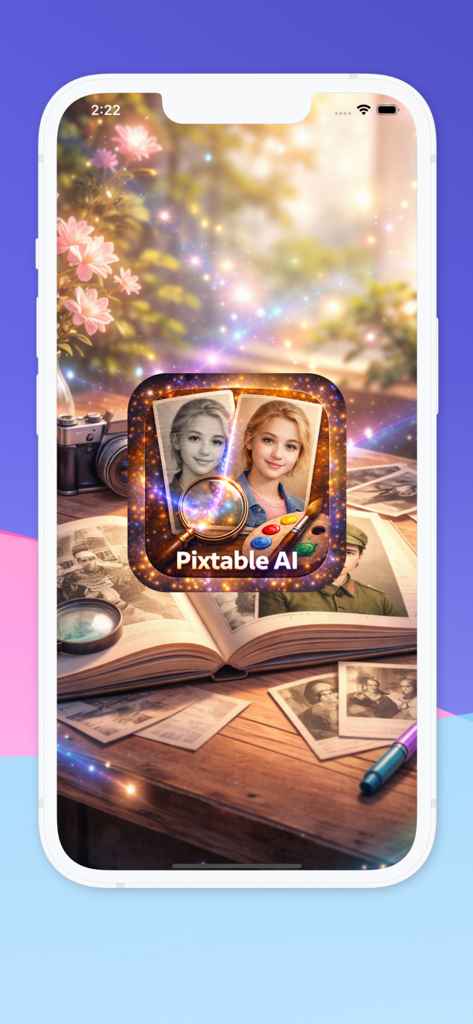
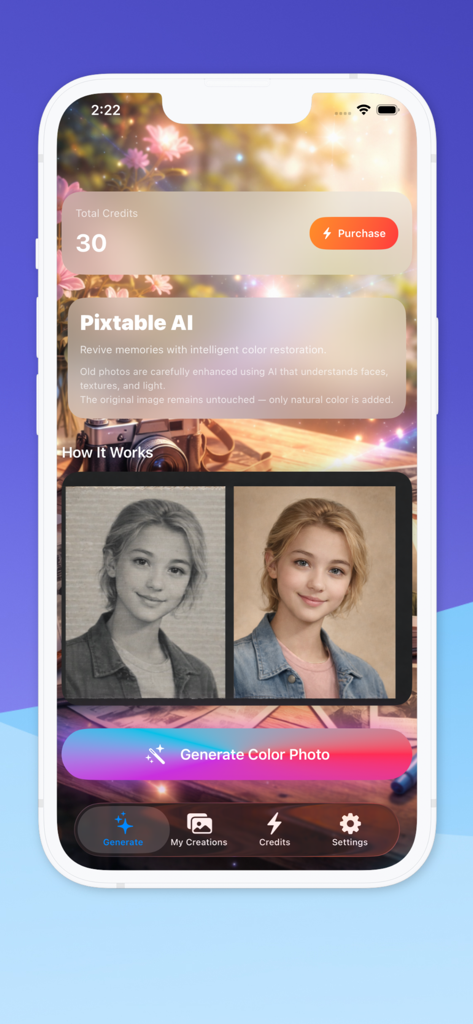
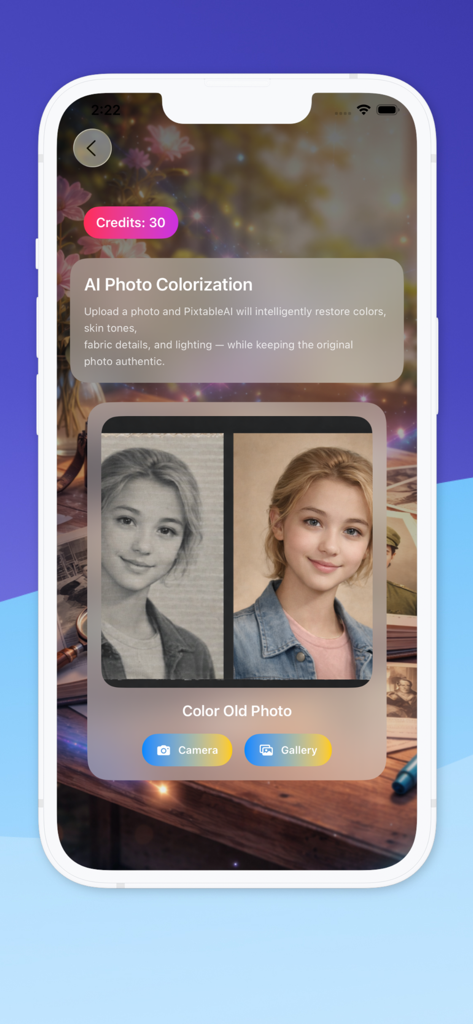
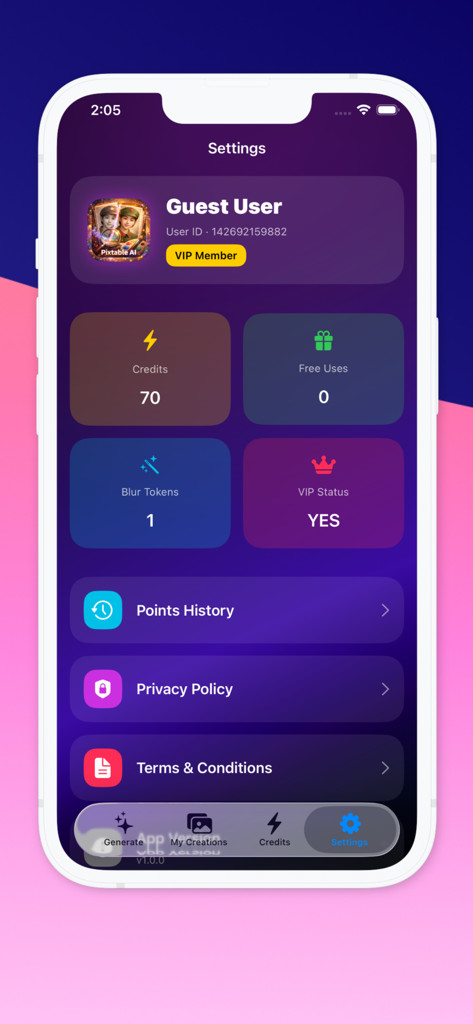
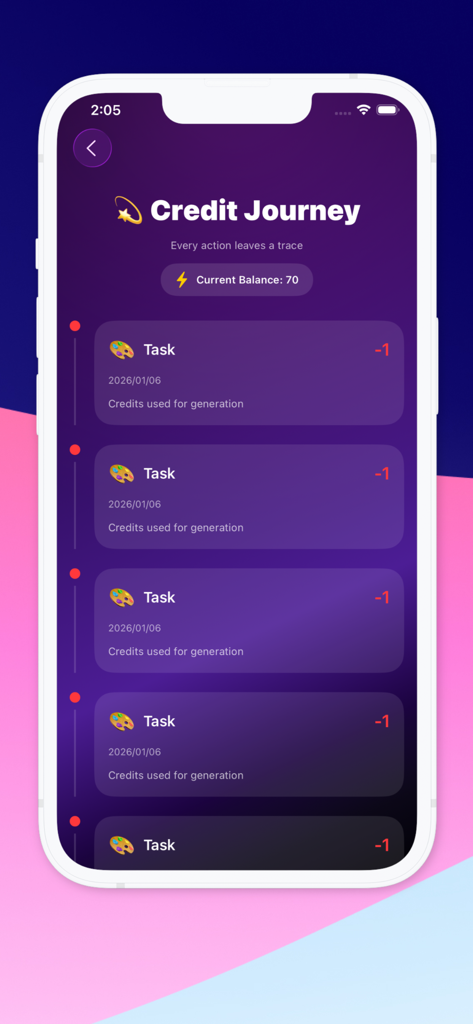
Die Tools, die diese App auszeichnen, gewählt von 6K+ Nutzern.
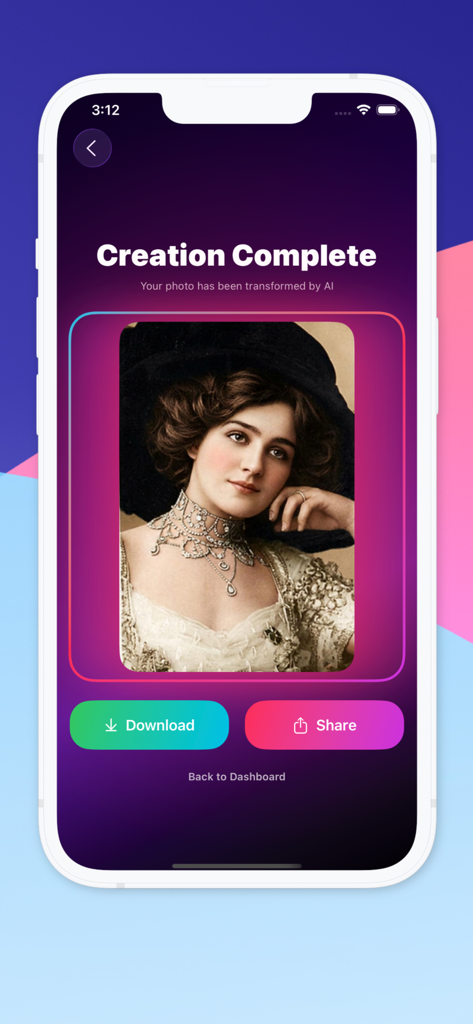
Bring realistic skin tones and vivid colors to black-and-white images while keeping the original character of the photo.
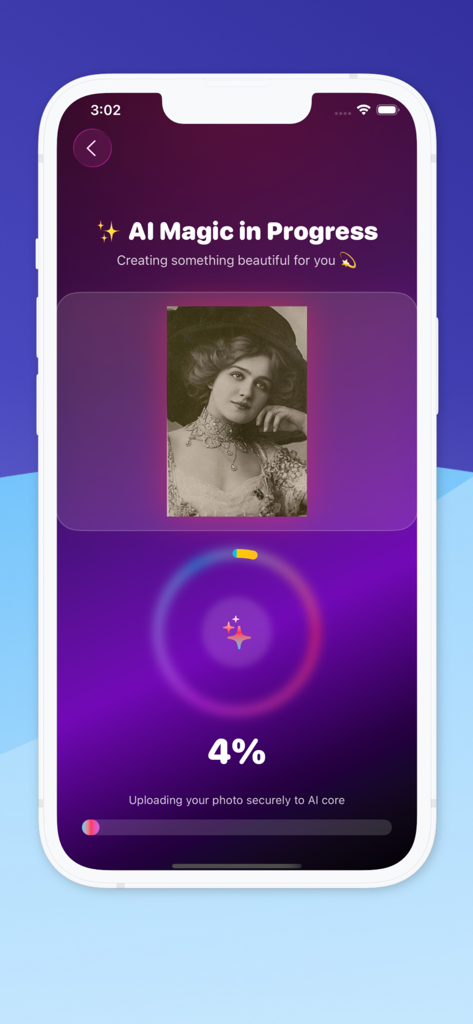
Turn hours of professional restoration into seconds. Simply upload from your gallery and watch the AI magic happen instantly.
Maintain delicate facial features and lighting textures to ensure your family legacy stays sharp, natural, and true to life.
Alles, was Sie über wissen müssen Pixtable AI.
Beschreibung
Neueste Version
1.6
Größe
12.4 MB
Erstveröffentlichung
5. Jan. 2026
Join thousands of users preserving their most precious memories with one-tap AI restoration. Download Pixtable AI today and see your past like never before.
Alles, was Sie über wissen müssen Pixtable AI
Pixtable AI ist eine fortschrittliche Anwendung, die künstliche Intelligenz nutzt, um alten und schwarz-weißen Fotos natürliche Farben zurückzugeben und dabei deren Authentizität und ursprüngliche Details zu bewahren.
Pixtable AI verarbeitet Bilder mithilfe fortschrittlicher KI-Modelle. Es analysiert Gesichtsmerkmale, Hauttöne, Kleidung und Beleuchtung, um Farben intelligent wiederherzustellen und dabei Realismus zu wahren und Übersättigung zu vermeiden.
Ja, Pixtable AI ermöglicht es Benutzern, Fotos direkt von ihrer Kamera hochzuladen oder Bilder aus ihrer Fotogalerie auszuwählen. Dies bietet Flexibilität bei der Fotoeingabe.
Ja, Pixtable AI bewahrt die Authentizität und die ursprünglichen Details des Fotos. Es konzentriert sich auf Genauigkeit und gleicht die Farbanwendung aus, um Übersättigung zu vermeiden und den ursprünglichen Charakter zu erhalten.
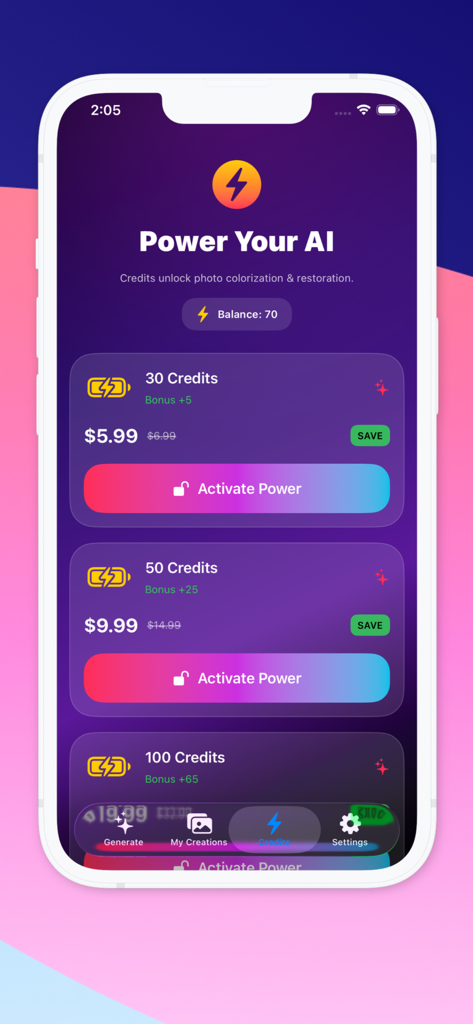
Jede Fotokolorierungsaufgabe in Pixtable AI verbraucht Credits. Zum Beispiel zeigt Screenshot #9, dass jede Aufgabe 1 Credit kostet. Benutzer können Credit-Pakete innerhalb der App erwerben.
Pixtable AI bietet verschiedene Credit-Pakete an. Optionen sind 30 Credits für 5,99 $, 50 Credits für 9,99 $ und 100 Credits für 19,99 $, was als reduzierter Preis dargestellt wird.
Nachdem Pixtable AI die Kolorierung abgeschlossen hat, können Benutzer das restaurierte Foto direkt auf ihrem Gerät speichern. Ein auffälliger "Download"-Button erscheint auf dem Bildschirm "Erstellung abgeschlossen".
Ja, Pixtable AI verbessert natürliche Hauttöne, Stoffe und Beleuchtung. Die KI analysiert diese Elemente, um ein realistisches koloriertes Ergebnis zu erzielen und das Bild optisch ansprechend zu halten.
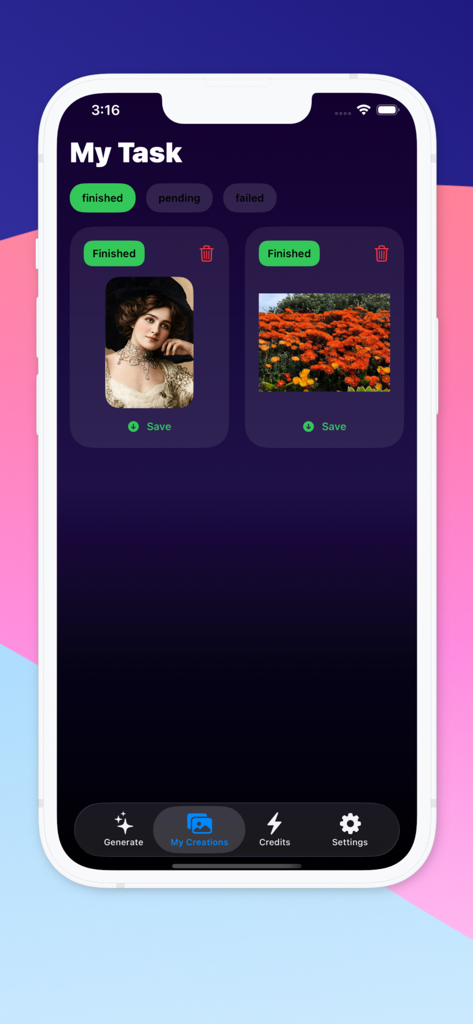
Pixtable AI speichert zuvor restaurierte Fotos im Abschnitt "Meine Kreationen". Benutzer können von dort aus dem Hauptmenü navigieren, um ihre abgeschlossenen Aufgaben anzuzeigen und zu verwalten.
Ja, Pixtable AI stellt eine Datenschutzrichtlinie zur Verfügung. Benutzer können das Datenschutzrichtlinien-Dokument direkt über das Menü "Einstellungen" innerhalb der Anwendung aufrufen.
Top-gerankte Apps in derselben Kategorie

Xiamen ShenZhuo Information Technology Co., Ltd.

LOHAS GAMES PTE. LTD.

HUBX YAZILIM HIZMETLERI ANONIM SIRKETI

ibis inc.

BYTEDANCE PTE. LTD.

Woohoo Tech. Ltd.

Guangzhou ZHIFENG Information Technology Co.,Ltd.

Sketchbook, Inc.

Digital Solutions Technologies Limited
App information, icons, screenshots, and descriptions displayed on this page are sourced from the Apple App Store and are the property of their respective developers. Download estimates and rankings are based on MWM's proprietary models and may not reflect actual figures. This page is provided for informational and analytical purposes only.
Believe this page infringes your intellectual property? File a dispute