ReadEra – Der ultimative All-in-One-Reader für jedes Buch und Dokument
Erleben Sie totale Lese-Freiheit ohne Werbung, ohne Abonnements und ohne Registrierung. Verwalten Sie jedes Format, kommentieren Sie Ihre Bibliothek und verwandeln Sie jeden Text sofort mit hochwertigem Text-to-Speech in ein Hörbuch.
Herausgeber
READERA EOOD
Kategorie
Books
Downloads
1M+
Bewertung
4.0/5
Bewertungen gesamt
800
Sprachen
69
Reines Lesen, keine Ablenkungen
Entdecken Sie die Oberfläche, die von 1M+ Nutzern verwendet wird.
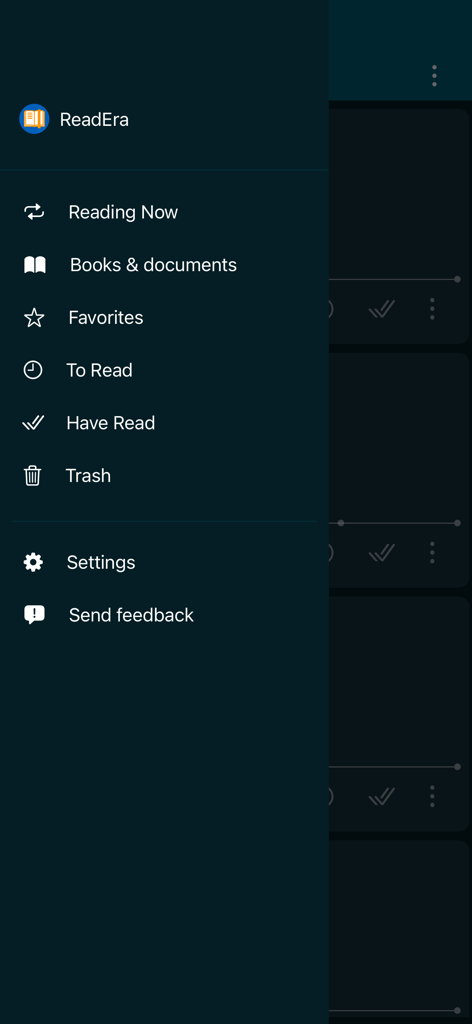
ReadEra Seitennavigationsmenü mit Bibliotheks- und Buchlisten
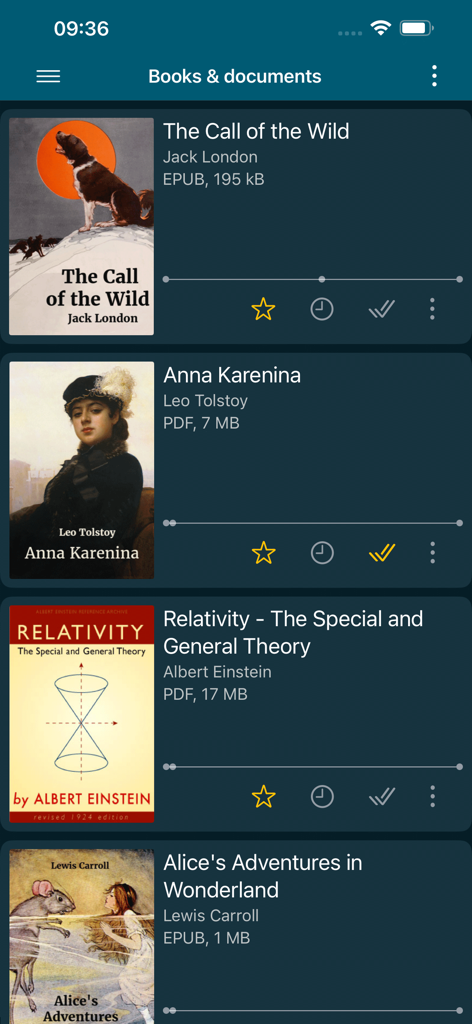
ReadEra App Bibliotheksansicht mit digitalen Büchern und Dateiformaten
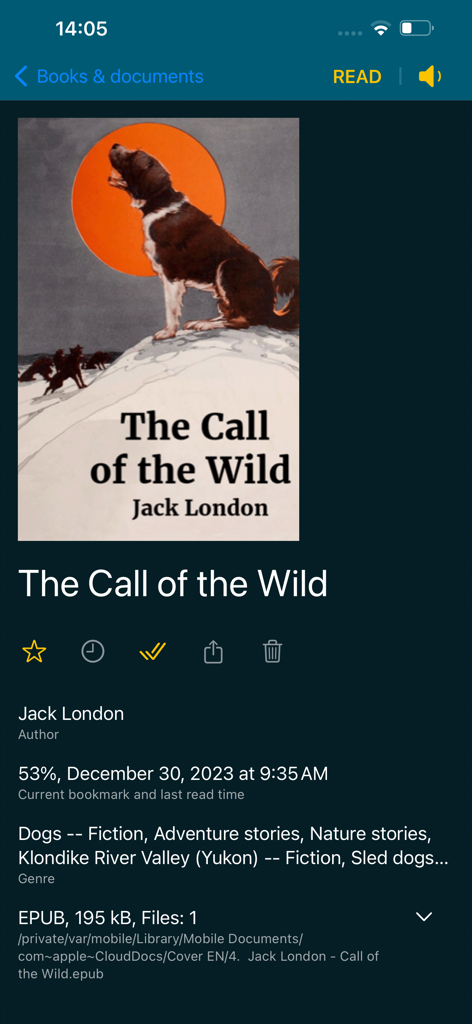
Oberfläche der ReadEra App, die detaillierte Informationen und den Lesefortschritt eines EPUB-Buchs anzeigt
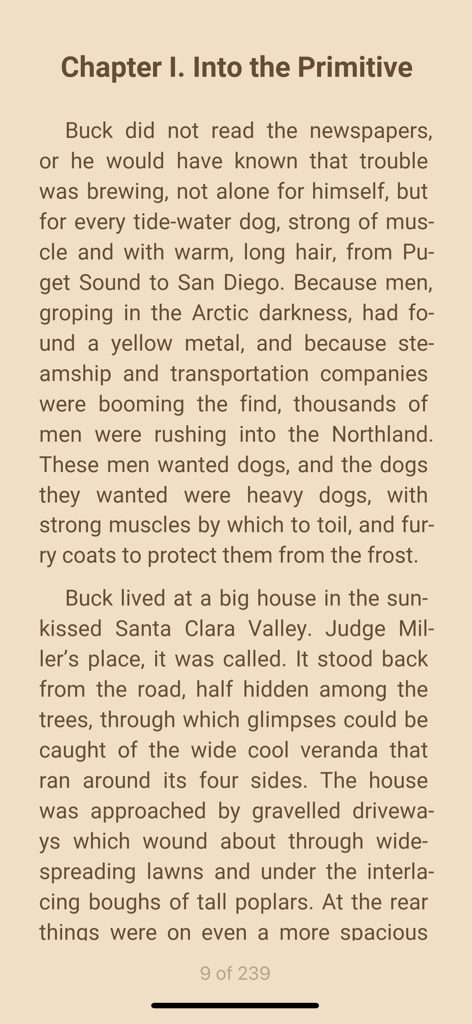
E-Book-Leseansicht in der ReadEra App mit Sepia-Thema
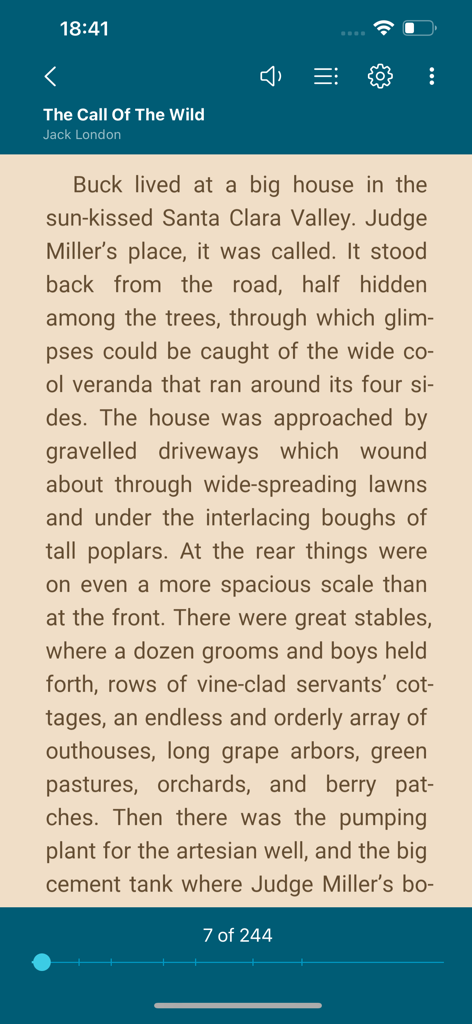
ReadEra E-Book-Reader-Oberfläche, die eine Seite von The Call of the Wild mit Lesesteuerungen anzeigt
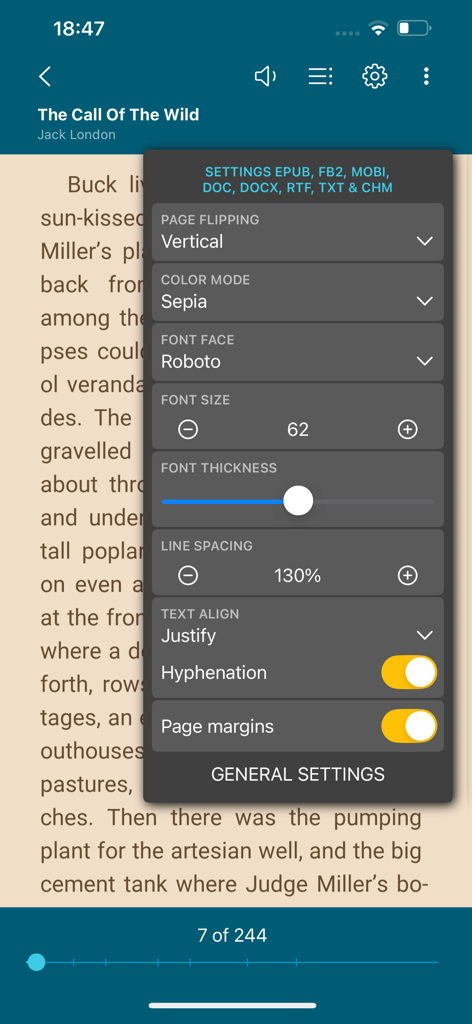
ReadEra App, die das Menü zur Anpassung des Lesens mit Schriftgröße und Farbmodusoptionen anzeigt
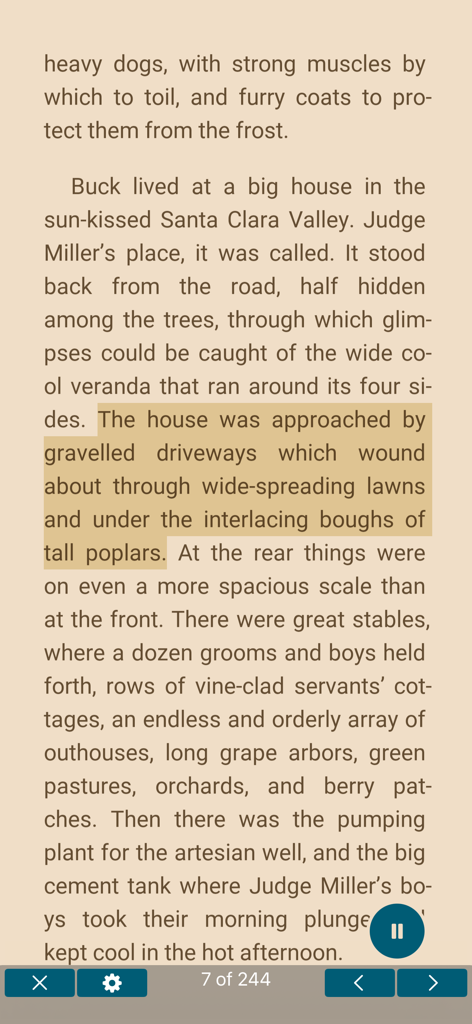
ReadEra-Oberfläche, die eine Buchseite mit hervorgehobenem Text und aktiver Text-to-Speech-Funktion anzeigt
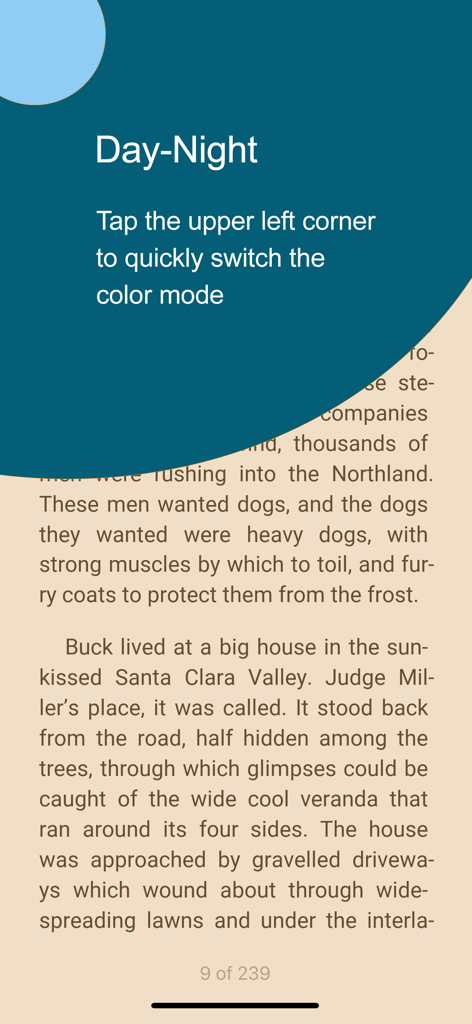
Wechseln zwischen Tag- und Nachtfarbmodi im ReadEra E-Book-Reader
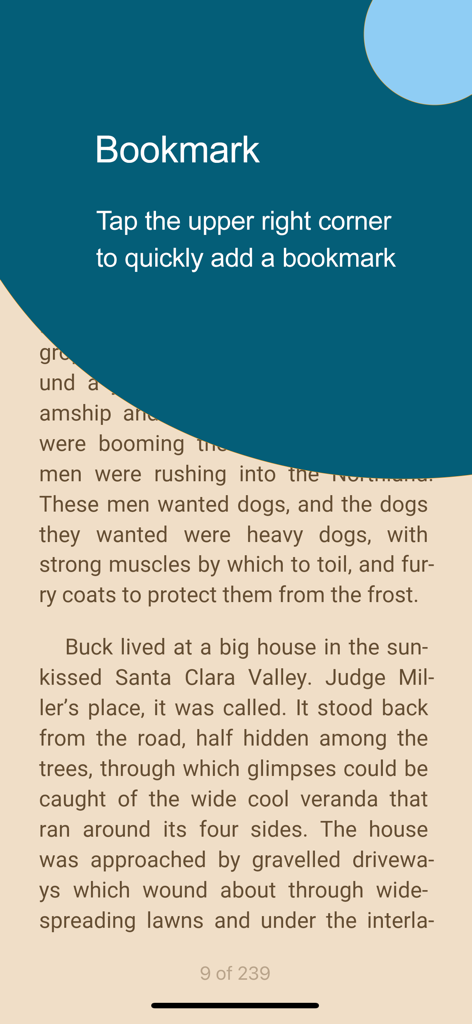
Screenshot der ReadEra App, der Anweisungen zum Tippen auf die obere rechte Ecke zum Hinzufügen eines Lesezeichens in einem E-Book zeigt
Ihre universelle Bibliothek, neu definiert
Die Tools, die diese App auszeichnen, gewählt von 1M+ Nutzern.
📚
Eine App, jedes Format
Hören Sie auf, Apps zu wechseln. Öffnen Sie PDFs, EPUBs, Word-Dokumente und Kindle-Formate in einer einzigen, leistungsstarken Oberfläche, die für professionelle und akademische Effizienz entwickelt wurde.
🎧
Dokumente in Audio verwandeln
Maximieren Sie Ihre Zeit mit fortschrittlichem Text-to-Speech. Hören Sie Lehrbücher oder Forschungsarbeiten während des Pendelns, beim Sport oder vor dem Schlafengehen mit einstellbaren Stimmen.
🛡️
Privatsphäre und Freiheit zuerst
Keine Werbung, keine Registrierung und keine Abonnements. Lesen Sie vollständig offline mit einem Tool, das Ihre Daten respektiert und Ihnen die volle Kontrolle über Ihre digitale Bibliothek gibt.
Über die App
Alles, was Sie über wissen müssen ReadEra – book reader pdf epub.
Beschreibung
ReadEra - a book reader, allows you to read books for free, text to voice and listen to books for free, offline, in the PDF, EPUB, DOC, DOCX, RTF, MOBI, AZW3, CBZ, CBR, DJVU, FB2, TXT, ODT and CHM formats.
No ads
Read books and listen to books without ads. The ReadEra app for reading books and viewing PDF documents neither contains ads nor imposes internal purchases.
No registration
We’ve made a fast, reliable reader that doesn't compel users to use any specific services. The book reader works offline and is entirely free. Read books for free and listen to books for free (TTS), without limits!
Text to Speech (TTS)
Read text aloud with voice (TTS) – allows you to read text aloud and listen to all your books, PDF files and documents for free. With the Text to Speech (TTS) function, all your books and documents turn into audiobooks at the tap of the "Read aloud" button. TTS turns your book library into a personal audio library, making reading more flexible and enjoyable. This is especially useful for those who prefer the audio format or want to listen to books in situations where reading is impossible.
You can read foreign books and at the same time listen to the pronunciation of words and sentences. You can choose a voice, adjust the speech speed, turn on repeating text to voice of the selected text, word or sentence.
Listen to books and documents with ReadEra while doing your things – on the go, working out, before bed and even when sleeping.
Read books of all formats
ReadEra is a set of reading apps in one app, which reads well multiple types of formats: book Epub, Kindle (MOBI, AZW3), Fb2; business PDF, Djvu; office Microsoft Word (DOC, DOCX, RTF), ODT; text TXT and others. Reading books, viewing Microsoft Word documents and PDF files from zip archives.
The reader for books, ReadEra, reads all popular formats of books, journals, articles and other documents in one app.
Best book manager for your library
Auto-detection of books and documents. Grouping books into lists: To Read, Have Read, Favorites. Sorting by name, file format, the last time read, etc. Quickly search for books, PDF files and documents in your library.
Navigation through a book
Quick access to reading settings, table of contents, your bookmarks, quotes, notes and other eBook options. Navigate through the book using the page index or the progress bar line.
Convenient reading settings
Auto-saving the current reading page. Comfortable color themes when reading books: day, night, sepia, console. Horizontal or vertical page flipping mode. Brightness and page margins adjustment, including PDF and DjVu. Separate settings for text and graphic formats. Adjustable type font, size, boldness, line spacing and hyphenation for Microsoft Word, Epub, Kindle (Mobi, Azw3), Fb2, TXT and ODT. Zoom in option for reading PDF and Djvu files.
Quotes and Notes
Create quotes and add notes to text. Highlight text in books, PDF files and documents, add personal notes to the highlighted text. A well-thought-out and simple algorithm for working with quotes and notes. All your quotes and notes in a book are conveniently gathered in one place—in the “About Document” section.
Bookmarks
Add bookmarks to save your favorite spots in books with a single tap. Just tap the upper-right corner while reading to quickly add a bookmark. All bookmarks for the book are conveniently gathered in one place—in the "About Document" section.
Text Translation
ReadEra supports integration with the iOS system “Translate” app for seamless text translation. Instantly translate text in books, PDFs, and documents using the built-in translator on your device.
Read books and Listen to books easily and for free with ReadEra!
Neueste Version
1.1.3
Größe
61.6 MB
Erstveröffentlichung
5. Jan. 2024
Ihre Bibliothek. Ihre Regeln. Keine Abonnements.
Schließen Sie sich über einer Million Lesern an, die Privatsphäre und Freiheit schätzen. Erleben Sie einen erstklassigen, werbefreien Reader, der jedes Format unterstützt – von professionellen PDFs bis zu Ihren Lieblings-EPUBs – komplett offline und ohne Registrierung.
FAQ
Häufig gestellte Fragen
Alles, was Sie über wissen müssen ReadEra – book reader pdf epub
Ist die ReadEra App kostenlos herunterzuladen und zu nutzen?
Ja, die ReadEra App ist komplett kostenlos. Sie bietet Lese- und Hörfunktionen ohne Werbung oder In-App-Käufe.
Verfügt ReadEra über Text-to-Speech (TTS) für Hörbücher?
Ja, ReadEra verfügt über eine Text-to-Speech (TTS)-Funktion. Sie liest Text aus Büchern und Dokumenten laut vor und wandelt sie effektiv in Hörbücher für flexibles Hören um.
Welche Dokumenten- und Buchformate unterstützt ReadEra?
ReadEra unterstützt eine breite Palette von Formaten, darunter PDF, EPUB, DOC, DOCX, RTF, MOBI, AZW3, CBZ, CBR, DJVU, FB2, TXT, ODT und CHM.
Kann ich die Leseanzeige-Einstellungen in ReadEra anpassen?
Ja, ReadEra bietet umfassende Lese-Einstellungen. Benutzer können Farbthemen, Seitenwechsel, Helligkeit, Ränder, Schriftart, -größe, -dicke, Zeilenabstand und Silbentrennung anpassen.
Wie verwalte ich meine Büchersammlung in ReadEra?
ReadEra erkennt automatisch Bücher und Dokumente. Es organisiert sie in den Listen "Zu lesen", "Gelesen" und "Favoriten", mit Optionen zum Sortieren und schnellen Suchen.
Ermöglicht ReadEra das Markieren von Text und das Hinzufügen von Notizen?
Ja, ReadEra unterstützt das Erstellen von Zitaten, das Markieren von Text und das Hinzufügen von persönlichen Notizen zu jedem markierten Abschnitt. Alle diese Anmerkungen werden im Abschnitt "Über das Dokument" gesammelt.
Wie füge ich in der ReadEra App ein Lesezeichen hinzu?
Um in ReadEra ein Lesezeichen hinzuzufügen, tippen Sie beim Lesen auf die obere rechte Ecke des Bildschirms. Alle Lesezeichen für ein bestimmtes Buch befinden sich praktisch im Abschnitt "Über das Dokument".
Kann ReadEra Text direkt aus einem Buch übersetzen?
Ja, ReadEra lässt sich in die "Übersetzen"-App des iOS-Systems integrieren. Dies ermöglicht es Benutzern, Text in Büchern, PDFs und anderen Dokumenten nahtlos mit dem integrierten Übersetzer ihres Geräts zu übersetzen.
App information, icons, screenshots, and descriptions displayed on this page are sourced from the Apple App Store and are the property of their respective developers. Download estimates and rankings are based on MWM's proprietary models and may not reflect actual figures. This page is provided for informational and analytical purposes only.
Believe this page infringes your intellectual property? File a dispute