SIMiONIC G1000 NXi

SIMiONIC G1000 NXi

Herunterladen auf App Store
Logo von SIMiONIC G1000 NXi

SIMiONIC G1000 NXi: Professionelle Avionik für das ultimative Home Cockpit

Schließen Sie die Lücke zwischen Simulation und Realität. Verwandeln Sie Ihr iPad in ein hochrealistisches PFD- und MFD-System, um komplexe Verfahren mit nahtloser MSFS-, X-Plane- und P3D-Integration zu meistern.

Herausgeber

晨 李

Kategorie

Utilities

Downloads

12K+

Bewertung

4.0/5

Bewertungen gesamt

0

Sprachen

1

Das Glascockpit-Erlebnis

Entdecken Sie die Oberfläche, die von 12K+ Nutzern verwendet wird.
SIMiONIC G1000 NXi Multifunktionsdisplay zeigt Navigationskarte und Triebwerksanzeigen

SIMiONIC G1000 NXi Multifunktionsdisplay zeigt Navigationskarte und Triebwerksanzeigen

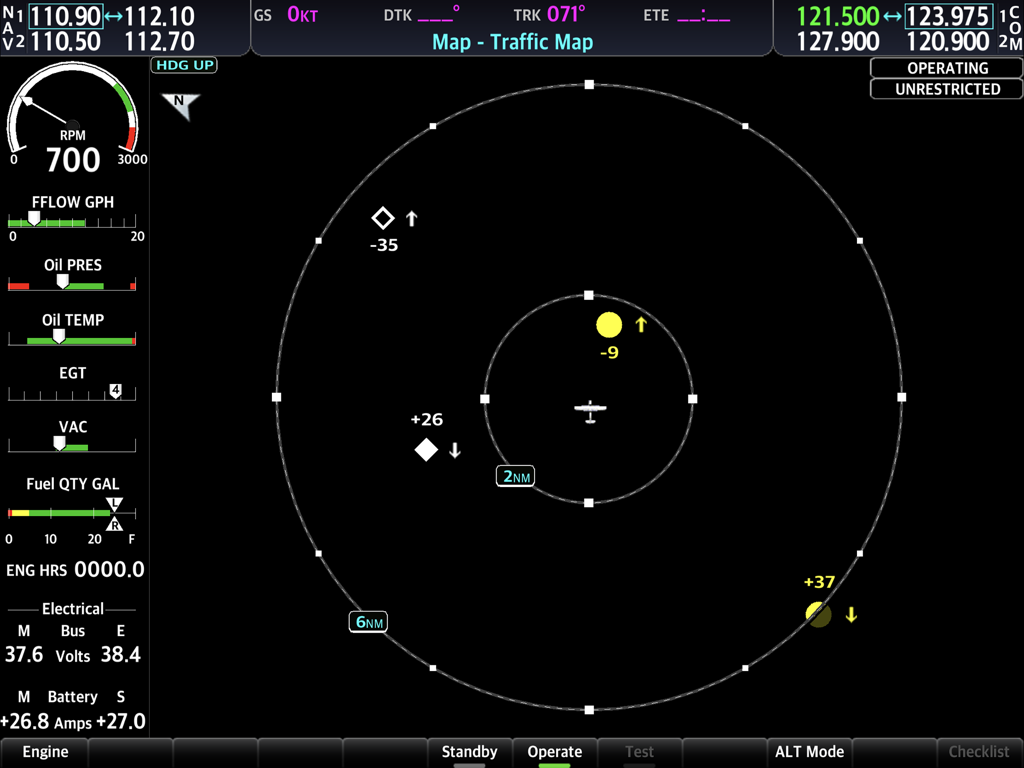
SIMiONIC G1000 NXi Flugsimulator-Oberfläche zeigt die Verkehrsmatrix mit Flugzeugpositionen und Triebwerksinstrumentendaten.

SIMiONIC G1000 NXi Flugsimulator-Oberfläche zeigt die Verkehrsmatrix mit Flugzeugpositionen und Triebwerksinstrumentendaten.

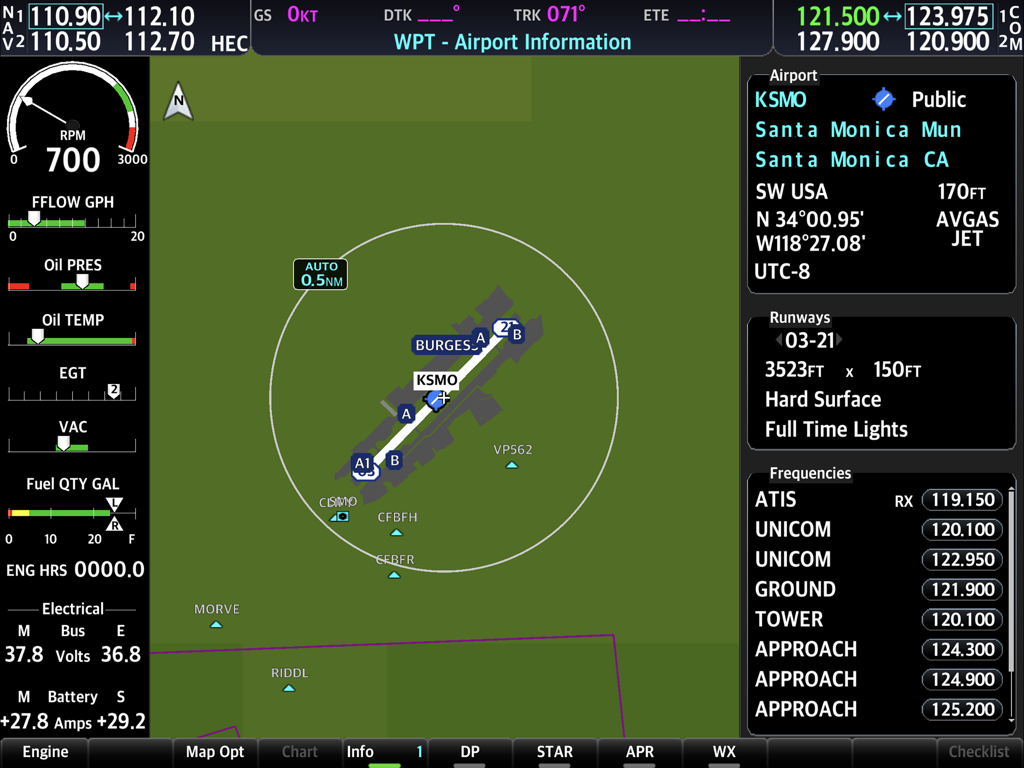
Simionic G1000 NXi Oberfläche zeigt Santa Monica Flughafeninformationen und Triebwerksdiagnosen

Simionic G1000 NXi Oberfläche zeigt Santa Monica Flughafeninformationen und Triebwerksdiagnosen

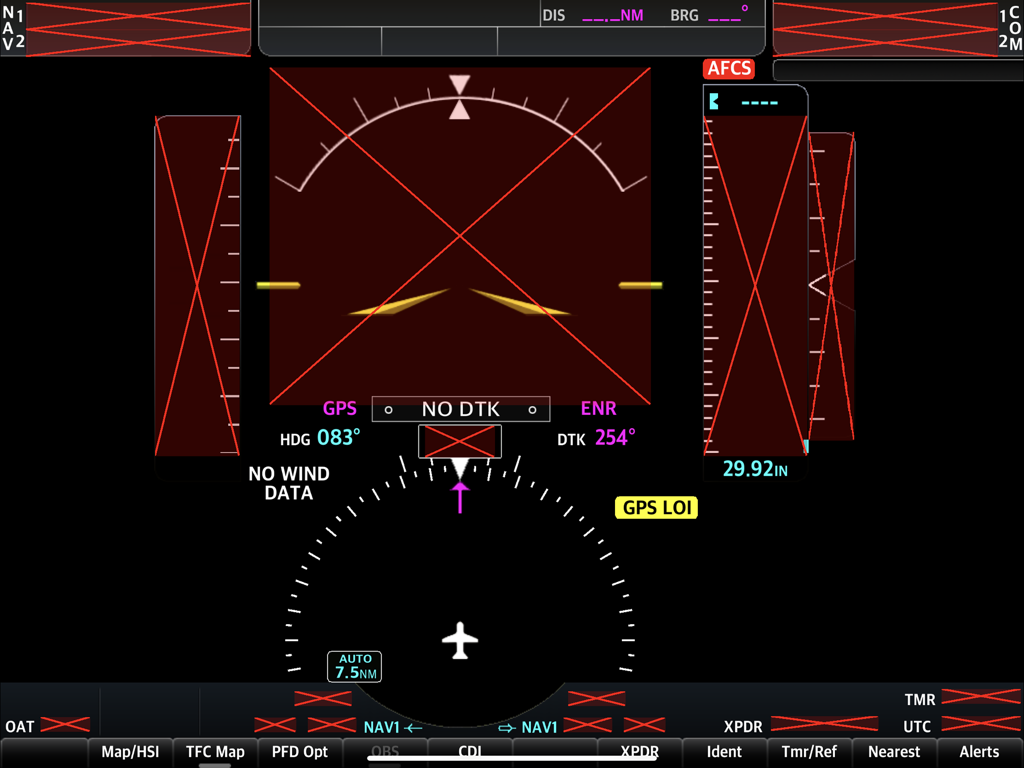
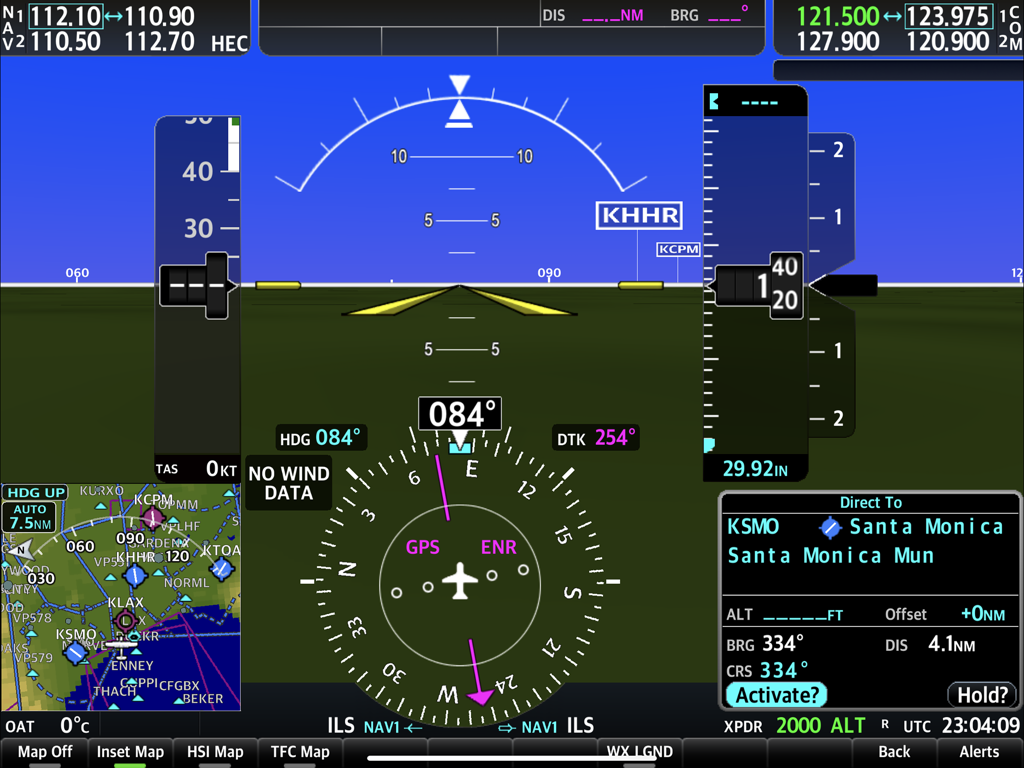
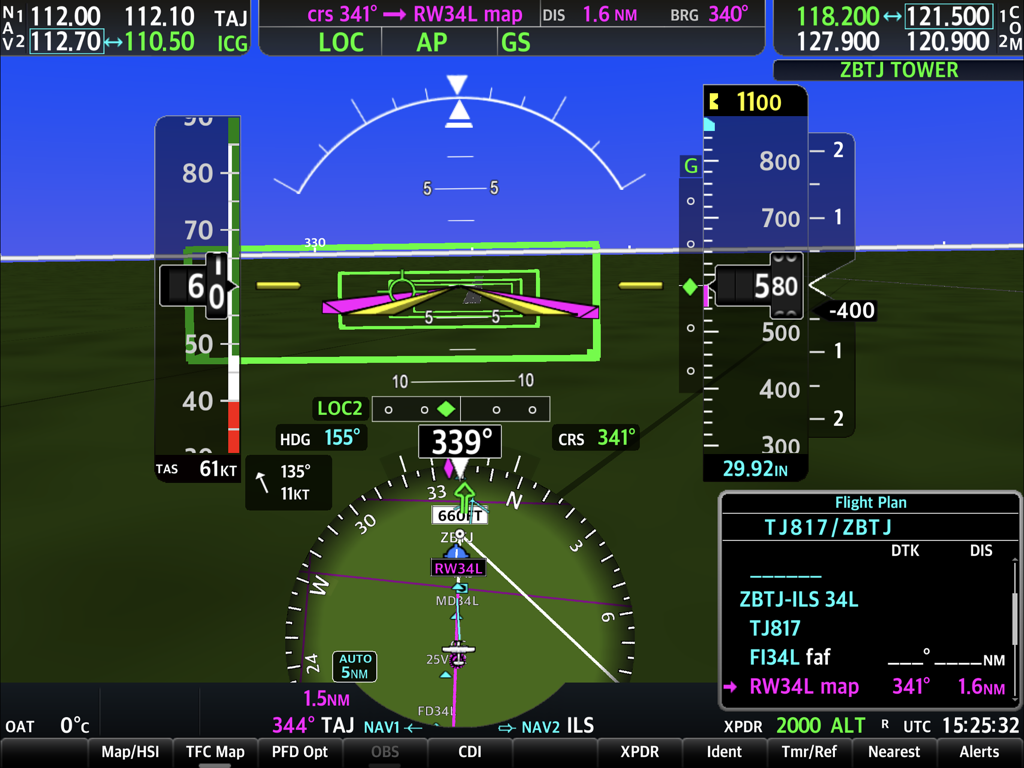
SIMiONIC G1000 NXi Primary Flight Display mit Systemausfallanzeigen und Fluginstrumenten

SIMiONIC G1000 NXi Primary Flight Display mit Systemausfallanzeigen und Fluginstrumenten

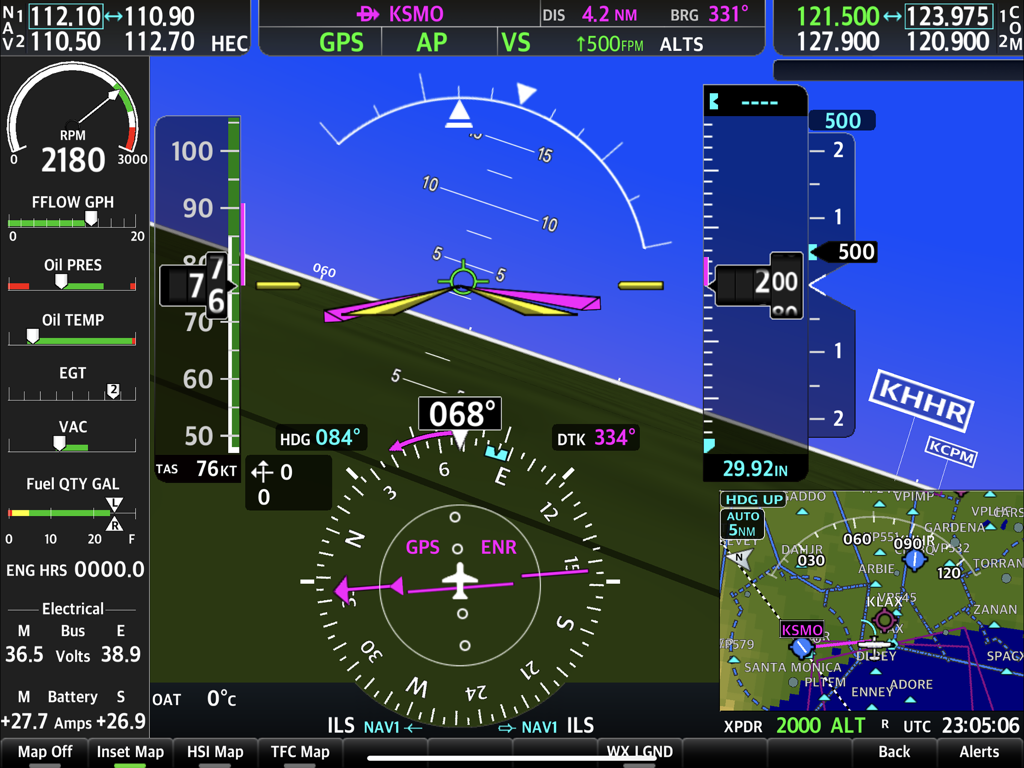
Primary Flight Display des SIMiONIC G1000 NXi Flugsimulations-Apps

Primary Flight Display des SIMiONIC G1000 NXi Flugsimulations-Apps

SIMiONIC G1000 NXi Primary Flight Display Oberfläche zeigt Fluginstrumente und Navigationsfenster

SIMiONIC G1000 NXi Primary Flight Display Oberfläche zeigt Fluginstrumente und Navigationsfenster

Detaillierte Primary Flight Display PFD-Oberfläche der SIMiONIC G1000 NXi Flugsimulator-App, die Fluginstrumente und Navigationsdaten anzeigt

Detaillierte Primary Flight Display PFD-Oberfläche der SIMiONIC G1000 NXi Flugsimulator-App, die Fluginstrumente und Navigationsdaten anzeigt

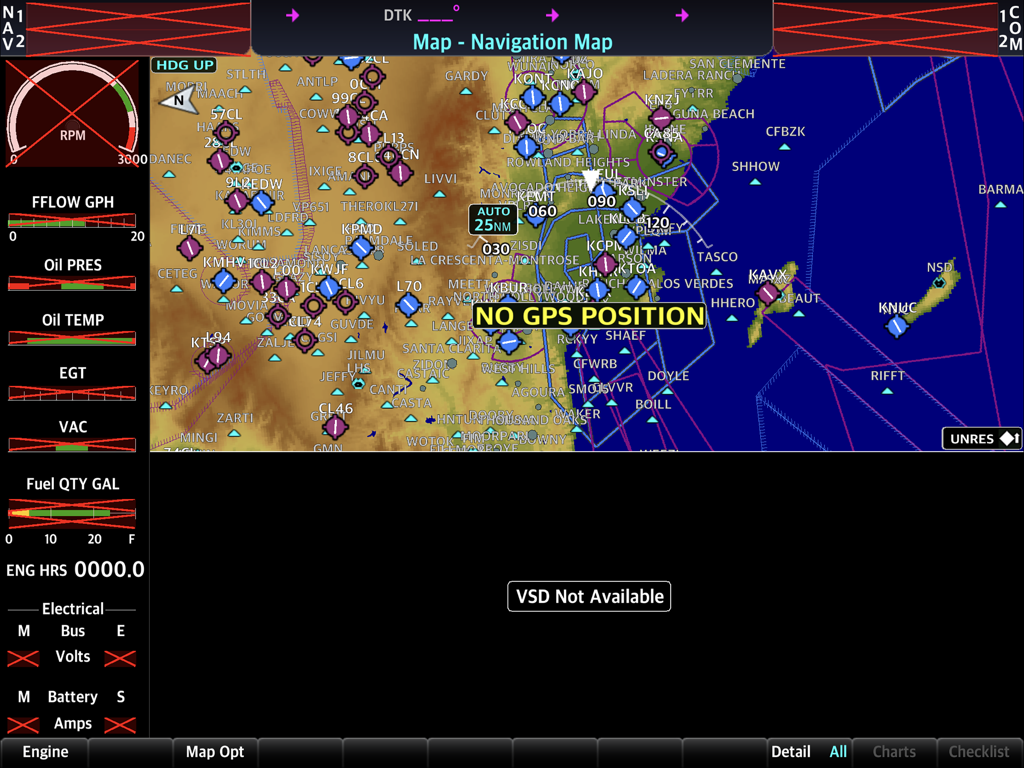
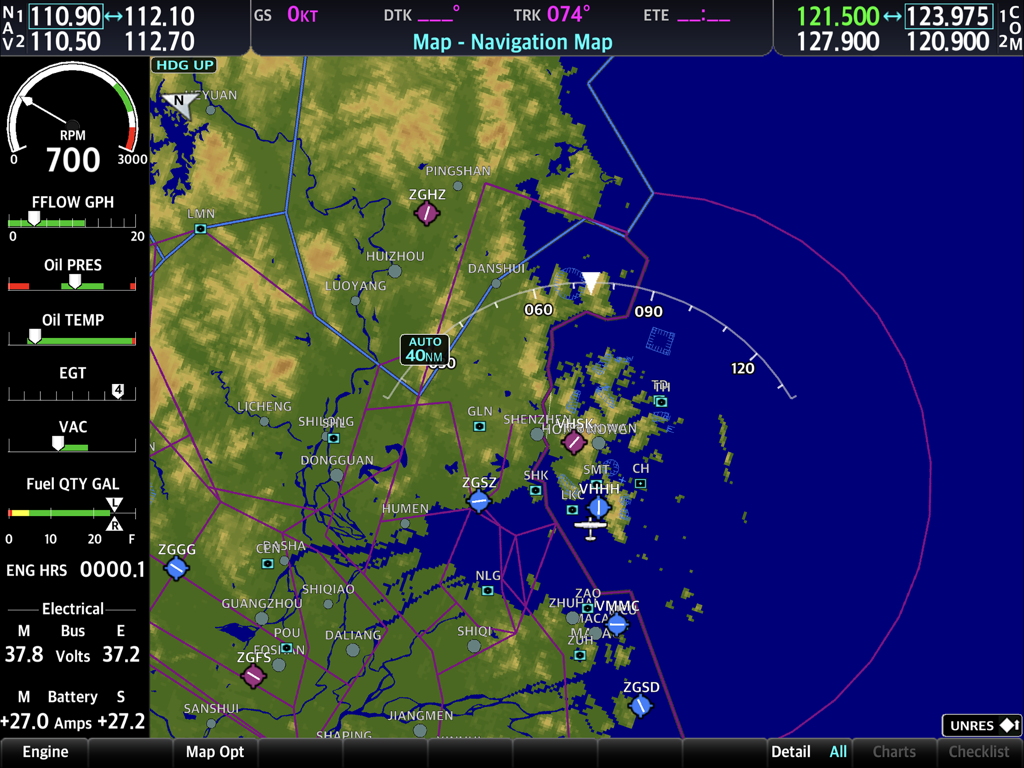
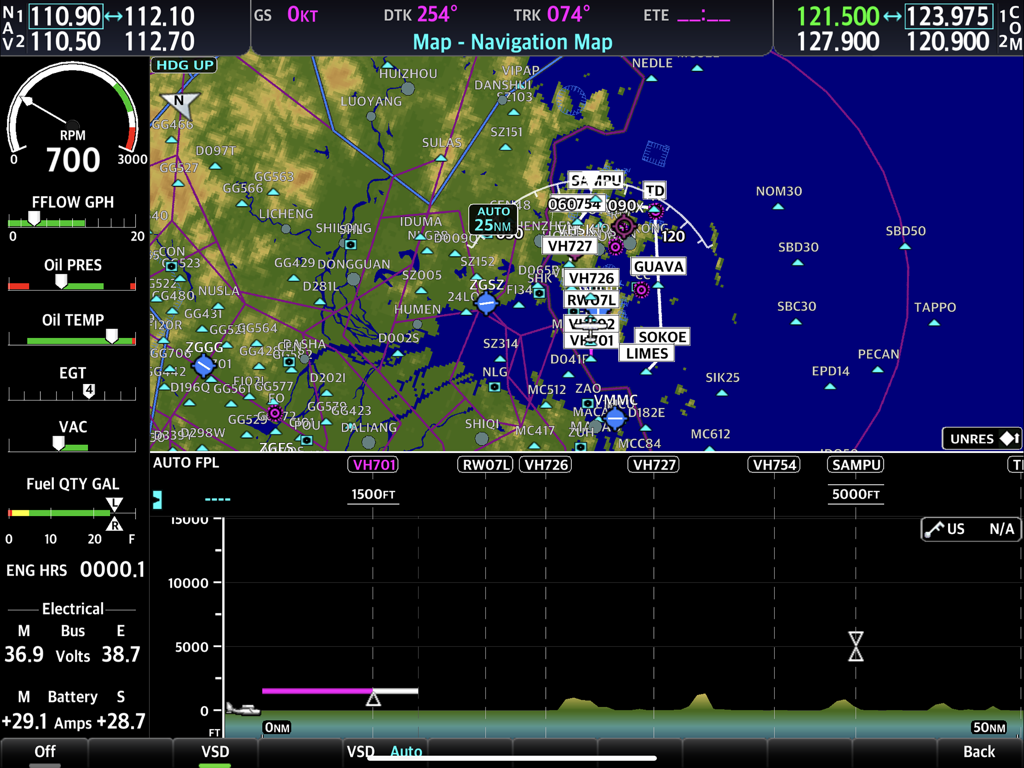
Oberfläche der SIMiONIC G1000 NXi App mit Navigationskarte mit topografischen Details und Triebwerksüberwachungsanzeigen.

Oberfläche der SIMiONIC G1000 NXi App mit Navigationskarte mit topografischen Details und Triebwerksüberwachungsanzeigen.

SIMiONIC G1000 NXi Multifunktionsdisplay-Oberfläche zeigt die Navigationskarte und das Triebwerksüberwachungssystem

SIMiONIC G1000 NXi Multifunktionsdisplay-Oberfläche zeigt die Navigationskarte und das Triebwerksüberwachungssystem

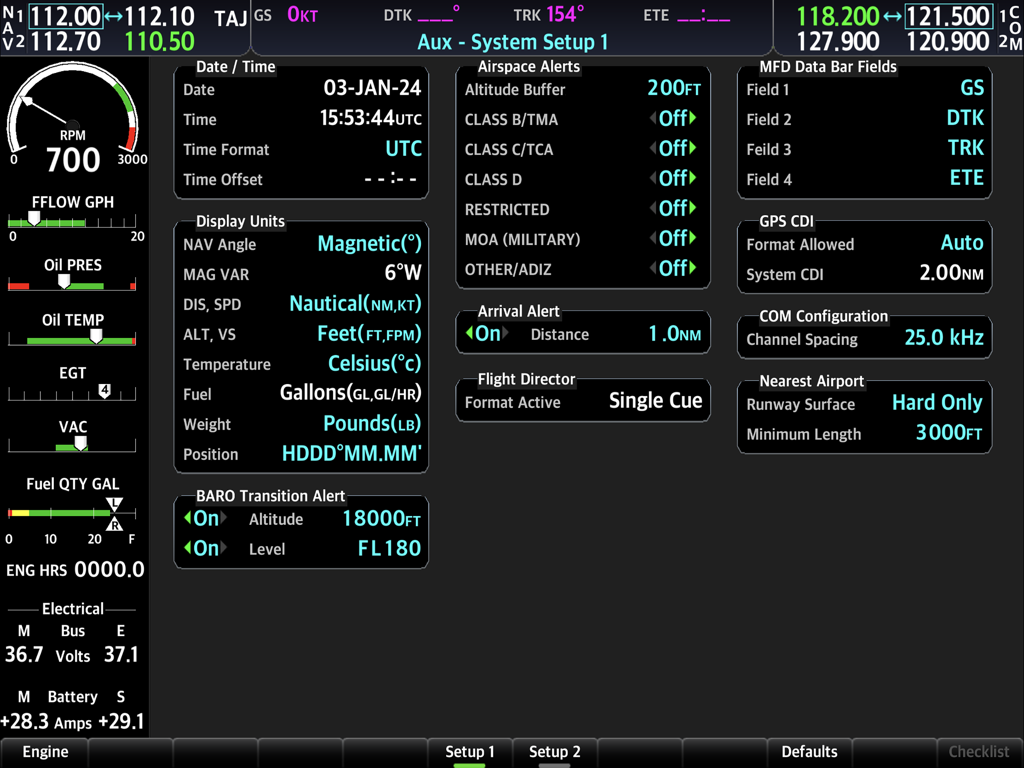
Hilfssystem-Einrichtungsbildschirm der SIMiONIC G1000 NXi Flugsimulator-App, der Avionik-Konfiguration und Triebwerksdaten anzeigt.

Hilfssystem-Einrichtungsbildschirm der SIMiONIC G1000 NXi Flugsimulator-App, der Avionik-Konfiguration und Triebwerksdaten anzeigt.

Der Goldstandard für Avionik-Simulation

Die Tools, die diese App auszeichnen, gewählt von 12K+ Nutzern.

✈️

Ultra-realistische PFD & MFD

Erleben Sie hochrealistische Simulation von Fluginstrumenten, Navigationssystemen und Triebwerksmanagement mit Navigationsdaten, die in jedem Zyklus aktualisiert werden.

🔗

Nahtlose Simulator-Integration

Verbinden Sie sich direkt über WLAN mit MSFS, X-Plane oder P3D, um Ihr iPad in eine dedizierte, berührungsgesteuerte Avionik-Suite zu verwandeln.

🧠

Bauen Sie echtes Muskelgedächtnis auf

Meistern Sie komplexe Flugplanmanagement- und Notfallverfahren zu Hause, um Hunderte von Dollar an Kosten für reale Schulungen zu sparen.

Über die App

Alles, was Sie über wissen müssen SIMiONIC G1000 NXi.

Beschreibung

Disclaimer: -Simionic and the seller are not affiliated with Garmin, -The app is not provided, approved, endorsed, or otherwise supported by Garmin. This app simulates Garmin's G1000 NXi which is an integrated avionics system used on many of the small aircrafts in general aviation. Both PFD and MFD are included in this single app and are simulated in high details including flight instruments, navigation system, avionics, flight plan management, radio communication system and other sub systems. Navigation database is updated within the app every cycle. To have the most realistic experience, it's recommended that users run the app in PFD mode and MFD mode on 2 iPads respectively and get them connected through Wi-Fi network. Users can either practice the operations of the G1000 NXi system on this app solely or connect the app to a desktop flight simulator to get an immersive flight simulation experience. Supported flight simulators are X-Plane, MSFS, FSX, P3D. Please go to our website (www.simionic.net) to download the program or plugin needed to connect the app to a flight simulator. There 5 aircraft profiles built-in, which are Cessna 172R, 172S, 182T, 206 and Beechcraft Baron G58. An in-app-purchase item is provided for users who want to build their own aircraft profile. Aircraft type supported in customization are single/twin piston engine aircrafts with 4 or 6 cylinders, with or without FADEC system; single/twin turbo prop aircrafts; single/twin jets. Not necessary, but if you are satisfied with the app, you can check out our hardware G1000 bezel and audio panel on our online shop (www.simionic.net/wordpress/shop) which will give you the realistic feelings with real buttons and knobs to help build the muscle memory of the operations.

Neueste Version

1.3.4

Größe

1.9 GB

Erstveröffentlichung

19. Apr. 2024

Übernehmen Sie das Kommando über Ihr virtuelles Cockpit

Laden Sie noch heute die realistischste G1000 NXi-Simulation herunter und schließen Sie die Lücke zwischen Ihrem iPad und dem Flugdeck.

Herunterladen auf App Store

App information, icons, screenshots, and descriptions displayed on this page are sourced from the Apple App Store and are the property of their respective developers. Download estimates and rankings are based on MWM's proprietary models and may not reflect actual figures. This page is provided for informational and analytical purposes only.

Believe this page infringes your intellectual property? File a dispute