Smart printer, Scanner, iPrint

Smart printer, Scanner, iPrint

Herunterladen auf App Store
Logo von Smart printer, Scanner, iPrint

Smart Printer, Scanner, iPrint: Ihr All-in-One mobiles Büro für sofortiges Scannen und Drucken

Verwandeln Sie Ihr iPhone oder iPad in einen leistungsstarken Arbeitsplatz. Scannen Sie Dokumente, konvertieren Sie Dateien in PDF und drucken Sie in Sekundenschnelle drahtlos – keine sperrige Hardware erforderlich.

Herausgeber

Faisal Mehmood

Kategorie

Productivity

Downloads

14K+

Bewertung

3.4/5

Bewertungen gesamt

0

Sprachen

20

Ihr Büro, visualisiert

Entdecken Sie die Oberfläche, die von 14K+ Nutzern verwendet wird.
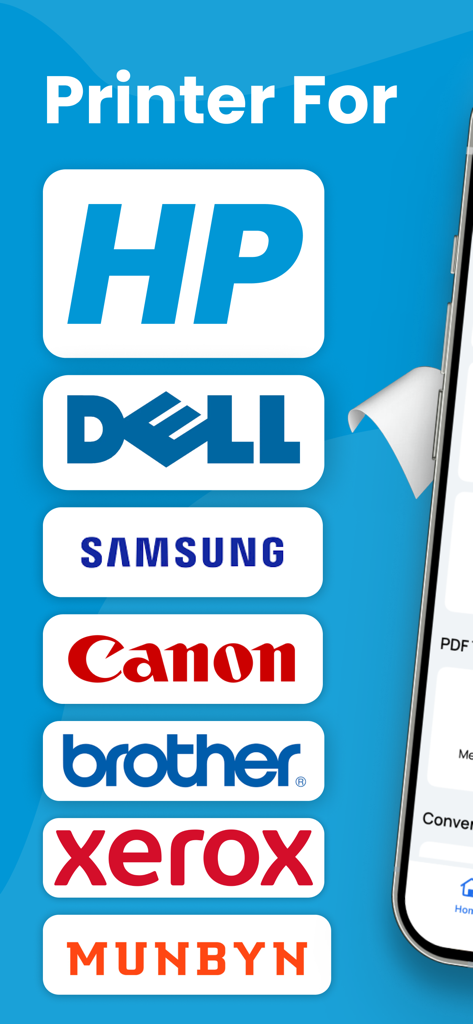
Liste kompatibler Druckermarken, einschließlich HP, Dell, Samsung und Canon

Liste kompatibler Druckermarken, einschließlich HP, Dell, Samsung und Canon

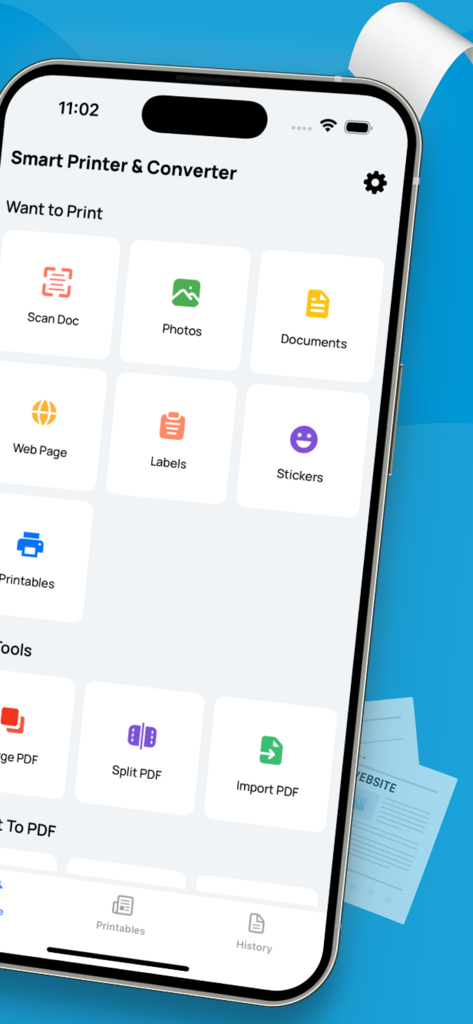
Oberfläche der Smart Printer und Scanner App auf einem iPhone, die Funktionen wie Dokumentenscan und PDF-Verwaltung anzeigt.

Oberfläche der Smart Printer und Scanner App auf einem iPhone, die Funktionen wie Dokumentenscan und PDF-Verwaltung anzeigt.

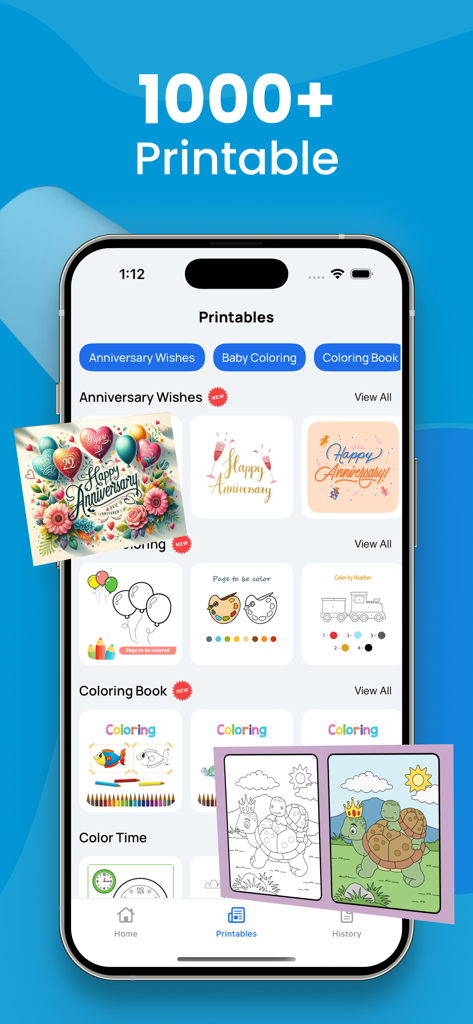
Oberfläche der Smart Printer App, die über 1000 druckbare Vorlagen anzeigt, darunter Jubiläumskarten und Malbücher.

Oberfläche der Smart Printer App, die über 1000 druckbare Vorlagen anzeigt, darunter Jubiläumskarten und Malbücher.

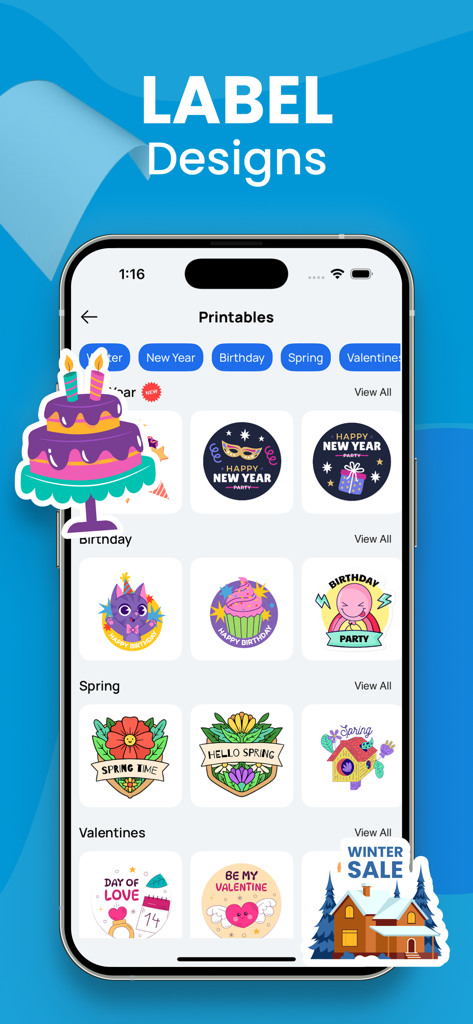
iPhone-Bildschirm, der verschiedene druckbare Etikettendesigns für Feiertage, Geburtstage und Jahreszeiten in der Smart Printer App anzeigt.

iPhone-Bildschirm, der verschiedene druckbare Etikettendesigns für Feiertage, Geburtstage und Jahreszeiten in der Smart Printer App anzeigt.

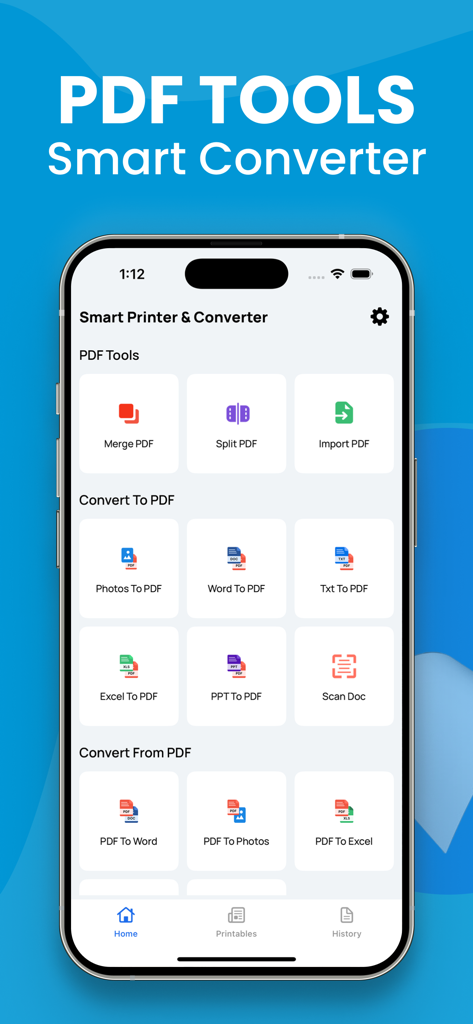
Oberfläche der mobilen App, die PDF-Konvertierungswerkzeuge anzeigt, einschließlich Word zu PDF und Scan Doc Funktionen.

Oberfläche der mobilen App, die PDF-Konvertierungswerkzeuge anzeigt, einschließlich Word zu PDF und Scan Doc Funktionen.

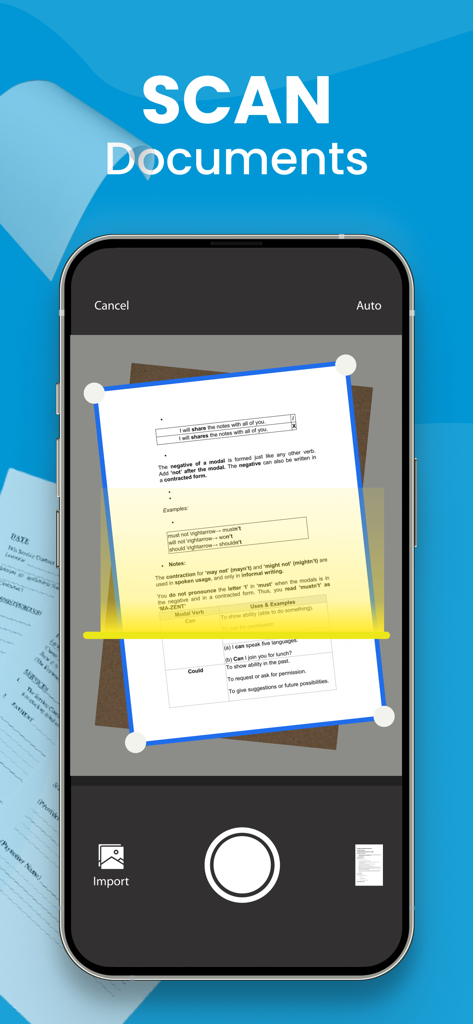
iPhone-Bildschirm, der eine mobile App zeigt, die ein Papierdokument mit der Kamera scannt.

iPhone-Bildschirm, der eine mobile App zeigt, die ein Papierdokument mit der Kamera scannt.

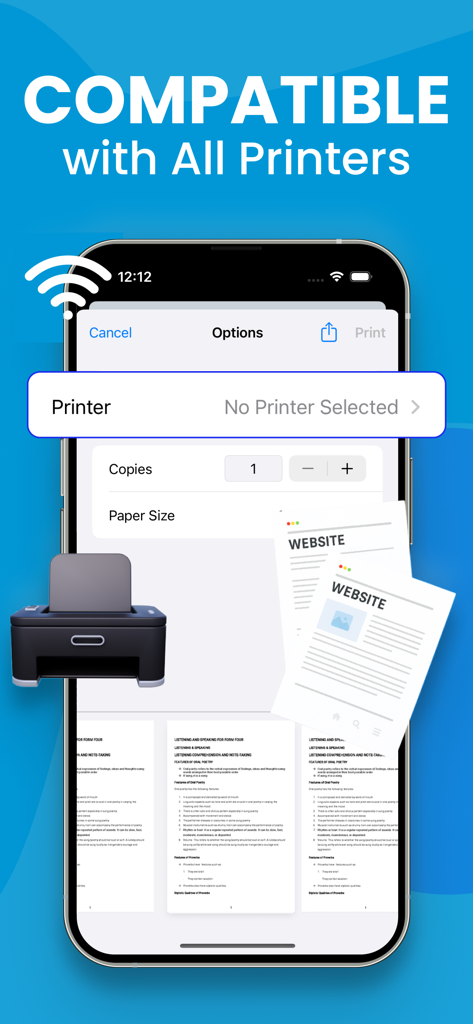
iPhone-Bildschirm, der die Oberfläche der Smart Printer App zeigt, die die drahtlose Druckkompatibilität anzeigt.

iPhone-Bildschirm, der die Oberfläche der Smart Printer App zeigt, die die drahtlose Druckkompatibilität anzeigt.

Vollständige Dokumentenkontrolle

Die Tools, die diese App auszeichnen, gewählt von 14K+ Nutzern.

📄

Professionelles mobiles Scannen

Digitalisieren Sie schnell Verträge, Ausweise und Belege mit Ihrer Kamera. Erhalten Sie saubere, professionelle Scans, bereit zum Unterschreiben oder Teilen in Sekundenschnelle.

🔄

Universeller PDF-Konverter

Wandeln Sie Word-, Excel-Dateien oder Fotos in polierte PDFs um. Halten Sie Ihre Dokumente organisiert und perfekt formatiert für Kunden und Kollegen.

🖨️

Drahtloses Drucken mit einem Fingertipp

Drucken Sie Versandetiketten, Berichte oder Tickets direkt von Ihrem iPhone. Keine Treiber, keine Kabel – nur nahtlose Konnektivität zu jedem Drucker.

Über die App

Alles, was Sie über wissen müssen Smart printer, Scanner, iPrint.

Beschreibung

A PDF printer is a virtual printer that allows you to create a PDF file from any document that you can print. Instead of sending the document to a physical printer, you can use the PDF printer to create a PDF file that you can save on your computer or share with others. To use a PDF printer, you will need a PDF printer driver installed on your computer. Some popular PDF printer drivers include Adobe Acrobat, Bullzip PDF Printer, and CutePDF Writer. Here are the general steps to print a document to a PDF using a PDF printer: Open the document you want to convert to PDF in the application it was created in (e.g., Microsoft Word, Excel, etc.). Click the "File" menu and select "Print" or use the keyboard shortcut Ctrl+P (on Windows) or Command+P (on Mac). In the "Print" dialog box, select the PDF printer from the list of available printers. Click the "Print" button to create the PDF file. Depending on the PDF printer driver you are using, you may have additional options for customizing the PDF file, such as setting the page size, adding passwords, and adding watermarks. Consult the documentation for your PDF printer driver for more information. Note: Payment will be charged to your iTunes account at confirmation of purchase. Your subscription will automatically renew unless auto-renew is turned off at least 24-hours before the end of the current subscription period. Your account will be charged for renewal within 24-hours prior to the end of the current subscription period. Automatic renewals will cost the same price you were originally charged for the subscription. You can manage your subscriptions and turn off auto-renewal by going to your Account Settings on the App Store after purchase. Read our terms of service and Privacy Policy for more information. Privacy Policy: https://sites.google.com/view/smartaiapps/privacy-policy Terms and Conditions: https://sites.google.com/view/smartaiapps/terms-conditions

Neueste Version

3.2

Größe

6.9 MB

Erstveröffentlichung

2. Jan. 2023

Verwandeln Sie Ihr iPhone in ein leistungsstarkes Büro

Schließen Sie sich über 14.000 Fachleuten an, die unterwegs Dokumente scannen, unterschreiben und drucken. Starten Sie noch heute Ihren nahtlosen mobilen Workflow.

Herunterladen auf App Store

App information, icons, screenshots, and descriptions displayed on this page are sourced from the Apple App Store and are the property of their respective developers. Download estimates and rankings are based on MWM's proprietary models and may not reflect actual figures. This page is provided for informational and analytical purposes only.

Believe this page infringes your intellectual property? File a dispute