Streamen Sie Ihren PC in 4K mit Null Verzögerung. Egal, ob Sie AAA-Titel spielen oder professionelle Arbeitslasten verwalten, erhalten Sie sicheren, verschlüsselten Zugriff auf Ihren Desktop von jedem iPhone, iPad oder Mobilgerät aus.
Entdecken Sie die Oberfläche, die von 2K+ Nutzern verwendet wird.
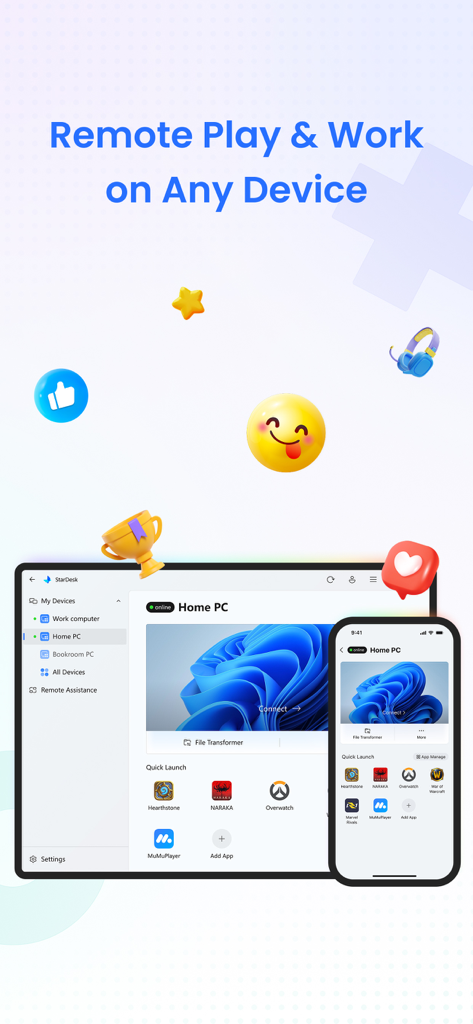
StarDesk App-Oberfläche, die Remote-PC-Zugriff für Gaming und Arbeit auf einem Smartphone und Tablet zeigt.
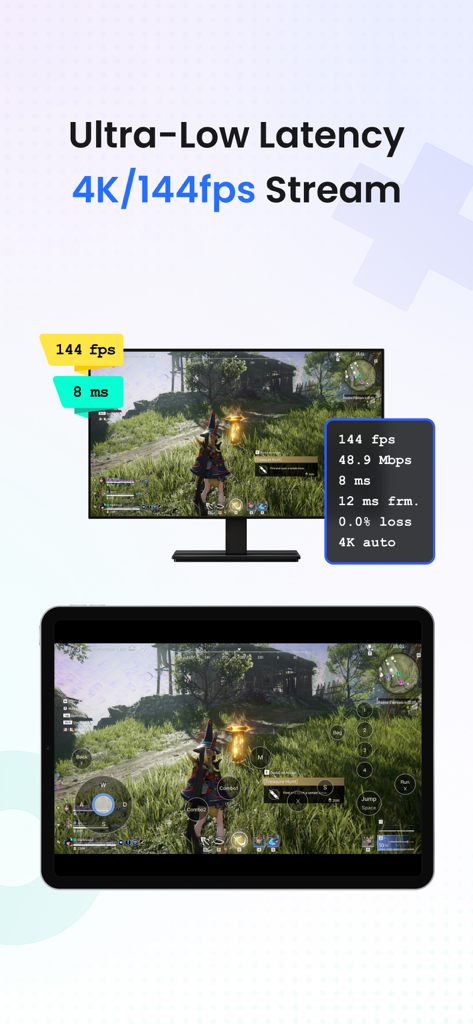
StarDesk App-Oberfläche, die ultra-niedrige Latenz 4K 144fps PC-Spiel-Streaming auf einem Tablet zeigt.
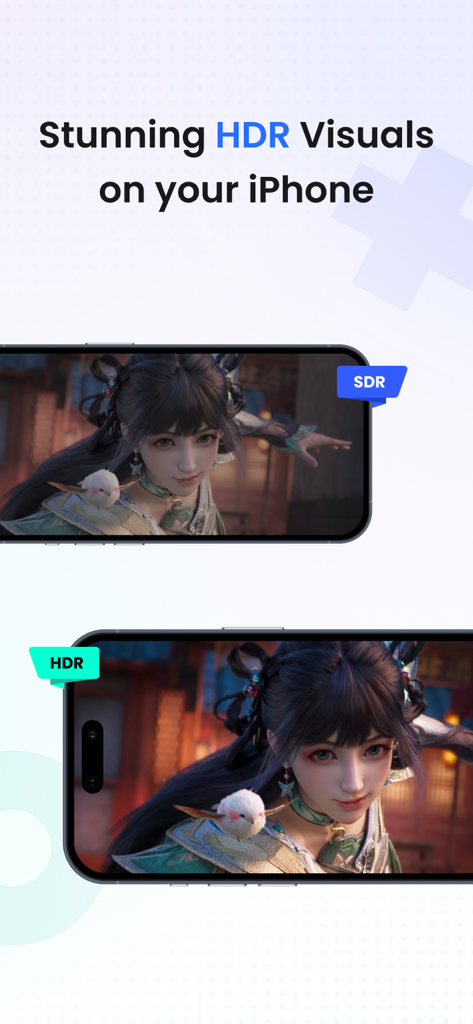
Vergleich von SDR- und HDR-Bildern für Remote-Gaming auf dem iPhone nebeneinander.
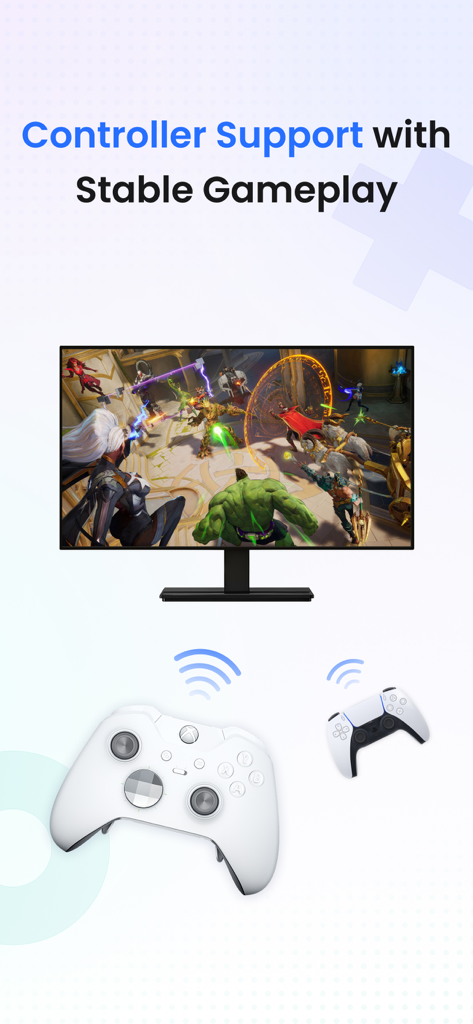
StarDesk Remote-Desktop-Controller-Unterstützung für stabiles Gameplay.
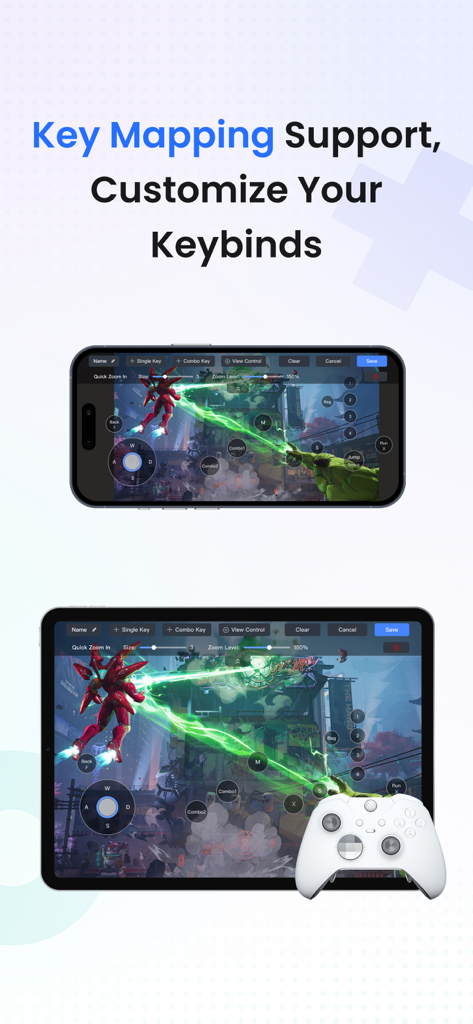
StarDesk App, die benutzerdefinierte Tastenbelegung und Controller-Unterstützung für Remote-PC-Gaming auf iPhone und iPad zeigt.
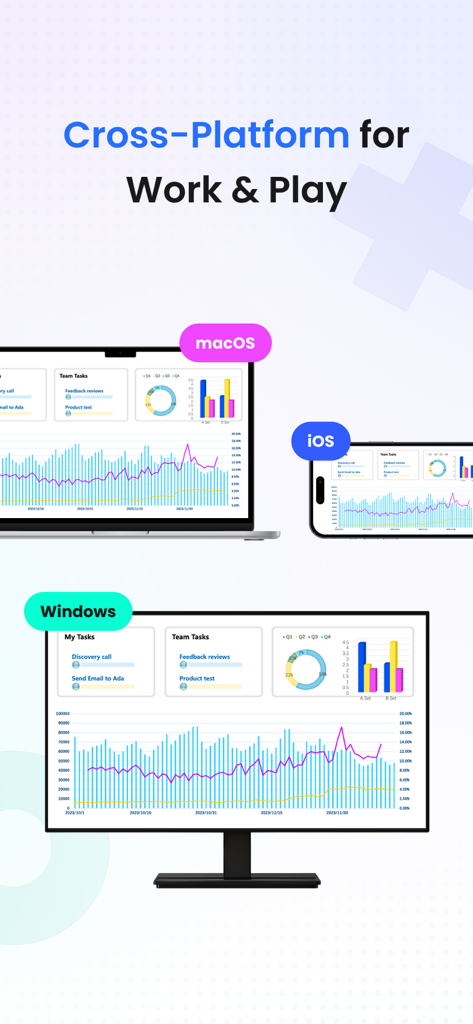
StarDesk Remote-Desktop-Oberfläche auf Windows-, macOS- und iOS-Geräten für Arbeit und Gaming.
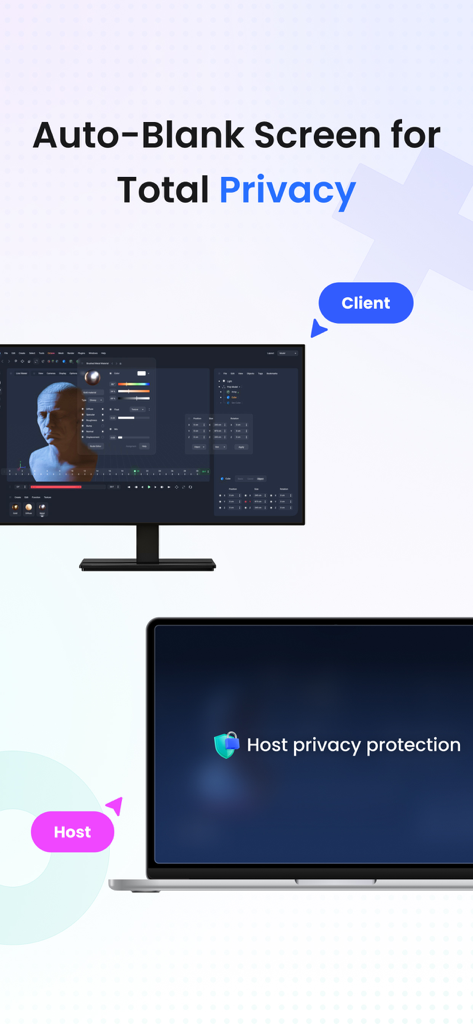
StarDesk Remote-Desktop-App, die eine automatisch abgedunkelte Anzeige für vollständigen Sichtschutz zeigt.
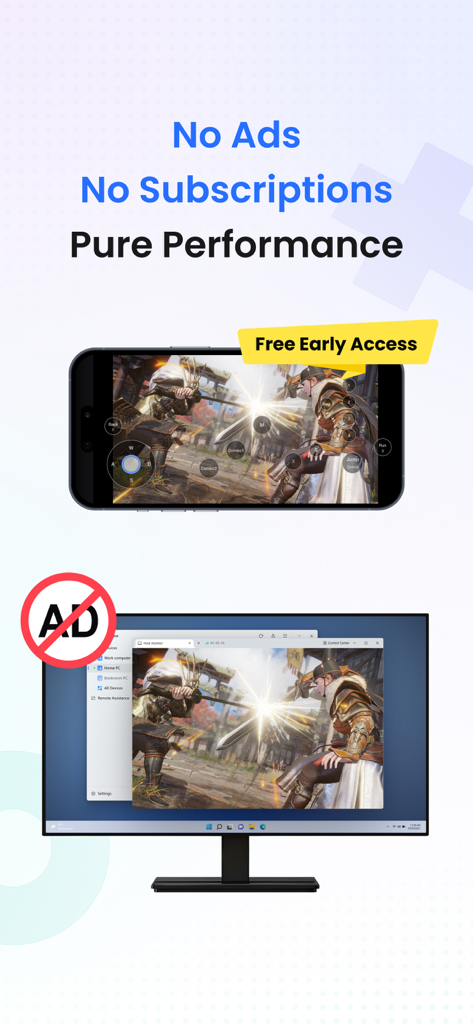
Smartphone und Monitor zeigen leistungsstarkes Remote-Gaming ohne Werbung.
Die volle Leistung Ihres PCs, überall, wo Sie sind
Die Tools, die diese App auszeichnen, gewählt von 2K+ Nutzern.
🎮
Lag-Freies Remote-Gaming
Spielen Sie Ihre vollständige Steam- oder Epic-Bibliothek in 4K mit reaktionsschneller Bluetooth-Controller-Unterstützung und benutzerdefinierter Tastenbelegung für ein natives PC-Erlebnis auf Mobilgeräten.
🚀
Workstation-Klasse Leistung
Führen Sie anspruchsvolle professionelle Software wie CAD, Photoshop oder IDEs mit nahtlosem Multi-Monitor-Switching und unbegrenzten Hochgeschwindigkeits-Dateitransfers aus.
🛡️
Sichere & Sofortige Konnektivität
Schützen Sie Ihre Daten mit Ende-zu-Ende-Verschlüsselung und nutzen Sie Remote Wake, um sofort von jedem Gerät auf Ihren Desktop zuzugreifen, selbst wenn es ausgeschaltet ist.
Über die App
Alles, was Sie über wissen müssen StarDesk - Remote Desktop.
Beschreibung
StarDesk delivers ultra-low-latency remote desktop and secure remote access, letting you control your PC from iOS, iPadOS, Mac, Windows, other mobile device or another PC—with remote wake, fast file transfer, smooth screen share, and responsive 4K streaming for both work and remote PC gaming.
Designed for real security and real performance, StarDesk uses encrypted remote control sessions to keep your data protected while delivering stable, low-latency PC streaming, game streaming, and remote work across phones, tablets, laptops, and desktops.
Whether you’re gaming, working, or providing remote assistance, StarDesk keeps your connection fast, your remote access secure, and your PC always within reach from any device.
Why StarDesk
StarDesk brings smooth, secure, and low-latency remote access to all your devices. Whether you're streaming your gaming PC or connecting for work, StarDesk keeps your remote desktop fast, stable, and fully encrypted. Below are the two core ways people use StarDesk.
Remote PC Gaming
Enjoy your full gaming PC anywhere with responsive remote desktop streaming built for gameplay.
• Real remote PC gaming (not console or cloud gaming)
• Smooth 4K streaming with low latency
• Works on iPhone、iPad、Mac、PC and other mobile device.
• Supports Bluetooth controllers
• Built-in key mapping for games (Supports a rich selection of gaming keyboards for mobile use.)
• Precise remote mouse for shooters, MOBAs, and strategy games
• Stable cross-platform PC streaming for Steam, Epic, Battle.net, and more
Remote Work & Productivity
• A secure, fast remote access solution for everyday work
• Fully encrypted remote control sessions
• Reliable screen share and multi-monitor switching
• Smooth performance for Office, Photoshop, IDEs, browsers, CAD
• Unlimited file transfer
• Remote wake for instant access to your PC anytime
• Great for IT support, remote assistance, and urgent tasks
• Works across iOS, Mac, other mobile device, Windows, PC-to-PC,remote desktop
Quick Start
Personal Users
1. Install StarDesk on both devices.
2. Open All Devices and select your PC.
3. Enjoy instant remote desktop and secure remote access.
Remote Assistance
1. Install StarDesk on both devices.
2. Open Remote Assistance and enter the Device ID + Verification Code.
3. Confirm access.
4. Start secure remote control.
Troubleshooting
Start here:https://www.stardesk.net/blog/how-to-use-stardesk.html
Need more help?
Go to StarDesk → Profile → Help & Feedback
Or join our Discord: https://discord.gg/V9JUJb6bUx
Privacy Protection
All remote access and remote control sessions are end-to-end encrypted.
We cannot see your screen, files, or activity.
Privacy Policy: https://stardesk.net/license/privacy-policy.html
Neueste Version
1.0.6
Größe
45.6 MB
Erstveröffentlichung
28. Sept. 2025
Die volle Leistung Ihres PCs, in Ihrer Tasche
Vom 4K-Gaming bis zur High-End-Produktivität, erleben Sie Remote-Zugriff mit ultra-niedriger Latenz, der keine Kompromisse eingeht. Schließen Sie sich der technikaffinen Community an und übernehmen Sie noch heute die Kontrolle über Ihren Desktop.
App information, icons, screenshots, and descriptions displayed on this page are sourced from the Apple App Store and are the property of their respective developers. Download estimates and rankings are based on MWM's proprietary models and may not reflect actual figures. This page is provided for informational and analytical purposes only.
Believe this page infringes your intellectual property? File a dispute