Sync2 Outlook Google & iCloud

Sync2 Outlook Google & iCloud


Herunterladen auf App Store
Logo von Sync2 Outlook Google & iCloud

Sync2 Outlook Google & iCloud: Die professionelle Brücke für Ihre Daten

Synchronisieren Sie nahtlos Outlook, Google und iCloud, um Ihre Kalender, Kontakte und Aufgaben auf allen Geräten auf dem neuesten Stand zu halten. Greifen Sie endlich mühelos auf Ihre öffentlichen Exchange-Ordner und Geschäftsdaten direkt von Ihrem iPhone oder iPad zu.

Herunterladen auf App Store

Herausgeber

Alittera Ltd inc.

Kategorie

Productivity

Downloads

128K+

Bewertung

4.0/5

Bewertungen gesamt

200

Sprachen

3

Effizienz im Fokus

Entdecken Sie die Oberfläche, die von 128K+ Nutzern verwendet wird.
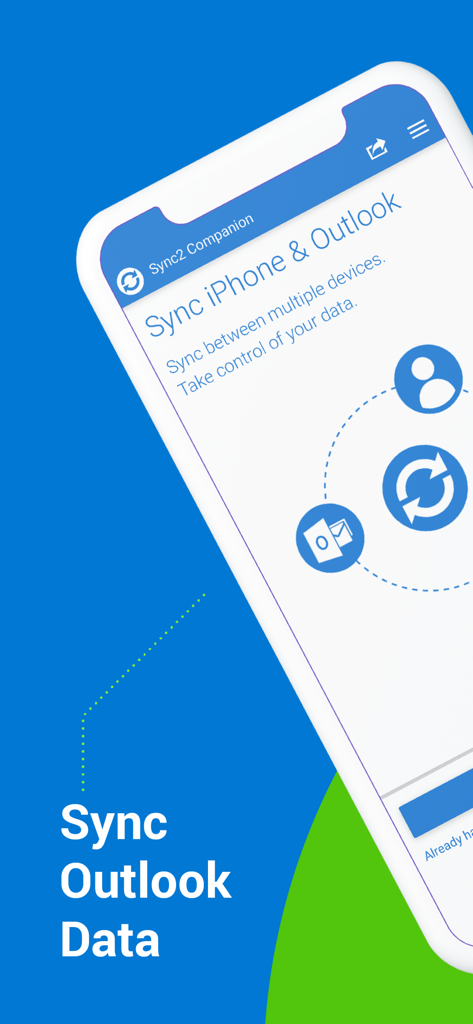
Oberfläche der Sync2 Companion-App, die die Option zur Synchronisation von iPhone- und Outlook-Daten anzeigt.

Oberfläche der Sync2 Companion-App, die die Option zur Synchronisation von iPhone- und Outlook-Daten anzeigt.

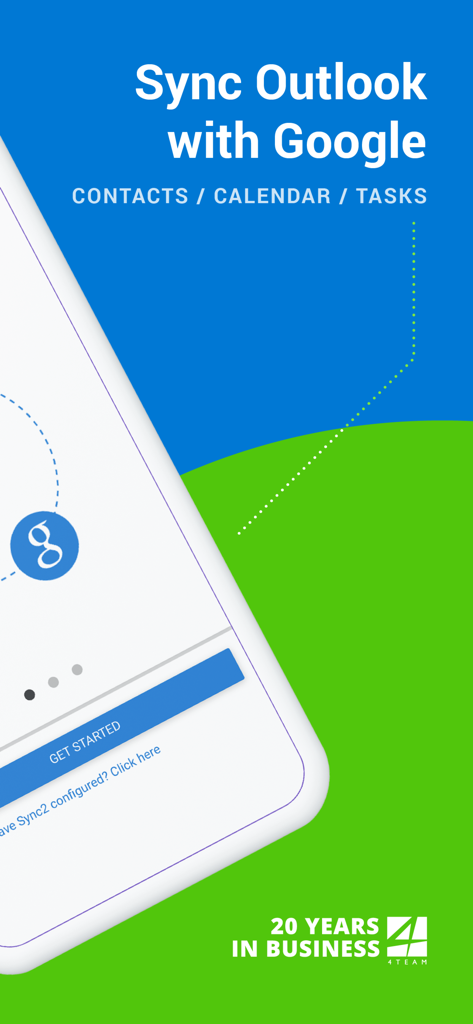
Startbildschirm der Sync2-App, die die Synchronisation von Outlook mit Google für Kontakte, Kalender und Aufgaben zeigt

Startbildschirm der Sync2-App, die die Synchronisation von Outlook mit Google für Kontakte, Kalender und Aufgaben zeigt

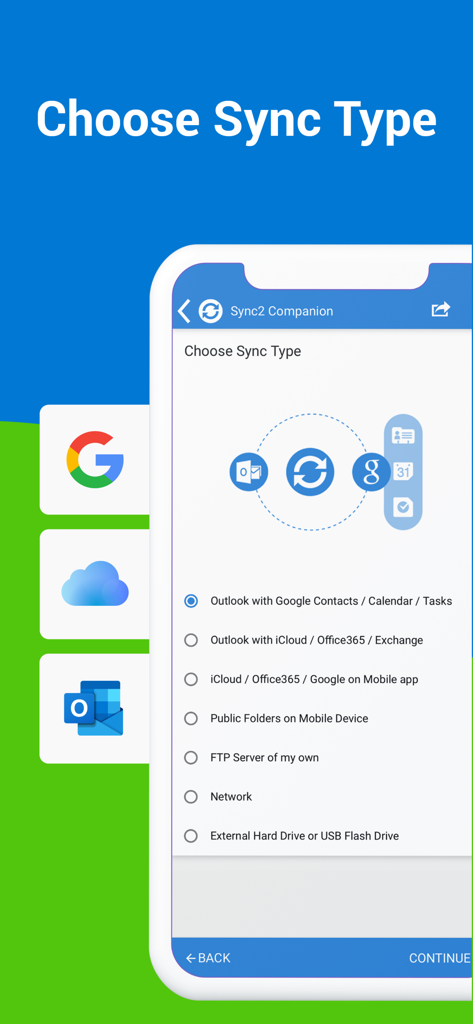
Bildschirm zur Auswahl des Synchronisationstyps in der Sync2-App für die Synchronisation von Outlook, Google und iCloud

Bildschirm zur Auswahl des Synchronisationstyps in der Sync2-App für die Synchronisation von Outlook, Google und iCloud

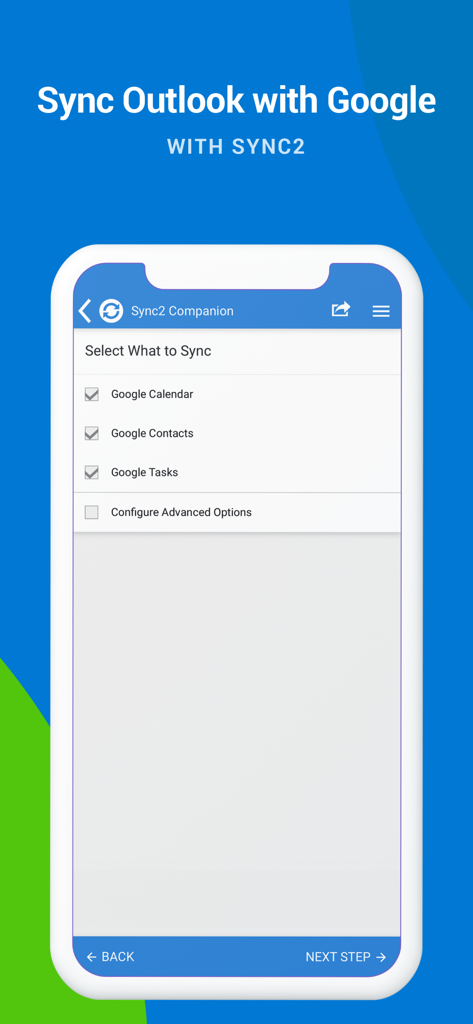
Bildschirm der Sync2-App mit Kontrollkästchen zur Synchronisation von Google Kalender, Kontakten und Aufgaben mit Outlook

Bildschirm der Sync2-App mit Kontrollkästchen zur Synchronisation von Google Kalender, Kontakten und Aufgaben mit Outlook

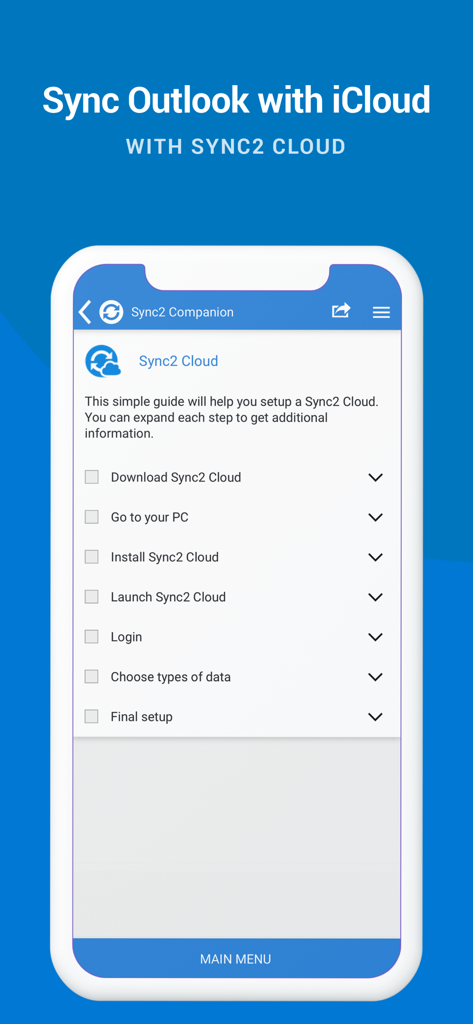
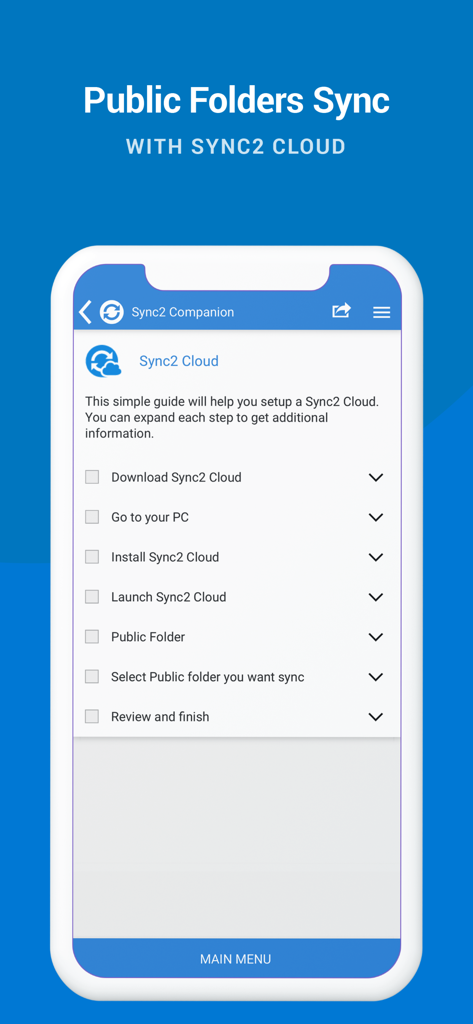
Smartphone-Bildschirm mit einer Checkliste für die Einrichtung der Outlook- und iCloud-Synchronisation mit Sync2 Cloud.

Smartphone-Bildschirm mit einer Checkliste für die Einrichtung der Outlook- und iCloud-Synchronisation mit Sync2 Cloud.

Einrichtungsanleitung für die Synchronisation von öffentlichen Outlook-Ordnern mit Sync2 Cloud

Einrichtungsanleitung für die Synchronisation von öffentlichen Outlook-Ordnern mit Sync2 Cloud

Vereinte Produktivität über alle Plattformen hinweg

Die Tools, die diese App auszeichnen, gewählt von 128K+ Nutzern.

📂

Nativer Zugriff auf öffentliche Ordner

Zeigen Sie freigegebene Exchange-Kalender und Kontakte direkt auf Ihrem iPhone oder iPad an und schließen Sie die häufigste Lücke bei der mobilen Synchronisation in Unternehmen.

🔄

Nahtlose Ökosystem-Integration

Vereinen Sie Ihr berufliches Outlook, Ihr persönliches Google-Konto und Ihre Apple-Geräte zu einer synchronisierten Zentrale mit bidirektionalem Datenfluss.

Automatische "Set-and-Forget"-Synchronisation

Genießen Sie sofortige Hintergrundaktualisierungen und automatische Backups, damit Ihr Zeitplan immer aktuell ist, ohne manuelles Eingreifen.

Über die App

Alles, was Sie über wissen müssen Sync2 Outlook Google & iCloud.

Beschreibung

This is a Complimentary Companion that helps you set up synchronization for Outlook with iCloud, Google, Office 365, Exchange and iPhone/iPad sync with iCloud and other cloud services. With Sync2 you will be able to synchronize your iPhone/iPad with Microsoft Outlook using your Google Account. PLEASE NOTE: THE SOFTWARE DOES NOT SUPPORT MICROSOFT OUTLOOK FOR MAC. Public Folder Sync to smartphones Public Folders sync solution. Microsoft Exchange Public Folders are not displayed natively on smartphones. Choose sync type “Public Folders on Mobile Device" and you will be guided to set up Sync2 Cloud. The new Sync2 Cloud helps to sync Public Folders. Sync & Share Public Folders on multiple platforms or smartphones (iPhone, iPad). Sync any type of Public folders (calendars, contacts, tasks, emails, notes). Sync Microsoft Outlook with your iPhone/iPad using Google account. Use Sync2 to set up synchronization of your Google account and Microsoft Outlook. Set up the Google account on your iPhone or iPad and have your data synchronized both ways. Set up the Sync2 PC application for Microsoft Outlook with Sync2 Companion in a few simple steps. Go through all the necessary settings to set up Sync2 on your PC. Get familiar with Sync2 functionality easily and without any trouble. About the Sync2 desktop app: The PC Microsoft Outlook synchronization software keeps your Emails, Calendar, Contacts and Tasks in sync between your Outlook, Google, iPhone, iPad and any other smartphone, tablet or PC. You can schedule automatic Outlook synchronization, perform manual sync on demand, or use an instant sync feature for changes made in Outlook to be moved immediately. Sync2 is the right tool for you if you are looking for a way to: - Sync Outlook with your iPhone or iPad using your Google account; - Sync your Outlook Contacts, Calendars and/or Tasks using one-way or two-way synchronization; - Easily sync your Outlook data, such as emails, calendars, contacts, tasks, notes, Outlook journals, between multiple PCs without the Microsoft Exchange server; - Synchronize specific Outlook folders with different workgroups. Main Sync2 features: - Sync Outlook with iPhone or iPad using a Google account. - Sync Outlook Calendar with Google Calendars. - Sync Microsoft Outlook between PC‘s without a server. - Instant synchronization of changes made in Microsoft Outlook. - Synchronize Microsoft Outlook Contacts with Google Contacts. - Sync Outlook Tasks with Google Tasks Lists. - Back up Contacts and Calendar folders automatically before each synchronization. - Synchronize data even when Microsoft Outlook is closed. - Manual or scheduled synchronization. - Sync Exchange folders.

Neueste Version

2.2

Größe

3.2 MB

Erstveröffentlichung

18. Juli 2016

Bringen Sie Ihren Outlook-Workflow auf Ihr iPhone & iPad

Schließen Sie sich über 128.000 Fachleuten an, die Sync2 vertrauen, um ihre Kalender, Kontakte und öffentlichen Ordner geräteübergreifend perfekt synchron zu halten.

Herunterladen auf App Store

App information, icons, screenshots, and descriptions displayed on this page are sourced from the Apple App Store and are the property of their respective developers. Download estimates and rankings are based on MWM's proprietary models and may not reflect actual figures. This page is provided for informational and analytical purposes only.

Believe this page infringes your intellectual property? File a dispute