TouchControl Universalfernbedienung: Das ultimative professionelle Kontrollsystem für Ihr gesamtes Zuhause
Übernehmen Sie die volle Kontrolle mit einer vollständig anpassbaren Benutzeroberfläche. Von älterer A/V-Ausstattung bis hin zu moderner Smart-Home-Automatisierung und HTPC-Steuerung – entwerfen Sie mit professioneller Flexibilität die perfekte Fernbedienung für Ihren Lebensstil.
Herausgeber
Touch App Technologies, LLC
Kategorie
Entertainment
Downloads
170K+
Bewertung
3.6/5
Bewertungen gesamt
100
Sprachen
1
Ihre benutzerdefinierte Kommandozentrale
Entdecken Sie die Oberfläche, die von 170K+ Nutzern verwendet wird.
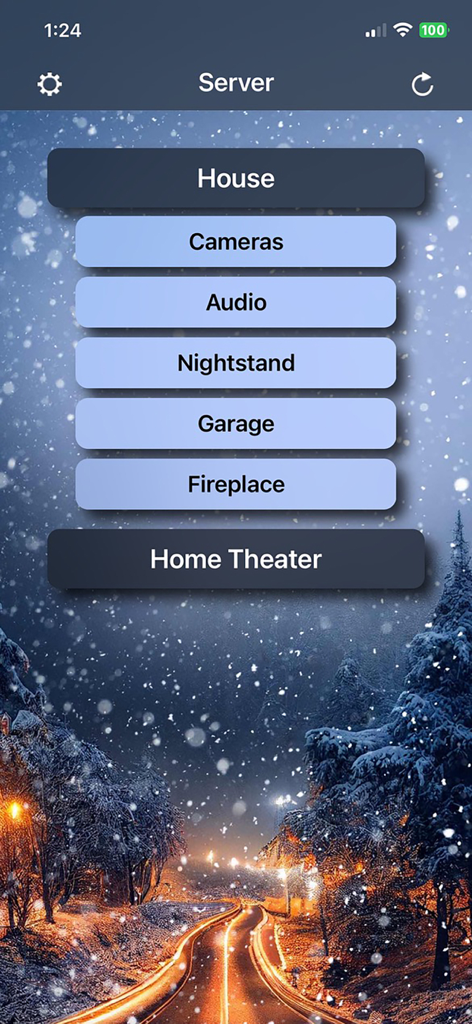
Hauptoberfläche der TouchControl-App mit benutzerdefinierten Schaltflächen für Kamera-, Audio- und Heimkino-Steuerung im Haus
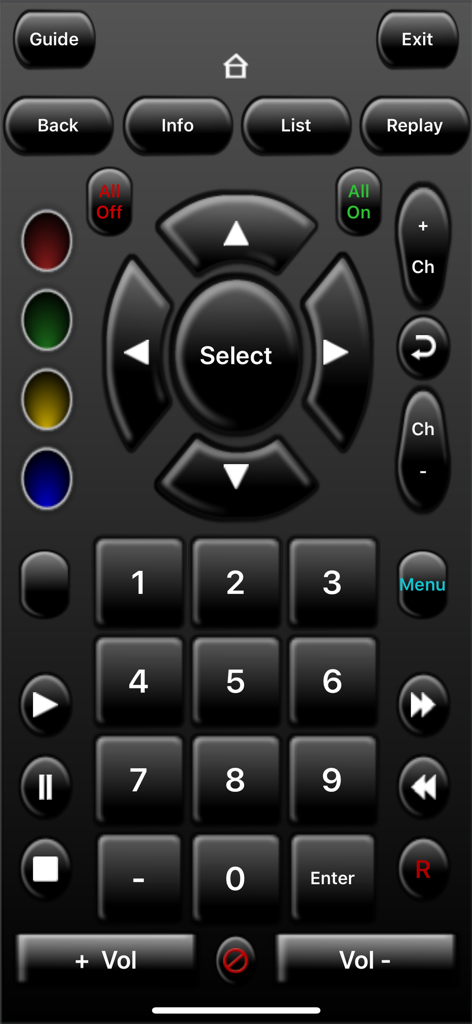
Anpassbare dunkle digitale Fernbedienungsoberfläche für Heimkinogeräte.
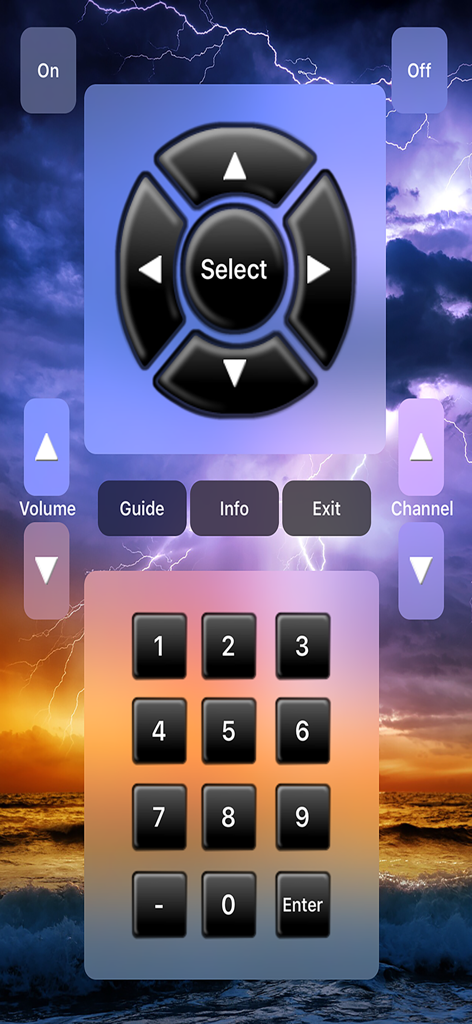
Ein angepasstes Fernbedienungslayout mit einem Steuerkreuz, Lautstärke- und Kanalreglern sowie einem Ziffernblock vor einem Hintergrund mit einem Gewitter
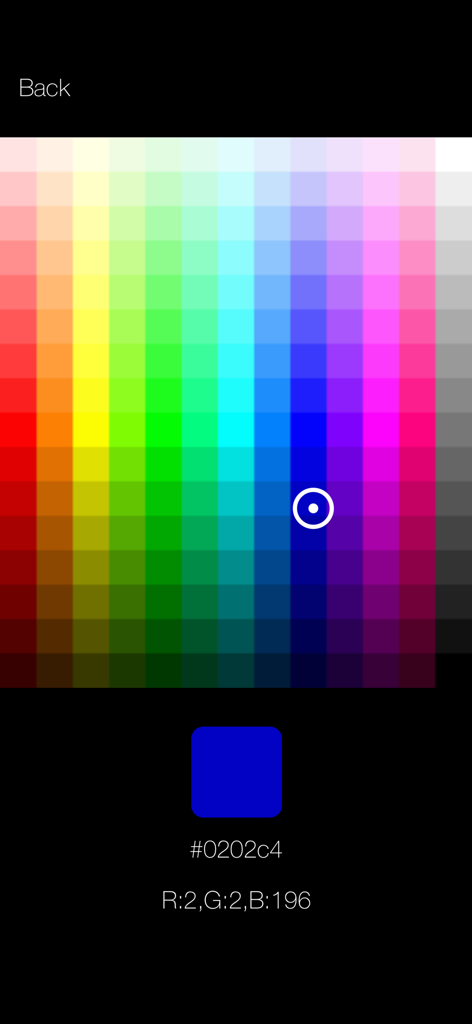
Oberfläche zur Auswahl benutzerdefinierter Farben mit Hex- und RGB-Werten in der TouchControl-App
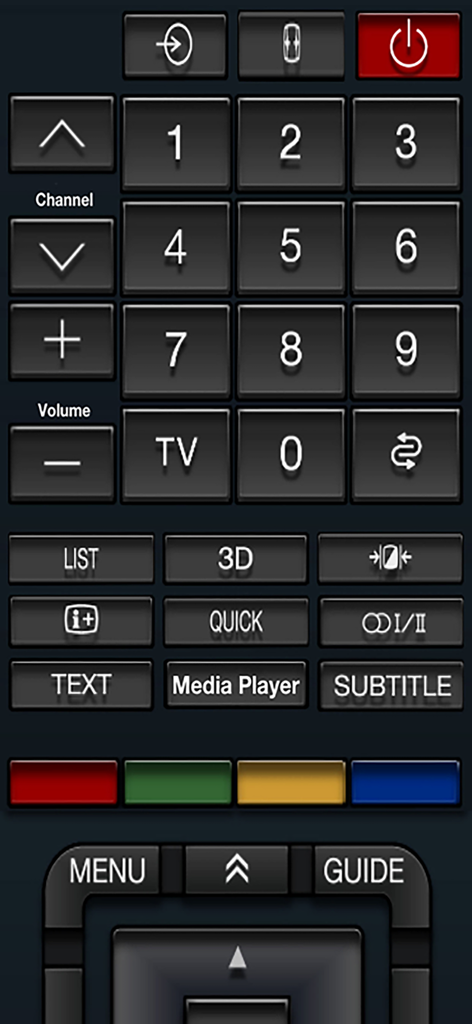
Digitale Universalfernbedienungsoberfläche mit Ziffernblock und Medienwiedergabetasten
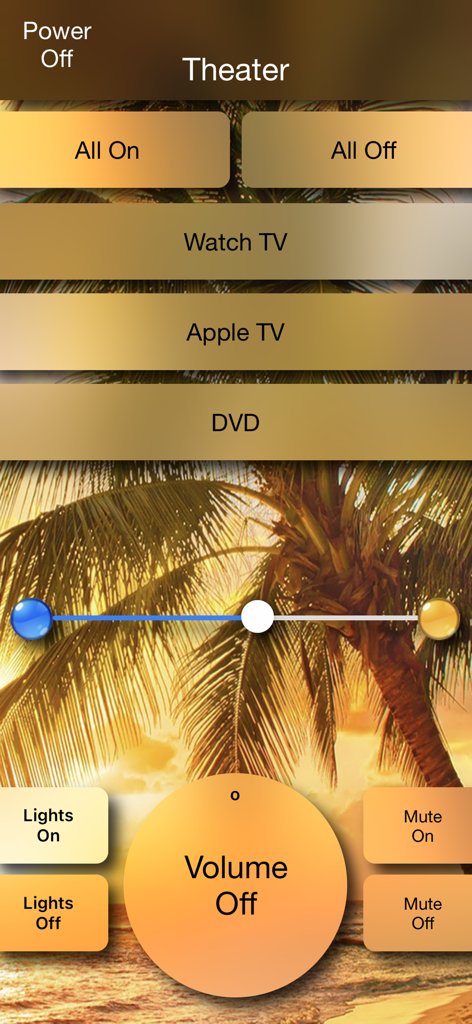
Anpassbare Heimkino-Fernbedienungsoberfläche mit Lautstärke-, Licht- und Gerätesteuerung über einem tropischen Hintergrund
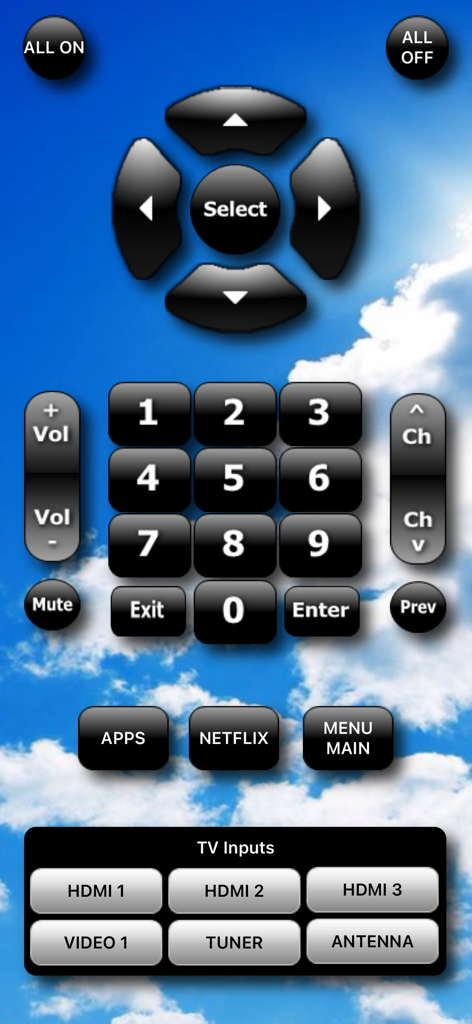
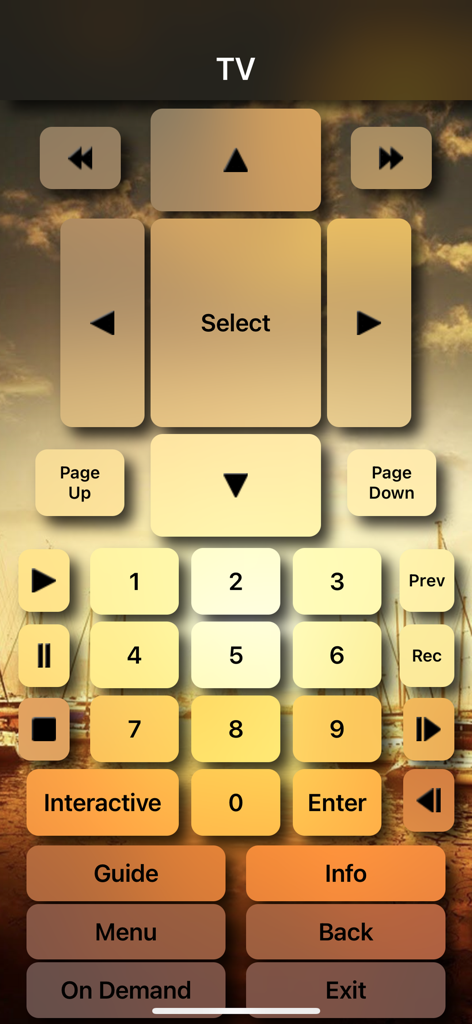
Anpassbare Universalfernbedienungsoberfläche mit Navigationsfeld und TV-Steuerungen
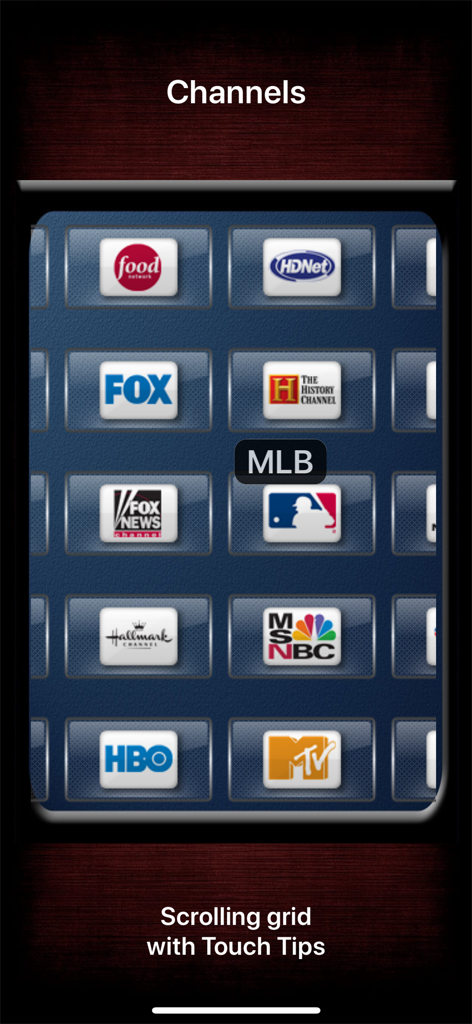
Ein anpassbares Scrollgitter von TV-Kanal-Logos mit einem Touch-Tipp-Tooltip in der TouchControl-App
Anpassbare TV-Fernbedienungsoberfläche für die Heimkino-Steuerung auf dem iPhone
Totale Autorität über Ihre digitale Domäne
Die Tools, die diese App auszeichnen, gewählt von 170K+ Nutzern.
🎨
Professioneller Interface-Designer
Vergessen Sie generische Vorlagen. Verwenden Sie unsere Desktop-Designer-Software, um maßgeschneiderte, pixelgenaue Fernbedienungsbildschirme zu erstellen, die auf Ihre spezifische Ausrüstung und Ästhetik zugeschnitten sind.
📡
Vereinte Legacy- & Smart-Steuerung
Die ultimative Brücke zwischen den Epochen. Steuern Sie High-End-Legacy-A/V-Geräte über IR-Adapter zusammen mit modernen netzwerkgebundenen Smart-Appliances über eine einzige Oberfläche.
⌨️
Tiefe PC- & HTPC-Integration
Mehr als nur einfache Wiedergabe. Führen Sie komplexe Skripte über AutoHotKey aus, verwalten Sie Maus- und Tastatureingaben und lösen Sie Automatisierungen über Siri-Kurzbefehle oder JavaScript aus.
Über die App
Alles, was Sie über wissen müssen TouchControl Universal Remote.
Beschreibung
Please get the FREE TouchControl Server (designer) app for macOS (from the Mac App Store) or Windows (at www.touchapptech.com) and try it out before purchasing this app for your iOS device to make sure that TouchControl will meet your needs. Also please note that the server/designer does *NOT* need to be running 24/7 to use TouchControl on your iOS device!
With TouchControl, you can turn any iOS device into a universal network, infrared, and PC remote control! With TouchControl you can create FULLY CUSTOMIZED remote control screens for your Mac or PC, A/V and other infrared- or network-controlled devices (IMPORTANT: additional hardware required for IR control). The free Mac or Windows PC software provides user interface (remote control) design functionality, and can also optionally enable running programs, executing commands and scripts, and controlling the mouse and keyboard on your Windows computer directly from your iOS device, giving you almost unlimited control. The Windows server also natively supports the USB-UIRT for PC-based IR control.
TouchControl gives you more than any other iOS remote automation app:
• Direct device-to-device control of iTach and GC-100 network adapters (www.globalcache.com), iRTrans LAN adapters (www.irtrans.com), network attached A/V equipment, Keene IR Anywhere, smart bulbs and other smart appliances, and more (just about anything that's network attached)!
• Integrated IR code database for Global Caché adapters. Over 138,000 searchable IR code sets freely available in an easy-to-use interface to quickly and easily configure your Global Caché buttons!
• DIrect control of Windows automation software such as AutoHotKey, EventGhost, Kodi, Girder, IRCommand2, and more!
• Full 2-way control and TRUE automation with device feedback, custom scripting (Javascript), iCloud state, and more!
• Build activities that can automatically discover and control any devices on your network that support Simple Service Discovery Protocol (SSDP).
• Build activities for Apple Watch! (Direct control of HTTP devices from the watch is available, other TCP device control and 2-way communication provided via the paired iPhone app.)
• Control your devices from a browser and schedule commands to run at set times via the built-in web server (in-app purchase required).
• Execute buttons from Siri Shortcuts and Search results.
• Mouse & keyboard control of your Windows PC, plus control of HTPC software such as WIndows Media Center, JRiver, XBMC, WinAmp, Pandora, and more!
• Monitor your Mac or Windows desktop from your iOS device using the exclusive TouchControl Screen Grabber!
• Fully customizable user interface on your iOS device!
REQUIREMENTS: A Mac or Windows PC is required to design and configure the remote control activities (screens, devices, buttons, etc.) used in TouchControl via the FREE TouchControl Server software. However, the server DOES NOT need to be running 24x7 on your network to use TouchControl on your iOS device (only required for those features that require a Mac or PC, such as running desktop commands & programs, mouse/keyboard control, screen grabber, AutoHotKey, etc.).
Please visit http://www.touchapptech.com to learn more about the devices that can be controlled with TouchControl, and to make sure you meet the requirements. You are encouraged to install and try the FREE Mac or Windows server/designer software before purchasing the iOS app and verify it meets your needs. Mac server available in the Mac App Store. Windows server available on the TouchControl web site.
** IMPORTANT ** All feedback is welcome in the App Store; however, support for this app is provided via the TouchControl website/email only, as there is no mechanism available to address problems reported via the App Store. If you have any problems with TouchControl, PLEASE contact support via the web site contact form.
Neueste Version
13.3
Größe
40.3 MB
Erstveröffentlichung
14. März 2010
Übernehmen Sie die volle Kontrolle über Ihr Smart Home
Laden Sie die iOS-App herunter und koppeln Sie sie mit unserem kostenlosen Desktop-Designer, um noch heute Ihre ultimative, mit benutzerdefinierten Skripten erstellte Fernbedienungsoberfläche zu erstellen.
App information, icons, screenshots, and descriptions displayed on this page are sourced from the Apple App Store and are the property of their respective developers. Download estimates and rankings are based on MWM's proprietary models and may not reflect actual figures. This page is provided for informational and analytical purposes only.
Believe this page infringes your intellectual property? File a dispute