Word to PDF Converter - Reader

Word to PDF Converter - Reader

Herunterladen auf App Store
Logo von Word to PDF Converter - Reader

Word in PDF-Konverter - Reader: Ihr All-in-One Mobile Document Studio

Konvertieren, zusammenführen und sichern Sie Ihre Dateien mühelos unterwegs. Entwickelt für Profis und Studenten, die Word-, Bild- und Folienformate mit nur wenigen Fingertipps in professionelle, passwortgeschützte PDFs umwandeln müssen.

Herausgeber

CONTENT ARCADE DUBAI LTD FZE

Kategorie

Utilities

Downloads

761K+

Bewertung

4.1/5

Bewertungen gesamt

3K+

Sprachen

68

Ihr Büro, vereinfacht

Entdecken Sie die Oberfläche, die von 761K+ Nutzern verwendet wird.
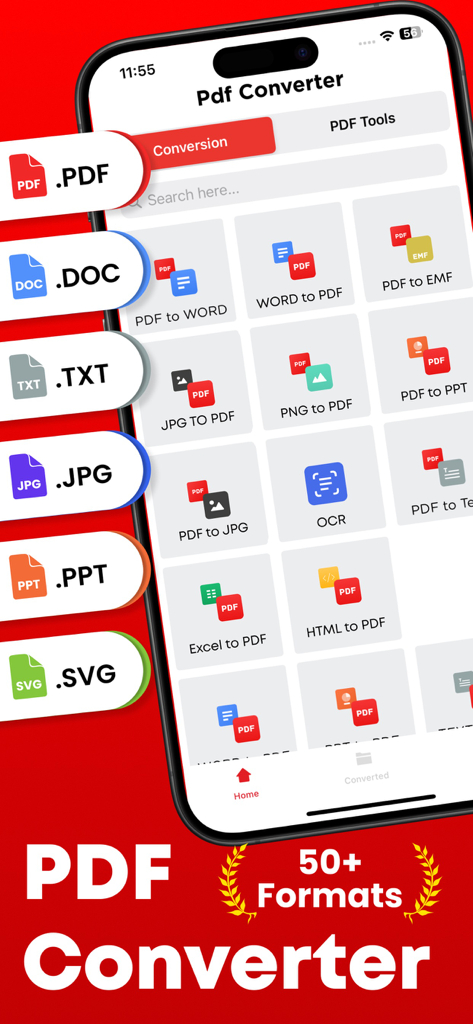
Bildschirm einer mobilen App, der verschiedene Dokumentenkonvertierungsoptionen wie PDF zu Word und JPG zu PDF mit Unterstützung für über fünfzig Formate anzeigt.

Bildschirm einer mobilen App, der verschiedene Dokumentenkonvertierungsoptionen wie PDF zu Word und JPG zu PDF mit Unterstützung für über fünfzig Formate anzeigt.

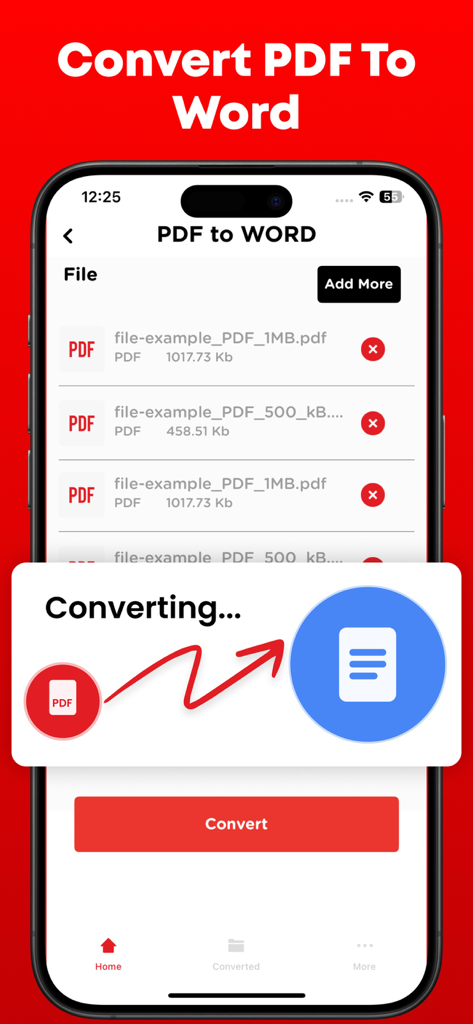
Oberfläche, die den Prozess der Konvertierung einer PDF-Datei in ein Word-Dokument auf einem Smartphone zeigt

Oberfläche, die den Prozess der Konvertierung einer PDF-Datei in ein Word-Dokument auf einem Smartphone zeigt

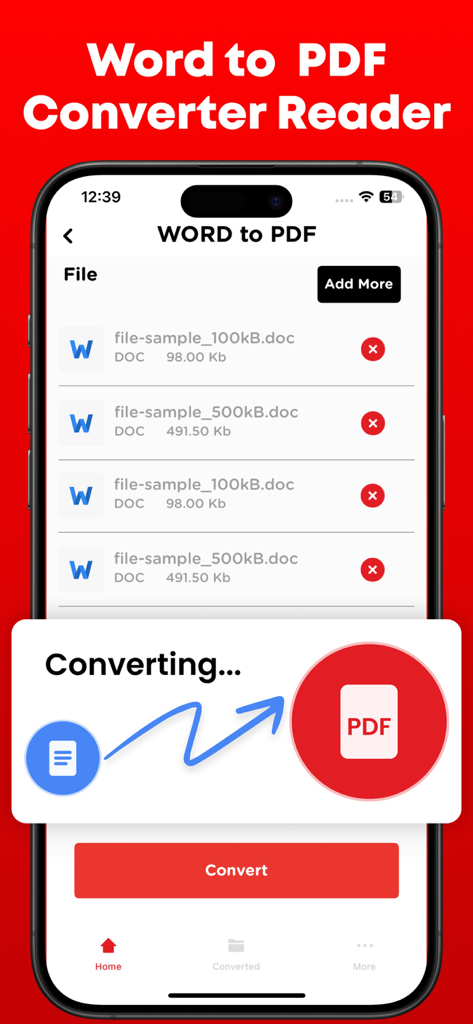
Oberfläche der Word-in-PDF-Konverter-App, die den Dokumentenkonvertierungsprozess auf dem iPhone zeigt

Oberfläche der Word-in-PDF-Konverter-App, die den Dokumentenkonvertierungsprozess auf dem iPhone zeigt

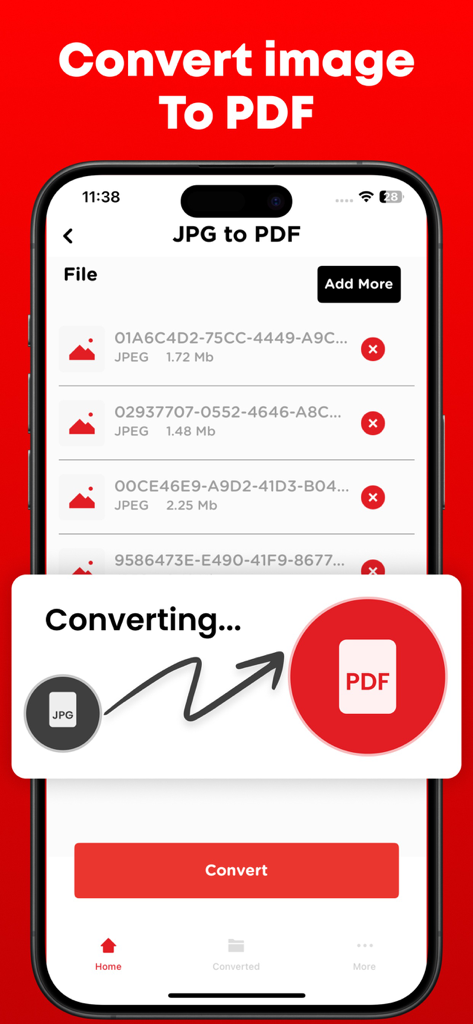
Oberfläche einer mobilen App, die den Prozess der Konvertierung von JPG-Bilddateien in ein PDF-Dokument zeigt

Oberfläche einer mobilen App, die den Prozess der Konvertierung von JPG-Bilddateien in ein PDF-Dokument zeigt

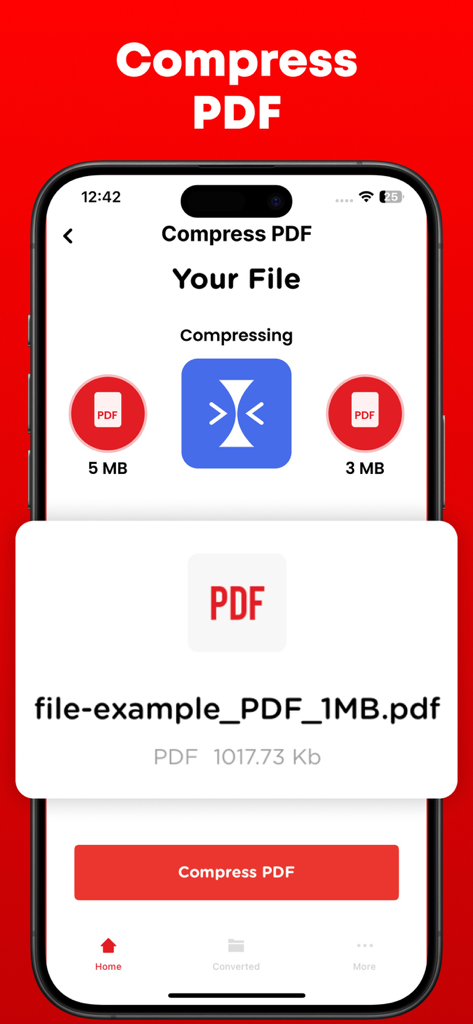
Ein Smartphone-Bildschirm, der eine PDF-Komprimierungsfunktion anzeigt und eine Datei von 5 MB auf 3 MB reduziert.

Ein Smartphone-Bildschirm, der eine PDF-Komprimierungsfunktion anzeigt und eine Datei von 5 MB auf 3 MB reduziert.

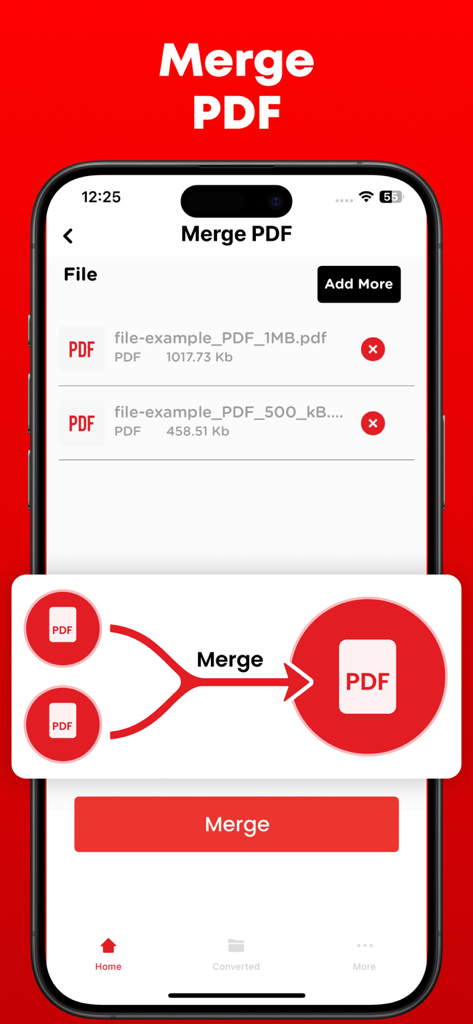
Oberfläche der Word-in-PDF-Konverter-App, die die Funktion "PDF zusammenführen" auf einem iPhone-Bildschirm zeigt.

Oberfläche der Word-in-PDF-Konverter-App, die die Funktion "PDF zusammenführen" auf einem iPhone-Bildschirm zeigt.

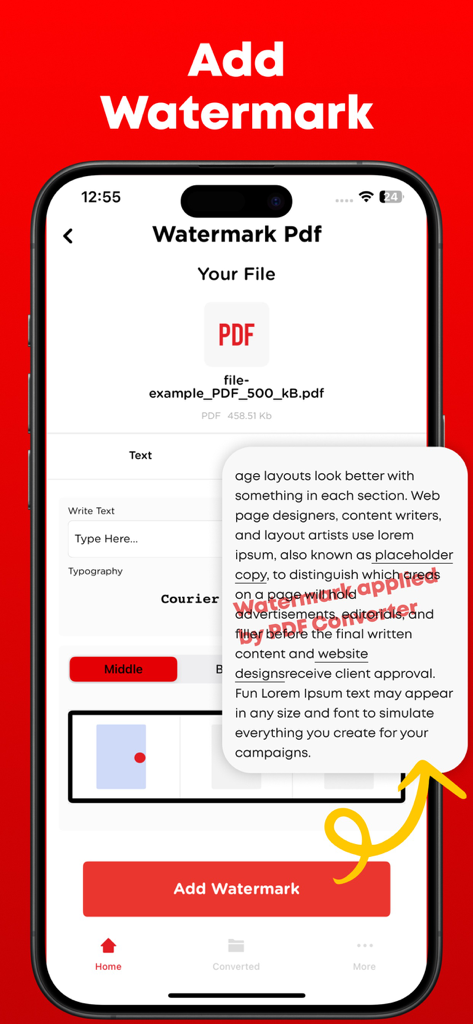
Oberfläche der Word-in-PDF-Konverter-App, die die Funktion "Wasserzeichen hinzufügen" mit Textanpassung und einer Dokumentenvorschau zeigt

Oberfläche der Word-in-PDF-Konverter-App, die die Funktion "Wasserzeichen hinzufügen" mit Textanpassung und einer Dokumentenvorschau zeigt

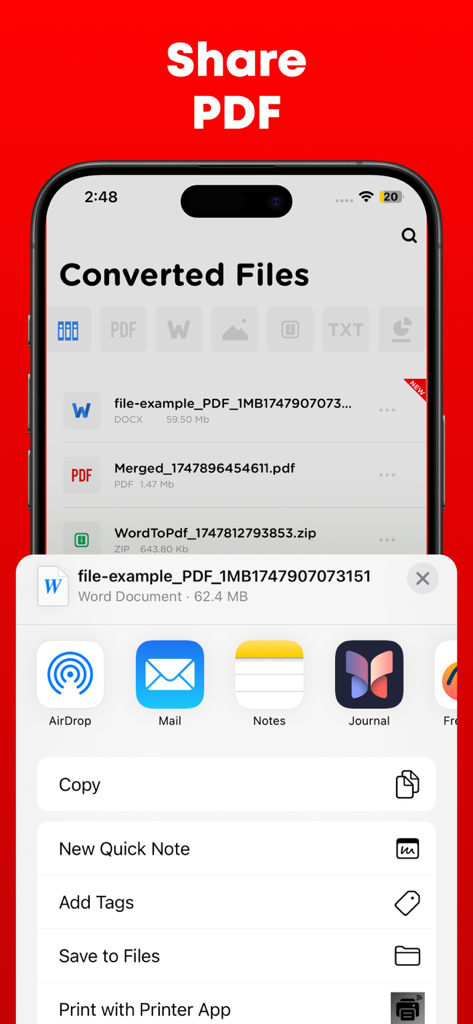
iPhone-Oberfläche, die die Freigabeoptionen für ein konvertiertes PDF-Dokument zeigt

iPhone-Oberfläche, die die Freigabeoptionen für ein konvertiertes PDF-Dokument zeigt

Beherrschen Sie Ihre Dokumente überall

Die Tools, die diese App auszeichnen, gewählt von 761K+ Nutzern.

Blitzschnelle Konvertierungen

Verwandeln Sie Word-Dokumente, PowerPoint-Folien und Bilder sofort in professionelle PDFs, damit Ihre Dateien immer zur Einreichung bereit sind.

🖋️

Totale kreative Kontrolle

Führen Sie mehrere Berichte zusammen, teilen Sie Seiten oder fügen Sie benutzerdefinierte Wasserzeichen hinzu, um Ihre Arbeit zu schützen – ideal für Architekten und freiberufliche Fachleute.

🛡️

Sicheres und privates Teilen

Schützen Sie sensible Verträge mit Passwortverschlüsselung und synchronisieren Sie nahtlos mit Google Drive oder Dropbox für sichere, mobile-first Workflows.

Bewertungsanalyse

Erkenntnisse aus Nutzerbewertungen.

Stimmungswert

25%
Negativ

Zusammenfassung

Users report significant dissatisfaction with this mobile app, primarily citing its misleading 'free trial' which frequently leads to unexpected and automatic subscription charges, alongside difficulties in canceling these subscriptions. Many reviewers also experienced critical failures in the app's core conversion functionality, often finding it unreliable or producing corrupted files. Despite these prevalent issues, a small number of users appreciated its fast performance, intuitive design, and specific conversion accuracy for certain file types. The overall feedback indicates a strong negative sentiment due to the deceptive pricing practices and poor functionality.

Häufige Themen

Ease of Use(2)
Conversion Accuracy(1)
App Performance(1)
App Design(1)
Additional Tools(1)

Über die App

Alles, was Sie über wissen müssen Word to PDF Converter - Reader.

Beschreibung

Transform, modify, and save your vital documents effortlessly with the help of PDF converter. PDF converter can not only convert the files but merge and split them as well.

PDF files are mostly used by professional designers and architects for presentation purpose. PDF to Image or Image to PDF can easily be converted if you have file present in the storage of your smartphone else you can upload the file from Dropbox or Google drive. PDF converter comes with the following features. 1- Create, edit, merge and split PDF document in this PDF Converter. 2- Convert PDF to Word 3- Convert PDF to JPG 4- Convert PowerPoint slides to PDF 5- Convert JPG to PDF 6- You can check your recently converted files in the main menu of the PDF Converter. 7- Share these files where you find necessary an online social network. 8- Add watermark to the areas in the PDF file for better explanations. 9- Unlock or lock PDF file so no one can access it without a password. PDF files are the most secure way of sharing files over the internet. The reason is no one can copy content and cannot edit the file without permissions if it is locked. Note: Payment will be charged to your iTunes account at confirmation of purchase. Your subscription will automatically renew unless auto-renew is turned off at least 24-hours before the end of the current subscription period. Your account will be charged for renewal within 24-hours prior to the end of the current subscription period. Automatic renewals will cost the same price you were originally charged for the subscription. You can manage your subscriptions and turn off auto-renewal by going to your Account Settings on the App Store after purchase. Read our terms of service and Privacy Policy for more information. Privacy Policy: https://www.contentarcade.com/pdf-converter-privacy-poilcy Terms of Use: https://www.contentarcade.com/pdf-converter-terms-of-use

Neueste Version

9.1

Größe

55.7 MB

Erstveröffentlichung

12. Feb. 2019

Ihr mobiles Büro ist nur einen Fingertipp entfernt

Schließen Sie sich über 750.000 Profis und Studenten an, die Dokumente sofort konvertieren, sichern und teilen. Holen Sie sich noch heute das ultimative mobile Dienstprogramm für Ihr iPhone und iPad.

Herunterladen auf App Store

App information, icons, screenshots, and descriptions displayed on this page are sourced from the Apple App Store and are the property of their respective developers. Download estimates and rankings are based on MWM's proprietary models and may not reflect actual figures. This page is provided for informational and analytical purposes only.

Believe this page infringes your intellectual property? File a dispute