Word To PDF Converter & Reader

Word To PDF Converter & Reader

Herunterladen auf App Store
Logo von Word To PDF Converter & Reader

Word zu PDF Konverter & Reader: Professionelle PDFs ganz einfach

Das zweckmäßige mobile Dienstprogramm zum Konvertieren, Zusammenführen und Teilen Ihrer Dokumente direkt von Ihrem iPhone oder iPad – kein Laptop erforderlich.

Herausgeber

Nitin Katrodiya

Kategorie

Utilities

Downloads

124K+

Bewertung

3.9/5

Bewertungen gesamt

500

Sprachen

1

Ein Einblick in die Effizienz

Entdecken Sie die Oberfläche, die von 124K+ Nutzern verwendet wird.
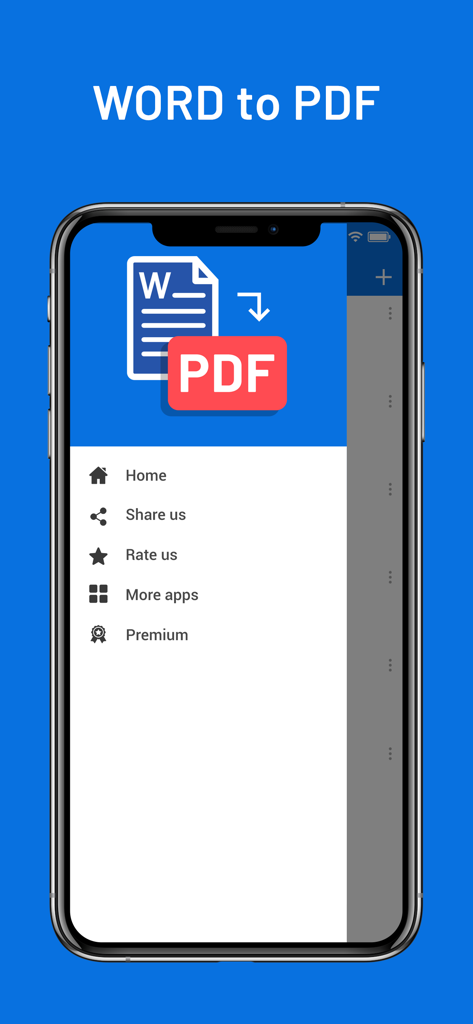
Word zu PDF Konverter App Seitenmenü auf einem iPhone

Word zu PDF Konverter App Seitenmenü auf einem iPhone

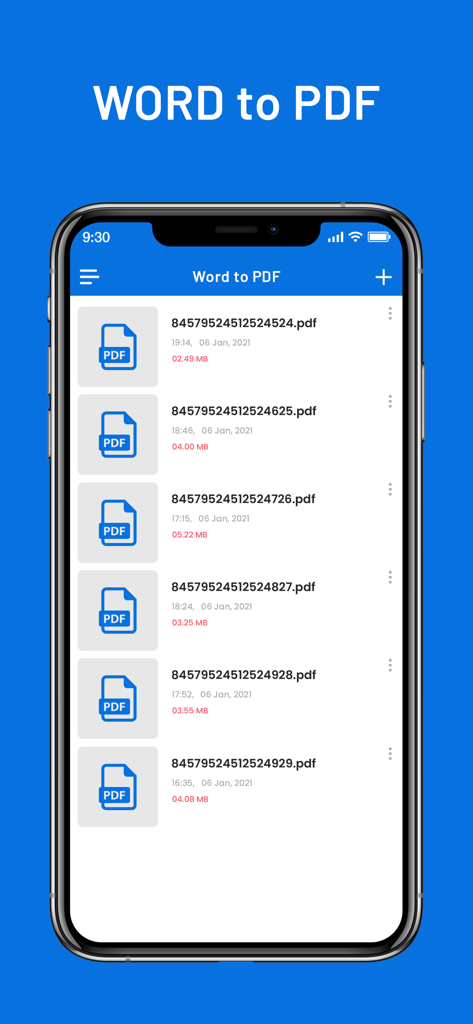
iPhone-Bildschirm zeigt eine Liste konvertierter PDF-Dokumente mit Dateinamen und Größen

iPhone-Bildschirm zeigt eine Liste konvertierter PDF-Dokumente mit Dateinamen und Größen

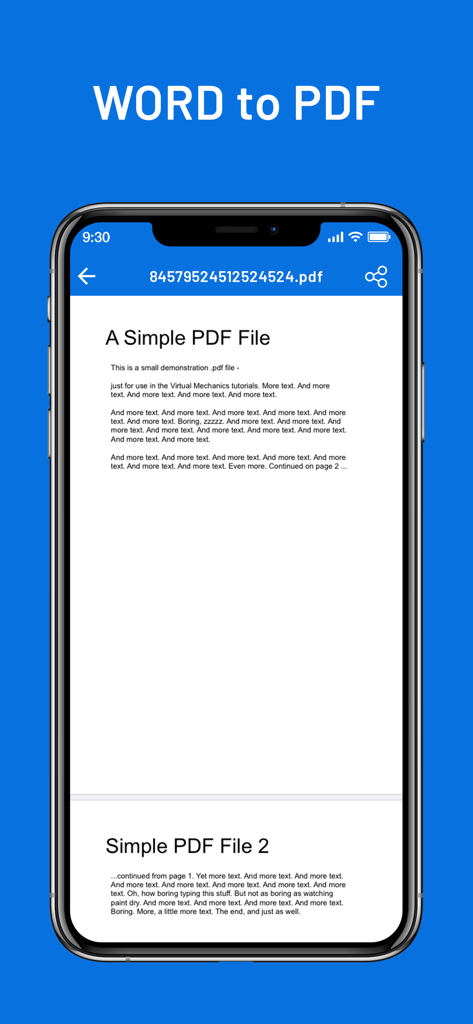
Word zu PDF Konverter App zeigt ein Dokument auf einem iPhone-Bildschirm

Word zu PDF Konverter App zeigt ein Dokument auf einem iPhone-Bildschirm

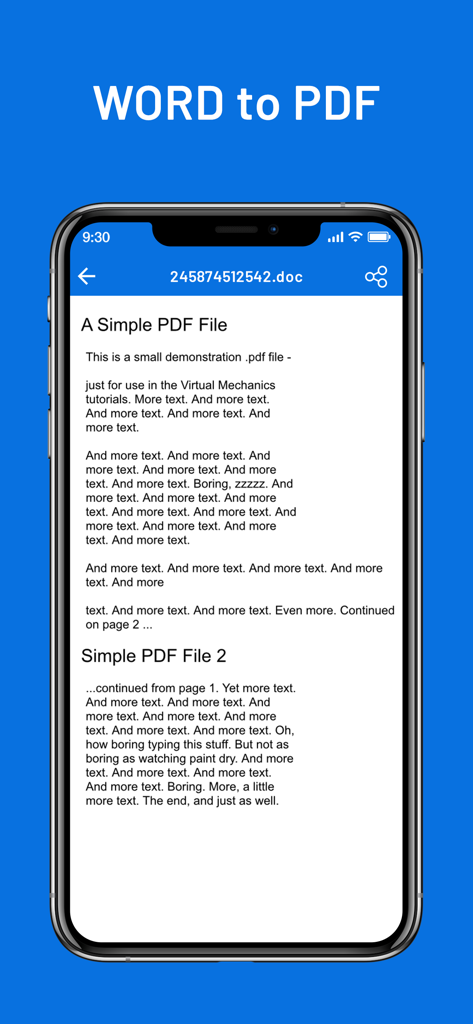
iPhone-Bildschirm zeigt eine Word zu PDF Konverter App Oberfläche mit einer Dokumentenvorschau

iPhone-Bildschirm zeigt eine Word zu PDF Konverter App Oberfläche mit einer Dokumentenvorschau

Effizienz auf Knopfdruck

Die Tools, die diese App auszeichnen, gewählt von 124K+ Nutzern.

🚀

Professionelle Konvertierung

Verwandeln Sie .doc- und .docx-Dateien sofort in pixelgenaue PDFs und stellen Sie sicher, dass Ihre Formatierung auf jedem Gerät professionell und lesbar bleibt.

🔗

Nahtlose Workflow-Integration

Konvertieren Sie Dateien direkt aus Mail, Safari oder Cloud-Speichern wie Dropbox und Google Drive über das native iOS 'In öffnen'-Freigabeblatt.

📑

Leistungsstarke PDF-Zusammenführung

Kombinieren Sie mühelos mehrere Dokumente zu einer einzigen, organisierten Datei – perfekt für die Einreichung komplexer Aufgaben oder die Archivierung von Geschäftsverträgen.

Über die App

Alles, was Sie über wissen müssen Word To PDF Converter & Reader.

Beschreibung

Word to PDF is a universal app for iPhone and iPad that can convert your MS Office Word to Adobe Acrobat PDF. After installed, Word to PDF appears in the "Open In..." list on your device. This lets you convert word from Mail, Safari, GoodReader and many other applications on your iOS device that supports this function. It's just as easy as it sounds! No need for overcomplicated apps with dozens of nonsense features. With PDF Converter app you can convert your documents to pdf or create pdf files in a matter of seconds. More Features: * Support all apple iOS devices. * Really attractive, super easy to use interface * Using "Open In..." approach, print files from many popular online storages: Dropbox, MobileMe iDisk, GoogleDocs and other cloud storage applications. * Save the following multiple word doc formats .doc, .docx to PDF. * Mail out documents as email attachments. * Copy documents to clipboard. * Send files to iBook, GoodReader, PDF Reader or other apps("Open In.." integration). * USB file transfer (iTunes file sharing). The converted PDF files could be opened in iBooks, GoodReader or Adobe Reader app for best reading experience. Also, you can send PDFs by e-mail, open in other apps and even transfer to computer. The build-in PDF Merger feature is a professional but easy-to-use PDF file Combiner & Joiner designed to merge PDF files for more convenient organizing, archiving and printing in batch. With it you can combine multiple PDF files in a order to create a new single PDF file. Several sample files have been included, you can test it right now! Any questions, suggestions and problems please let us know. We will reply ASSP, and continue to update. SUBSCRIPTION INFORMATION : - Subscribe for unlimited access to all the Premium features. - - Subscription is automatically renewed unless canceled 24 hours before the renewal - Payment will be charged to iTunes Account at confirmation of purchase - Account will be charged for renewal within 24-hours prior to the end of the current period, at the same price - Subscriptions may be managed by the user and auto-renewal may be turned off by going to the user’s Account Settings after purchase - Any unused portion of a free trial period, if offered, will be forfeited when the user purchases a subscription to that publication, where applicable Privacy Policy : https://nitinkatrodiya.wordpress.com/privacy-policy/ & Terms of Service: https://nitinkatrodiya.wordpress.com/terms-and-condition/

Neueste Version

1.2

Größe

12.2 MB

Erstveröffentlichung

21. Jan. 2021

Vereinfachen Sie Ihren Workflow mit einem Fingertipp

Schließen Sie sich über 124.000 Fachleuten und Studenten an, die unterwegs mühelos Dokumente konvertieren, zusammenführen und teilen. Kein Schnickschnack, nur die Werkzeuge, die Sie brauchen.

Herunterladen auf App Store

App information, icons, screenshots, and descriptions displayed on this page are sourced from the Apple App Store and are the property of their respective developers. Download estimates and rankings are based on MWM's proprietary models and may not reflect actual figures. This page is provided for informational and analytical purposes only.

Believe this page infringes your intellectual property? File a dispute