
Esta página no es una página oficial de la aplicación ni de su desarrollador, sino una publicación editorial independiente creada con fines informativos y de comentario. Salvo que se indique expresamente lo contrario, ni la aplicación ni su desarrollador están afiliados, respaldados, patrocinados, autorizados ni conectados oficialmente con MWM, Apple, Google Play, el editor de la aplicación ni su desarrollador, y nada en esta página implica que la aplicación haya sido desarrollada utilizando los servicios de MWM. Todas las marcas comerciales, logotipos, capturas de pantalla y demás contenidos son propiedad de sus respectivos propietarios.

aRDP Pro - RDP Remote Desktop
Controle máquinas Windows y Linux sin problemas desde su dispositivo iOS. Diseñado para administradores de sistemas que exigen transparencia de código abierto, soporte para hardware externo y túneles cifrados.
Descargas
2K+Valoración
Total valoraciones
0Editor
Categoría
ProductivityIdiomas
5Última versión
56Tamaño
17.7 MBFecha de lanzamiento
25 abr 2022Control de Nivel Empresarial en su Bolsillo
Experimente la seguridad del túnel SSH y la flexibilidad del RDP de código abierto en sus dispositivos iOS. Diseñado para ingenieros que exigen más que una simple conexión.
Túneles SSH Seguros
Proteja su infraestructura con túneles SSH integrados y soporte para claves públicas/privadas para un acceso remoto seguro detrás de cualquier firewall.
Precisión de Nivel de Escritorio
Transforme su iPad en una estación de trabajo con soporte nativo para Magic Trackpad, ratones externos y combinaciones de teclas avanzadas como Ctrl+Alt+Supr.
Las siguientes capturas de pantalla y la descripción provienen directamente del listado oficial de la tienda de la aplicación y son propiedad del desarrollador.
App Store
Capturas
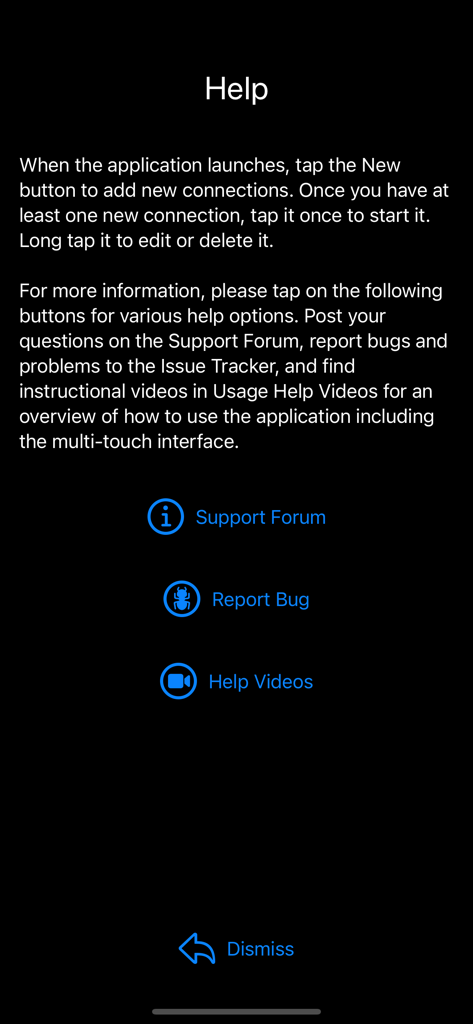
La pantalla de ayuda de la aplicación aRDP Pro con enlaces al foro de soporte y opciones para reportar errores.
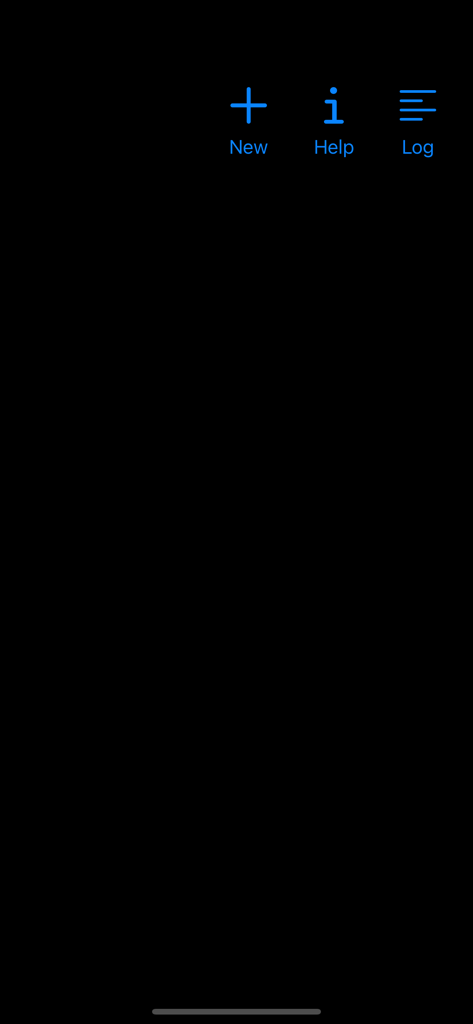
Pantalla de inicio de la aplicación de escritorio remoto aRDP Pro con iconos azules para Ayuda Nueva e Iniciar Sesión.
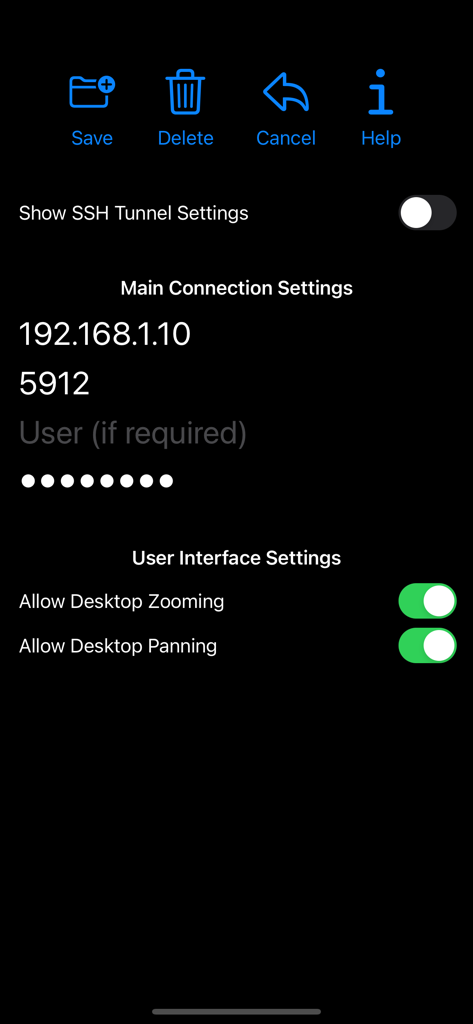
Pantalla de configuración de conexión de la aplicación aRDP Pro con opciones de IP e Interfaz de Usuario.
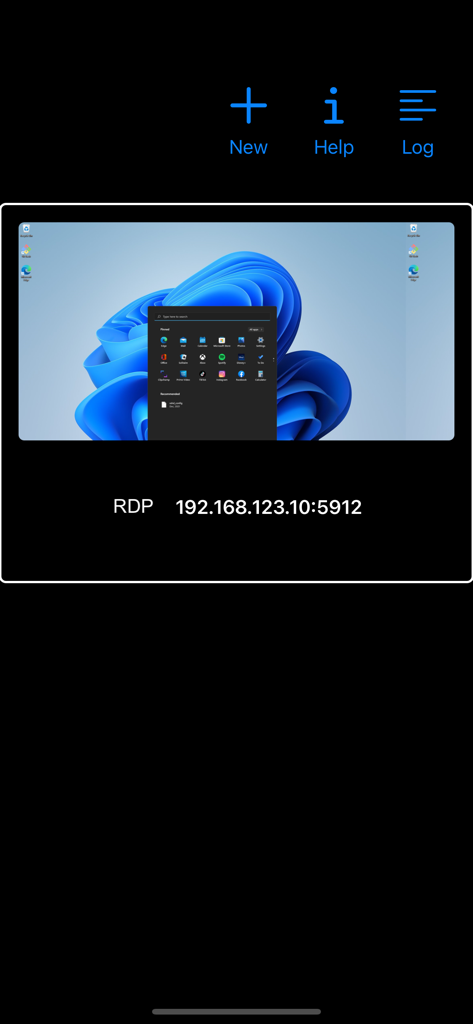
Interfaz de la aplicación aRDP Pro que muestra un perfil de conexión de escritorio remoto guardado con una vista previa de escritorio de Windows 11 y la dirección IP.
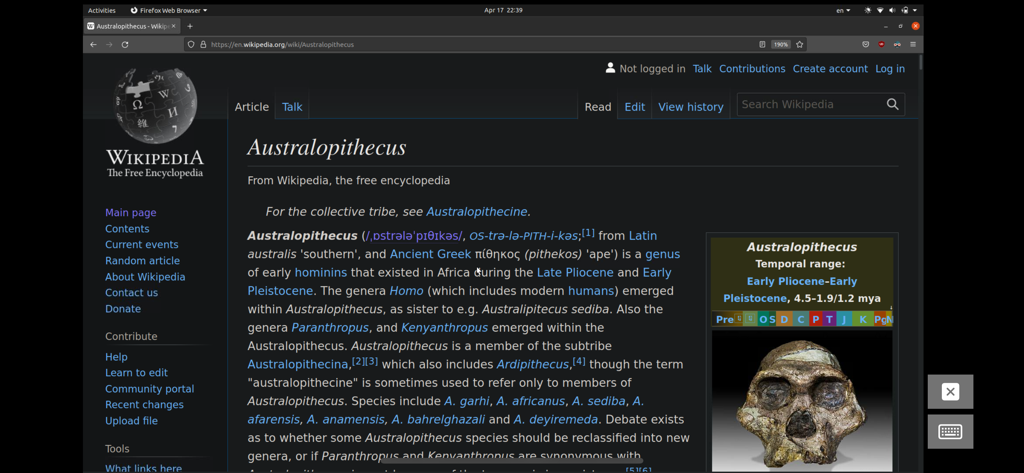
Sesión de escritorio remoto en un dispositivo móvil que muestra un escritorio Linux Ubuntu con un navegador web abierto.
Descripción
Download
Apps Similares
Apps mejor clasificadas en la misma categoría

ChatGPT
OpenAI OpCo, LLC

Google Gemini
Google LLC

Grok
X.AI Corporation

Gmail - Email by Google
Google LLC

千问 - 阿里最强大模型官方AI助手
Shanghai Zhixin Puhui Technology Co., Ltd.

Google Drive
Google LLC

Microsoft Authenticator
Microsoft Corporation

Google Sheets
Google LLC

Google Docs
Google LLC
Esta página no es una página oficial de la aplicación ni de su desarrollador, sino una publicación editorial independiente creada con fines informativos y de comentario. Salvo que se indique expresamente lo contrario, ni la aplicación ni su desarrollador están afiliados, respaldados, patrocinados, autorizados ni conectados oficialmente con MWM, Apple, Google Play, el editor de la aplicación ni su desarrollador, y nada en esta página implica que la aplicación haya sido desarrollada utilizando los servicios de MWM. Todas las marcas comerciales, logotipos, capturas de pantalla y demás contenidos son propiedad de sus respectivos propietarios.