Barcode Scan to Web

Barcode Scan to Web

Descargar en App Store
Logo de Barcode Scan to Web

Escaneo de Código de Barras a Web: Entrada de Datos Instantánea para Cualquier Sitio Web o Hoja de Cálculo de Google

Deja de escribir manualmente y elimina los errores de entrada de datos. Transforma tu dispositivo móvil en un escáner de grado profesional que funciona a la perfección con tus formularios web, intranets y bases de datos en la nube existentes.

Descargar en App Store

Editor

Berry Wing LLC

Categoría

Business

Descargas

16K+

Valoración

4.2/5

Total valoraciones

0

Idiomas

1

Eficiencia en Acción

Descubre la interfaz utilizada por 16K+ usuarios.
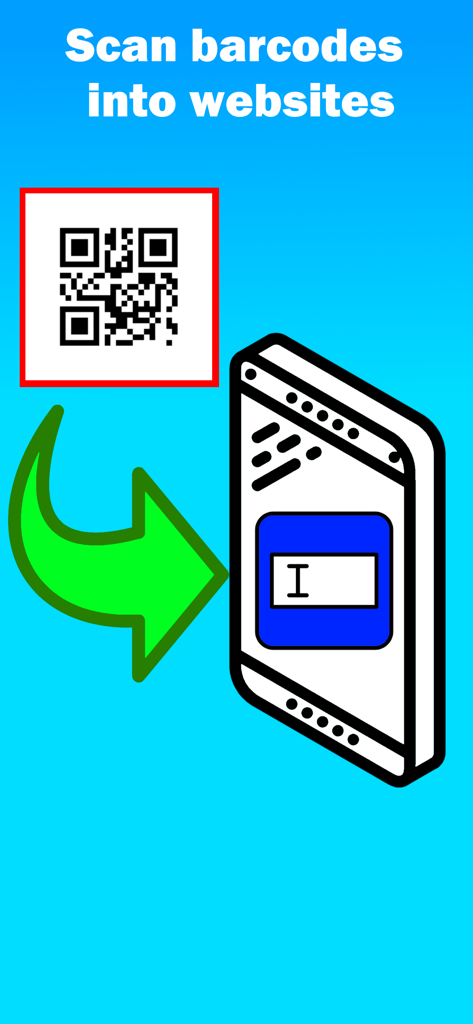
Gráfico que muestra la transferencia de datos de un código QR a un campo de formulario web en un teléfono inteligente

Gráfico que muestra la transferencia de datos de un código QR a un campo de formulario web en un teléfono inteligente

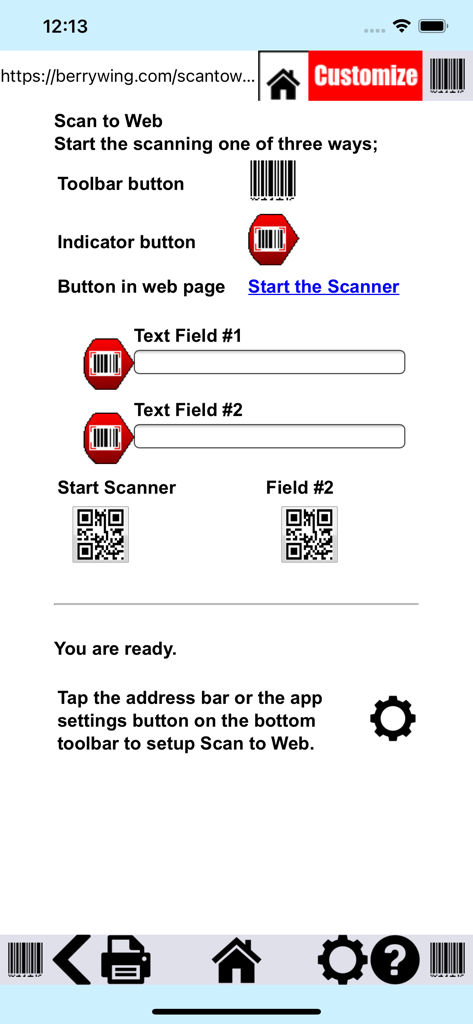
Interfaz de la aplicación Escaneo de Código de Barras a Web que ilustra cómo escanear códigos de barras en formularios web

Interfaz de la aplicación Escaneo de Código de Barras a Web que ilustra cómo escanear códigos de barras en formularios web

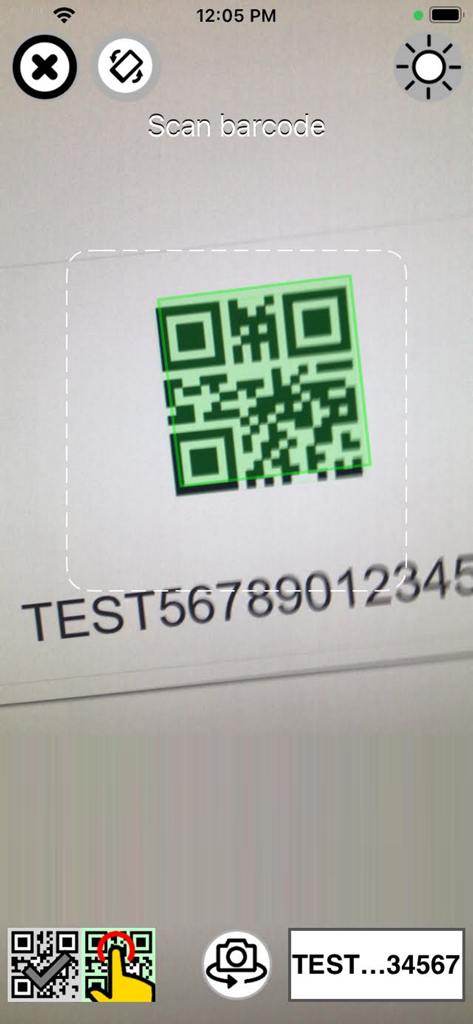
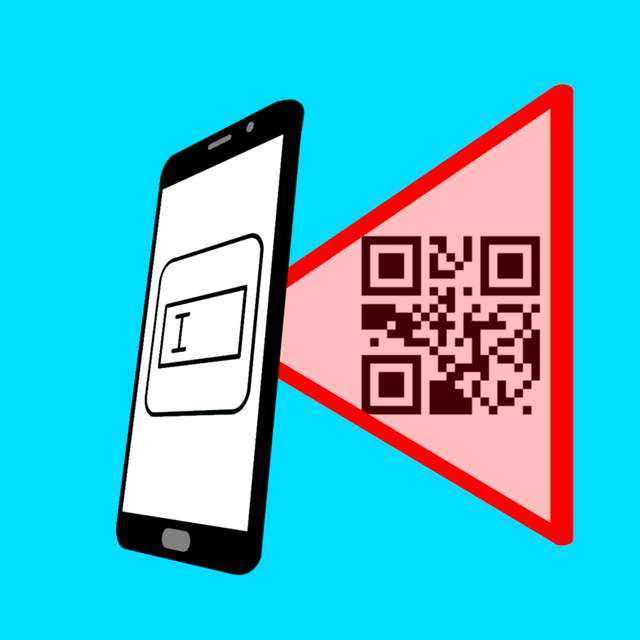
Aplicación Escaneo de Código de Barras a Web escaneando un código QR en una pantalla

Aplicación Escaneo de Código de Barras a Web escaneando un código QR en una pantalla

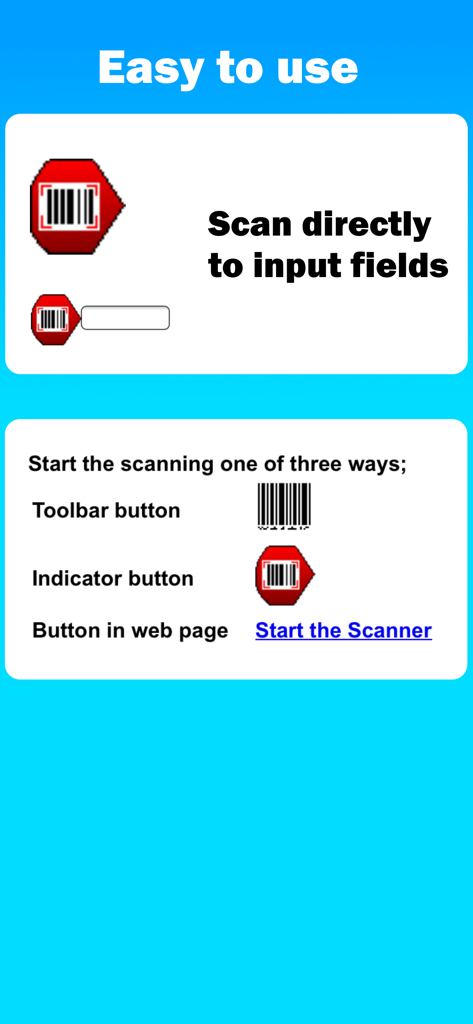
Instrucciones para escanear códigos de barras directamente en campos de entrada web a través de tres opciones de botón diferentes

Instrucciones para escanear códigos de barras directamente en campos de entrada web a través de tres opciones de botón diferentes

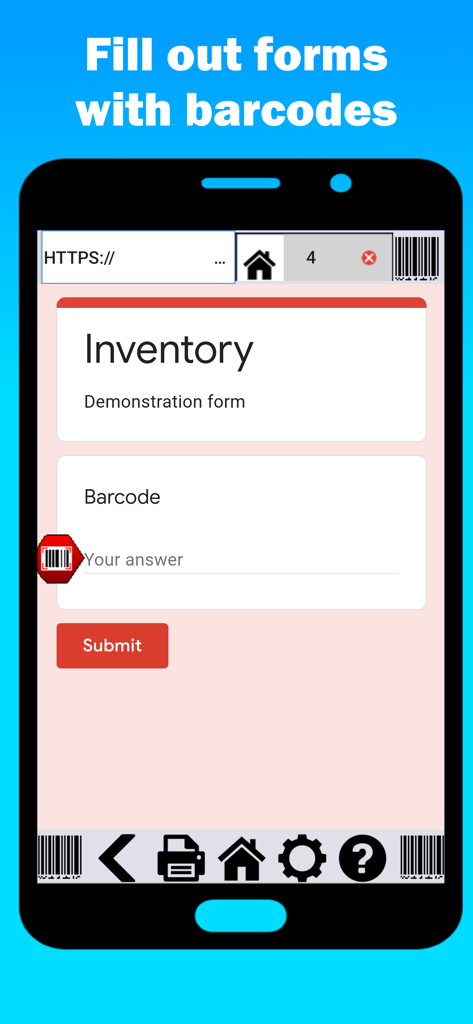
Una pantalla de teléfono inteligente que muestra la interfaz de la aplicación Escaneo de Código de Barras a Web con un formulario de inventario

Una pantalla de teléfono inteligente que muestra la interfaz de la aplicación Escaneo de Código de Barras a Web con un formulario de inventario

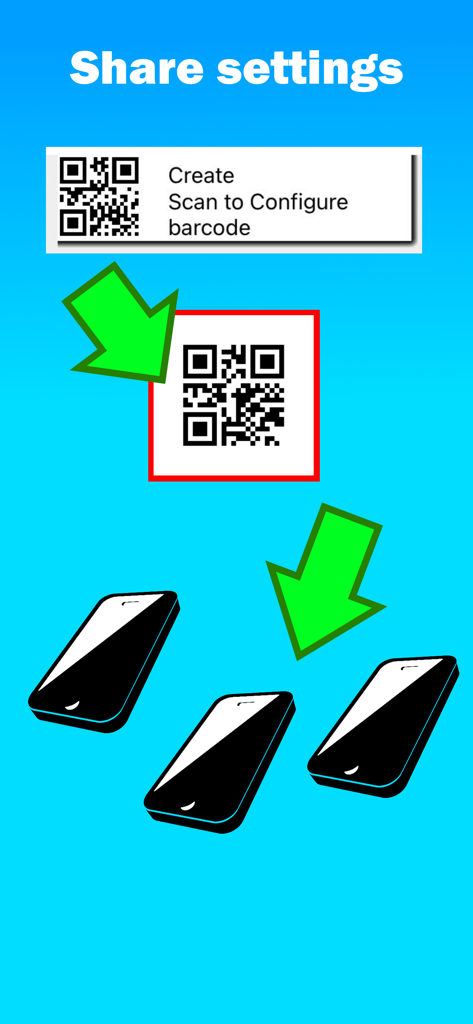
Una ilustración que muestra cómo compartir la configuración de la aplicación con múltiples teléfonos inteligentes escaneando un código QR.

Una ilustración que muestra cómo compartir la configuración de la aplicación con múltiples teléfonos inteligentes escaneando un código QR.

Trabaja de Forma Más Inteligente, No Más Dura

Las herramientas que hacen destacar esta app, elegida por 16K+ usuarios.

📲

Convierte Cualquier Teléfono en un Escáner

Elimina la necesidad de hardware costoso. Aprovecha los dispositivos iOS existentes de tu equipo para capturar datos en cualquier lugar, desde el almacén hasta el campo.

⚙️

Entrada de Datos Automatizada

Acelera los flujos de trabajo con las funciones 'Tabular al Siguiente' y 'Hablar a la Web'. Reduce el error humano y termina horas de escritura manual en solo minutos.

🌐

Conectividad Instantánea en la Nube

Conecta tus activos físicos a Hojas de Cálculo de Google o a tus herramientas web patentadas en tiempo real. No más entrada de datos al final del día o retrasos en el inventario.

Sobre la app

Todo lo que necesitas saber sobre Barcode Scan to Web.

Descripción

Thousands of business like yours are using Scan to Web to scan barcode information into websites and fill out web forms hands free! Stop manual updates and start using Barcode Scan to Web. BEDS Plus use this app to save them time on their inventory. They saved so much time that they are starting a community garden. They gave our app and our app support five stars! “It’s been working great. Someone called the other day and suggested we do a drive for toothbrushes. I can check in my office in real time and I immediately know that we have over 700. That saves me the drive to get to the building, and now we know we can focus on other things.” –Molek, Volunteer Coordinator, BEDs Plus Scan barcodes into: - Google Drive Forms (Google Sheets) - Your own intranet website - Any website Features: • Speak to web - Voice to text in your forms! • Tab to next - Cursor moves to next field after scan. • Duplicate scan check - to ensure reliable information. • Javascript after scan - For web developers who want complete control after scan. Scan to Web provides the iOS device user with a basic web browser and the ability to scan into web fields on web pages the user has browsed to. No external hardware is needed. Scan to Web uses the camera scanner in your iOS device to scan barcodes so it’s a great option for bring your own device (BYOD). Use your own website for scanning inventory, check in/out sheets, attendance; any number of business related problems can be solved with Scan to Web. Open any web page or search engine and scan any barcode instead of typing. +17 required as this is a fully functional web browser. To scan into a web page: - Scan to place barcode result wherever cursor is on the web page. - If text field is not active, scan result will be entered in first text field available - If Submit on Scan setting is ON, the web page will “Submit” after the scan result Settings: - Scan Suffix: Submit on Scan or Do nothing. Determines what the web site will do after a scan - Home page: URL of the home page in the app - Hide address bar: Hides or displays the address bar when the app starts. Use [ Show/Hide ] Subscription Model: The app is free to download and test out, but after a number of scans, the app will ask you to subscribe. We are continually supporting and upgrading Scan to Web. Please let us know what options and updates you’d like to see. Barcode symbology supported: - QR Code - Aztec - EAN / UPC - Code 3 of 9 (Code39) (*10 to 15 characters max) - Code 128 (Code128) (*20 characters max) - Code 93 - PDF417 (Driver's license) - Data Matrix Please note: Long values or multiple close Code 3 of 9 barcodes can become out of focus in the camera scanner and result in poor barcode scanning performance. Download "Scan to Note" for free from Berry Wing LLC to test the barcode scanner used in Scan to Web. * LEGAL and In- App subscription requirements Unlimited use subscription; yearly or monthly billing cycles. Payment will be charged to iTunes Account at the confirmation of purchase. Subscriptions will automatically renew, unless auto-renew is turned off no later than 24 hours before the end of the current period. Account will be charged for renewal within 24 hours prior to the end of the current period, and identify the cost of the renewal. Subscriptions and auto-renewal can be managed/turned off in the iTunes account settings. Any unused portion of the free trial period is forfeited as soon as a subscription is purchased. Privacy Policy https://berrywing.com/scantoweb/v5/legal/ScantoWebPrivacyPolicy.html Terms of Use https://berrywing.com/scantoweb/v5/legal/termsfeed-terms-conditions-html-english.html

Última versión

2025.8.01

Tamaño

56.9 MB

Fecha de lanzamiento

15 mar 2013

¿Listo para Eliminar la Entrada Manual de Datos?

Convierte tu iPhone o iPad en un escáner de códigos de barras de grado profesional. Únete a miles de empresas que optimizan su inventario y flujos de trabajo directamente en la web.

Descargar en App Store

App information, icons, screenshots, and descriptions displayed on this page are sourced from the Apple App Store and are the property of their respective developers. Download estimates and rankings are based on MWM's proprietary models and may not reflect actual figures. This page is provided for informational and analytical purposes only.

Believe this page infringes your intellectual property? File a dispute