
Esta página no es una página oficial de la aplicación ni de su desarrollador, sino una publicación editorial independiente creada con fines informativos y de comentario. Salvo que se indique expresamente lo contrario, ni la aplicación ni su desarrollador están afiliados, respaldados, patrocinados, autorizados ni conectados oficialmente con MWM, Apple, Google Play, el editor de la aplicación ni su desarrollador, y nada en esta página implica que la aplicación haya sido desarrollada utilizando los servicios de MWM. Todas las marcas comerciales, logotipos, capturas de pantalla y demás contenidos son propiedad de sus respectivos propietarios.


Cadmio - CAD visualization
Transforma tus archivos .STEP, .STL y .OBJ en impresionantes modelos interactivos con ajustes preestablecidos de materiales y AR. Diseñado para el iPad Pro, es la forma más rápida de mostrar tus diseños y obtener la aprobación del cliente en cualquier lugar.
Descargas
89K+Valoración
Total valoraciones
200Editor
Categoría
Graphics & DesignIdiomas
5Última versión
3.14.1Tamaño
1.5 GBFecha de lanzamiento
11 ago 2021Mejora tus Presentaciones
Transforma tus archivos STEP, STL y OBJ en experiencias interactivas en 3D. Impresiona a las partes interesadas con materiales de calidad profesional y AR inmersivo, todo desde tu iPad.
Renderizado Instantáneo de Alta Fidelidad
Olvídate de los renderizadores de escritorio. Usa materiales y entornos preestablecidos para crear visuales impresionantes en segundos, no en horas.
Realidad Aumentada Inmersiva
Da vida a tus diseños en la fábrica o en la sala de juntas colocando modelos 3D en el mundo real con un solo toque.
Las siguientes capturas de pantalla y la descripción provienen directamente del listado oficial de la tienda de la aplicación y son propiedad del desarrollador.
App Store
Capturas
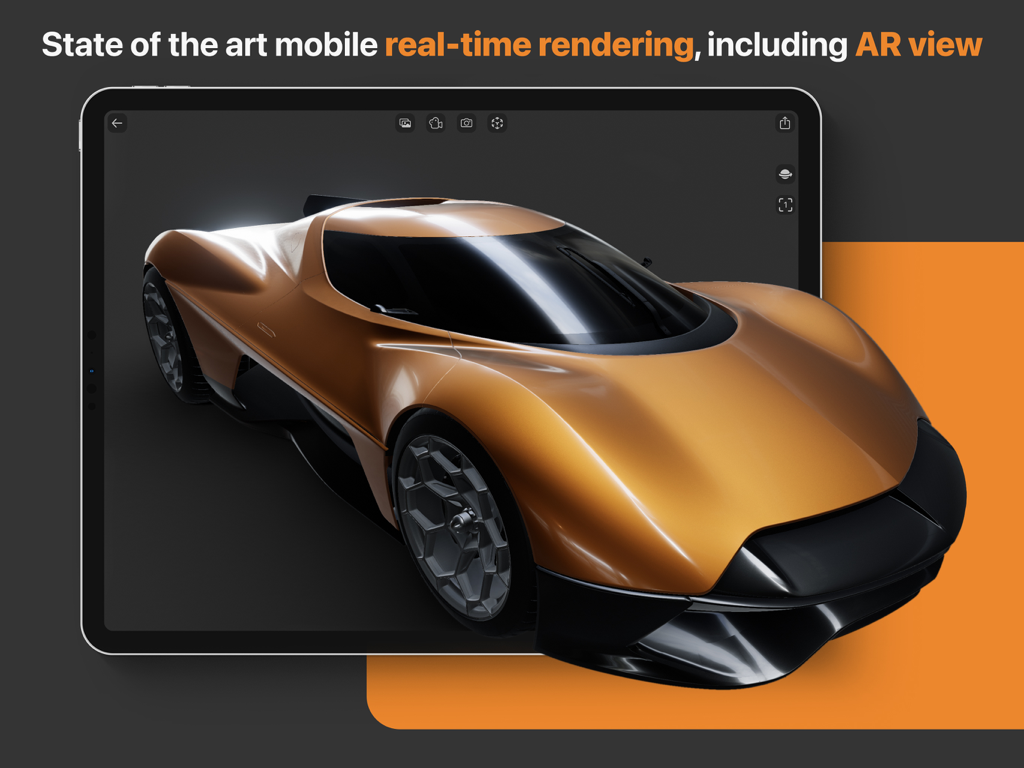
Renderizado 3D en tiempo real de un superdeportivo naranja en un iPad usando la aplicación Cadmio
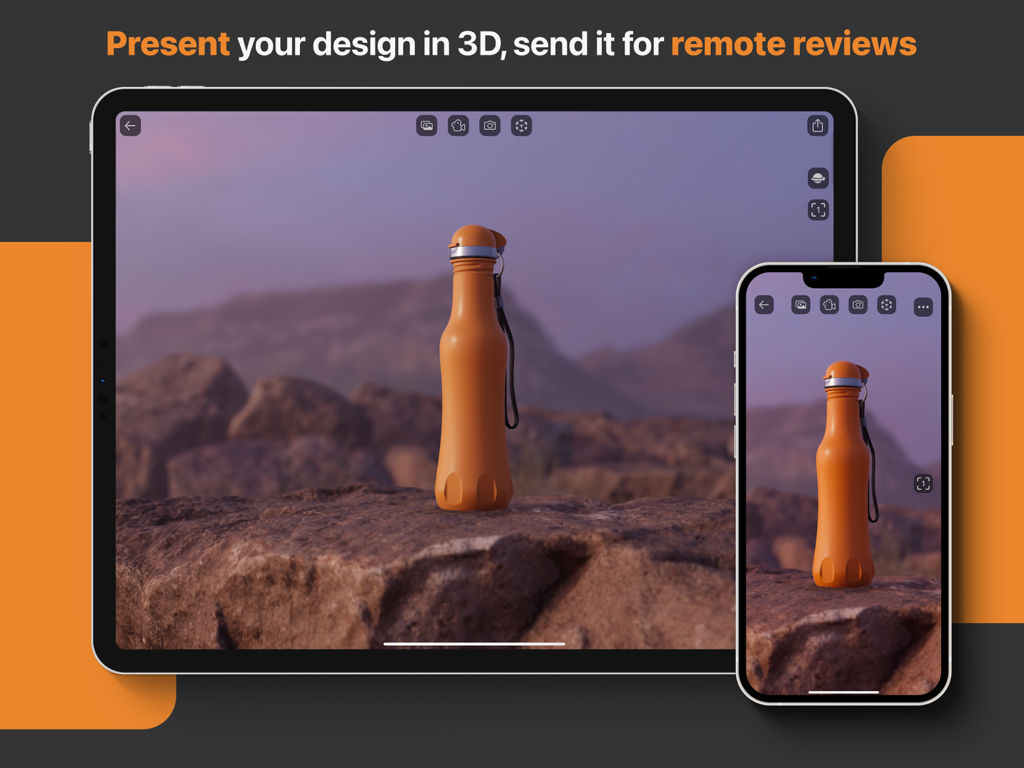
Visualización CAD 3D de una botella naranja en iPad e iPhone para revisiones de diseño remotas
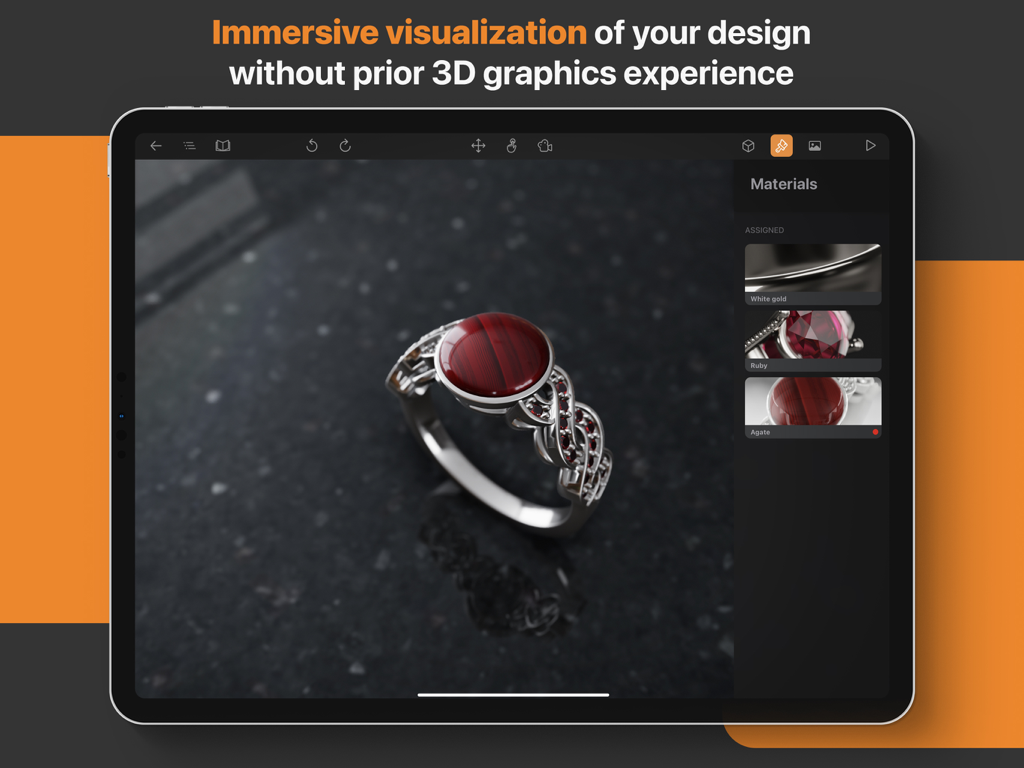
Una visualización CAD 3D de un anillo de rubí siendo editado en un iPad usando la aplicación Cadmio
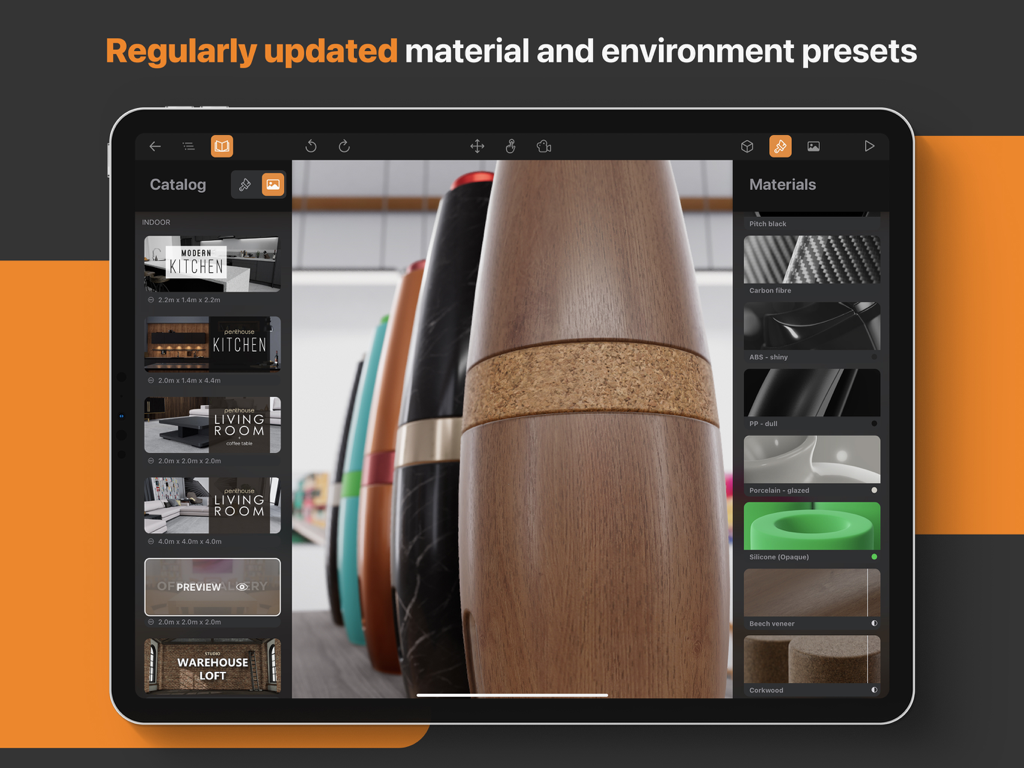
Interfaz de la aplicación Cadmio en iPad mostrando ajustes preestablecidos de materiales y entornos para visualización CAD 3D.
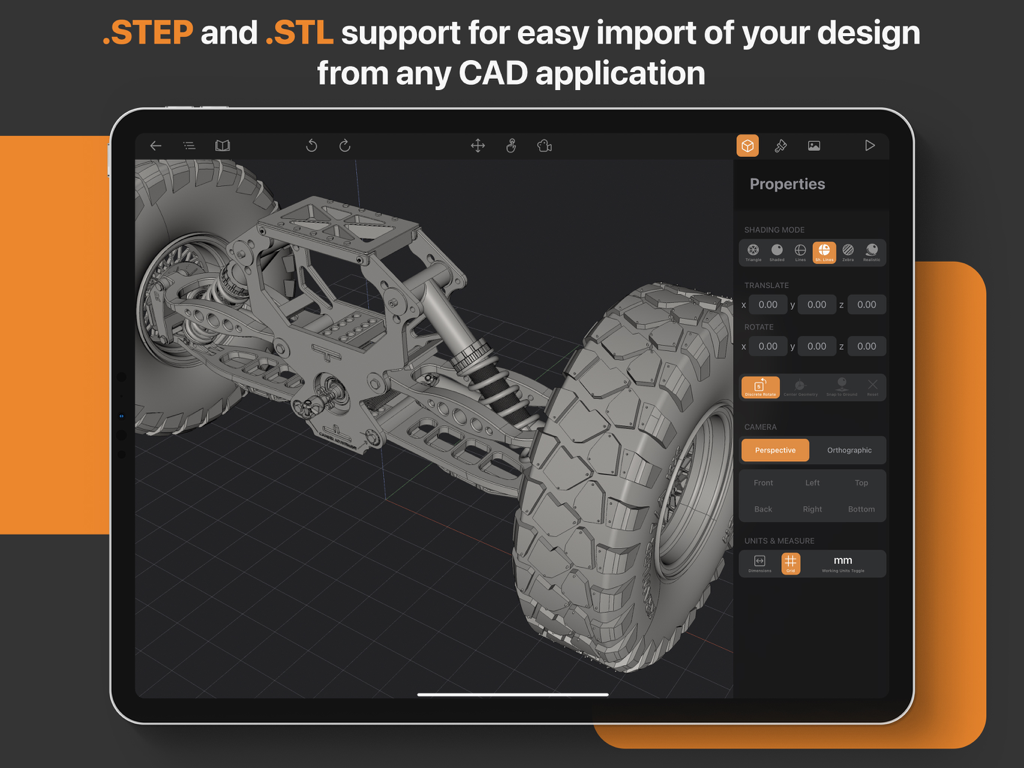
Aplicación Cadmio en iPad mostrando un modelo CAD mecánico 3D con propiedades y configuraciones de importación para archivos STEP y STL
Descripción
Download
Apps Similares
Apps con características y experiencia similares

Figma
Figma, Inc.

Autodesk Fusion
Autodesk

CAD快速看图-专业DWG快速看图
永龙 王

BIMx
Graphisoft SE

VSD Viewer for Visio Drawings
Nektony LLC

图纸通-CAD快速看图,手机看图神器
Wuhan New Dimension Systems Co. Ltd.

Draw Maps: Map Notes
Bluefield GIS, Inc.

eDrawings
Dassault Systemes SolidWorks Corporation

eDrawings Pro
Dassault Systemes SolidWorks Corporation
Esta página no es una página oficial de la aplicación ni de su desarrollador, sino una publicación editorial independiente creada con fines informativos y de comentario. Salvo que se indique expresamente lo contrario, ni la aplicación ni su desarrollador están afiliados, respaldados, patrocinados, autorizados ni conectados oficialmente con MWM, Apple, Google Play, el editor de la aplicación ni su desarrollador, y nada en esta página implica que la aplicación haya sido desarrollada utilizando los servicios de MWM. Todas las marcas comerciales, logotipos, capturas de pantalla y demás contenidos son propiedad de sus respectivos propietarios.