
Esta página no es una página oficial de la aplicación ni de su desarrollador, sino una publicación editorial independiente creada con fines informativos y de comentario. Salvo que se indique expresamente lo contrario, ni la aplicación ni su desarrollador están afiliados, respaldados, patrocinados, autorizados ni conectados oficialmente con MWM, Apple, Google Play, el editor de la aplicación ni su desarrollador, y nada en esta página implica que la aplicación haya sido desarrollada utilizando los servicios de MWM. Todas las marcas comerciales, logotipos, capturas de pantalla y demás contenidos son propiedad de sus respectivos propietarios.

Chromecast TV Streamer #1
Transmite cualquier video web, deportes en vivo y medios personales desde tu iPhone o iPad directamente a tu TV Chromecast, Sony o Vizio. Experimenta la verdadera libertad de cortar el cable y transmite lo que quieras, cuando quieras.
Descargas
954K+Valoración
Total valoraciones
9K+Editor
Categoría
Photo & VideoIdiomas
1Última versión
3.8Tamaño
34.3 MBFecha de lanzamiento
3 may 2015Lleva Cada Rincón de la Web a Tu Pantalla Grande
Experimenta total libertad de la pantalla pequeña. Transmite sin esfuerzo videos web, deportes en vivo y tus medios personales a cualquier dispositivo Google Cast con un solo toque.
Transmite Cualquier Video Web
Libérate de los límites de las aplicaciones. Si puedes encontrarlo en un navegador, desde deportes de nicho hasta noticias internacionales, puedes verlo en tu TV.
Visualización Limpia y Sin Anuncios
Elimina el desorden de los anuncios y pop-ups de la web móvil. Nuestro Bloqueador de Anuncios incorporado asegura que tu noche de cine se centre en el contenido, no en las interrupciones.
Preguntas Frecuentes
Todo lo que necesitas saber sobre Chromecast TV Streamer #1
¿Qué es Chromecast TV Streamer #1?
Chromecast TV Streamer #1 permite a los usuarios transmitir videos web, películas en línea, transmisiones en vivo y medios personales a dispositivos compatibles con Google Cast como varios televisores inteligentes y Chromecasts.
¿Puede Chromecast TV Streamer #1 reflejar la pantalla de mi dispositivo en el televisor?
No, Chromecast TV Streamer #1 transmite solo la parte de video de un sitio web. No proporciona funcionalidad de reflejo de pantalla o pestaña.
¿Qué dispositivos son compatibles con Chromecast TV Streamer #1?
Chromecast TV Streamer #1 es compatible con dispositivos Google Cast o Chromecast incorporado, incluidos televisores TCL, Sony, Hisense, Vizio, Philips, Sharp, Toshiba, Chromecast, Nexus Player y Nvidia Shield.
¿Soporta Chromecast TV Streamer #1 la transmisión desde servicios de streaming como Netflix o Amazon Prime?
No, Chromecast TV Streamer #1 no admite videos protegidos por DRM de servicios como Netflix, Amazon Prime, Hulu, Vudu, DirecTV, Xfinity o HBO now.
¿Requiere Chromecast TV Streamer #1 una suscripción?
No, Chromecast TV Streamer #1 no requiere suscripciones. Las funciones premium están disponibles como compras únicas dentro de la aplicación.
¿Puede Chromecast TV Streamer #1 transmitir fotos, videos o música personales?
Sí, Chromecast TV Streamer #1 admite la transmisión ilimitada de fotos, videos y música personales directamente desde su dispositivo o servicios en la nube como iCloud y Dropbox con la actualización de Medios Personales.
¿Cómo puedo bloquear anuncios al usar Chromecast TV Streamer #1?
Chromecast TV Streamer #1 ofrece una función de bloqueo de anuncios como compra dentro de la aplicación. Esto bloquea anuncios y ventanas emergentes en la mayoría de los sitios web y elimina los anuncios patrocinados de la aplicación.
¿Qué se incluye en la Edición Premium de Chromecast TV Streamer #1?
La Edición Premium de Chromecast TV Streamer #1 desbloquea todas las funciones de actualización enumeradas, incluidas las futuras, lo que garantiza que no haya pagos adicionales por lanzamientos posteriores.
¿Proporciona Chromecast TV Streamer #1 subtítulos para el contenido transmitido?
Sí, Chromecast TV Streamer #1 admite la visualización de subtítulos y leyendas ocultas en su televisor con la función de compra dentro de la aplicación Subtítulos.
Las siguientes capturas de pantalla y la descripción provienen directamente del listado oficial de la tienda de la aplicación y son propiedad del desarrollador.
App Store
Capturas
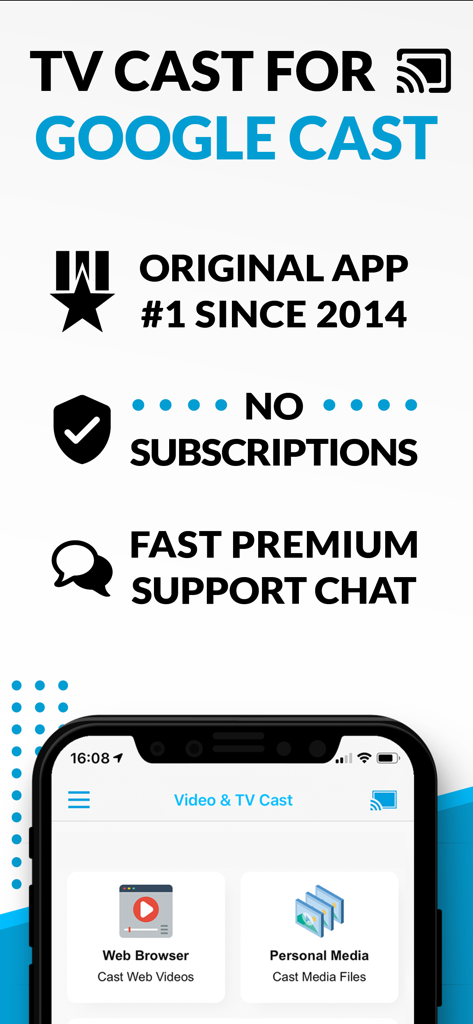
Captura de pantalla de la aplicación TV Cast for Google Cast mostrando opciones de transmisión de navegador web y medios personales sin mensajes de suscripción
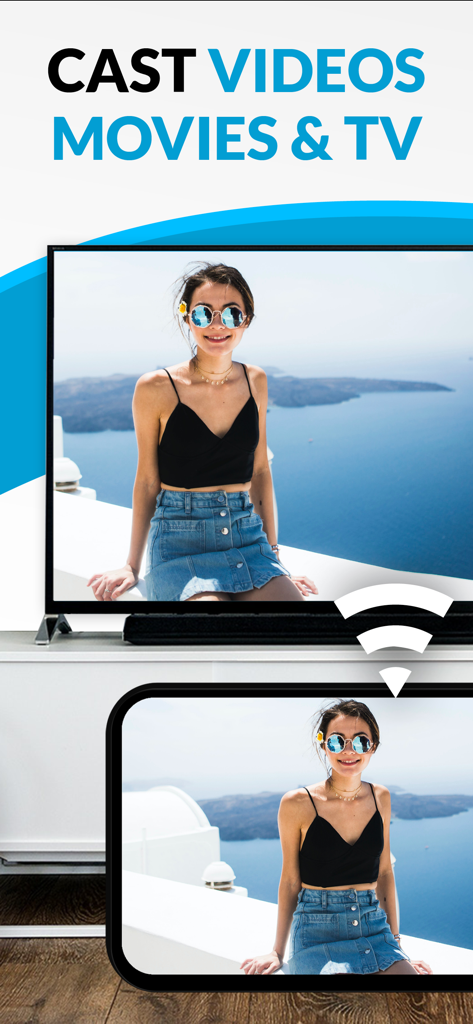
Un smartphone transmitiendo una foto personal de una mujer a una gran pantalla de televisión.
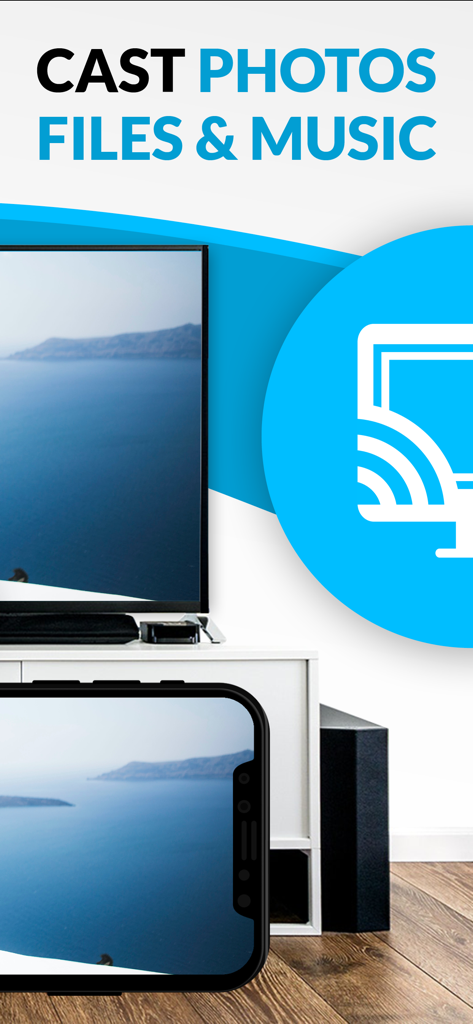
Una pantalla de iPhone transmitiendo una foto de paisaje a una gran pantalla de televisión usando la aplicación Chromecast TV Streamer.
Descripción
Download
Apps Similares
Apps mejor clasificadas en la misma categoría

CapCut: Photo & Video Editor
BYTEDANCE PTE. LTD.

Instagram, Inc.

YouTube
Google LLC

Canva: AI Photo & Video Editor
Canva Pty Ltd

Snapchat
Snap, Inc.

快手
Beijing Kwai Technology Co., Ltd.

Edits: Video Editor
Instagram, Inc.

Meitu- AI Photo & Video Editor
Xiamen Meitu Technology Co., Ltd.

Google Photos: Backup & Edit
Google LLC
Esta página no es una página oficial de la aplicación ni de su desarrollador, sino una publicación editorial independiente creada con fines informativos y de comentario. Salvo que se indique expresamente lo contrario, ni la aplicación ni su desarrollador están afiliados, respaldados, patrocinados, autorizados ni conectados oficialmente con MWM, Apple, Google Play, el editor de la aplicación ni su desarrollador, y nada en esta página implica que la aplicación haya sido desarrollada utilizando los servicios de MWM. Todas las marcas comerciales, logotipos, capturas de pantalla y demás contenidos son propiedad de sus respectivos propietarios.