
Esta página no es una página oficial de la aplicación ni de su desarrollador, sino una publicación editorial independiente creada con fines informativos y de comentario. Salvo que se indique expresamente lo contrario, ni la aplicación ni su desarrollador están afiliados, respaldados, patrocinados, autorizados ni conectados oficialmente con MWM, Apple, Google Play, el editor de la aplicación ni su desarrollador, y nada en esta página implica que la aplicación haya sido desarrollada utilizando los servicios de MWM. Todas las marcas comerciales, logotipos, capturas de pantalla y demás contenidos son propiedad de sus respectivos propietarios.


CropSize: Image Resizer Editor
Logra resultados perfectos en píxeles con control numérico exacto. Automatiza tu flujo de trabajo con procesamiento por lotes de alto volumen, gestión avanzada de metadatos y herramientas de exportación profesionales diseñadas para creadores y pequeñas empresas.
Descargas
127K+Valoración
Total valoraciones
800Editor
Categoría
Photo & VideoIdiomas
1Última versión
5.5.4Tamaño
9.8 MBFecha de lanzamiento
21 nov 2013Edición de Precisión para Resultados Profesionales
Desde redimensionamiento exacto hasta procesamiento por lotes de alto volumen, CropSize proporciona la precisión quirúrgica y los flujos de trabajo automatizados que carecen las aplicaciones de fotos estándar.
Precisión Perfecta en Píxeles
Introduce dimensiones exactas en píxeles, pulgadas o cm con entrada de teclado para una precisión quirúrgica que las aplicaciones solo con gestos no pueden igualar.
Flujos de Trabajo por Lotes Automatizados
Guarda tus pasos de edición favoritos como programas personalizados y aplícalos a más de 50 fotos a la vez para optimizar el flujo de trabajo de tu negocio.
Las siguientes capturas de pantalla y la descripción provienen directamente del listado oficial de la tienda de la aplicación y son propiedad del desarrollador.
App Store
Capturas
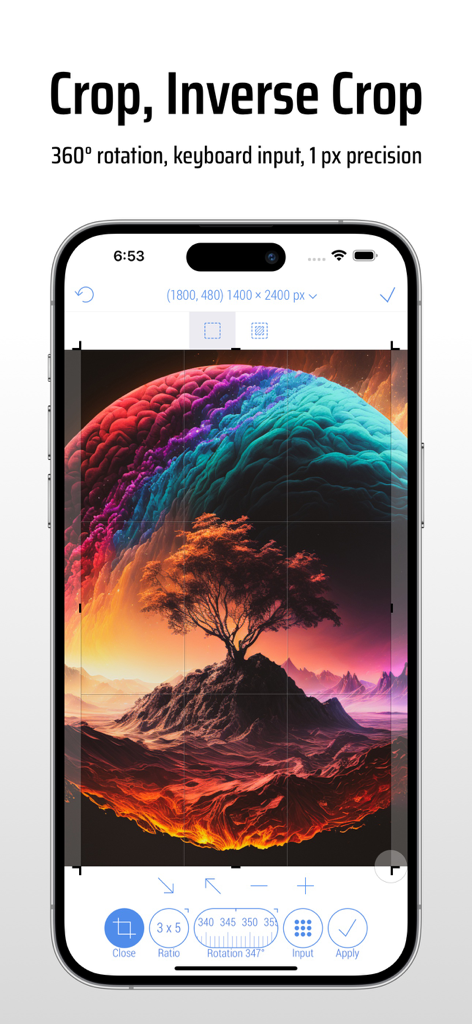
Interfaz de la app CropSize en iPhone mostrando herramientas precisas de recorte y rotación de imágenes
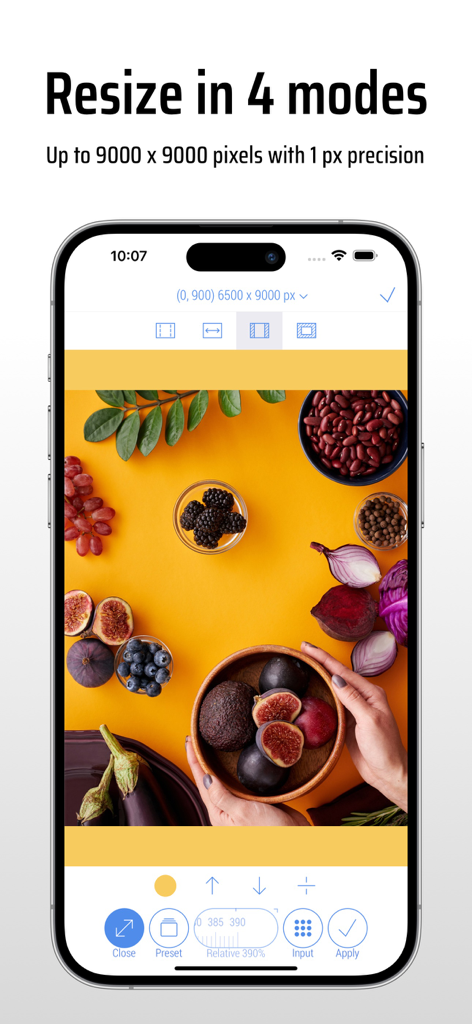
Interfaz de la app CropSize mostrando redimensionamiento de imágenes en cuatro modos con alta precisión de píxeles
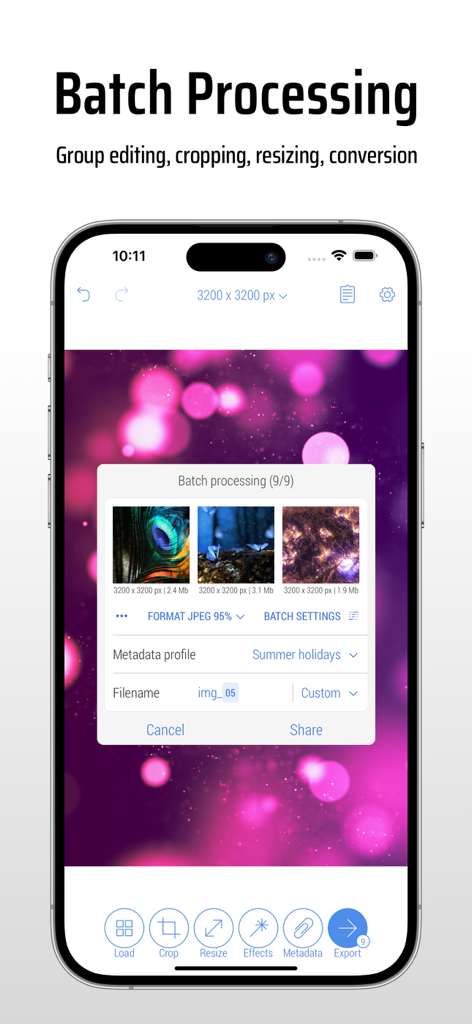
Interfaz de la app CropSize mostrando procesamiento por lotes para editar y redimensionar múltiples fotos simultáneamente en un iPhone.
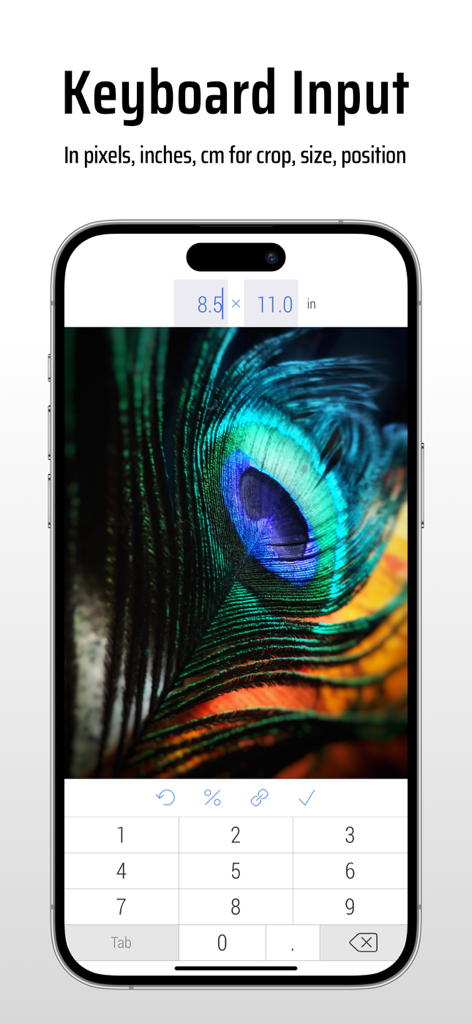
Interfaz de la app CropSize mostrando entrada de teclado para redimensionamiento preciso de imágenes por dimensiones
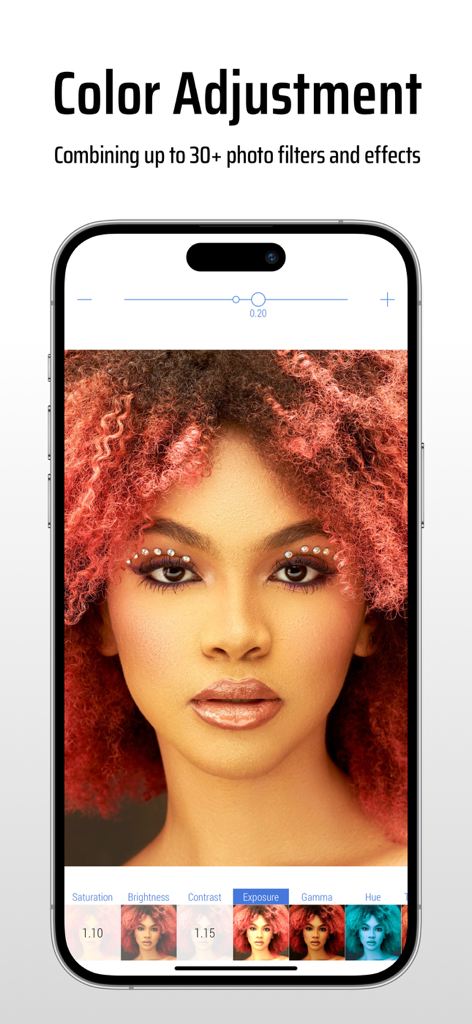
Interfaz de la app CropSize mostrando ajustes de color y filtros de fotos en un retrato
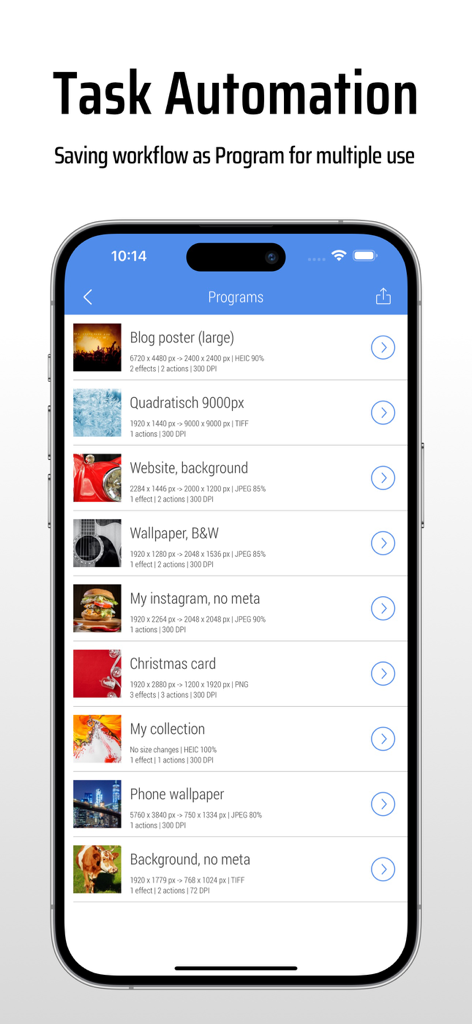
Interfaz de la app CropSize mostrando una lista de programas de edición de imágenes guardados para automatización de tareas.
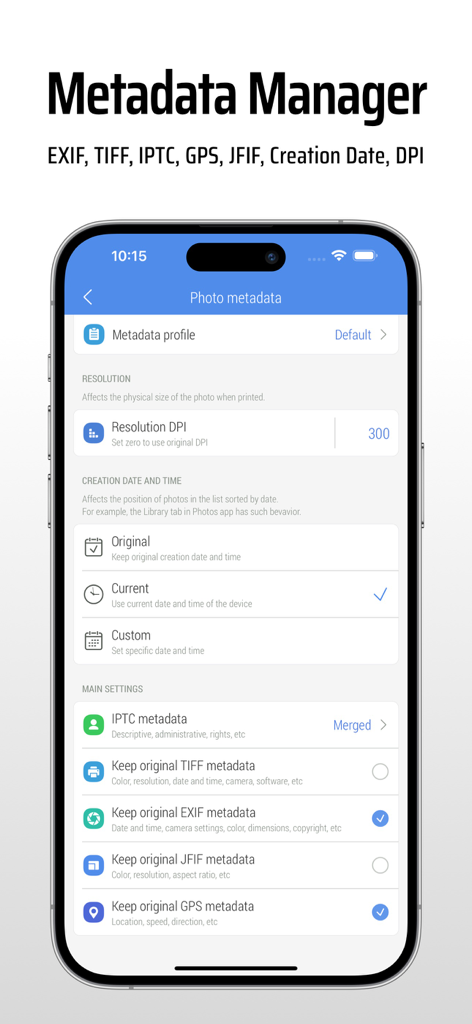
Pantalla de la app CropSize para editar metadatos de fotos, configuraciones EXIF y DPI
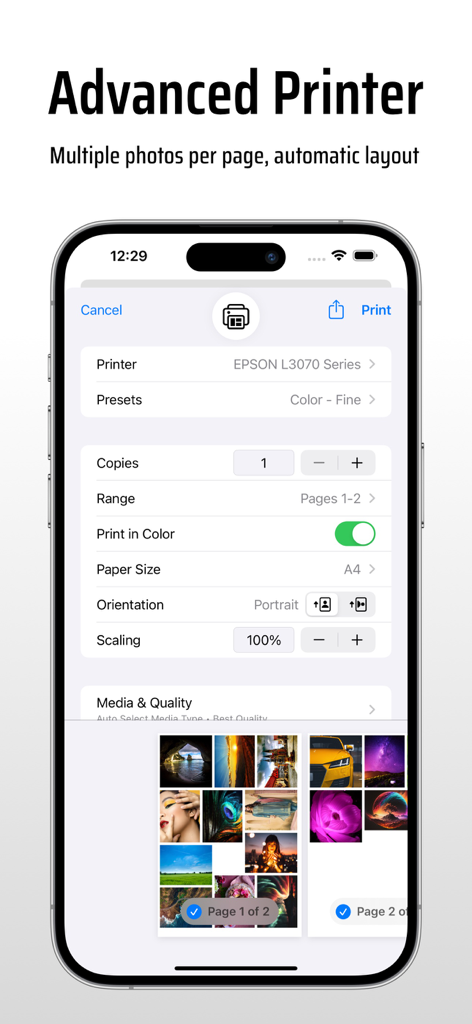
Configuraciones avanzadas de impresora en la app CropSize mostrando múltiples fotos por página y opciones de diseño automático
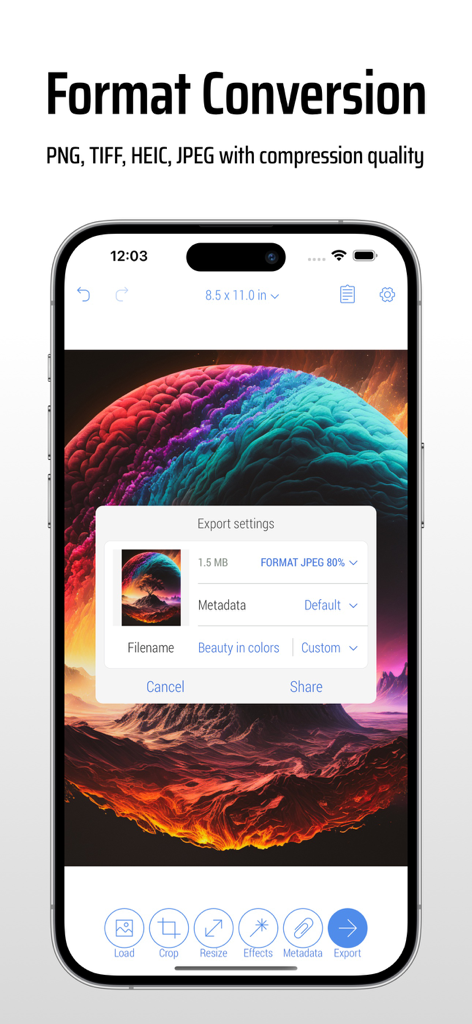
Interfaz de la app CropSize mostrando configuraciones de exportación de imágenes y conversión de formato en un smartphone
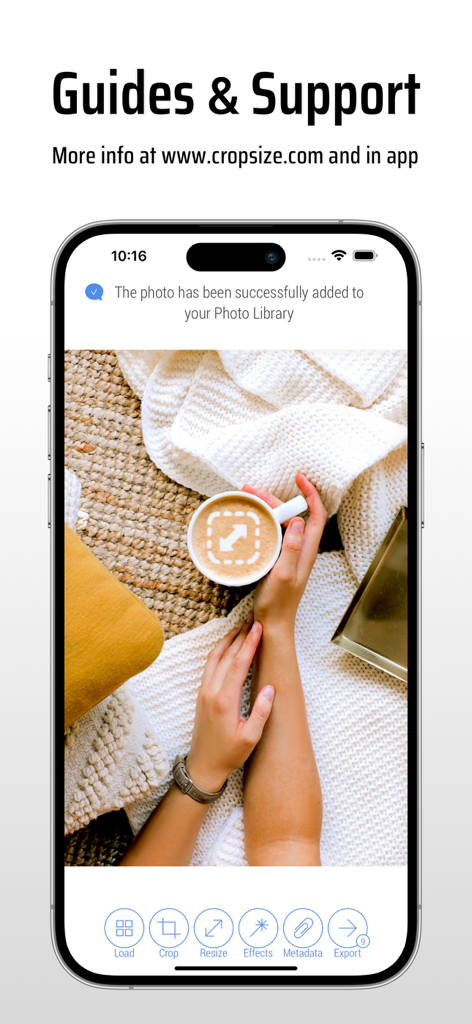
Pantalla de iPhone mostrando las guías y la página de soporte de la app CropSize con una notificación de guardado de foto exitoso
Descripción
Download
Apps Similares
Apps mejor clasificadas en la misma categoría

CapCut: Photo & Video Editor
BYTEDANCE PTE. LTD.

Instagram, Inc.

YouTube
Google LLC

Canva: AI Photo & Video Editor
Canva Pty Ltd

Snapchat
Snap, Inc.

快手
Beijing Kwai Technology Co., Ltd.

Edits: Video Editor
Instagram, Inc.

Meitu- AI Photo & Video Editor
Xiamen Meitu Technology Co., Ltd.

Google Photos: Backup & Edit
Google LLC
Esta página no es una página oficial de la aplicación ni de su desarrollador, sino una publicación editorial independiente creada con fines informativos y de comentario. Salvo que se indique expresamente lo contrario, ni la aplicación ni su desarrollador están afiliados, respaldados, patrocinados, autorizados ni conectados oficialmente con MWM, Apple, Google Play, el editor de la aplicación ni su desarrollador, y nada en esta página implica que la aplicación haya sido desarrollada utilizando los servicios de MWM. Todas las marcas comerciales, logotipos, capturas de pantalla y demás contenidos son propiedad de sus respectivos propietarios.