
Esta página no es una página oficial de la aplicación ni de su desarrollador, sino una publicación editorial independiente creada con fines informativos y de comentario. Salvo que se indique expresamente lo contrario, ni la aplicación ni su desarrollador están afiliados, respaldados, patrocinados, autorizados ni conectados oficialmente con MWM, Apple, Google Play, el editor de la aplicación ni su desarrollador, y nada en esta página implica que la aplicación haya sido desarrollada utilizando los servicios de MWM. Todas las marcas comerciales, logotipos, capturas de pantalla y demás contenidos son propiedad de sus respectivos propietarios.


Find Device - bluetooth finder
Detén el pánico y evita el costo del reemplazo. Nuestro radar de señal visual te guía directamente a tu Apple Watch, AirPods o cualquier dispositivo Bluetooth perdido con precisión.
Descargas
7K+Valoración
Total valoraciones
100Editor
Categoría
UtilitiesIdiomas
33Última versión
1.2.6Tamaño
15.4 MBFecha de lanzamiento
1 dic 2020Deja de Buscar, Empieza a Encontrar
Convierte tu iPhone en un radar de alta precisión para localizar cualquier dispositivo Bluetooth perdido en segundos, desde AirPods hasta Apple Pencils y rastreadores de actividad física.
Radar de Señal en Tiempo Real
Utiliza nuestro sensor de distancia 'Más Caliente o Más Frío' para ver exactamente qué tan cerca estás de tu dispositivo. No más registrar toda la habitación.
Escáner Universal BLE
Específicamente optimizado para el ecosistema de Apple, pero lo suficientemente potente como para encontrar cualquier dispositivo Bluetooth de Baja Energía como altavoces o bandas inteligentes.
Las siguientes capturas de pantalla y la descripción provienen directamente del listado oficial de la tienda de la aplicación y son propiedad del desarrollador.
App Store
Capturas
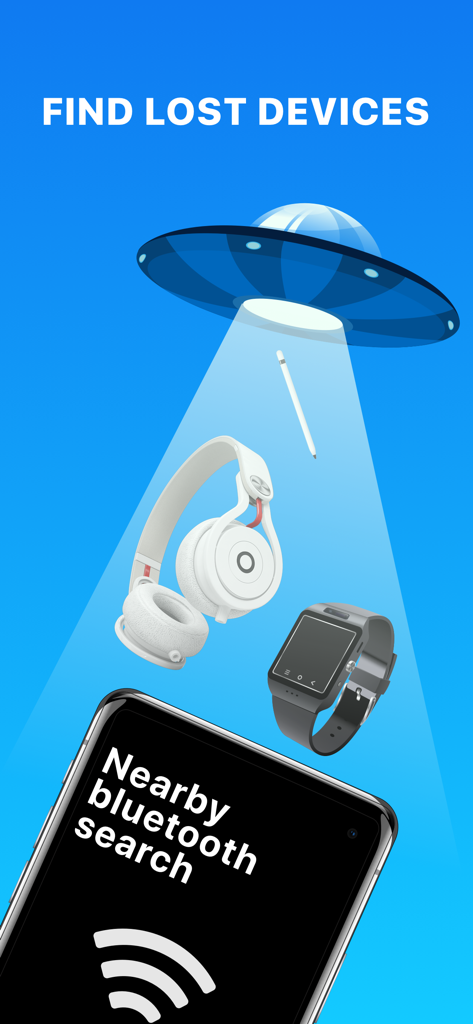
Una ilustración que muestra un rayo OVNI escaneando objetos perdidos como auriculares y smartwatches sobre un teléfono ejecutando la aplicación Find Device
Niño de dibujos animados celebrando con una burbuja de diálogo que dice 'funciona' y un contador de dispositivos encontrados
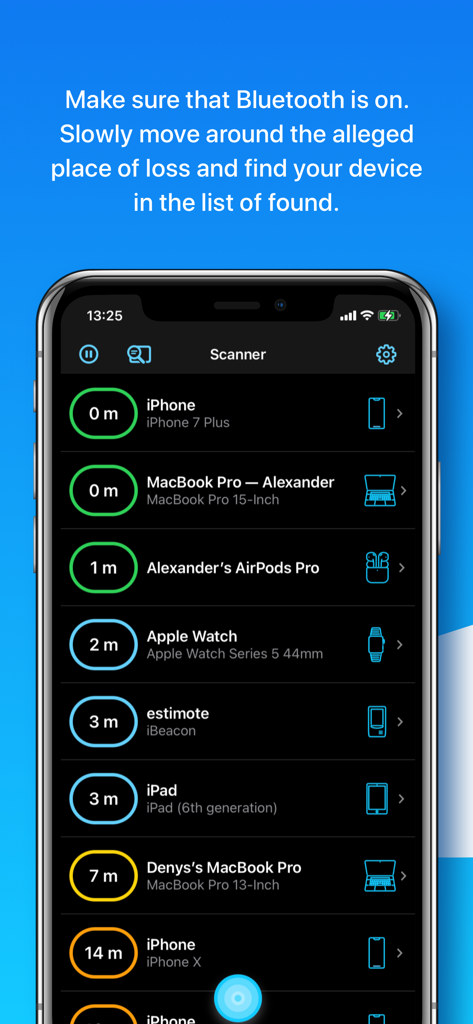
Interfaz de la aplicación Find Device mostrando una lista de dispositivos Bluetooth cercanos con distancias estimadas en metros
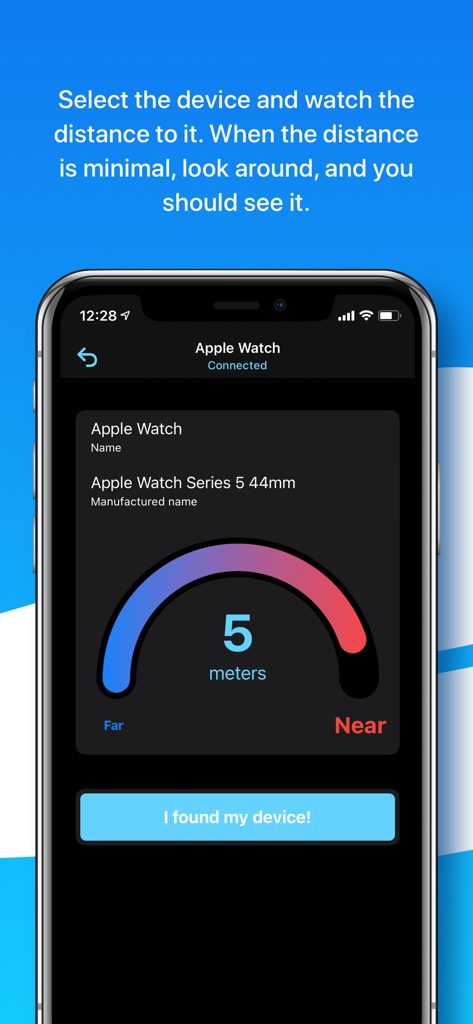
Una interfaz de sensor de distancia que muestra cinco metros a un Apple Watch conectado
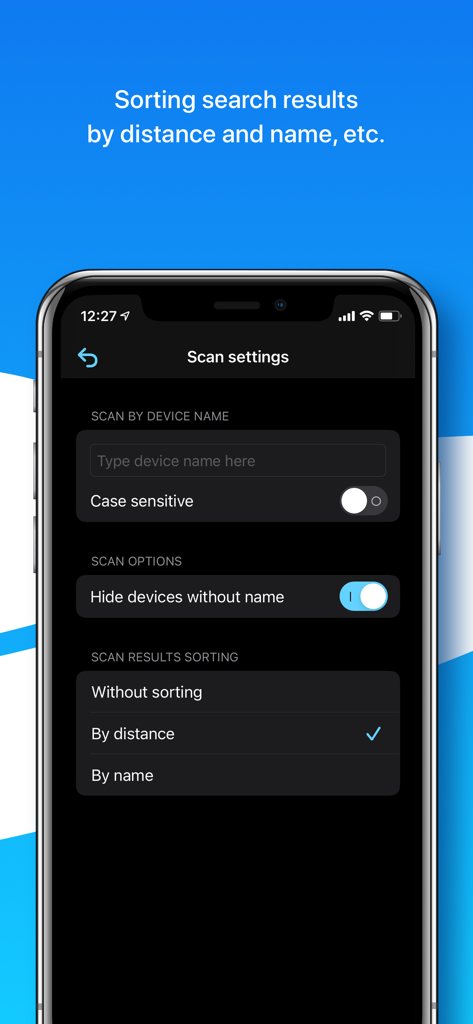
Pantalla de configuración de escaneo en la aplicación Find Device que muestra opciones para filtrar por nombre de dispositivo y ordenar los resultados por distancia o nombre
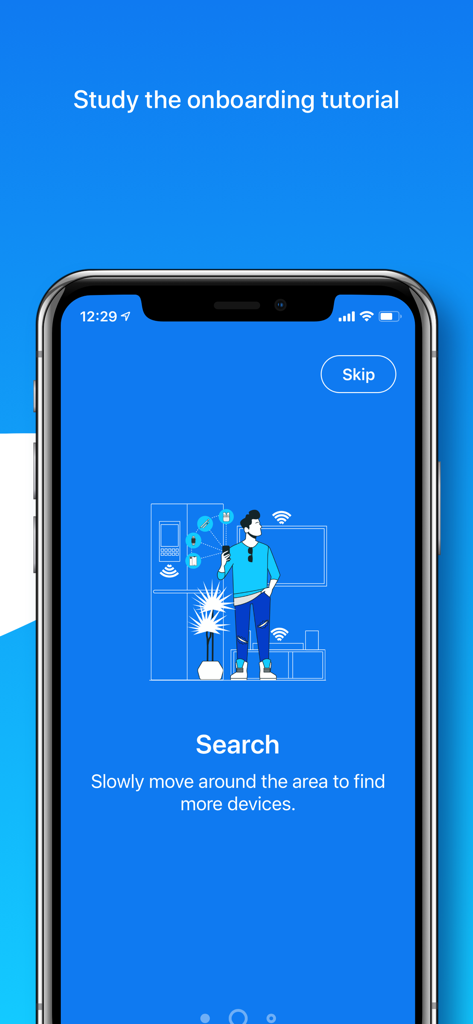
Pantalla de incorporación de la aplicación que muestra a una persona escaneando una habitación en busca de dispositivos Bluetooth perdidos
Descripción
Download
Apps Similares
Apps mejor clasificadas en la misma categoría

Google LLC

Google Chrome
Google LLC

中国移动(手机营业厅)
China Mobile Online Services Co., Ltd.

Google Authenticator
Google LLC

CNH do Brasil
Servicos e Informacoes do Brasil

Cleanup: Phone Storage Cleaner
DEEP FLOW SOFTWARE SERVICES - FZCO

gov.br
Servicos e Informacoes do Brasil

中国电信-全国统一官方服务平台
CHINA TELECOM Corporation Ltd.

Microsoft Edge: AI Browser
Microsoft Corporation
Esta página no es una página oficial de la aplicación ni de su desarrollador, sino una publicación editorial independiente creada con fines informativos y de comentario. Salvo que se indique expresamente lo contrario, ni la aplicación ni su desarrollador están afiliados, respaldados, patrocinados, autorizados ni conectados oficialmente con MWM, Apple, Google Play, el editor de la aplicación ni su desarrollador, y nada en esta página implica que la aplicación haya sido desarrollada utilizando los servicios de MWM. Todas las marcas comerciales, logotipos, capturas de pantalla y demás contenidos son propiedad de sus respectivos propietarios.