
Esta página no es una página oficial de la aplicación ni de su desarrollador, sino una publicación editorial independiente creada con fines informativos y de comentario. Salvo que se indique expresamente lo contrario, ni la aplicación ni su desarrollador están afiliados, respaldados, patrocinados, autorizados ni conectados oficialmente con MWM, Apple, Google Play, el editor de la aplicación ni su desarrollador, y nada en esta página implica que la aplicación haya sido desarrollada utilizando los servicios de MWM. Todas las marcas comerciales, logotipos, capturas de pantalla y demás contenidos son propiedad de sus respectivos propietarios.

Giffer Pro GIF Maker
Transforma tus Live Photos y vídeos en impresionantes cinemagraphs, stop-motions y bucles perfectos. Obtén la sensación de estatus profesional con edición avanzada fotograma a fotograma, exportaciones sin marca de agua y cero suscripciones.
Descargas
157K+Valoración
Total valoraciones
300Editor
Categoría
Photo & VideoIdiomas
1Última versión
3.6.7Tamaño
38.8 MBFecha de lanzamiento
28 abr 2012Herramientas Profesionales para Narradores Visuales
Desbloquea el control creativo total con exportaciones de alta resolución, modos de edición avanzados y cero marcas de agua, todo en un potente estudio.
Control de Fotogramas Nivel Pro
Domina tu arte con posicionamiento fotograma a fotograma, 'onion skinning' y velocidades ajustables para el bucle perfecto e ininterrumpido.
Narración Cinematográfica
Transforma vídeos normales en hipnotizantes cinemagraphs o animaciones stop-motion con estabilización y filtros integrados.
Las siguientes capturas de pantalla y la descripción provienen directamente del listado oficial de la tienda de la aplicación y son propiedad del desarrollador.
App Store
Capturas
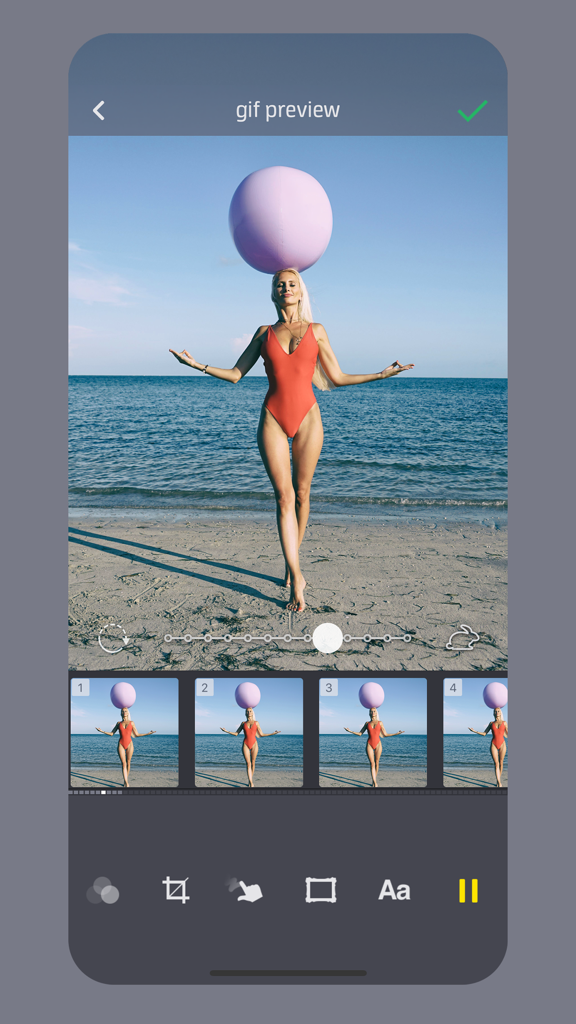
Interfaz de la aplicación Giffer Pro mostrando una vista previa de GIF de una mujer en la playa con una línea de tiempo de fotogramas y un control deslizante de ajuste de velocidad.
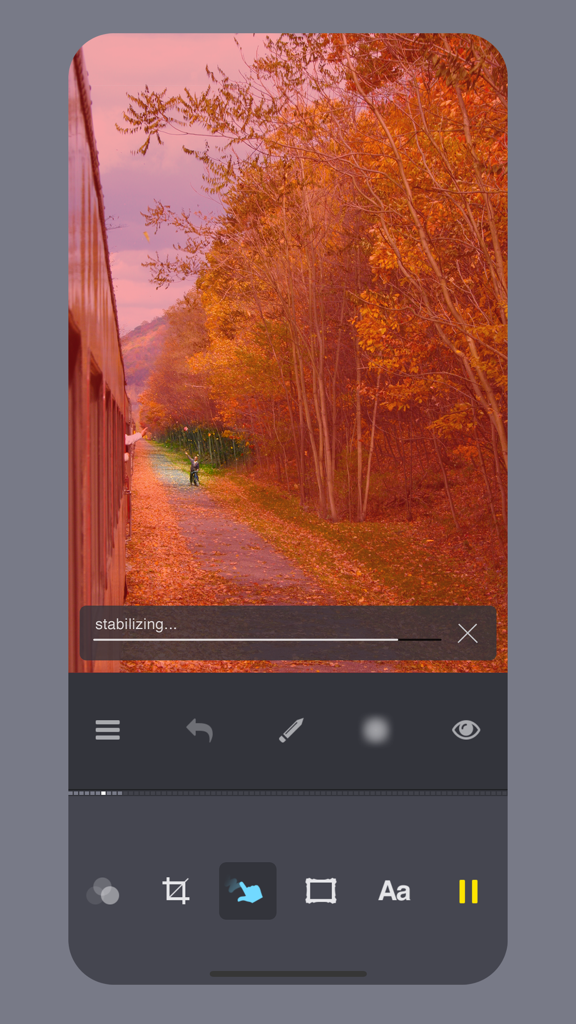
Interfaz de la aplicación Giffer Pro mostrando estabilización de vídeo para un cinemagraph de un paisaje otoñal.
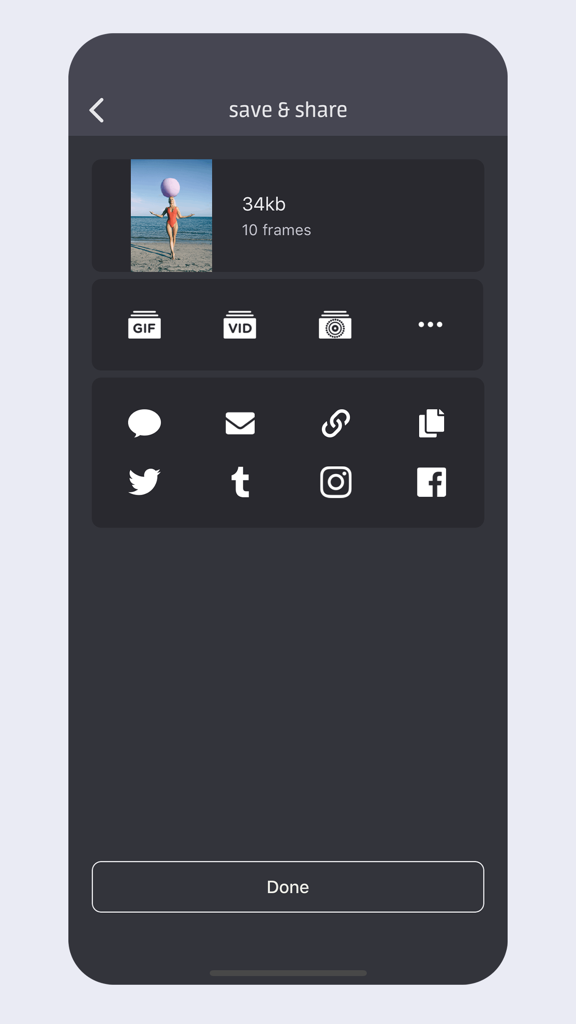
Interfaz de guardar y compartir en Giffer Pro mostrando opciones de exportación para GIF, vídeo y plataformas de redes sociales como Instagram y Twitter.
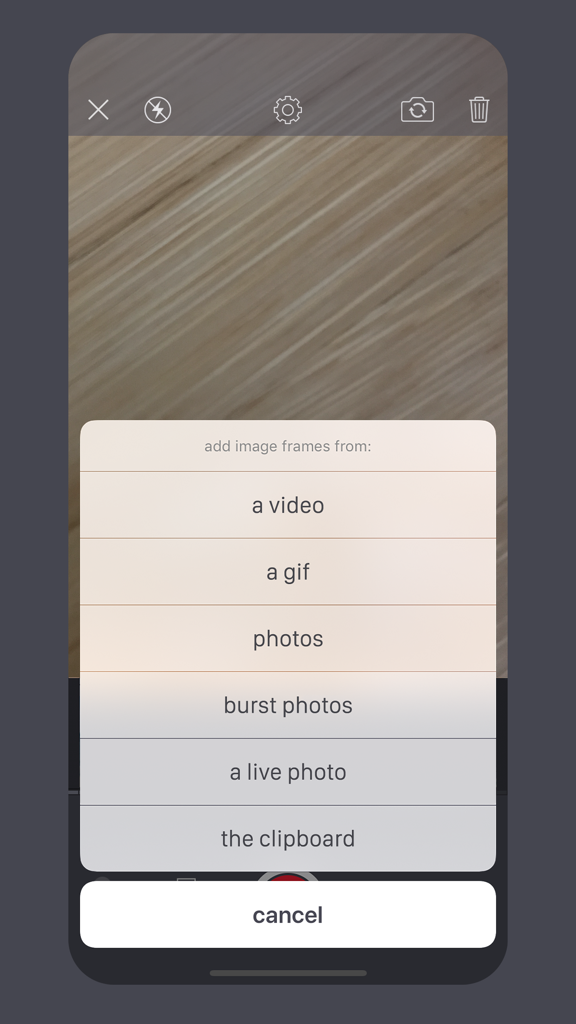
Menú de importación de Giffer Pro GIF Maker mostrando opciones para agregar fotogramas desde vídeo, fotos y Live Photos.
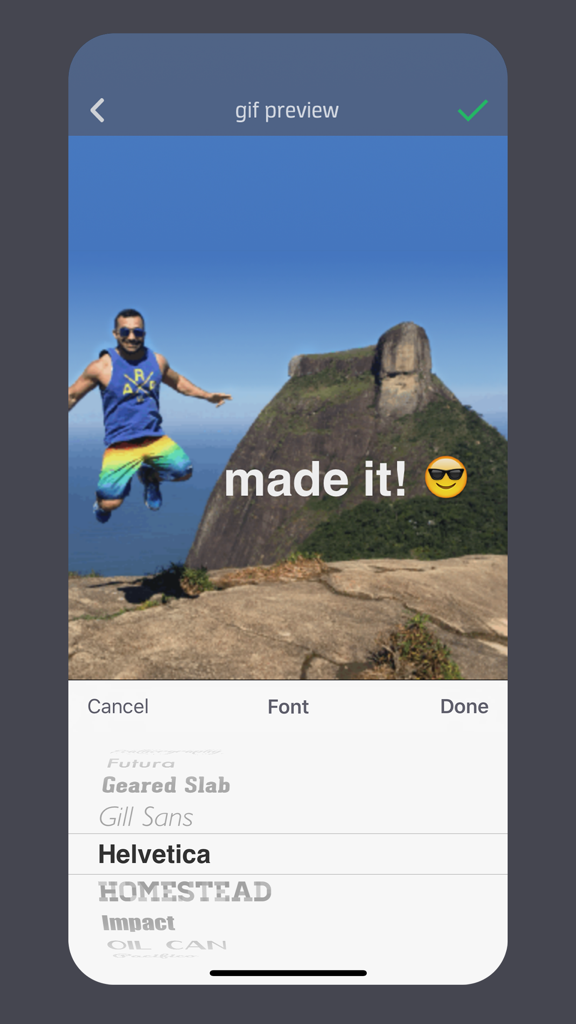
Interfaz de la aplicación Giffer Pro mostrando opciones de superposición de texto y selección de fuentes para crear un GIF.
Descripción
Download
Apps Similares
Apps mejor clasificadas en la misma categoría

CapCut: Photo & Video Editor
BYTEDANCE PTE. LTD.

Instagram, Inc.

YouTube
Google LLC

Canva: AI Photo & Video Editor
Canva Pty Ltd

Snapchat
Snap, Inc.

快手
Beijing Kwai Technology Co., Ltd.

Edits: Video Editor
Instagram, Inc.

Meitu- AI Photo & Video Editor
Xiamen Meitu Technology Co., Ltd.

Google Photos: Backup & Edit
Google LLC
Esta página no es una página oficial de la aplicación ni de su desarrollador, sino una publicación editorial independiente creada con fines informativos y de comentario. Salvo que se indique expresamente lo contrario, ni la aplicación ni su desarrollador están afiliados, respaldados, patrocinados, autorizados ni conectados oficialmente con MWM, Apple, Google Play, el editor de la aplicación ni su desarrollador, y nada en esta página implica que la aplicación haya sido desarrollada utilizando los servicios de MWM. Todas las marcas comerciales, logotipos, capturas de pantalla y demás contenidos son propiedad de sus respectivos propietarios.