
Esta página no es una página oficial de la aplicación ni de su desarrollador, sino una publicación editorial independiente creada con fines informativos y de comentario. Salvo que se indique expresamente lo contrario, ni la aplicación ni su desarrollador están afiliados, respaldados, patrocinados, autorizados ni conectados oficialmente con MWM, Apple, Google Play, el editor de la aplicación ni su desarrollador, y nada en esta página implica que la aplicación haya sido desarrollada utilizando los servicios de MWM. Todas las marcas comerciales, logotipos, capturas de pantalla y demás contenidos son propiedad de sus respectivos propietarios.


KANTAN Chord
La extensión definitiva de Safari para compositores y líderes de alabanza. Convierte acordes basados en la web a grados, analiza tonalidades automáticamente y simplifica tablaturas complejas para que se ajusten a tu rango vocal y nivel de habilidad en un clic.
Descargas
1K+Valoración
Total valoraciones
0Editor
Categoría
MusicIdiomas
2Última versión
2025.3.6Tamaño
1.1 MBFecha de lanzamiento
23 mar 2022Domina tu Teoría Musical en Segundos
Deja de luchar con tonalidades complejas. KANTAN Chord convierte cualquier hoja de acordes a un formato que realmente puedes tocar, directamente en tu navegador Safari.
Detección Instantánea de Tonalidad
Encuentra automáticamente la "base" de cualquier canción y transpónla en un toque para que coincida perfectamente con tu rango vocal o instrumento.
Toca Como un Profesional de Nashville
Convierte acordes estándar a Números de Nashville o Números Romanos para dominar la teoría y la lógica detrás de tus pistas favoritas.
Las siguientes capturas de pantalla y la descripción provienen directamente del listado oficial de la tienda de la aplicación y son propiedad del desarrollador.
App Store
Capturas
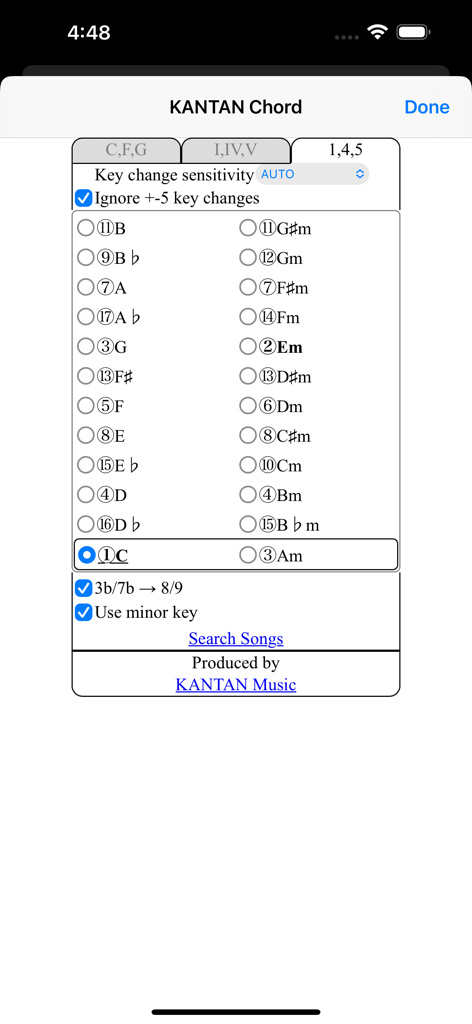
Interfaz de la aplicación KANTAN Chord que muestra la selección de tonalidad musical y la configuración del Sistema de Números de Nashville para músicos.
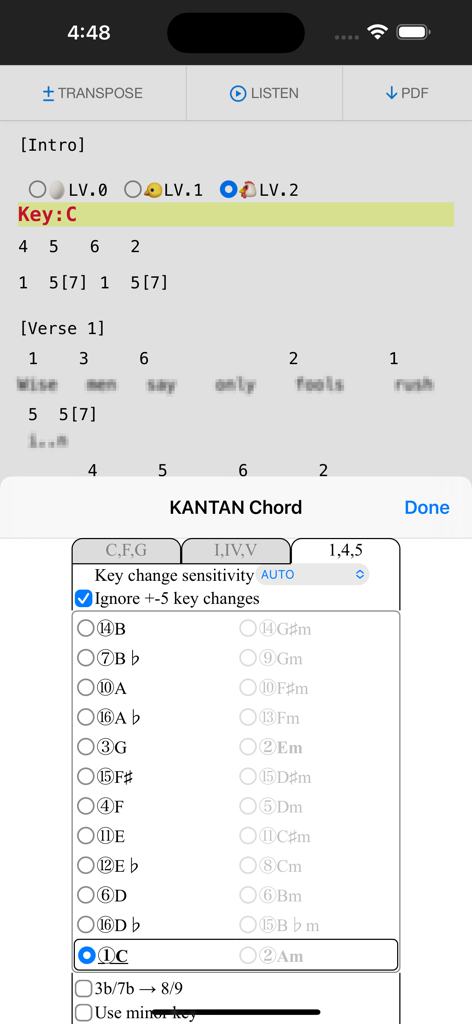
Extensión KANTAN Chord convirtiendo acordes de canciones a números de Nashville en un navegador.
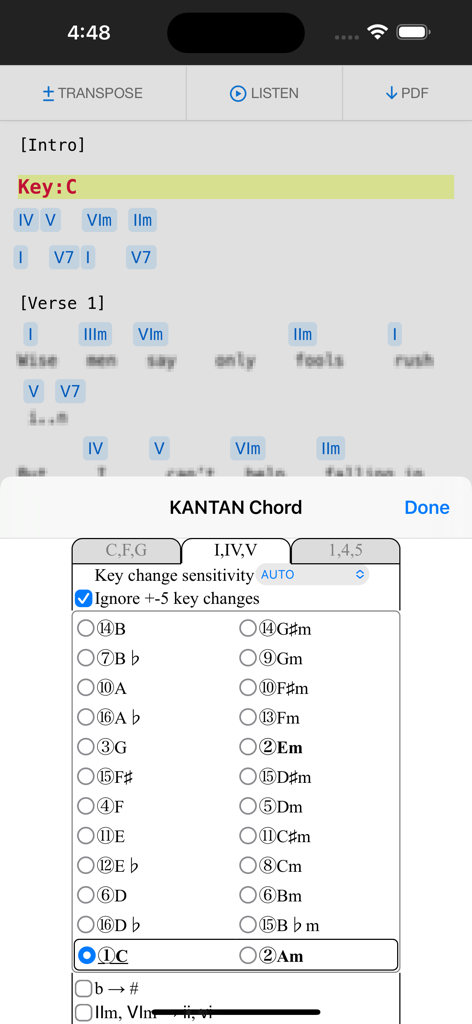
Extensión KANTAN Chord de Safari convirtiendo acordes de canciones a grados de números romanos en un iPhone.
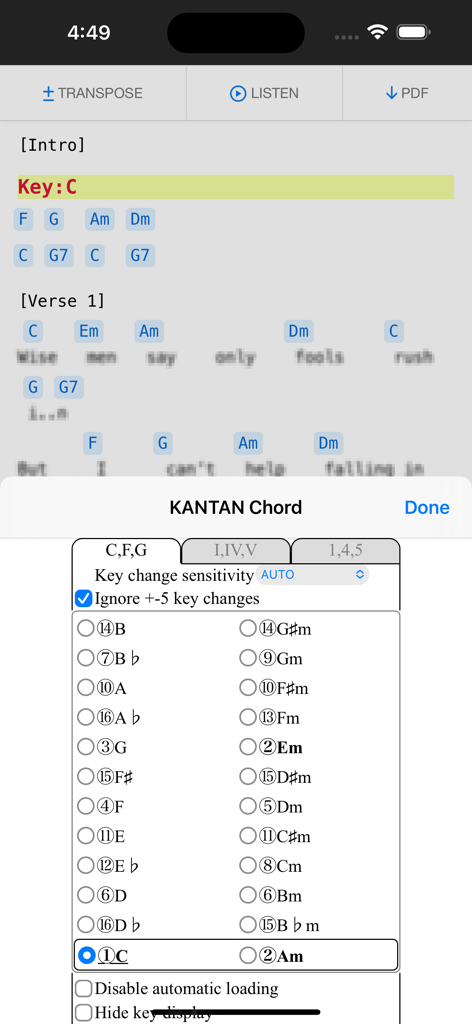
Extensión del navegador KANTAN Chord mostrando la selección de tonalidad y la configuración de transposición en un dispositivo móvil.
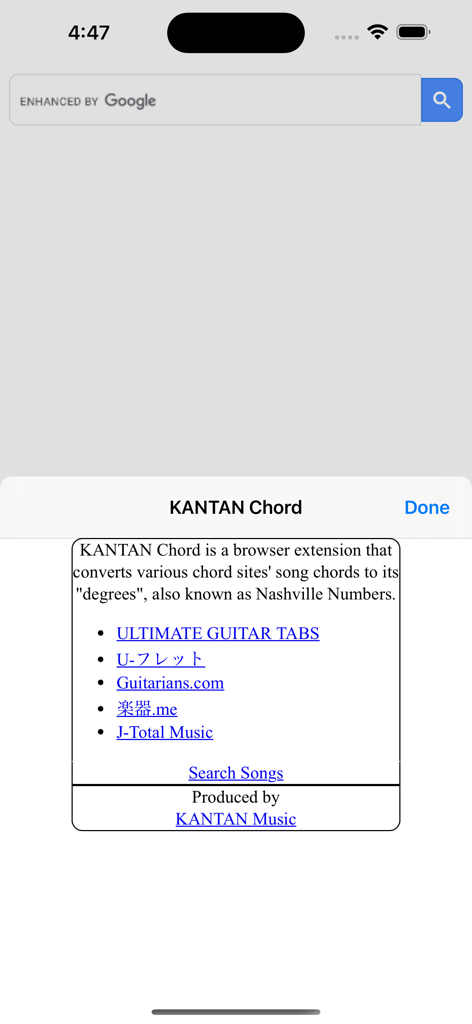
Pantalla introductoria de la extensión KANTAN Chord mostrando una lista de sitios de música compatibles como Ultimate Guitar e información sobre la conversión a Números de Nashville.
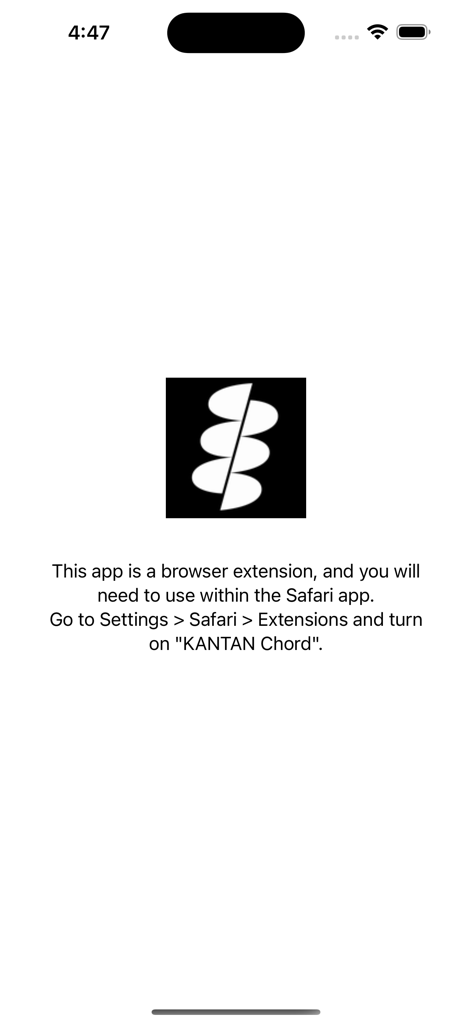
Pantalla de configuración con instrucciones para habilitar la extensión KANTAN Chord de Safari en la configuración de iOS.
Descripción
Download
Apps Similares
Apps mejor clasificadas en la misma categoría

Spotify: Music and Podcasts
Spotify

YouTube Music
Google LLC

Shazam: Find Music & Concerts
Apple Inc.

SoundCloud: The Music You Love
SoundCloud Global Limited & Co KG

Suno - AI Songs & Music
Suno Inc.

QQ音乐 - 听我想听
Tencent Technology (Shenzhen) Company Limited

Audiomack - Play Music Offline
Audiomack, Inc.

BandLab – Music Maker & Beats
BandLab Singapore Pte Ltd

GuitarTuna: Tune & Play Guitar
Yousician Ltd
Esta página no es una página oficial de la aplicación ni de su desarrollador, sino una publicación editorial independiente creada con fines informativos y de comentario. Salvo que se indique expresamente lo contrario, ni la aplicación ni su desarrollador están afiliados, respaldados, patrocinados, autorizados ni conectados oficialmente con MWM, Apple, Google Play, el editor de la aplicación ni su desarrollador, y nada en esta página implica que la aplicación haya sido desarrollada utilizando los servicios de MWM. Todas las marcas comerciales, logotipos, capturas de pantalla y demás contenidos son propiedad de sus respectivos propietarios.