
Esta página no es una página oficial de la aplicación ni de su desarrollador, sino una publicación editorial independiente creada con fines informativos y de comentario. Salvo que se indique expresamente lo contrario, ni la aplicación ni su desarrollador están afiliados, respaldados, patrocinados, autorizados ni conectados oficialmente con MWM, Apple, Google Play, el editor de la aplicación ni su desarrollador, y nada en esta página implica que la aplicación haya sido desarrollada utilizando los servicios de MWM. Todas las marcas comerciales, logotipos, capturas de pantalla y demás contenidos son propiedad de sus respectivos propietarios.


LuxTrust Mobile
La elección profesional para gestionar servicios bancarios, gubernamentales y firmas electrónicas de Luxemburgo con seguridad certificada por eIDAS, sin necesidad de tokens físicos.
Descargas
466K+Valoración
Total valoraciones
101K+Editor
Categoría
BusinessIdiomas
5Última versión
4.21.1Tamaño
73.4 MBFecha de lanzamiento
29 oct 2015Tu Puerta de Acceso a Operaciones Europeas Seguras
Gestiona tus finanzas, documentos legales y tareas administrativas a través de fronteras con seguridad de nivel empresarial y sin hardware físico.
Autenticación sin Hardware
Elimina la necesidad de tokens RSA físicos. Accede a tus cuentas bancarias europeas y portales gubernamentales directamente desde tu smartphone.
Autorización con un Solo Toque
Valida instantáneamente transacciones sensibles y firma documentos legales con seguridad biométrica como FaceID y TouchID.
Las siguientes capturas de pantalla y la descripción provienen directamente del listado oficial de la tienda de la aplicación y son propiedad del desarrollador.
App Store
Capturas
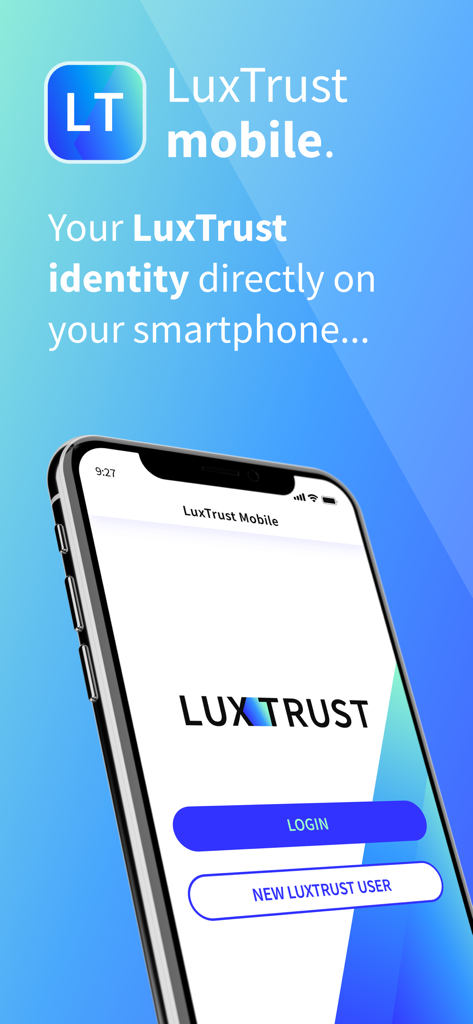
Pantalla de inicio de la aplicación LuxTrust Mobile mostrando opciones de inicio de sesión y nuevo usuario para la gestión segura de identidad digital
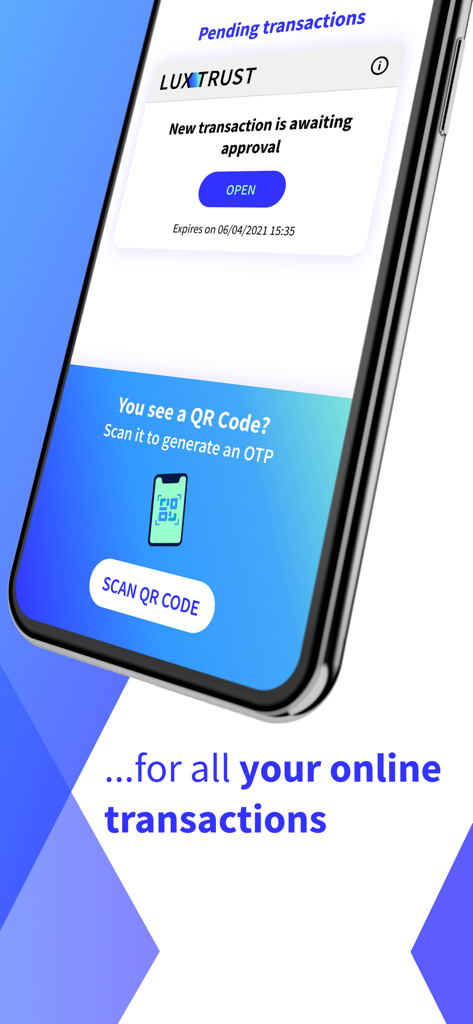
Interfaz de la aplicación LuxTrust Mobile para la aprobación de transacciones y escaneo de códigos QR
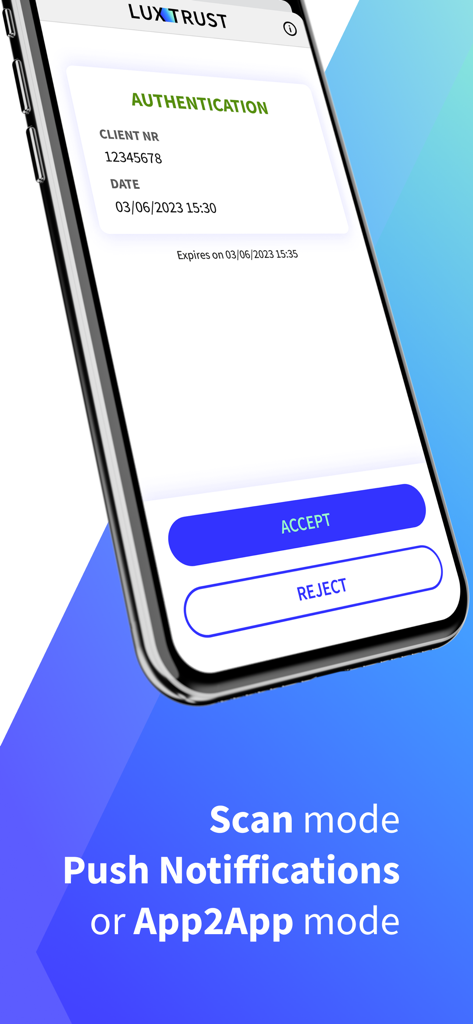
Pantalla de autenticación de la aplicación LuxTrust Mobile mostrando botones de aceptar y rechazar para operaciones digitales seguras
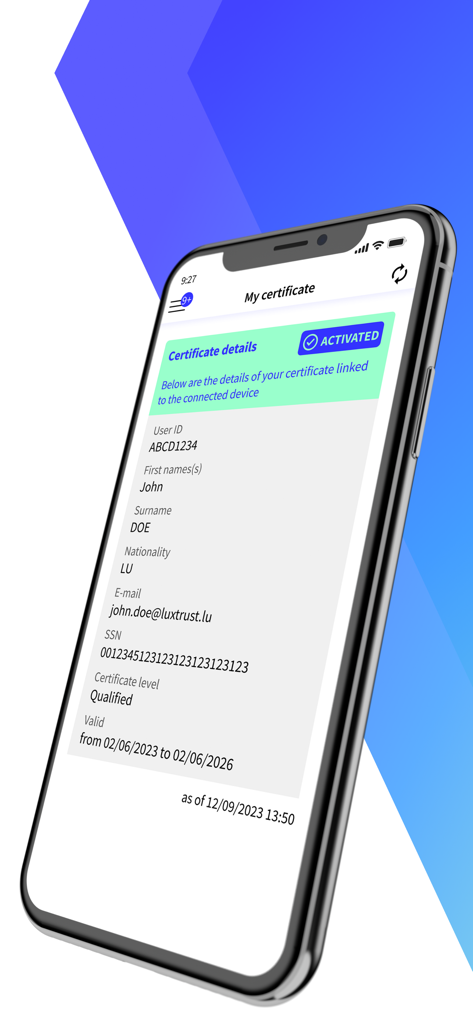
Pantalla de certificado digital de la aplicación LuxTrust Mobile mostrando la identidad del usuario y el estado de activación
Descripción
Download
Apps Similares
Apps mejor clasificadas en la misma categoría

Microsoft Teams
Microsoft Corporation

Zoom Workplace
Zoom Communications, Inc.

WhatsApp Business
WhatsApp Inc.

Indeed Job Search
Indeed Inc.

LinkedIn: Network & Job Finder
LinkedIn Corporation

Adobe Acrobat Reader: Sign PDF
Adobe Inc.

WeCom-Work Communication&Tools
Tencent Technology (Shenzhen) Company Limited

BOSS直聘-招聘求职找工作神器
Beijing China Product Bo Farce Network Technology Co., Ltd.

DingDing - Redefine Work in AI
DingTalk Technology Co., Ltd.
Esta página no es una página oficial de la aplicación ni de su desarrollador, sino una publicación editorial independiente creada con fines informativos y de comentario. Salvo que se indique expresamente lo contrario, ni la aplicación ni su desarrollador están afiliados, respaldados, patrocinados, autorizados ni conectados oficialmente con MWM, Apple, Google Play, el editor de la aplicación ni su desarrollador, y nada en esta página implica que la aplicación haya sido desarrollada utilizando los servicios de MWM. Todas las marcas comerciales, logotipos, capturas de pantalla y demás contenidos son propiedad de sus respectivos propietarios.