
Esta página no es una página oficial de la aplicación ni de su desarrollador, sino una publicación editorial independiente creada con fines informativos y de comentario. Salvo que se indique expresamente lo contrario, ni la aplicación ni su desarrollador están afiliados, respaldados, patrocinados, autorizados ni conectados oficialmente con MWM, Apple, Google Play, el editor de la aplicación ni su desarrollador, y nada en esta página implica que la aplicación haya sido desarrollada utilizando los servicios de MWM. Todas las marcas comerciales, logotipos, capturas de pantalla y demás contenidos son propiedad de sus respectivos propietarios.

Nano Hotel Booking
Toma el control de tu pequeña empresa con un calendario profesional para habitaciones, vehículos y activos. Gestiona la disponibilidad, automatiza los precios de temporada y sincroniza en todos tus dispositivos Apple con facilidad.
Descargas
222K+Valoración
Total valoraciones
0Editor
Categoría
BusinessIdiomas
2Última versión
10.7Tamaño
18.1 MBFecha de lanzamiento
27 ago 2014Un Centro de Comando para Todos tus Activos
Deja de hacer malabares con múltiples aplicaciones. Nano Hotel Booking ofrece a los gestores independientes las herramientas profesionales para rastrear reservas, ajustar tarifas de temporada y aumentar ingresos en cualquier tipo de alquiler.
Modos de Alquiler Flexibles
Ya sea una habitación por día, un coche por hora o una oficina por mes, gestiona cualquier duración de activo en un sistema unificado.
Disponibilidad Visual de un Vistazo
Nuestro calendario intuitivo con códigos de colores te permite ver aperturas y confirmar reservas en segundos, manteniendo tu negocio organizado y eficiente.
Las siguientes capturas de pantalla y la descripción provienen directamente del listado oficial de la tienda de la aplicación y son propiedad del desarrollador.
App Store
Capturas
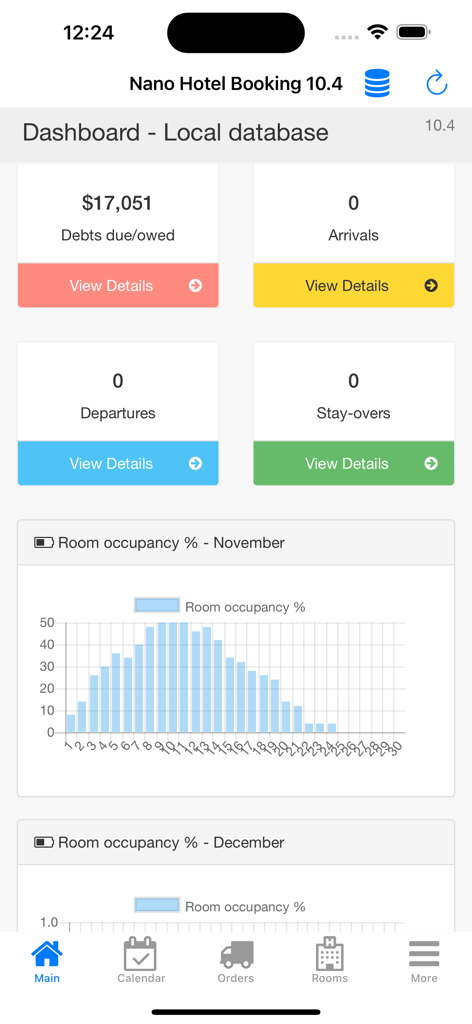
Panel de control de Nano Hotel Booking mostrando estadísticas financieras y un gráfico de ocupación de habitaciones.
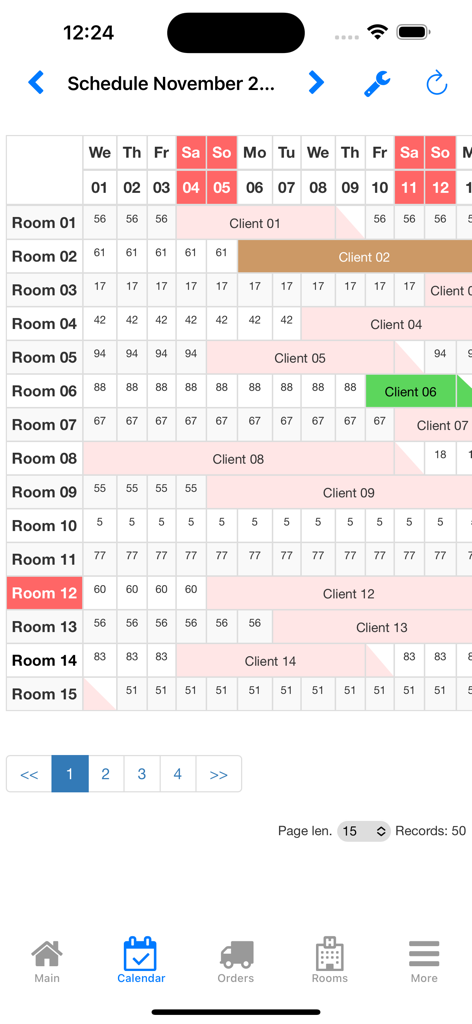
Interfaz de calendario de gestión de propiedades con códigos de colores para la aplicación Nano Hotel Booking
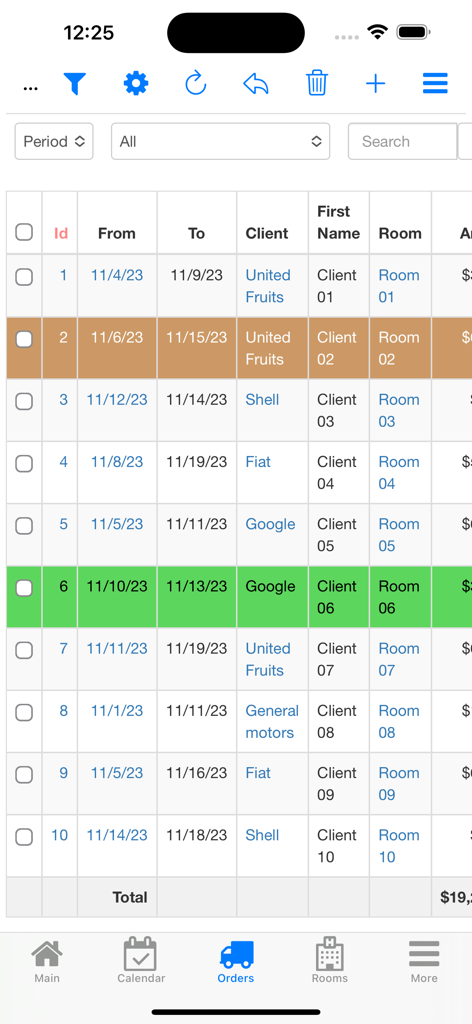
Una lista de reservas de huéspedes y pedidos de alquiler en la interfaz de la aplicación móvil Nano Hotel Booking
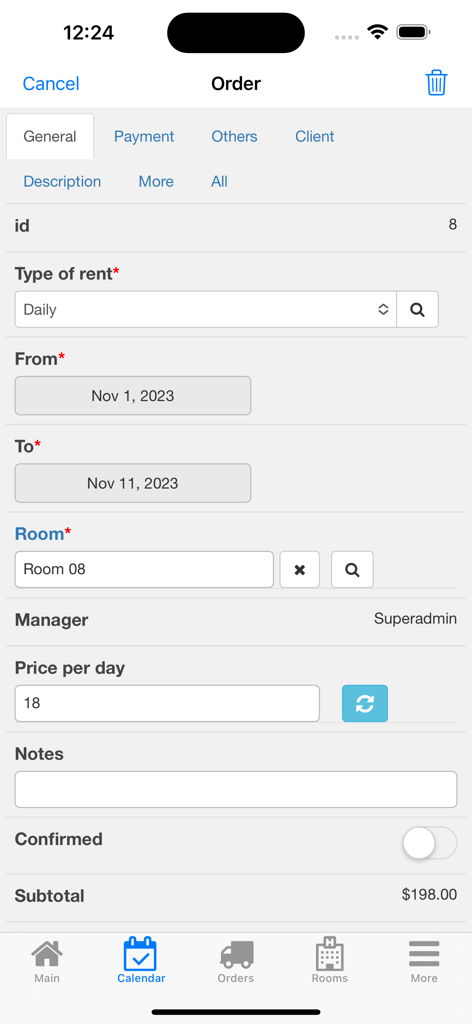
Interfaz móvil de la aplicación Nano Hotel Booking mostrando un formulario de pedido detallado con fechas de alquiler, número de habitación y cálculo del subtotal
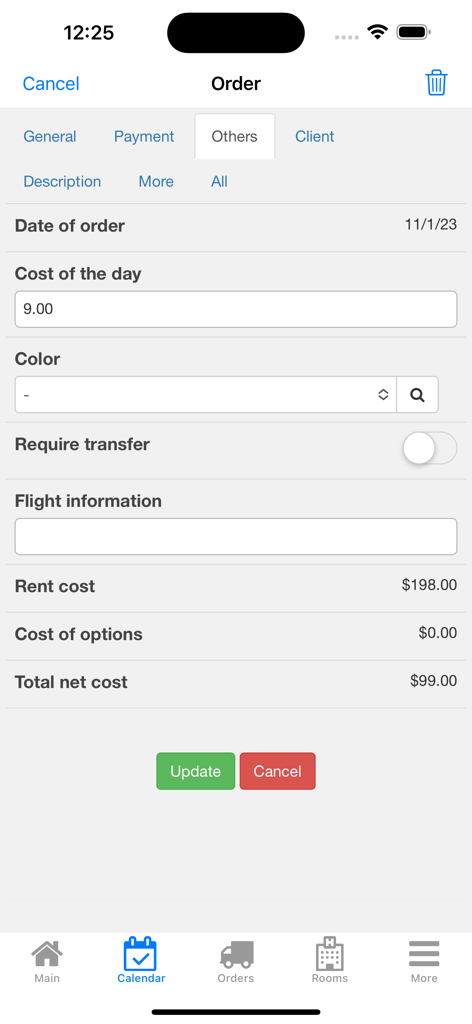
La pantalla de gestión de pedidos de la aplicación Nano Hotel Booking que muestra los costos de alquiler y las opciones de servicios adicionales.
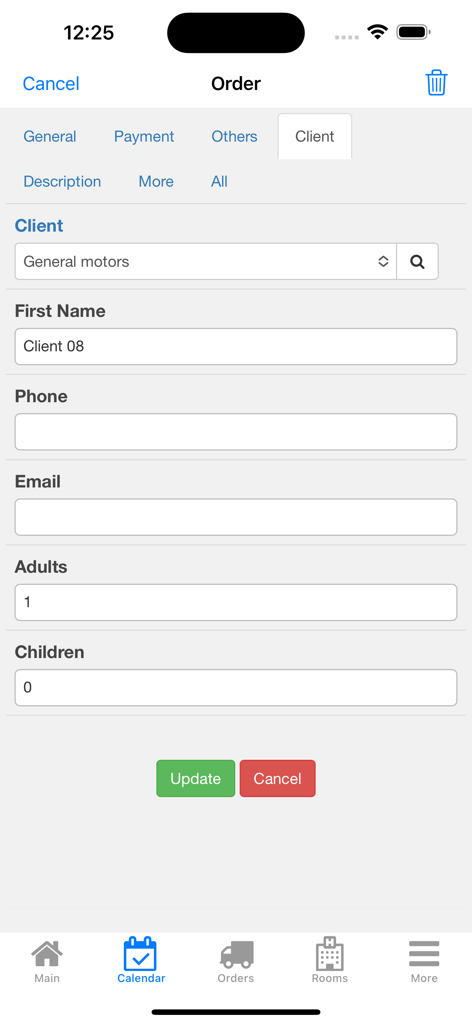
Pantalla de detalles del pedido en la aplicación Nano Hotel Booking mostrando campos de información del cliente, incluyendo nombre, detalles de contacto y número de invitados
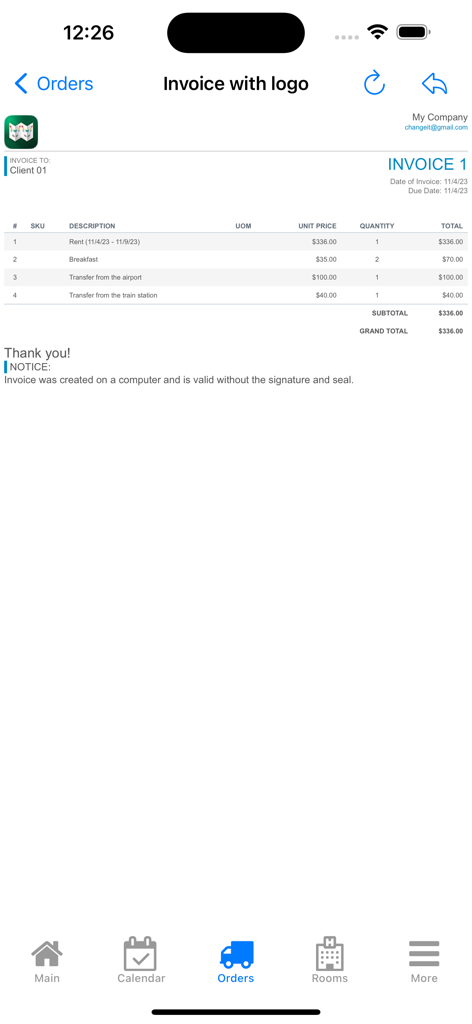
Una pantalla de factura profesional en la aplicación Nano Hotel Booking que detalla los cargos de alquiler, desayuno y servicio de traslado para un cliente de pequeña empresa.
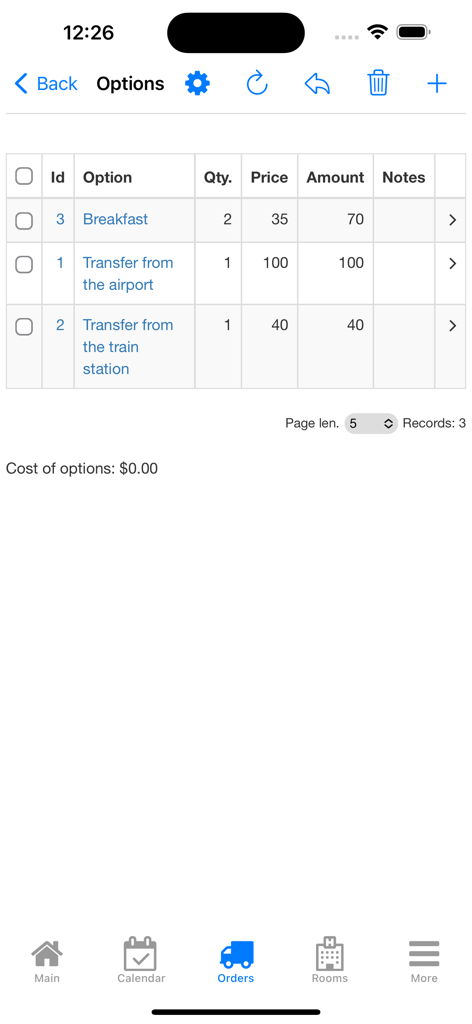
Lista de servicios de reserva adicionales como desayuno y traslados en la interfaz de la aplicación Nano Hotel Booking.
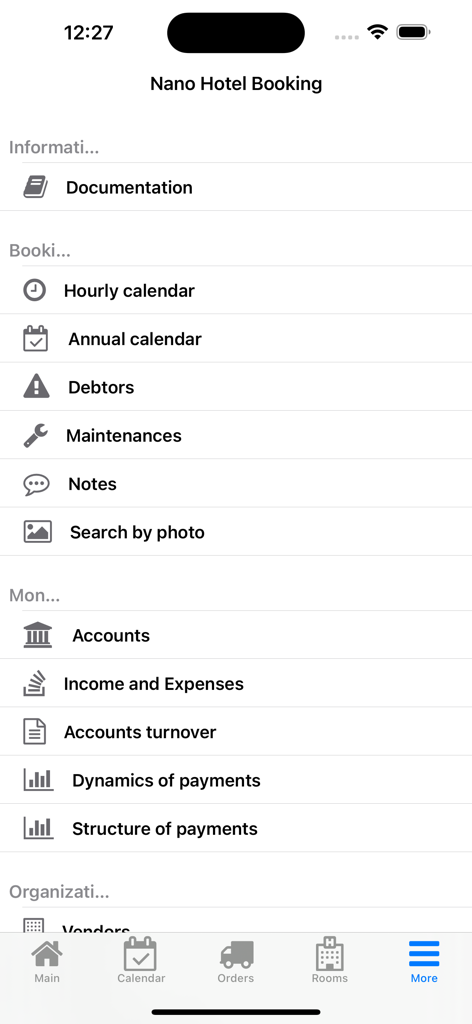
Pantalla de menú de la aplicación Nano Hotel Booking que muestra herramientas de gestión para propietarios de pequeñas empresas
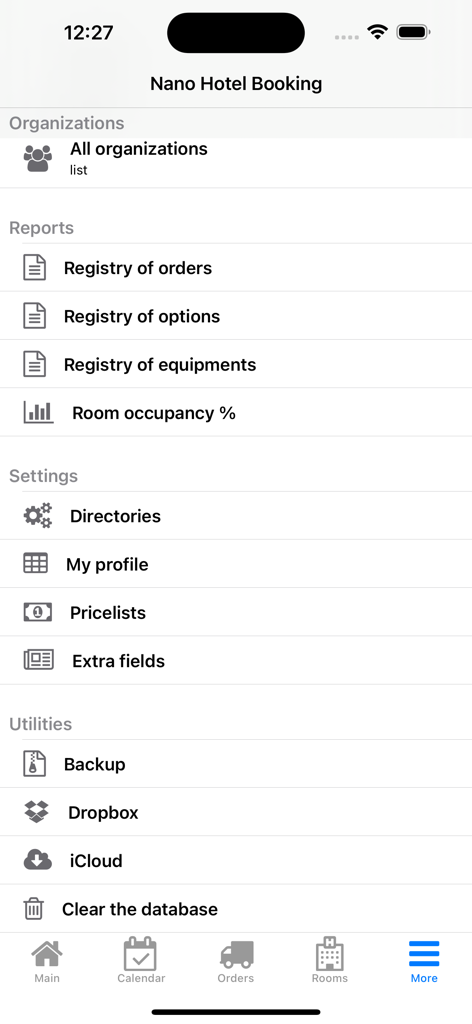
Pantalla de configuración e informes en la aplicación Nano Hotel Booking que muestra utilidades empresariales
Descripción
Download
Apps Similares
Apps mejor clasificadas en la misma categoría

Microsoft Teams
Microsoft Corporation

Zoom Workplace
Zoom Communications, Inc.

WhatsApp Business
WhatsApp Inc.

Indeed Job Search
Indeed Inc.

LinkedIn: Network & Job Finder
LinkedIn Corporation

Adobe Acrobat Reader: Sign PDF
Adobe Inc.

WeCom-Work Communication&Tools
Tencent Technology (Shenzhen) Company Limited

BOSS直聘-招聘求职找工作神器
Beijing China Product Bo Farce Network Technology Co., Ltd.

DingDing - Redefine Work in AI
DingTalk Technology Co., Ltd.
Esta página no es una página oficial de la aplicación ni de su desarrollador, sino una publicación editorial independiente creada con fines informativos y de comentario. Salvo que se indique expresamente lo contrario, ni la aplicación ni su desarrollador están afiliados, respaldados, patrocinados, autorizados ni conectados oficialmente con MWM, Apple, Google Play, el editor de la aplicación ni su desarrollador, y nada en esta página implica que la aplicación haya sido desarrollada utilizando los servicios de MWM. Todas las marcas comerciales, logotipos, capturas de pantalla y demás contenidos son propiedad de sus respectivos propietarios.