
Esta página no es una página oficial de la aplicación ni de su desarrollador, sino una publicación editorial independiente creada con fines informativos y de comentario. Salvo que se indique expresamente lo contrario, ni la aplicación ni su desarrollador están afiliados, respaldados, patrocinados, autorizados ni conectados oficialmente con MWM, Apple, Google Play, el editor de la aplicación ni su desarrollador, y nada en esta página implica que la aplicación haya sido desarrollada utilizando los servicios de MWM. Todas las marcas comerciales, logotipos, capturas de pantalla y demás contenidos son propiedad de sus respectivos propietarios.

nPlayer Plus
Experimenta audio DTS y Dolby de alta fidelidad con soporte nativo para todos los formatos de video. Transmite toda tu biblioteca desde tu NAS, la nube o FTP sin sacrificar almacenamiento local.
Descargas
488K+Valoración
Total valoraciones
37K+Editor
Categoría
EntertainmentIdiomas
10Última versión
3.13.0Tamaño
62.0 MBFecha de lanzamiento
24 jul 2012Domina tu experiencia multimedia
La herramienta definitiva para entusiastas del multimedia. Transmite, reproduce y personaliza cada detalle de tu biblioteca con rendimiento de calidad profesional y cero restricciones de formato.
Reproducción universal, sin conversión
Olvídate de las herramientas de conversión. Reproduce MKV, AVI, WMV y más de forma impecable con aceleración de hardware fluida y soporte HDR completo.
Tu nube multimedia privada
Ahorra espacio de almacenamiento en tu dispositivo. Transmite contenido 4K directamente desde tu NAS, FTP, SMB o servicios en la nube como Dropbox y Google Drive.
Las siguientes capturas de pantalla y la descripción provienen directamente del listado oficial de la tienda de la aplicación y son propiedad del desarrollador.
App Store
Capturas
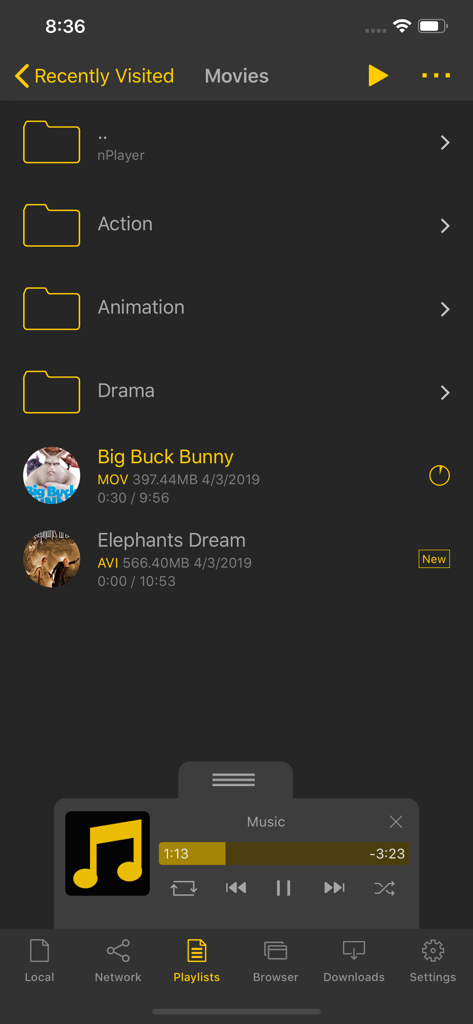
Interfaz de la biblioteca multimedia de nPlayer Plus que muestra carpetas de películas y un panel de control de mini reproductor de música
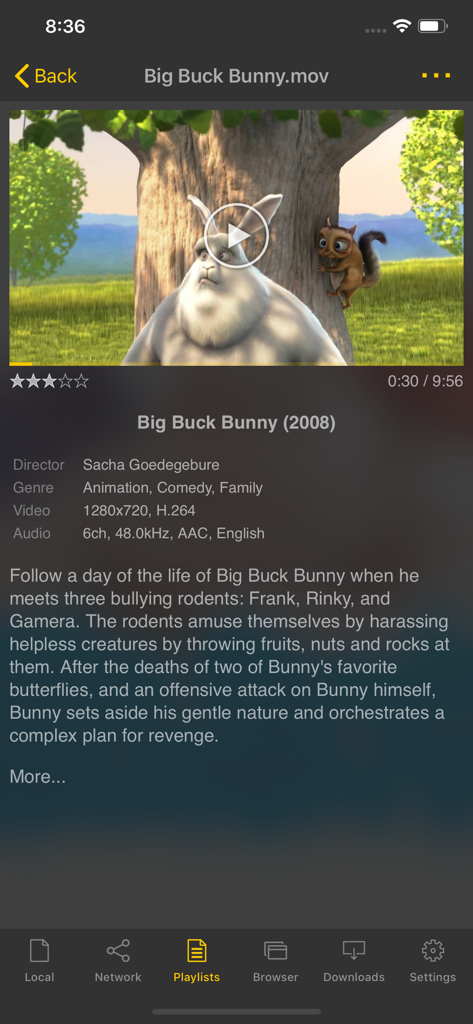
Interfaz de la aplicación nPlayer Plus que muestra detalles de la película y especificaciones técnicas de un archivo de video
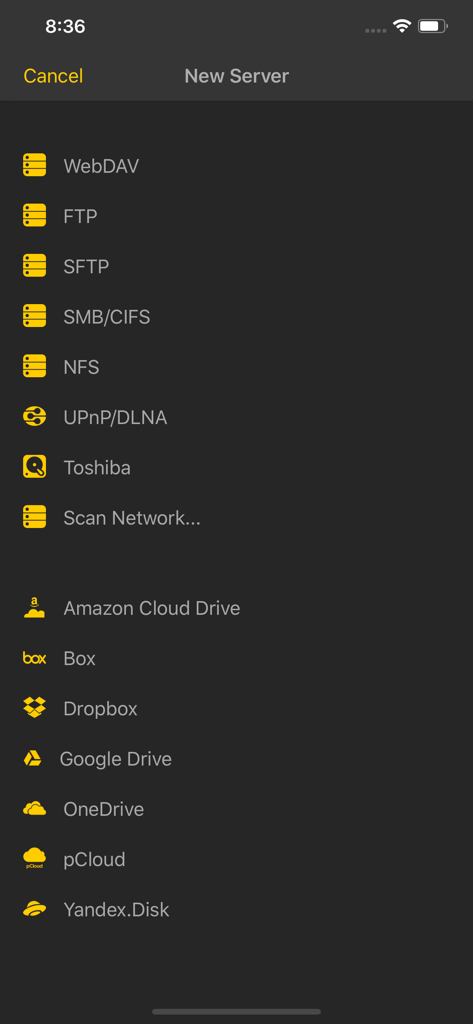
Captura de pantalla de nPlayer Plus que muestra opciones de conexión de servidor de red y almacenamiento en la nube
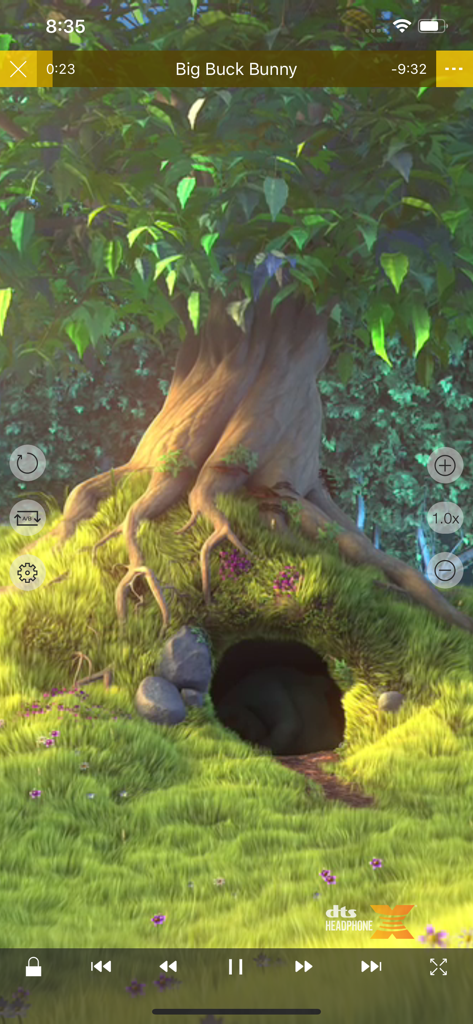
Interfaz de reproducción de video de la aplicación móvil nPlayer Plus con el logo DTS Headphone X y controles de reproducción
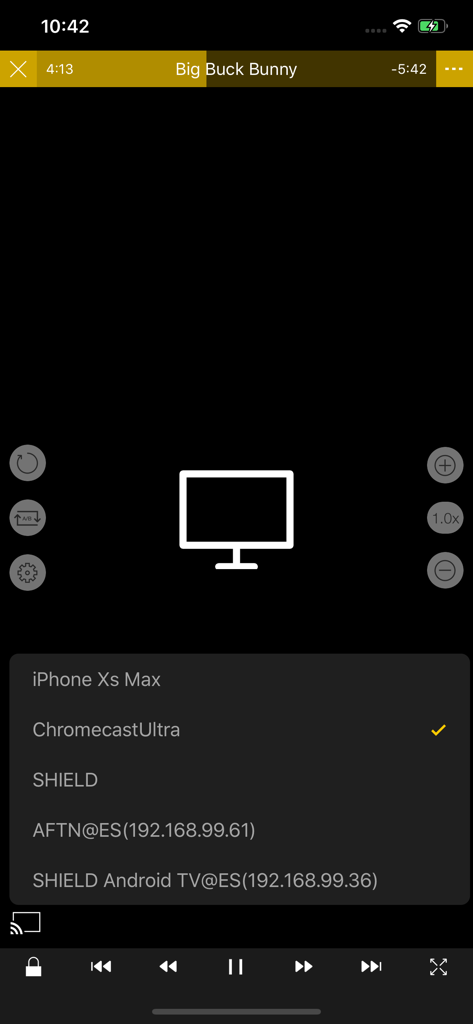
Selección de un dispositivo Chromecast Ultra para la transmisión de video en la aplicación nPlayer Plus
Descripción
Download
Apps Similares
Apps con características y experiencia similares

网易爆米花-智能媒体库,全能云盘网盘播放器
Guangzhou NetEase Computer System Co.Ltd

Immich
Hau Tran

飞牛
Guangzhou TR Intelligent Manufacturing Technology Co., Ltd.
nPlayer
Newin Inc.

MiraPlay
悦 刘

NipaPlay
荣广 梁

VidHub -Video Library & Player
Nanjing Oumi Software Development Co., Ltd.

Fast Player - video player
化媚 席

zFuse - Media Player
s-joys Technology Co., Ltd.
Esta página no es una página oficial de la aplicación ni de su desarrollador, sino una publicación editorial independiente creada con fines informativos y de comentario. Salvo que se indique expresamente lo contrario, ni la aplicación ni su desarrollador están afiliados, respaldados, patrocinados, autorizados ni conectados oficialmente con MWM, Apple, Google Play, el editor de la aplicación ni su desarrollador, y nada en esta página implica que la aplicación haya sido desarrollada utilizando los servicios de MWM. Todas las marcas comerciales, logotipos, capturas de pantalla y demás contenidos son propiedad de sus respectivos propietarios.