
Esta página no es una página oficial de la aplicación ni de su desarrollador, sino una publicación editorial independiente creada con fines informativos y de comentario. Salvo que se indique expresamente lo contrario, ni la aplicación ni su desarrollador están afiliados, respaldados, patrocinados, autorizados ni conectados oficialmente con MWM, Apple, Google Play, el editor de la aplicación ni su desarrollador, y nada en esta página implica que la aplicación haya sido desarrollada utilizando los servicios de MWM. Todas las marcas comerciales, logotipos, capturas de pantalla y demás contenidos son propiedad de sus respectivos propietarios.

PDF Converter・Convert, Scanner
Escanea, edita y firma electrónicamente documentos sin esfuerzo y con precisión de alta calidad. Únete a más de 166 mil profesionales que transforman su iPhone en una potente herramienta de productividad para el éxito sobre la marcha.
Descargas
166K+Valoración
Total valoraciones
100Editor
Categoría
ProductivityIdiomas
1Última versión
1.7Tamaño
12.1 MBFecha de lanzamiento
22 sept 2024Transforma tu iPhone en una Potente Oficina Móvil
Optimiza tu flujo de trabajo de documentos con un conjunto de herramientas todo en uno diseñado para profesionales y estudiantes que necesitan escanear, convertir y firmar sobre la marcha.
Escaneo Móvil Profesional
Olvídate del hardware voluminoso. Convierte recibos físicos, notas y documentos en archivos PDF nítidos y de alta calidad usando la cámara de tu teléfono.
Conversión Instantánea Multi-formato
Convierte sin esfuerzo imágenes, presentaciones y documentos en archivos PDF pulidos con un solo toque, conservando el diseño y la calidad.
Las siguientes capturas de pantalla y la descripción provienen directamente del listado oficial de la tienda de la aplicación y son propiedad del desarrollador.
App Store
Capturas
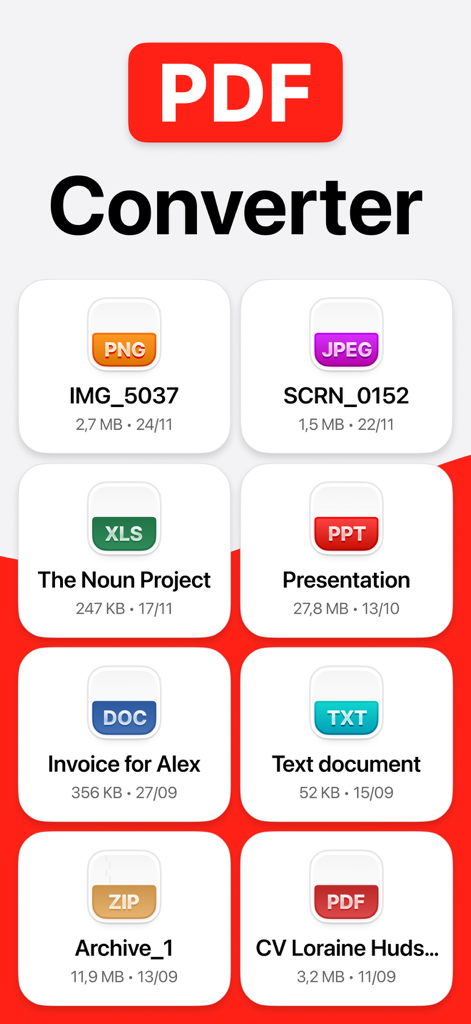
Interfaz de la aplicación Convertidor de PDF mostrando varios formatos de archivo como PNG, JPEG, DOC y XLS para una fácil conversión.
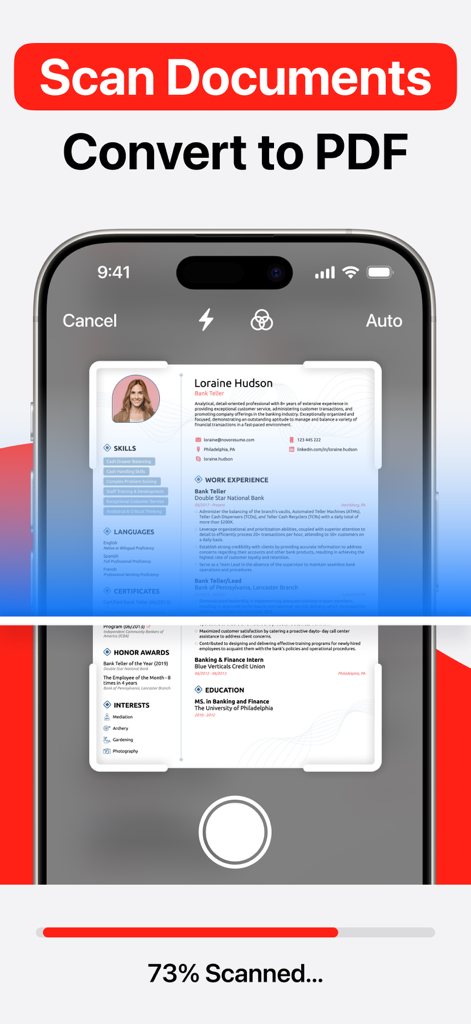
Un teléfono móvil escaneando un documento en papel para convertirlo en un archivo PDF digital
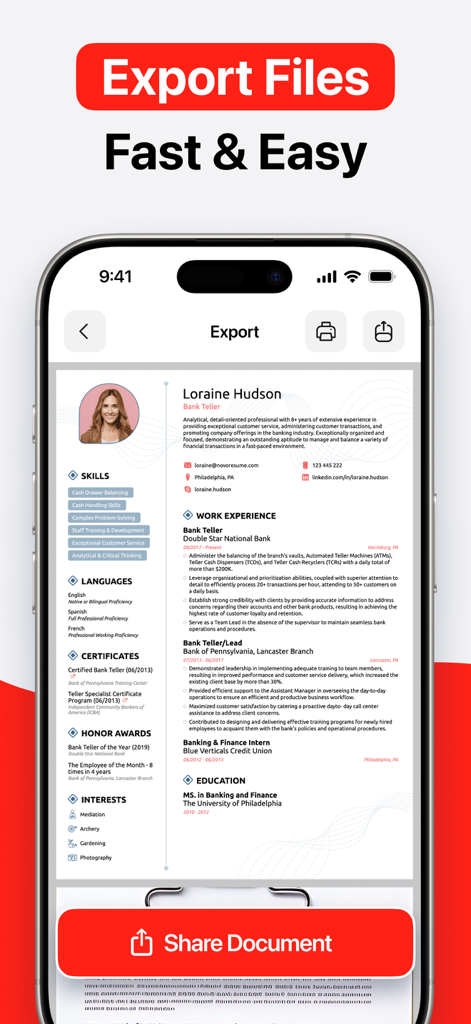
Captura de pantalla del iPhone que muestra un currículum siendo exportado y compartido usando la aplicación móvil Convertidor de PDF
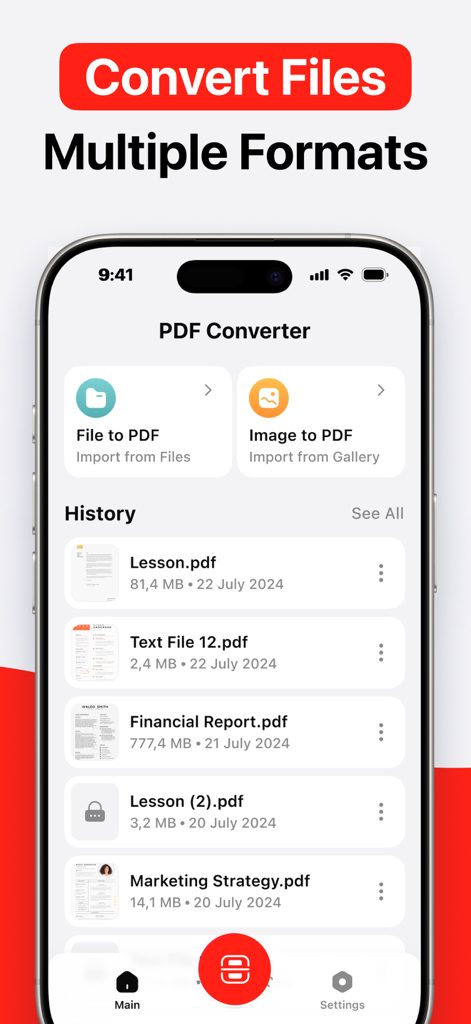
Interfaz de la aplicación móvil Convertidor de PDF mostrando opciones para convertir archivos e imágenes a PDF
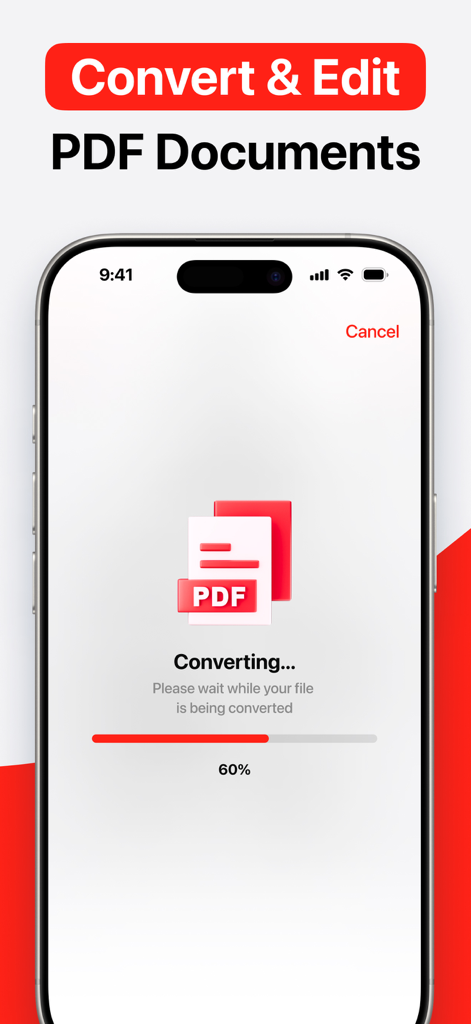
Pantalla del iPhone mostrando un archivo siendo convertido a PDF con una barra de progreso al 60 por ciento
Descripción
Download
Apps Similares
Apps con características y experiencia similares

Converter Files & PDF Editor
Shenzhen Miguo Qudong Technology Co., Ltd

文档手机版-word文档编辑,手机office办公软件
喜存 岳

PDF Maker - Convert to PDF
KUPERTINO BIL. YAZ. HALIL IBRAHIM KARAHAN SAFFET ARSLAN MUSTAFA AYTEN MUHAMMET YALCIN OZDEMIR K. S.

PDF Converter & PDF Creator
The Last Sunrise LLC

PDF Maker: Editor & Converter
SolveIt Inc.

PDF Editor・PDF File Converter
VISARGERD, S.L.

PDFit-AI PDF&Scanner
FAST LINE NETWORK TECHNOLOGY LIMITED

PDF Editor | Files Converter
Yehor Karataiev
PDF Converter: PDF Compressor
Marten Geiger
Esta página no es una página oficial de la aplicación ni de su desarrollador, sino una publicación editorial independiente creada con fines informativos y de comentario. Salvo que se indique expresamente lo contrario, ni la aplicación ni su desarrollador están afiliados, respaldados, patrocinados, autorizados ni conectados oficialmente con MWM, Apple, Google Play, el editor de la aplicación ni su desarrollador, y nada en esta página implica que la aplicación haya sido desarrollada utilizando los servicios de MWM. Todas las marcas comerciales, logotipos, capturas de pantalla y demás contenidos son propiedad de sus respectivos propietarios.