
Esta página no es una página oficial de la aplicación ni de su desarrollador, sino una publicación editorial independiente creada con fines informativos y de comentario. Salvo que se indique expresamente lo contrario, ni la aplicación ni su desarrollador están afiliados, respaldados, patrocinados, autorizados ni conectados oficialmente con MWM, Apple, Google Play, el editor de la aplicación ni su desarrollador, y nada en esta página implica que la aplicación haya sido desarrollada utilizando los servicios de MWM. Todas las marcas comerciales, logotipos, capturas de pantalla y demás contenidos son propiedad de sus respectivos propietarios.

PDF Editor App | Edit Document
Escanea, firma, edita y anota sin problemas desde tu iPhone o iPad. Herramientas de nivel profesional diseñadas para trabajadores del conocimiento y estudiantes que necesitan gestionar documentos sobre la marcha.
Descargas
53K+Valoración
Total valoraciones
700Editor
Categoría
BusinessIdiomas
11Última versión
1.2.6Tamaño
96.1 MBFecha de lanzamiento
22 jul 2025Todo lo que Necesitas para Dominar tu Flujo de Trabajo
Reemplaza el software de escritorio engorroso con una solución móvil potente y todo en uno, diseñada para el profesional y estudiante moderno.
Firma y Asegura Documentos en Cualquier Lugar
Firma legalmente contratos y redacta información confidencial en segundos, directamente desde tu iPhone o iPad.
Edita Texto e Imágenes Directamente
No más recreación de archivos. Modifica texto, intercambia imágenes y corrige erratas tan fácilmente como en un documento de Word.
Las siguientes capturas de pantalla y la descripción provienen directamente del listado oficial de la tienda de la aplicación y son propiedad del desarrollador.
App Store
Capturas
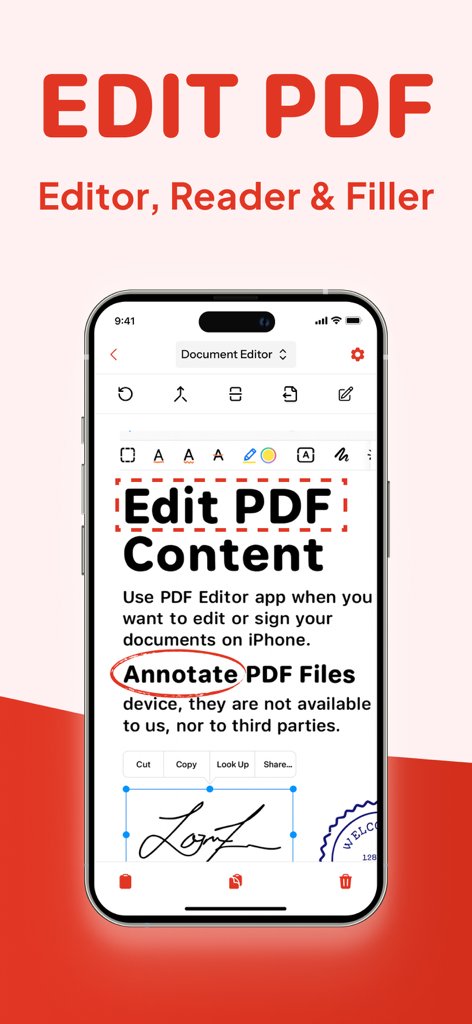
Pantalla de smartphone mostrando herramientas de anotación de edición de PDF y firma digital
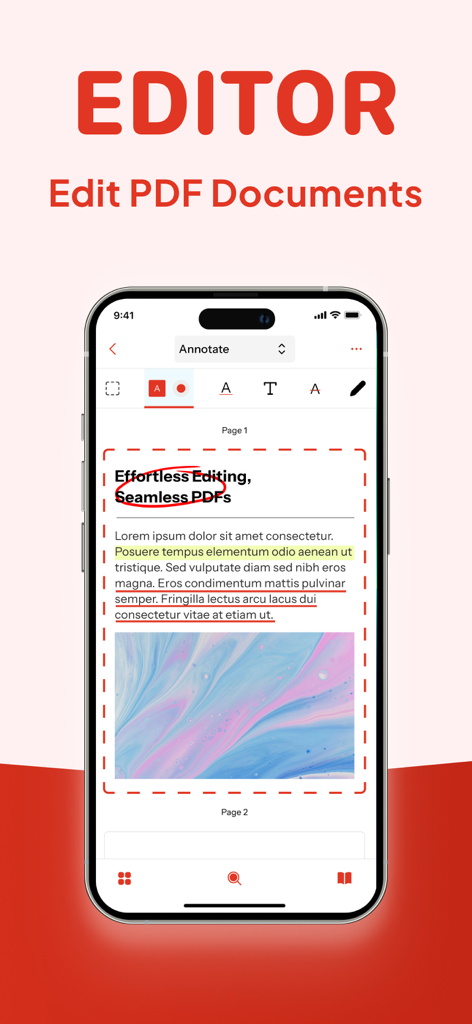
Interfaz de iPhone de un editor de PDF mostrando herramientas de anotación de documentos que incluyen resaltados y círculos.
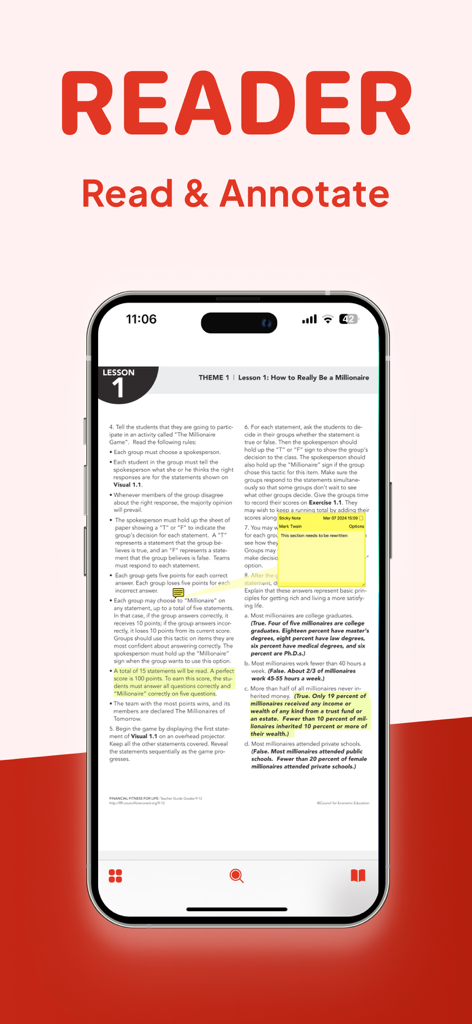
Pantalla de iPhone mostrando un documento PDF con resaltados amarillos y una nota adhesiva digital para anotación
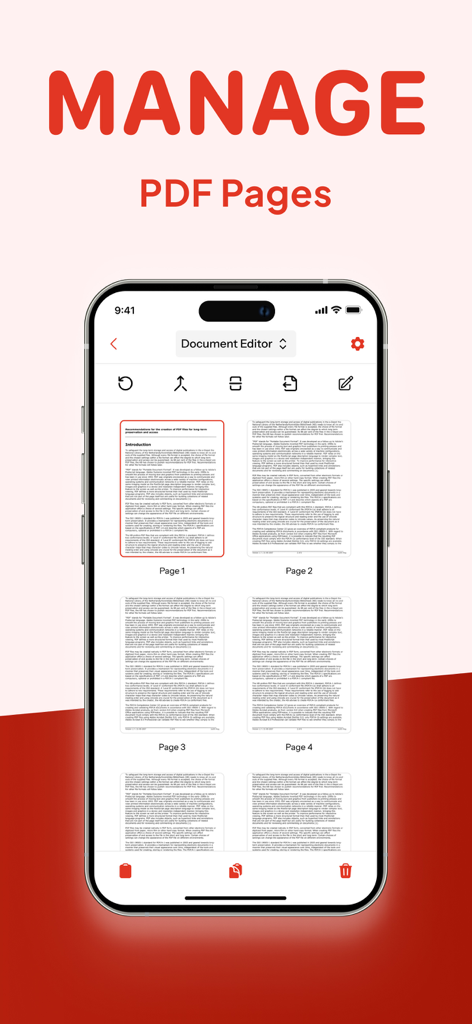
Pantalla de iPhone mostrando la función Administrar páginas PDF en la aplicación Editor de PDF
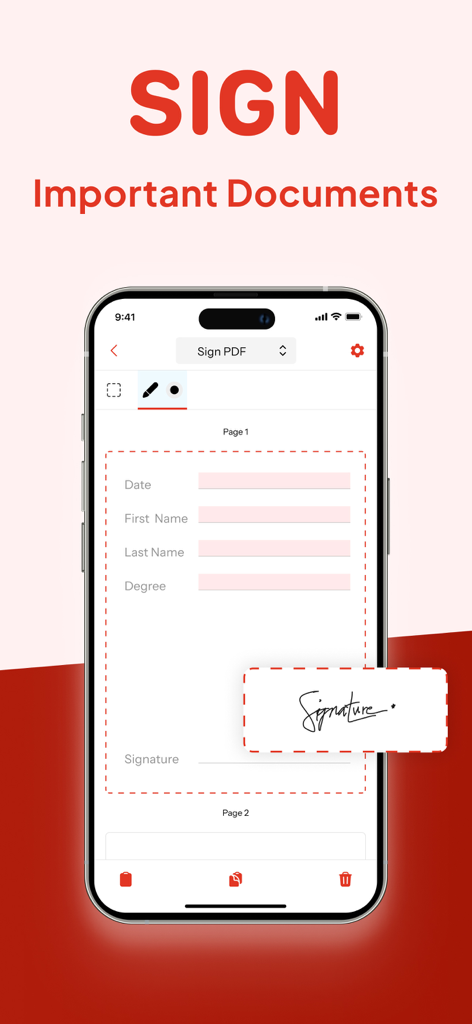
Una pantalla de iPhone que muestra la función de firma digital de un editor de PDF para firmar documentos importantes.
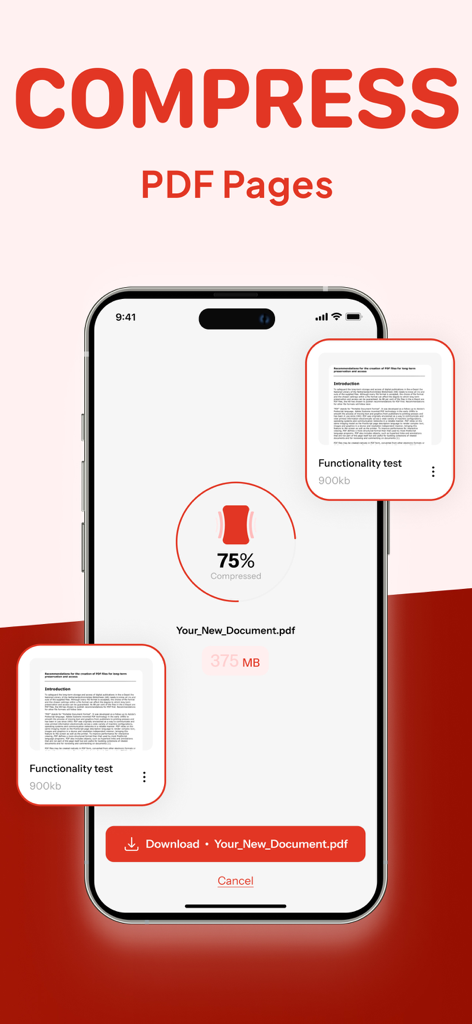
Smartphone mostrando una herramienta de compresión de PDF reduciendo el tamaño del archivo en un 75 por ciento
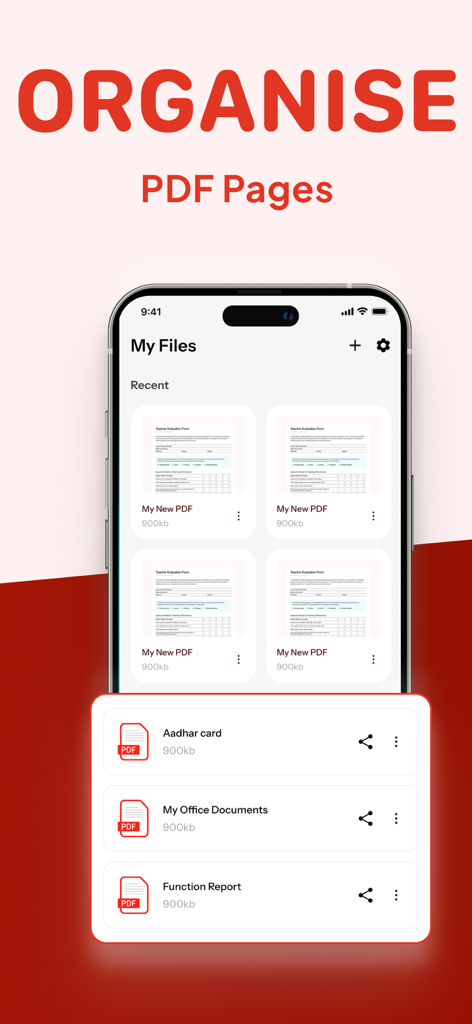
Interfaz que muestra cómo organizar páginas PDF y administrar archivos
Descripción
Download
Apps Similares
Apps con características y experiencia similares

Converter Files & PDF Editor
Shenzhen Miguo Qudong Technology Co., Ltd

文档手机版-word文档编辑,手机office办公软件
喜存 岳

PDF Maker - Convert to PDF
KUPERTINO BIL. YAZ. HALIL IBRAHIM KARAHAN SAFFET ARSLAN MUSTAFA AYTEN MUHAMMET YALCIN OZDEMIR K. S.

PDF Converter & PDF Creator
The Last Sunrise LLC

PDF Maker: Editor & Converter
SolveIt Inc.

PDF Editor・PDF File Converter
VISARGERD, S.L.

PDFit-AI PDF&Scanner
FAST LINE NETWORK TECHNOLOGY LIMITED

PDF Converter・Doc Scanner
Nikolai Ivanenko

PDF Editor | Files Converter
Yehor Karataiev
Esta página no es una página oficial de la aplicación ni de su desarrollador, sino una publicación editorial independiente creada con fines informativos y de comentario. Salvo que se indique expresamente lo contrario, ni la aplicación ni su desarrollador están afiliados, respaldados, patrocinados, autorizados ni conectados oficialmente con MWM, Apple, Google Play, el editor de la aplicación ni su desarrollador, y nada en esta página implica que la aplicación haya sido desarrollada utilizando los servicios de MWM. Todas las marcas comerciales, logotipos, capturas de pantalla y demás contenidos son propiedad de sus respectivos propietarios.