
Esta página no es una página oficial de la aplicación ni de su desarrollador, sino una publicación editorial independiente creada con fines informativos y de comentario. Salvo que se indique expresamente lo contrario, ni la aplicación ni su desarrollador están afiliados, respaldados, patrocinados, autorizados ni conectados oficialmente con MWM, Apple, Google Play, el editor de la aplicación ni su desarrollador, y nada en esta página implica que la aplicación haya sido desarrollada utilizando los servicios de MWM. Todas las marcas comerciales, logotipos, capturas de pantalla y demás contenidos son propiedad de sus respectivos propietarios.

PDF to JPEG - Flyingbee
El puente definitivo para tu flujo de trabajo móvil. Convierte instantáneamente PDF en imágenes de alta resolución o extrae activos originales para redes sociales, presentaciones y uso compartido profesional.
Descargas
290K+Valoración
Total valoraciones
200Editor
Categoría
BusinessIdiomas
12Última versión
8.8.7Tamaño
79.8 MBFecha de lanzamiento
22 oct 2011Convierte, Extrae y Comparte con Precisión
El puente esencial entre tus documentos profesionales y tu espacio de trabajo visual. Convierte cualquier PDF en imágenes de alta resolución listas para redes sociales, presentaciones y comunicación profesional.
Listo para Redes Sociales
Evita las limitaciones de iOS convirtiendo PDF en JPEG que puedes compartir directamente en Instagram, Facebook o LinkedIn sin necesidad de abrir una computadora.
Resolución de Grado Profesional
Captura cada detalle con configuraciones de resolución ajustables. Extrae elementos fotográficos originales de alta calidad de los documentos para usar en presentaciones y materiales de marketing.
Las siguientes capturas de pantalla y la descripción provienen directamente del listado oficial de la tienda de la aplicación y son propiedad del desarrollador.
App Store
Capturas
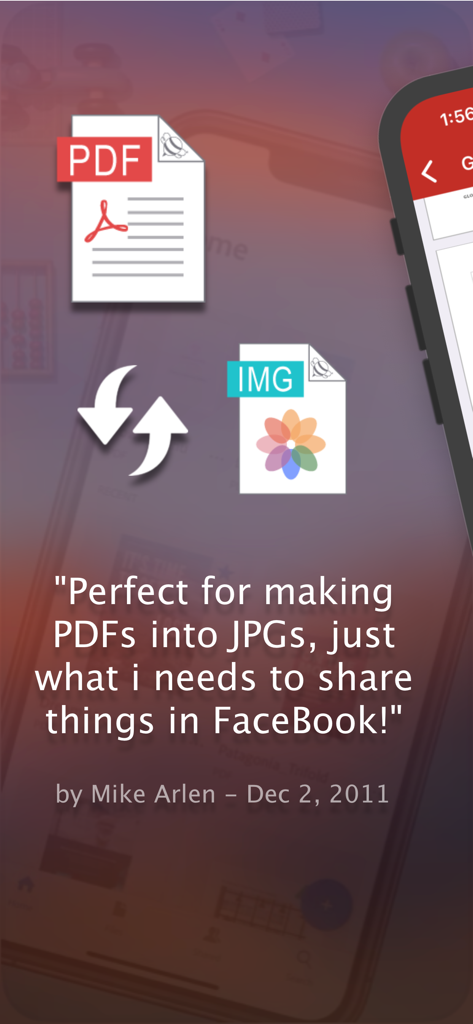
Testimonio de usuario de la aplicación de conversión de PDF a JPEG para compartir en Facebook
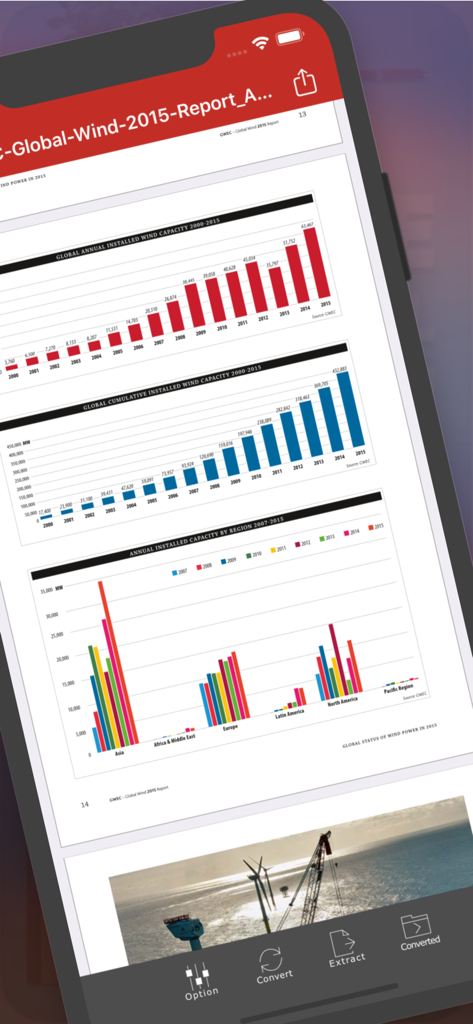
Interfaz de la aplicación Flyingbee PDF a JPEG mostrando un informe PDF con gráficos en la pantalla de un iPhone
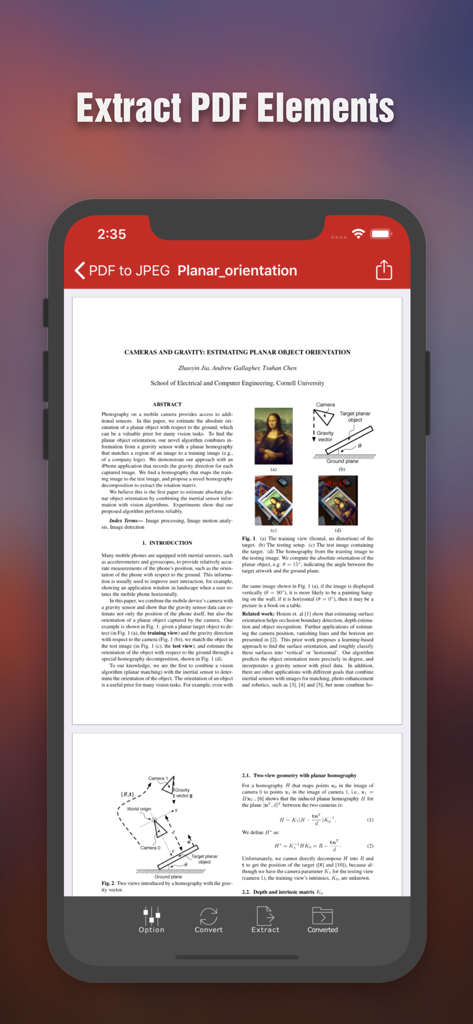
Pantalla del iPhone que muestra la interfaz de la aplicación Flyingbee PDF a JPEG con un documento científico y opciones para extraer elementos del PDF
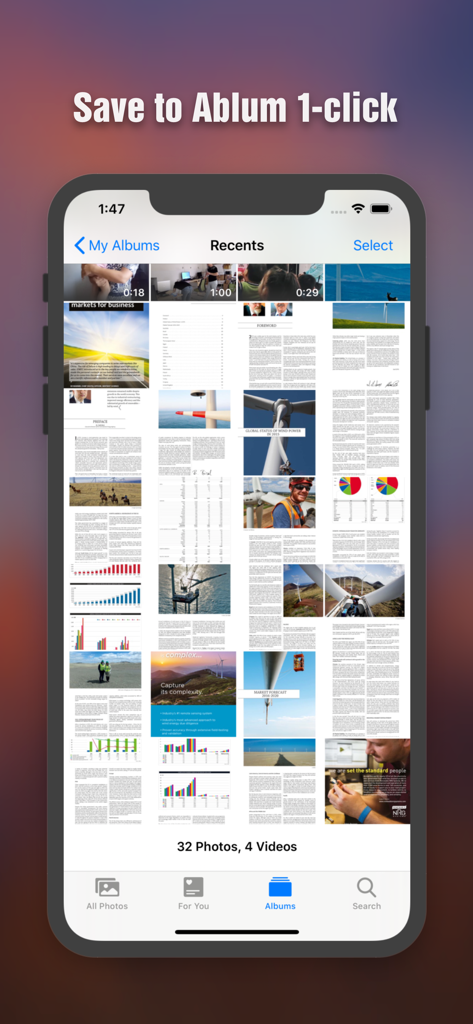
Páginas PDF convertidas guardadas como imágenes en la galería de fotos del iPhone
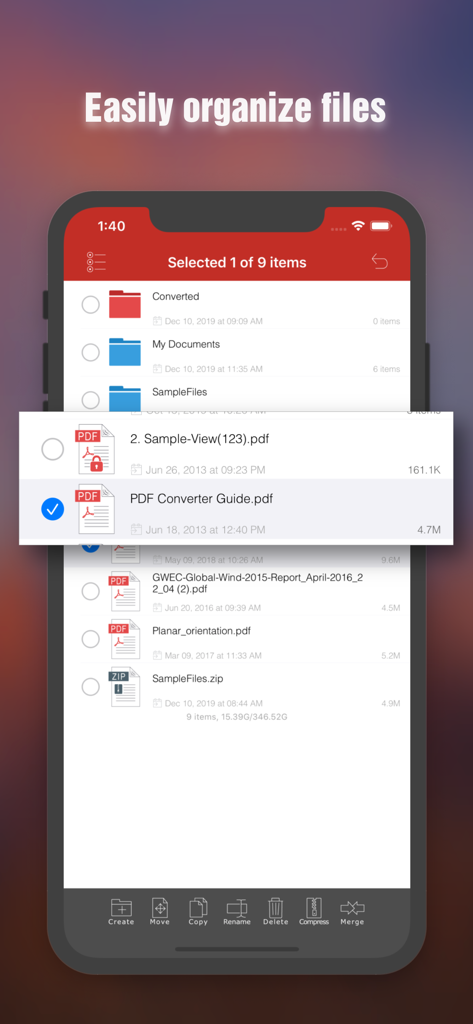
Interfaz de gestión de archivos en la aplicación Flyingbee PDF a JPEG que muestra funciones de organización de documentos en un iPhone
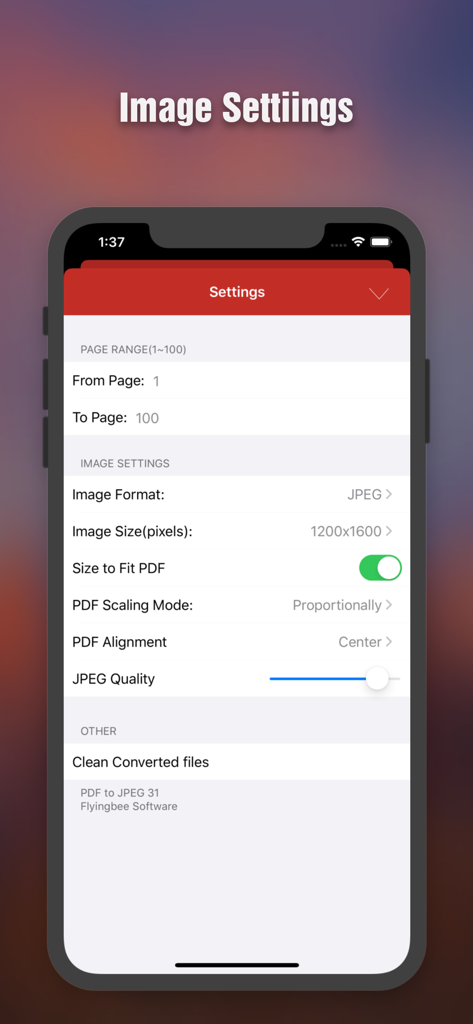
Pantalla de configuración de conversión de PDF a JPEG que muestra opciones para el rango de páginas, la resolución de imagen y el ajuste de calidad
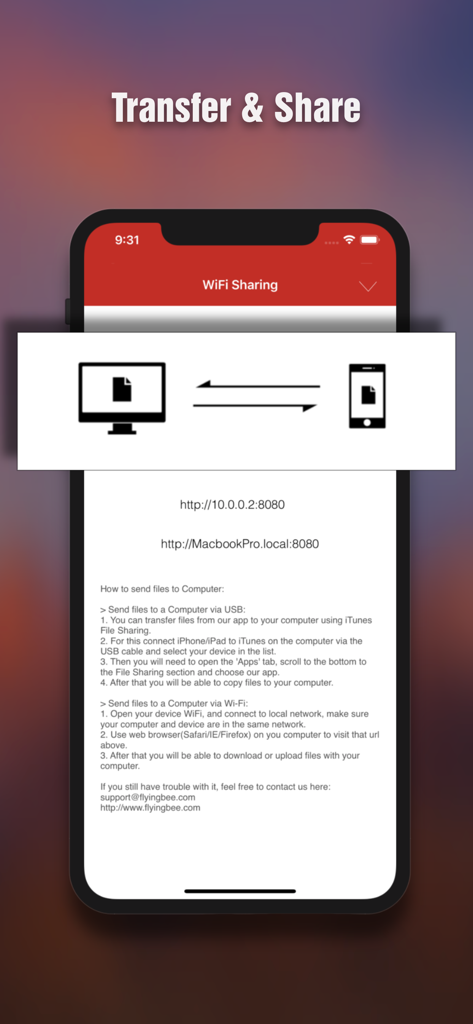
Interfaz para transferir y compartir archivos de forma inalámbrica entre iPhone y computadora
Descripción
Download
Apps Similares
Apps con características y experiencia similares

iConv - Video & PDF Converter
琛 王

Convert PDF to Word OCR
Tu Phan

PDF Converter – Photos to PDF
SMDA GROUP SP. Z OO

Toolbox by Paperclip
WuHan Paperclip Technology Co., Ltd.

Video Converter and Compressor
Inverse.AI

Video Converter & Compressor
WEBDIA INC.

全能格式转换王-视频音频转换图片文件格式处理
大为 方

PDF Converter: Convert to PDFㅤ
Roberto Hayes

The Document Converter
Float Tech, LLC
Esta página no es una página oficial de la aplicación ni de su desarrollador, sino una publicación editorial independiente creada con fines informativos y de comentario. Salvo que se indique expresamente lo contrario, ni la aplicación ni su desarrollador están afiliados, respaldados, patrocinados, autorizados ni conectados oficialmente con MWM, Apple, Google Play, el editor de la aplicación ni su desarrollador, y nada en esta página implica que la aplicación haya sido desarrollada utilizando los servicios de MWM. Todas las marcas comerciales, logotipos, capturas de pantalla y demás contenidos son propiedad de sus respectivos propietarios.