Periodic Timer +
Periodic Timer +
Descargar en App Store

Esta página no es una página oficial de la aplicación ni de su desarrollador, sino una publicación editorial independiente creada con fines informativos y de comentario. Salvo que se indique expresamente lo contrario, ni la aplicación ni su desarrollador están afiliados, respaldados, patrocinados, autorizados ni conectados oficialmente con MWM, Apple, Google Play, el editor de la aplicación ni su desarrollador, y nada en esta página implica que la aplicación haya sido desarrollada utilizando los servicios de MWM. Todas las marcas comerciales, logotipos, capturas de pantalla y demás contenidos son propiedad de sus respectivos propietarios.

Logo de Periodic Timer +
Descargar en App Store

Periodic Timer +

El temporizador repetitivo minimalista diseñado para mantenerte en la zona. Domina tus sesiones de HIIT, tiempos de cocina y trabajo profundo sin necesidad de mirar la pantalla.

Cifras Clave

Descargas

104K+

Valoración

4.1/5

Total valoraciones

200

Editor

Vladimir Kelin

Categoría

Health & Fitness

Idiomas

22

Última versión

4.5

Tamaño

8.8 MB

Fecha de lanzamiento

31 ene 2017
Funciones

Domina tu ritmo sin distracciones

Una herramienta minimalista y de gran utilidad diseñada para mantenerte en marcha en el fitness, el trabajo y el hogar sin necesidad de mirar la pantalla.

Aléjate de la pantalla

Funciona perfectamente en segundo plano con alertas hápticas precisas y sonidos personalizados, manteniéndote enfocado en la tarea, no en tu dispositivo.

Interacción sin esfuerzo

Usa 'Agitar para iniciar' y la prevención de bloqueo de pantalla para gestionar tus intervalos con manos libres mientras cocinas, entrenas o trabajas.

Las siguientes capturas de pantalla y la descripción provienen directamente del listado oficial de la tienda de la aplicación y son propiedad del desarrollador.

App Store

Capturas
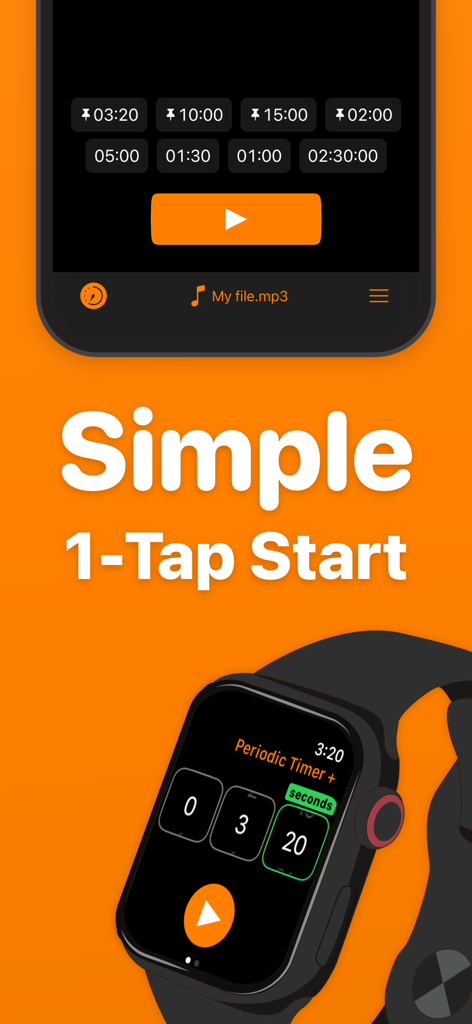
Periodic Timer + - Interfaz de la aplicación Periodic Timer Plus en iPhone y Apple Watch destacando la sencilla función de inicio con un toque
Interfaz de la aplicación Periodic Timer Plus en iPhone y Apple Watch destacando la sencilla función de inicio con un toque

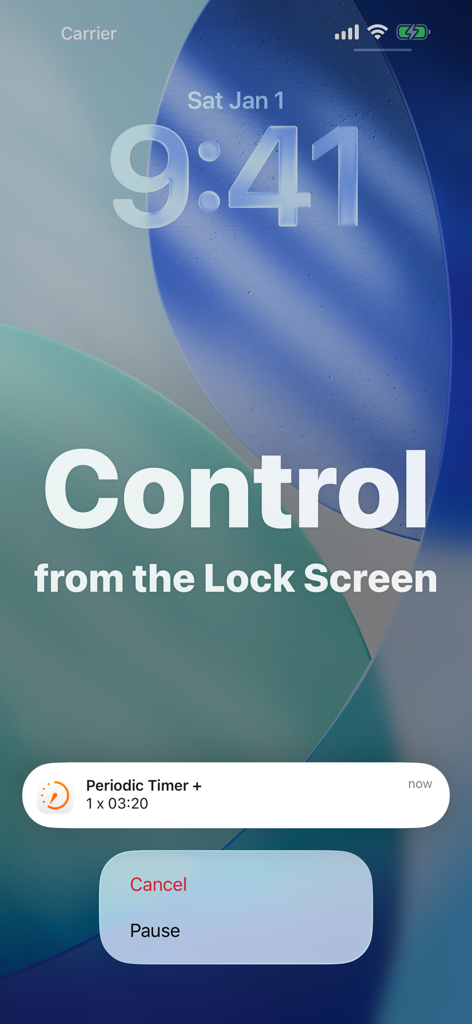
Periodic Timer + - Notificación de Periodic Timer Plus mostrando las opciones de pausa y cancelación en la pantalla de bloqueo
Notificación de Periodic Timer Plus mostrando las opciones de pausa y cancelación en la pantalla de bloqueo

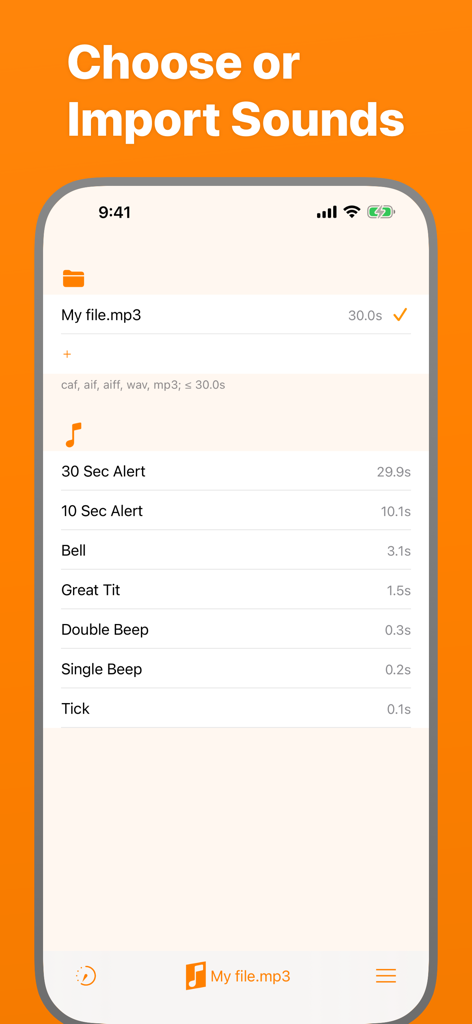
Periodic Timer + - Interfaz para elegir e importar sonidos de alerta personalizados en Periodic Timer Plus
Interfaz para elegir e importar sonidos de alerta personalizados en Periodic Timer Plus

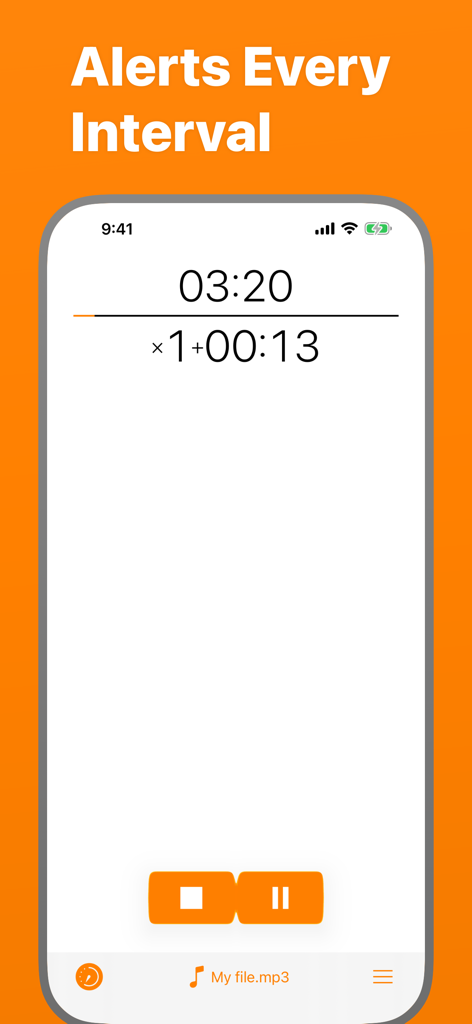
Periodic Timer + - Interfaz de la aplicación Periodic Timer Plus que muestra un temporizador de cuenta regresiva con alertas de intervalo y selección de archivos de sonido personalizados
Interfaz de la aplicación Periodic Timer Plus que muestra un temporizador de cuenta regresiva con alertas de intervalo y selección de archivos de sonido personalizados

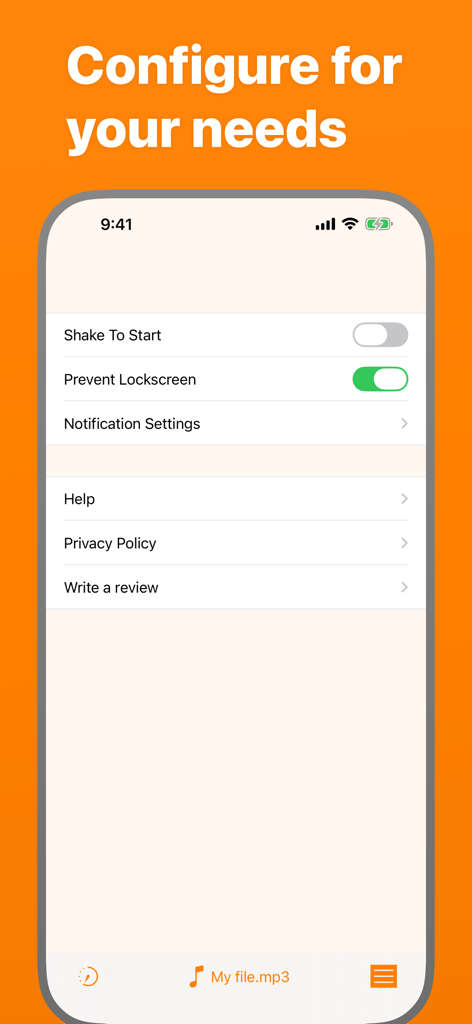
Periodic Timer + - Pantalla de ajustes de la aplicación Periodic Timer Plus que muestra las opciones de configuración

Pantalla de ajustes de la aplicación Periodic Timer Plus que muestra las opciones de configuración
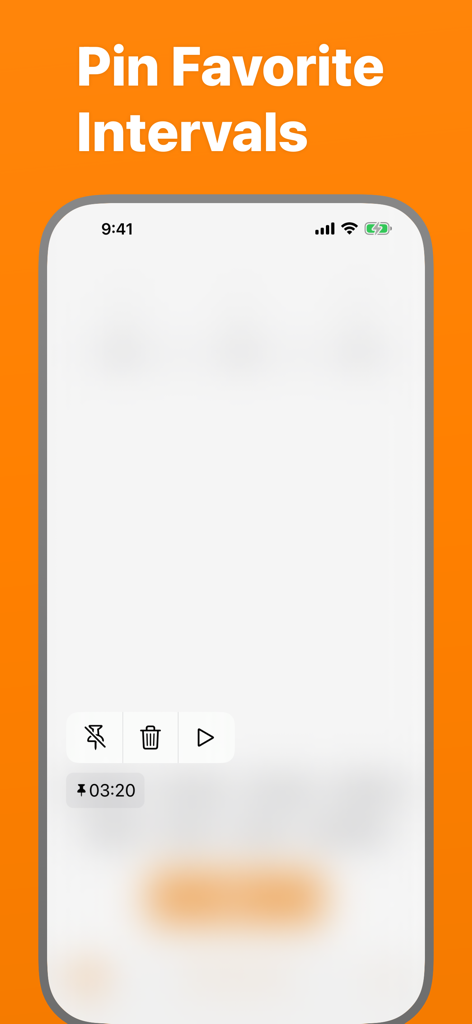
Periodic Timer + - Pantalla de la aplicación Periodic Timer que muestra los intervalos favoritos fijados

Pantalla de la aplicación Periodic Timer que muestra los intervalos favoritos fijados

Descripción

Keep track of time without being distracted by the device! Simple and easy timer that repeats at your chosen interval. FEATURES - Many sounds to select + the ability to add custom ones. - Up to 4 pinned and up to 5 recent Quick Start items. - Long intervals - up to 99 hours! - Vibration, if the sound is off. - Works in the background. - 3 timer output modes: intervals, total time, countdown. - You can cancel or pause the timer with help of a notification. - Flexibility and minimalism. - Shake To Start - can be enabled in settings. - Prevent Lockscreen - another useful setting, the screen will not lock, while the timer is running. USE CASES Here is a list of use cases based on the real feedback: Fitness and health: - Stretching - Stationary bicycle (interval training) - On a treadmill - For HIIT - Jogging - Timed medication - Boxing Cooking - While frying potatoes - Roasting steaks - Checking an oven or a grill to prevent burning Learning & science - Foreign language learning - As a lab timer - Periodic data collection - Speech training - Presentation timing Other - Mindfulness - Communication - To have a sense of time flying away :) HELP Q: Why the timer doesn't work in the background? A: You should allow notifications. Q: How to turn off the sound and turn on the vibration? A: On the device, turn the Silent Mode on. (Side Switch) Q: How can I add a custom sound? A: There are four ways. Choose one depending where is the sound file located. * If the sound on your Mac or PC: 1. Connect the device. 2. Open Finder and select the device. 3. Select Files in the menu. There you'll find 'Periodic +' folder. 4. Drug and drop the sound file there. * From Files app on iPhone: 1. Copy the required file. 2. Open Periodic + folder and paste it. * From another app on iPhone (like Mail): 1. Open the app where the file is located. 2. Find and touch Share button (it may have different name, for example Export). 3. In the appearing Share Sheet find the list of apps. If there is no Periodic +, touch More and enable it. 4. Now select Periodic + in the Share dialog and the sound will be imported. * And the most convenient "+" button! 1. Open Sounds tab. 2. Hit the "+" button in the "Folder" section and pick your file. Q: Alert is limited for 5 seconds! A: Go to Settings app, then Periodic + > Notifications > Banner Style > Persistent. Q: How to switch the Timer Output Mode? A: To switch the Output Mode touch the timer display at the top of the screen. Q: What is Shake To Start for? A: Shake To Start setting allows to start/cancel the timer by shaking the device. Thus, you don't touch the screen, what can be useful while cooking, for example. For this mode, in order to work, the app should be open. This app has a free version with limited features. If you still have questions or suggestions, you can visit the support page (https://goo.gl/forms/pggVBcaBxdW85EGE3), the Facebook group (http://www.facebook.com/groups/PeriodicTimer/) or you can email me (periodictimer.sup@gmail.com). If you like the app - please, rate it!

Download

Descargar en App Store

Esta página no es una página oficial de la aplicación ni de su desarrollador, sino una publicación editorial independiente creada con fines informativos y de comentario. Salvo que se indique expresamente lo contrario, ni la aplicación ni su desarrollador están afiliados, respaldados, patrocinados, autorizados ni conectados oficialmente con MWM, Apple, Google Play, el editor de la aplicación ni su desarrollador, y nada en esta página implica que la aplicación haya sido desarrollada utilizando los servicios de MWM. Todas las marcas comerciales, logotipos, capturas de pantalla y demás contenidos son propiedad de sus respectivos propietarios.








