
Esta página no es una página oficial de la aplicación ni de su desarrollador, sino una publicación editorial independiente creada con fines informativos y de comentario. Salvo que se indique expresamente lo contrario, ni la aplicación ni su desarrollador están afiliados, respaldados, patrocinados, autorizados ni conectados oficialmente con MWM, Apple, Google Play, el editor de la aplicación ni su desarrollador, y nada en esta página implica que la aplicación haya sido desarrollada utilizando los servicios de MWM. Todas las marcas comerciales, logotipos, capturas de pantalla y demás contenidos son propiedad de sus respectivos propietarios.


Pixaki 4 Pro
El estudio definitivo para desarrolladores de juegos indie y artistas digitales. Crea sprites pixel-perfect, mundos isométricos y animaciones complejas con un flujo de trabajo profesional que une la brecha entre tu sofá y tu escritorio.
Descargas
105K+Valoración
Total valoraciones
300Editor
Categoría
Graphics & DesignIdiomas
1Última versión
4.6Tamaño
29.4 MBFecha de lanzamiento
18 dic 2020Arte Pixel de Grado Profesional, en Cualquier Lugar
Pixaki 4 Pro trae animación de clase escritorio, herramientas isométricas e integración de archivos fluida a tu iPad, diseñado para el desarrollador indie y el artista digital serio.
Dibujo Pixel-Perfect
Crea líneas impecables con pintura inteligente pixel-perfect y herramientas de línea isométrica dedicadas, diseñadas para el diseño de juegos moderno.
Capas de Animación Avanzadas
Domina movimientos complejos con una línea de tiempo controlable, capas compartidas entre fotogramas y onion skinning profesional para transiciones fluidas.
Las siguientes capturas de pantalla y la descripción provienen directamente del listado oficial de la tienda de la aplicación y son propiedad del desarrollador.
App Store
Capturas
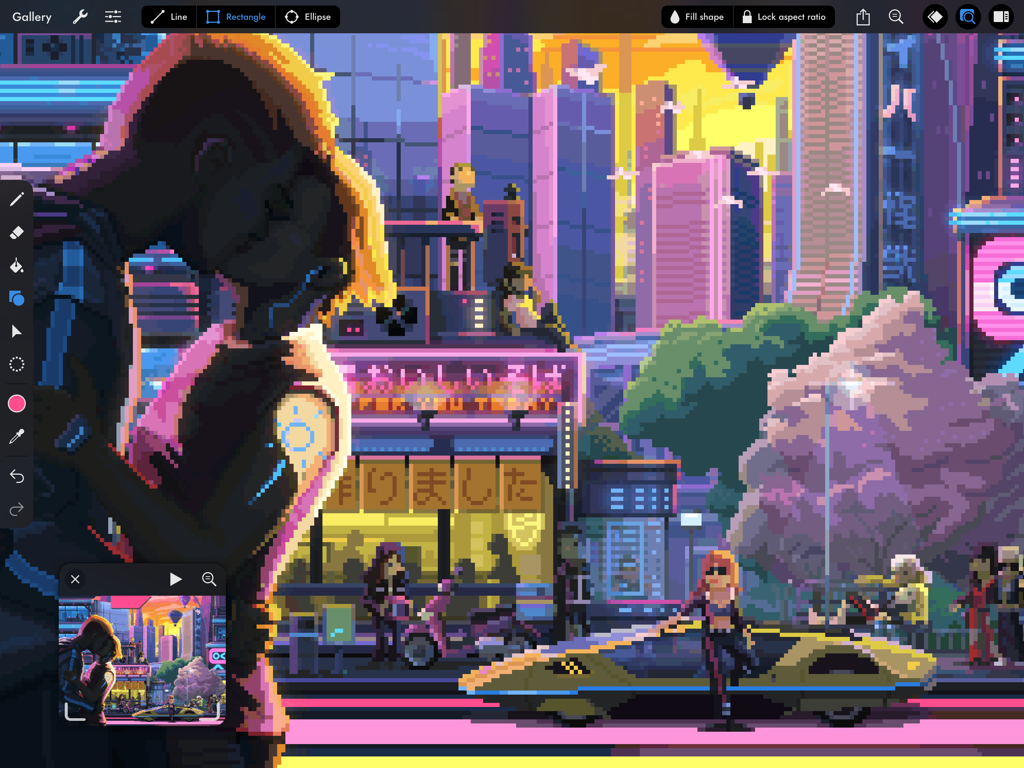
Ilustración detallada de una ciudad ciberpunk en pixel art dentro de la interfaz de Pixaki 4 Pro para iPad
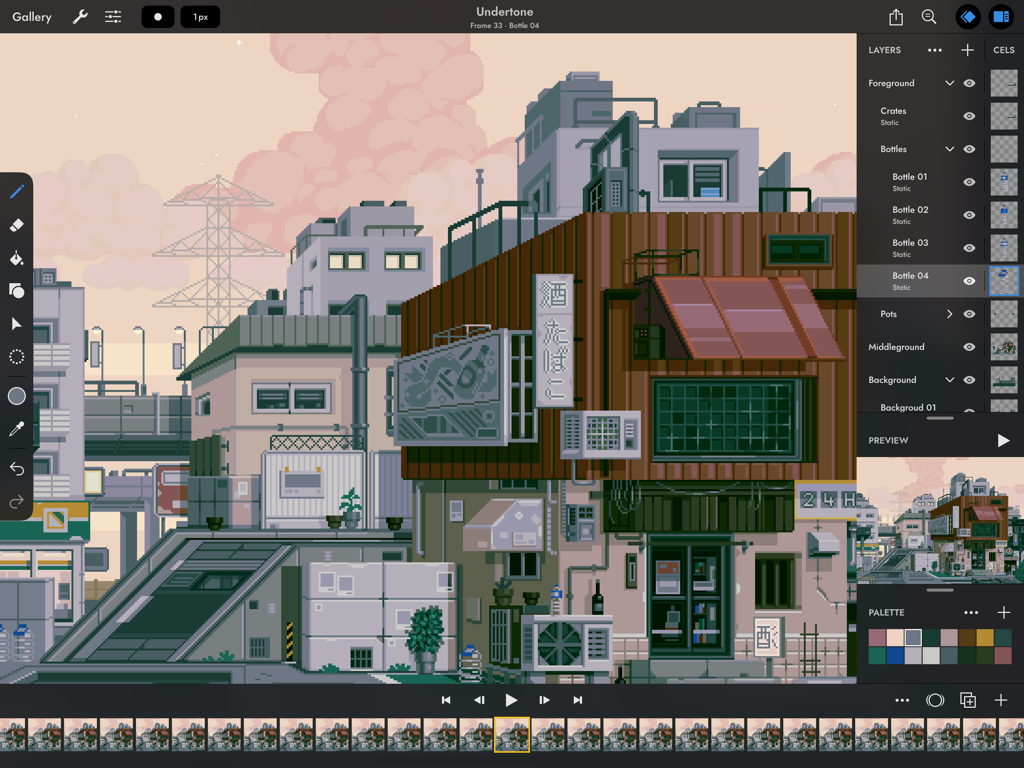
Interfaz de la aplicación Pixaki 4 Pro en iPad mostrando un detallado paisaje urbano en pixel art y una línea de tiempo de animación
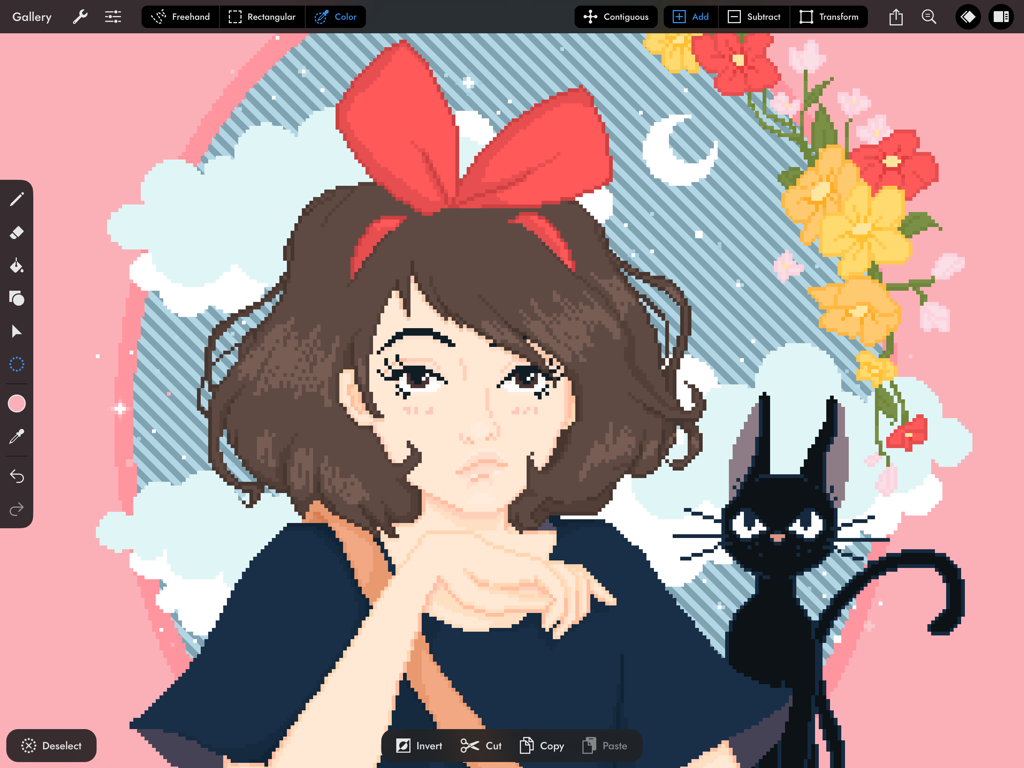
Interfaz de la aplicación Pixaki 4 Pro mostrando una ilustración en pixel art de una chica y un gato negro
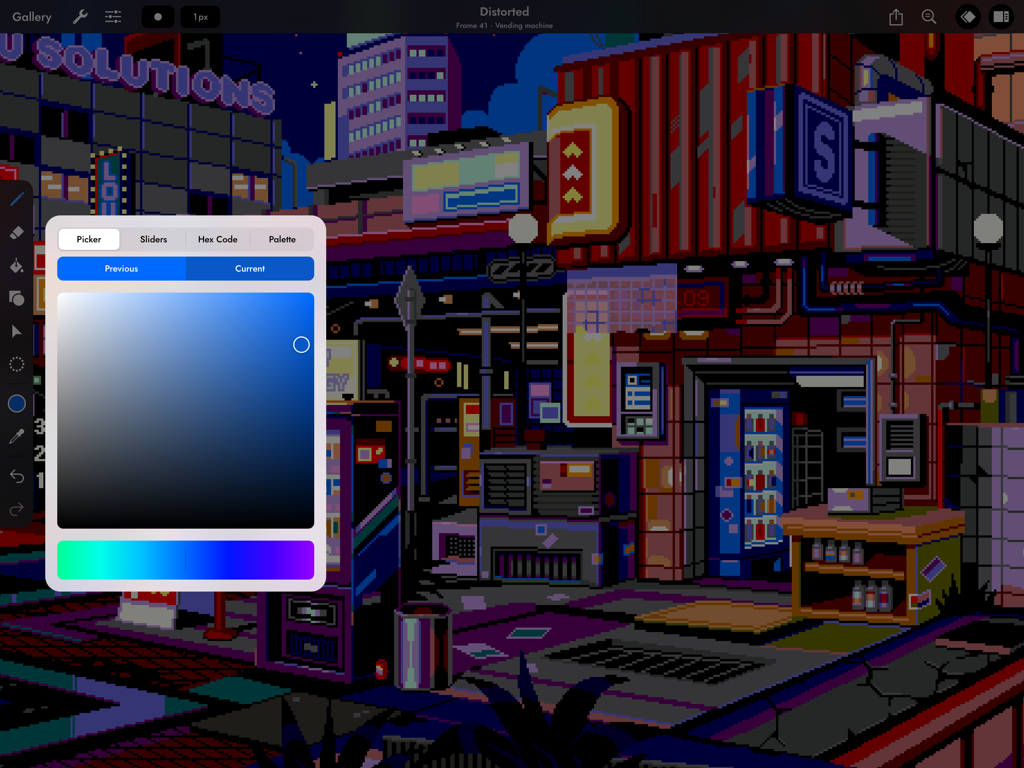
Una escena de ciudad ciberpunk en pixel art en iPad usando la herramienta selector de color de Pixaki 4 Pro.
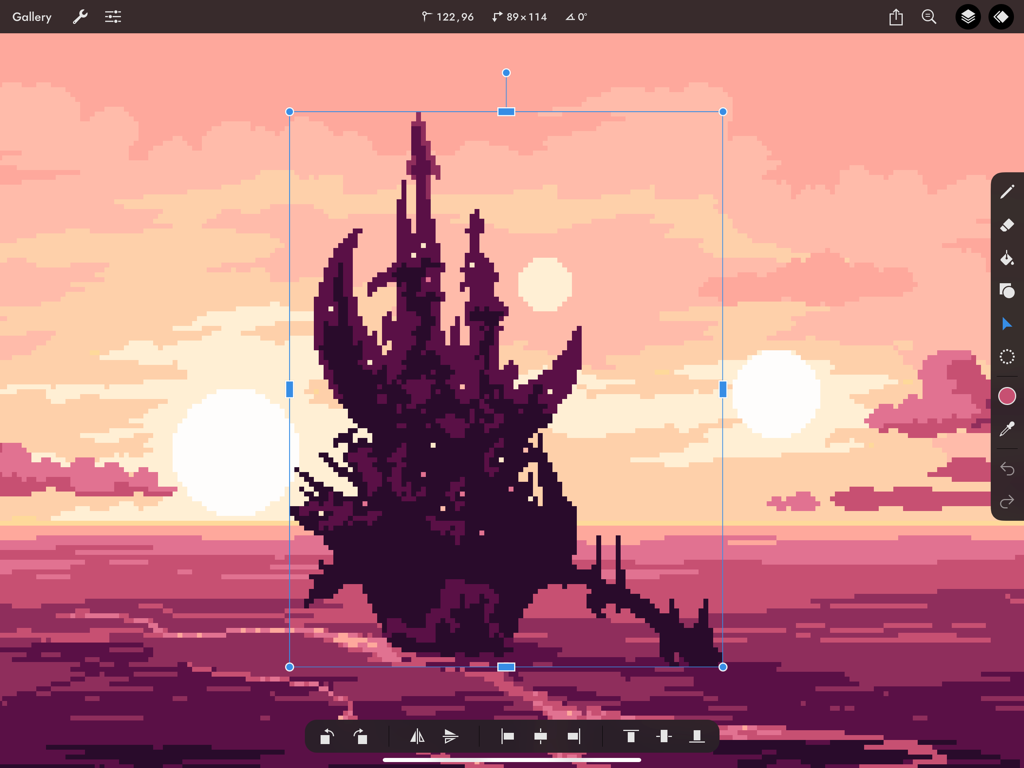
Un castillo oscuro en pixel art siendo redimensionado usando la herramienta transformar en Pixaki 4 Pro en iPad contra un fondo de atardecer rosa.
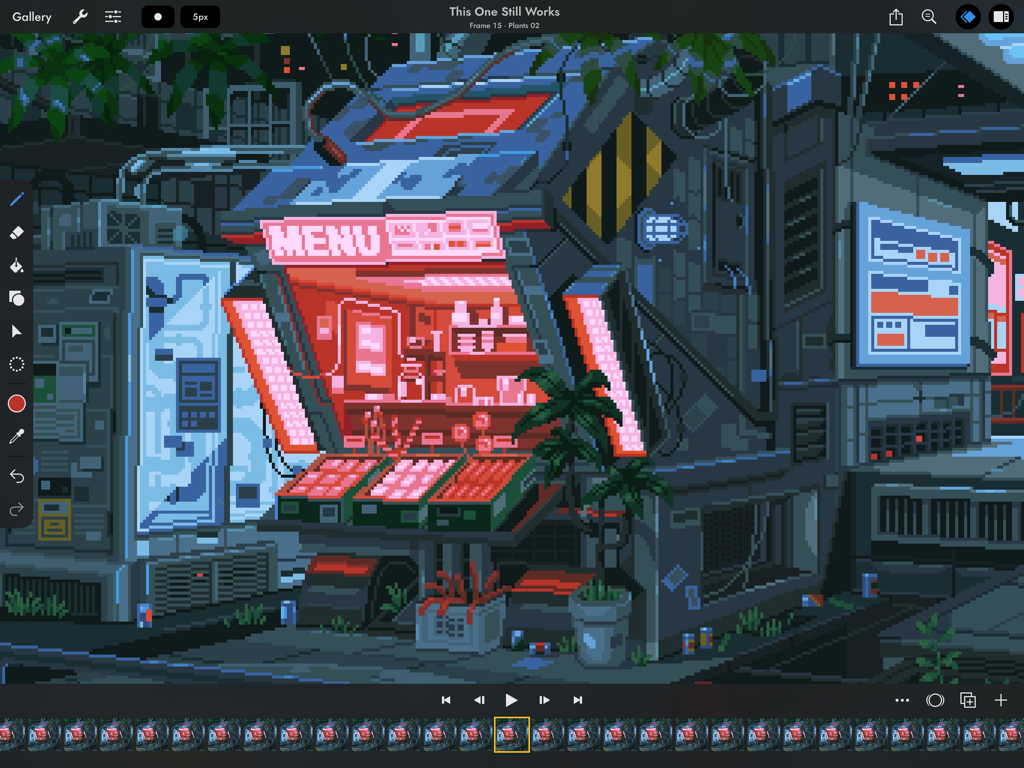
Interfaz de animación de pixel art en Pixaki 4 Pro con una fachada de tienda ciberpunk
Descripción
Download
Apps Similares
Apps con características y experiencia similares



Esta página no es una página oficial de la aplicación ni de su desarrollador, sino una publicación editorial independiente creada con fines informativos y de comentario. Salvo que se indique expresamente lo contrario, ni la aplicación ni su desarrollador están afiliados, respaldados, patrocinados, autorizados ni conectados oficialmente con MWM, Apple, Google Play, el editor de la aplicación ni su desarrollador, y nada en esta página implica que la aplicación haya sido desarrollada utilizando los servicios de MWM. Todas las marcas comerciales, logotipos, capturas de pantalla y demás contenidos son propiedad de sus respectivos propietarios.