Projector: TV Screen Mirroring

Projector: TV Screen Mirroring

Descargar en App Store
Logo de Projector: TV Screen Mirroring

Proyector: Duplicación de Pantalla de TV – La Solución Definitiva de Control Remoto Universal y Transmisión HD

Cierra instantáneamente la brecha entre tu iPhone y cualquier Smart TV. Transmite videos de alta definición, comparte fotos familiares y toma el control total de tu entretenimiento con un control remoto universal, todo mientras usas tu teléfono como lo haces normalmente.

Descargar en App Store

Editor

Arpana Singh

Categoría

Utilities

Descargas

2K+

Valoración

4.2/5

Total valoraciones

0

Idiomas

14

Míralo en Acción

Descubre la interfaz utilizada por 2K+ usuarios.

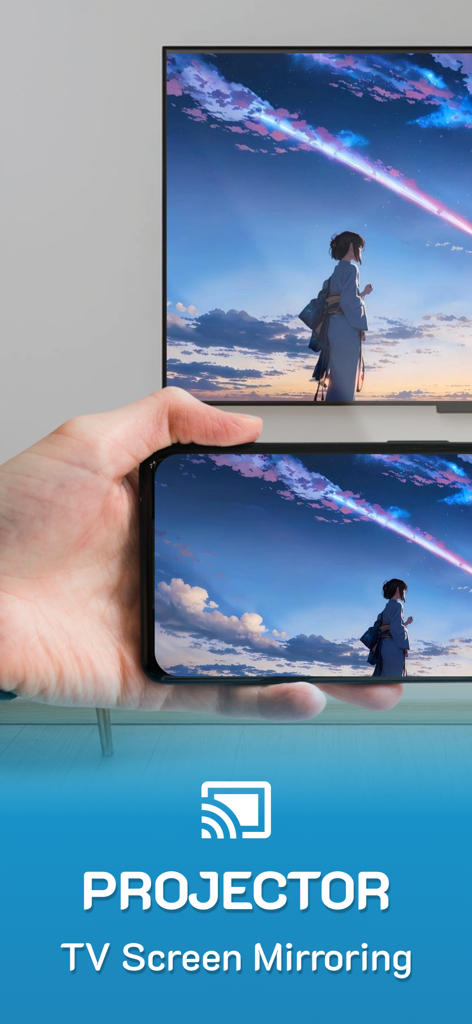
El iPhone duplica la pantalla de un colorido paisaje de anime en un gran televisor inteligente
El iPhone duplica la pantalla de un colorido paisaje de anime en un gran televisor inteligente

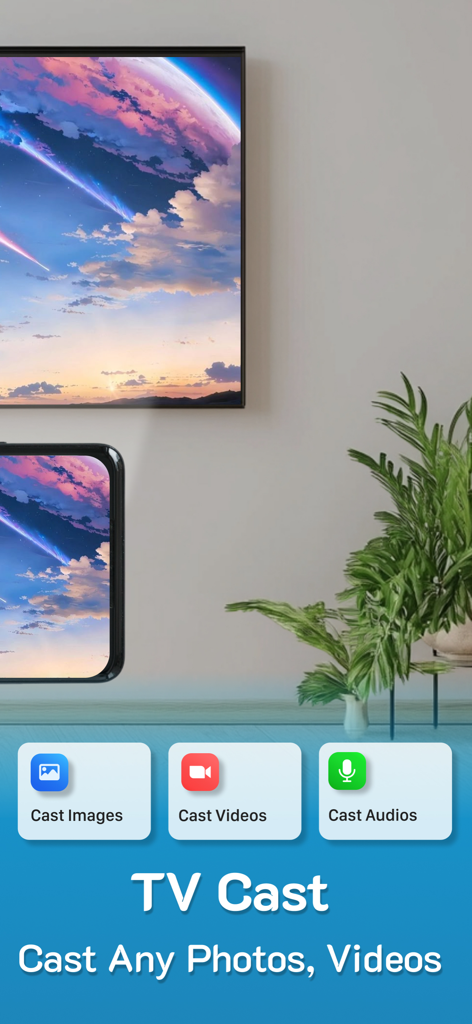
Un iPhone duplica la pantalla de un paisaje escénico en un gran televisor inteligente usando la aplicación Proyector
Un iPhone duplica la pantalla de un paisaje escénico en un gran televisor inteligente usando la aplicación Proyector

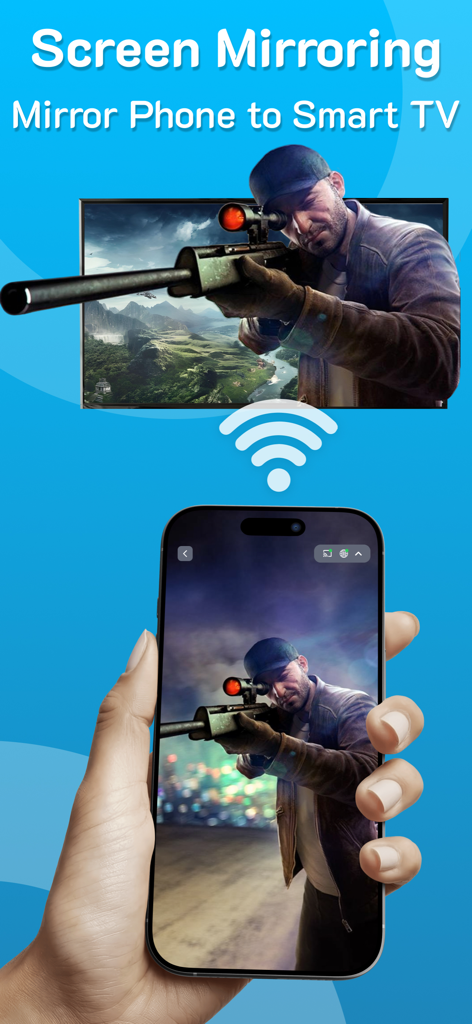
Mano sosteniendo un iPhone que duplica la pantalla de un juego de disparos en una gran pantalla de televisor inteligente a través de wifi
Mano sosteniendo un iPhone que duplica la pantalla de un juego de disparos en una gran pantalla de televisor inteligente a través de wifi

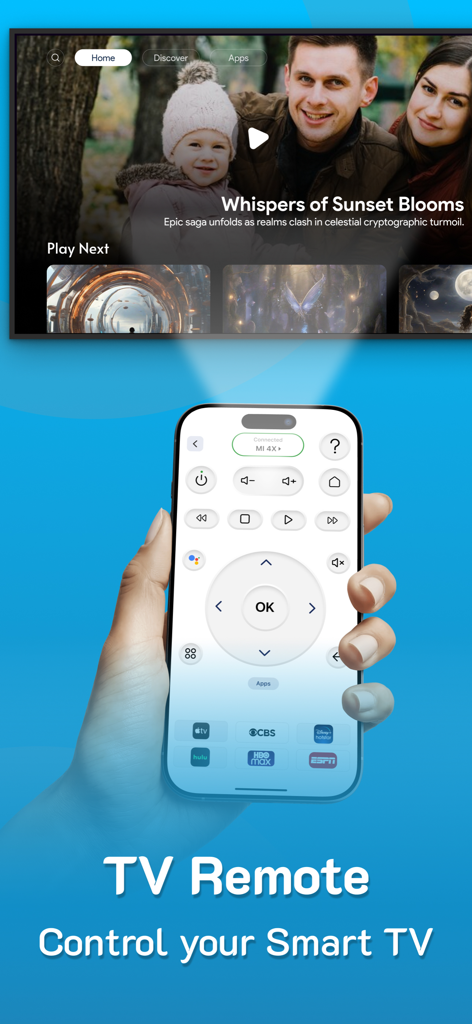
Un iPhone que muestra una interfaz de control remoto universal para TV utilizada para controlar un televisor inteligente
Un iPhone que muestra una interfaz de control remoto universal para TV utilizada para controlar un televisor inteligente

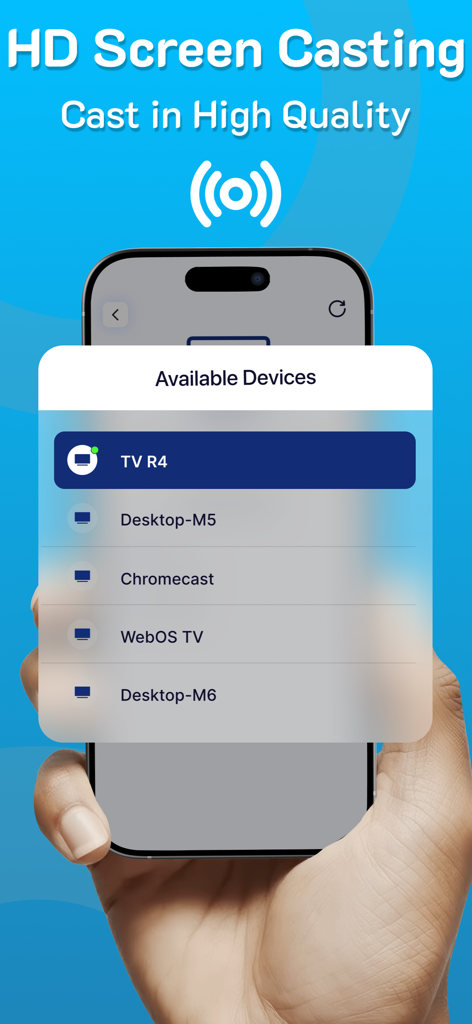
Mano sosteniendo un iPhone que muestra una lista de dispositivos disponibles para transmisión de pantalla HD
Mano sosteniendo un iPhone que muestra una lista de dispositivos disponibles para transmisión de pantalla HD

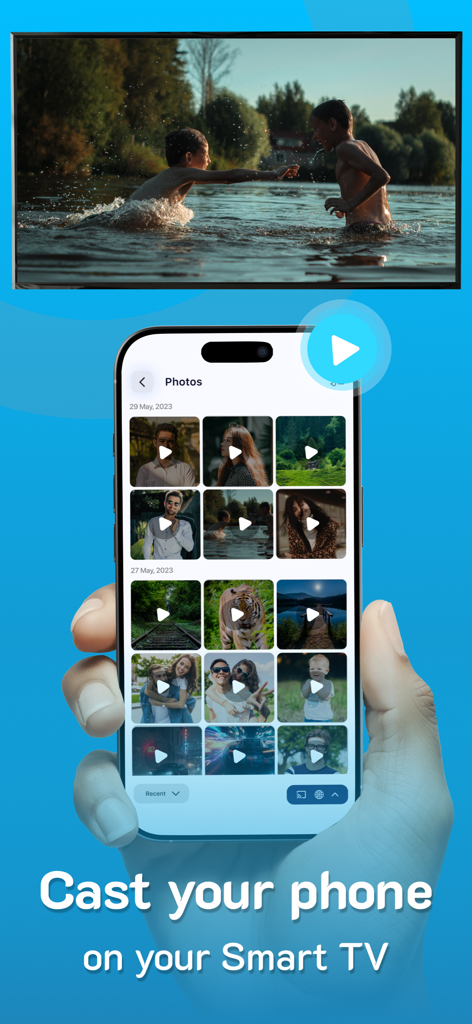
Un iPhone transmitiendo un video de su galería de fotos a la pantalla de un gran televisor inteligente

Un iPhone transmitiendo un video de su galería de fotos a la pantalla de un gran televisor inteligente

Funciones Inteligentes para un Entretenimiento Fluido

Las herramientas que hacen destacar esta app, elegida por 2K+ usuarios.

📺

Duplicación Universal HD

Comparte tus fotos, videos y aplicaciones en la pantalla grande en impresionante alta definición sin necesidad de cables y con configuración instantánea.

📱

Control Remoto Inteligente Todo en Uno

Nunca más busques un control remoto perdido. Controla cualquier marca de TV directamente desde tu teléfono y accede a tus canales favoritos con un solo toque.

🚀

Libertad Multitarea

Transmite tu contenido favorito a cualquier TV, monitor o portátil mientras sigues usando tu teléfono para enviar mensajes y navegar en segundo plano.

Sobre la app

Todo lo que necesitas saber sobre Projector: TV Screen Mirroring.

Descripción

PROJECTOR TO Control your TV, CAST to TV, SCREEN MIRRORING, Universal TV REMOTE, SCREEN CASTING, Supports ALL TVs With PROJECTOR enjoy Casting to TV, screen mirroring & Universal remote control, All in one for helping you project on your screen. Projector, Screen mirroring revolutionizes the way you experience entertainment by facilitating a seamless transition of your cherished videos, photos, and even apps from your mobile directly onto your smart TV. From reminiscing on precious moments with loved ones to immersing yourself in a movie night marathon, this feature stands as your passport to a captivating world of entertainment. Ensure both devices are connected to the same WiFi network to utilize this casting function effortlessly. Moreover, you can continue utilizing your phone as usual while the casting continues in the background. Key Features of PROJECTOR: Screen Mirroring - Projector - Screen mirroring & screen casting - High-Quality Screen Projection - Facilitates casting of photos, videos, and audio - Swift & User-Friendly Interface - Universal TV remote Highlights of Screen Casting HD: - TV Casting: Dive into the spectacular world of TV casting. Effortlessly project your favorite videos, photos, and apps onto your smart TV, Roku TV and Miracast with a simple tap, bringing them to life in vibrant high resolution. - Support for MULTIPLE TVs: This app introduces an innovative feature allowing you to cast onto any TV, enhancing your viewing experience. Supports all TVs. - CAST on any devices: Cast your screen on tablets, monitors, laptops and even on other phones etc. Simple copy the unique IP Address and paste it in Google Chrome. The special part of this feature is that you can continue using the phone normally while you cast. - SCREEN CASTING HD: Redefine your Screen Casting HD adventures with our application. Project your smartphone screen onto your TV effortlessly, offering a mesmerizing and expansive visual experience. - UNIVERSAL COMPATIBILITY: Screen Casting HD extends its compatibility across a vast range of smart TVs, ensuring a hassle-free connection, irrespective of the make of your smart TV. - SIMPLE SETUP: Connecting is a breeze; just ensure both devices are on the same WiFi network. Choose your TV from the device list displayed within the app for a quick and easy pairing. - This app also has a UNIVERSAL REMOTE CONTROL for TV, users can easily access their favorite shows and movies at the touch of a button. This remote allows users to personalize their experience by setting up apps and creating a convenient list of their preferred channels and programs. Screencast Highlights: - Universal TV Casting: Cast to any model of smart TV. - High-Quality Display: Ensure clarity with high-definition casting. - Diverse Media Casting: Share photos, videos, and audio files effortlessly. - User-Friendly Interface: Quick and straightforward operations. Premium plans Monthly - $6.99 Yearly - $24.99 Subscription Info - The yearly subscription plan comes with a 3 day trial period. The user can cancel their subscription anytime during the trial period without being billed. They will be billed automatically after the trial period ends. - The user can cancel his/her subscription at any time by going into iTunes and App Store Apple ID Settings. - All prices include applicable local sales taxes. - Payment will be charged to your iTunes Account after confirmation of purchase. - Subscription automatically renews at least 24-hours before the end of the current period. - The user's account will be charged for renewal within 24-hours before the end of the current period. Privacy policy: https://www.q4umobileapps.com/web/screencastingios/privacy-policy Terms & conditions: https://www.q4umobileapps.com/web/screencastingios/tandc EULA: https://www.q4umobileapps.com/web/screencastingios/eula

Última versión

4.0

Tamaño

76.7 MB

Fecha de lanzamiento

13 sept 2023

¿Listo para Tomar el Control Total de Cada Pantalla en tu Hogar?

Únete a miles de usuarios que han descartado sus controles remotos perdidos para una duplicación de pantalla HD sin interrupciones. Comienza tu prueba gratuita de 3 días hoy mismo y experimenta el puente definitivo entre tu iPhone y cualquier Smart TV.

Descargar en App Store

App information, icons, screenshots, and descriptions displayed on this page are sourced from the Apple App Store and are the property of their respective developers. Download estimates and rankings are based on MWM's proprietary models and may not reflect actual figures. This page is provided for informational and analytical purposes only.

Believe this page infringes your intellectual property? File a dispute