Screen Mirroring: Cast to TV
Descargar en App Store

Esta página no es una página oficial de la aplicación ni de su desarrollador, sino una publicación editorial independiente creada con fines informativos y de comentario. Salvo que se indique expresamente lo contrario, ni la aplicación ni su desarrollador están afiliados, respaldados, patrocinados, autorizados ni conectados oficialmente con MWM, Apple, Google Play, el editor de la aplicación ni su desarrollador, y nada en esta página implica que la aplicación haya sido desarrollada utilizando los servicios de MWM. Todas las marcas comerciales, logotipos, capturas de pantalla y demás contenidos son propiedad de sus respectivos propietarios.

Logo de Screen Mirroring: Cast to TV
Descargar en App Store

Screen Mirroring: Cast to TV

El puente definitivo entre tus dispositivos iOS y cualquier Smart TV. Duplica aplicaciones sin esfuerzo, transmite videos web y usa tu teléfono como control remoto universal, sin hardware adicional.

Cifras Clave

Descargas

405K+

Valoración

2.9/5

Total valoraciones

100

Editor

Constantin Hanganu

Categoría

Reference

Idiomas

1

Última versión

1.5

Tamaño

62.6 MB

Fecha de lanzamiento

10 feb 2021
Funciones

Desbloquea todo el potencial de tu TV

Experimenta duplicación de pantalla de alta calidad y controles inteligentes para Samsung, LG, Roku y más, todo desde una potente aplicación.

Duplicación de pantalla instantánea

Comparte la pantalla de tu iPhone o iPad en tiempo real. Perfecto para mostrar fotos familiares, jugar videojuegos móviles o presentar a un grupo sin cables desordenados.

Transmite videos web y películas

¿Encontraste un video en línea o una transmisión deportiva en vivo? Transmítelo directamente a tu Smart TV con un toque. Disfruta de tu contenido web favorito en la pantalla grande en alta calidad.

Las siguientes capturas de pantalla y la descripción provienen directamente del listado oficial de la tienda de la aplicación y son propiedad del desarrollador.

App Store

Capturas
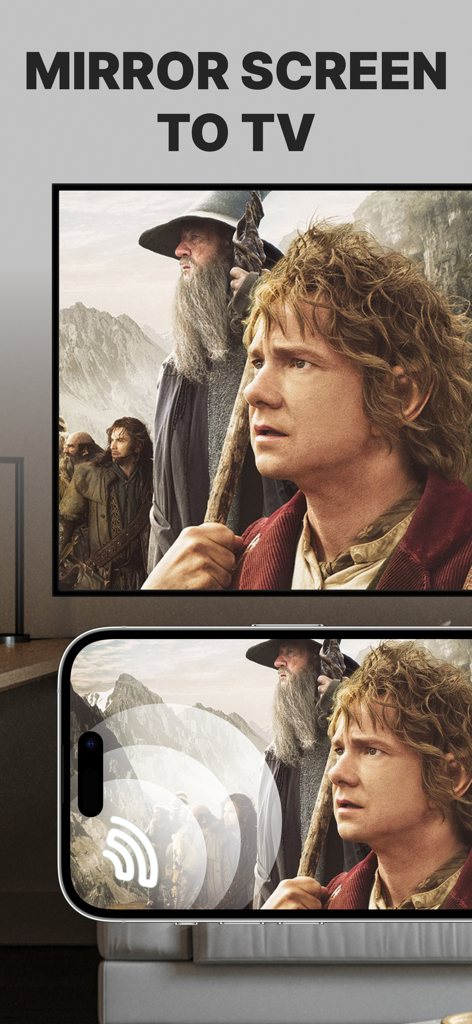
Screen Mirroring: Cast to TV - Pantalla de iPhone duplicando una película en una gran pantalla de TV inteligente
Pantalla de iPhone duplicando una película en una gran pantalla de TV inteligente

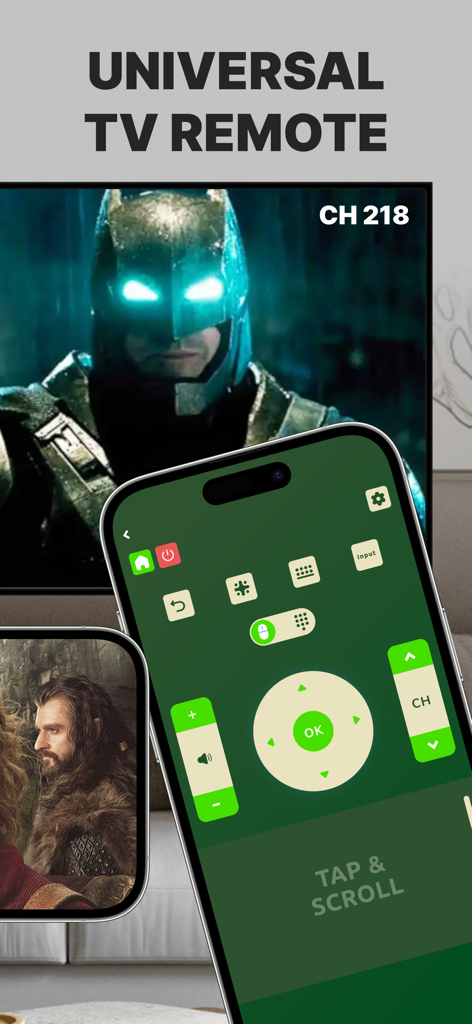
Screen Mirroring: Cast to TV - Interfaz de control remoto universal de TV en la pantalla de un iPhone junto a un televisor inteligente.
Interfaz de control remoto universal de TV en la pantalla de un iPhone junto a un televisor inteligente.

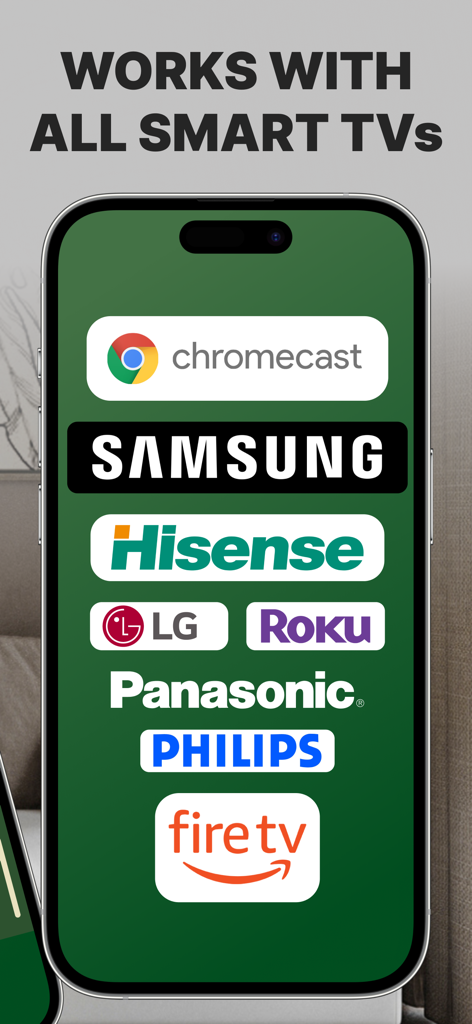
Screen Mirroring: Cast to TV - Pantalla de smartphone mostrando logotipos de marcas de televisores inteligentes compatibles, incluyendo Samsung Roku LG y Fire TV

Pantalla de smartphone mostrando logotipos de marcas de televisores inteligentes compatibles, incluyendo Samsung Roku LG y Fire TV

Descripción

Introducing Screen Mirroring: Cast to TV, the ultimate app for seamlessly mirroring your iPhone or iPad screen on your Smart TV. Our app is compatible with a wide range of TV models, including popular brands like LG, Samsung, and Roku. With Screen Mirroring: Cast to TV, you can easily connect your device and your Smart TV through the same Wi-Fi network and enjoy wirelessly mirroring any app, game, video, or photo from your iPhone or iPad on your TV. Our app also features a built-in universal TV remote control, making it easier than ever to control your TV and navigate between channels. In addition to mirroring your screen, our app also lets you stream or cast photos, videos, and music from your iPhone or iPad to your TV. You can even cast any web video to your Smart TV with just a few taps. And with support for multiple versions and models of Smart TVs, including popular brands like Sony, Vizio, and Toshiba, you can trust that Screen Mirroring: Cast to TV will work perfectly with your TV. Here are just a few of the TV models that Screen Mirroring: Cast to TV works flawlessly with: - Samsung Smart TVs - LG Smart TVs - Sony Smart TVs - Vizio Smart TVs - Toshiba Smart TVs - Sharp Smart TVs - Philips Smart TVs - Panasonic Smart TVs - Hisense Smart TVs - TCL Smart TVs - Insignia Smart TVs - JVC Smart TVs - RCA Smart TVs - Hitachi Smart TVs With our app, you can enjoy secure connections that protect your data, files, and applications, making it the perfect choice for anyone who values their privacy. Plus, our app is incredibly easy to use, so you can start enjoying all your favorite content on the big screen in no time. So why wait? Download Screen Mirroring: Cast to TV today and experience the ultimate in mirroring and casting technology! Note: Make sure your iPhone/iPad and your Smart TV, smartphone, tablet, Mac, PC, or other device that you want to use, are all connected to the same Wi-Fi network. Screen Mirroring: Cast to TV offers a premium subscription. The subscription plan renews automatically, but you can cancel it at any time. * Screen Mirroring Premium - the duration of the plan is one week (which comes with a 3-day free trial) and the price is 3.99 USD per week. There is also a monthly subscription, but it is available for users who subscribed from the last versions. We didn't delete it to give the possibility to restore it if needed. * Subscription payments will be charged to your iTunes account at confirmation of your purchase and upon commencement of each renewal term. Subscription with a free trial period will automatically renew to a paid subscription. You can cancel your subscription or free trial in the iTunes settings at least 24-hours before the end of the free trial period. The cancellation will take effect the day after the last day of the current subscription period and you will be downgraded to the free service. Account will be charged for renewal within 24-hours prior to the end of the current period, and identify the cost of the renewal. Subscriptions may be managed by the user and auto-renewal may be turned off by going to the user's Account Settings after purchase. You can cancel your subscription via this url: https://support.apple.com/en-us/HT202039 * Any unused portion of a free trial period (if offered) will be forfeited when you purchase a premium subscription during the free trial period. Before using Screen Mirroring: Cast to TV, please read and accept our Privacy Policy and Terms of Service. You can access them from within the app or from our website using the links below: Privacy Policy: https://screencast.dartcomitlabs.com/privacy.html Terms of Service: https://screencast.dartcomitlabs.com/terms.html

Download

Descargar en App Store

Esta página no es una página oficial de la aplicación ni de su desarrollador, sino una publicación editorial independiente creada con fines informativos y de comentario. Salvo que se indique expresamente lo contrario, ni la aplicación ni su desarrollador están afiliados, respaldados, patrocinados, autorizados ni conectados oficialmente con MWM, Apple, Google Play, el editor de la aplicación ni su desarrollador, y nada en esta página implica que la aplicación haya sido desarrollada utilizando los servicios de MWM. Todas las marcas comerciales, logotipos, capturas de pantalla y demás contenidos son propiedad de sus respectivos propietarios.








